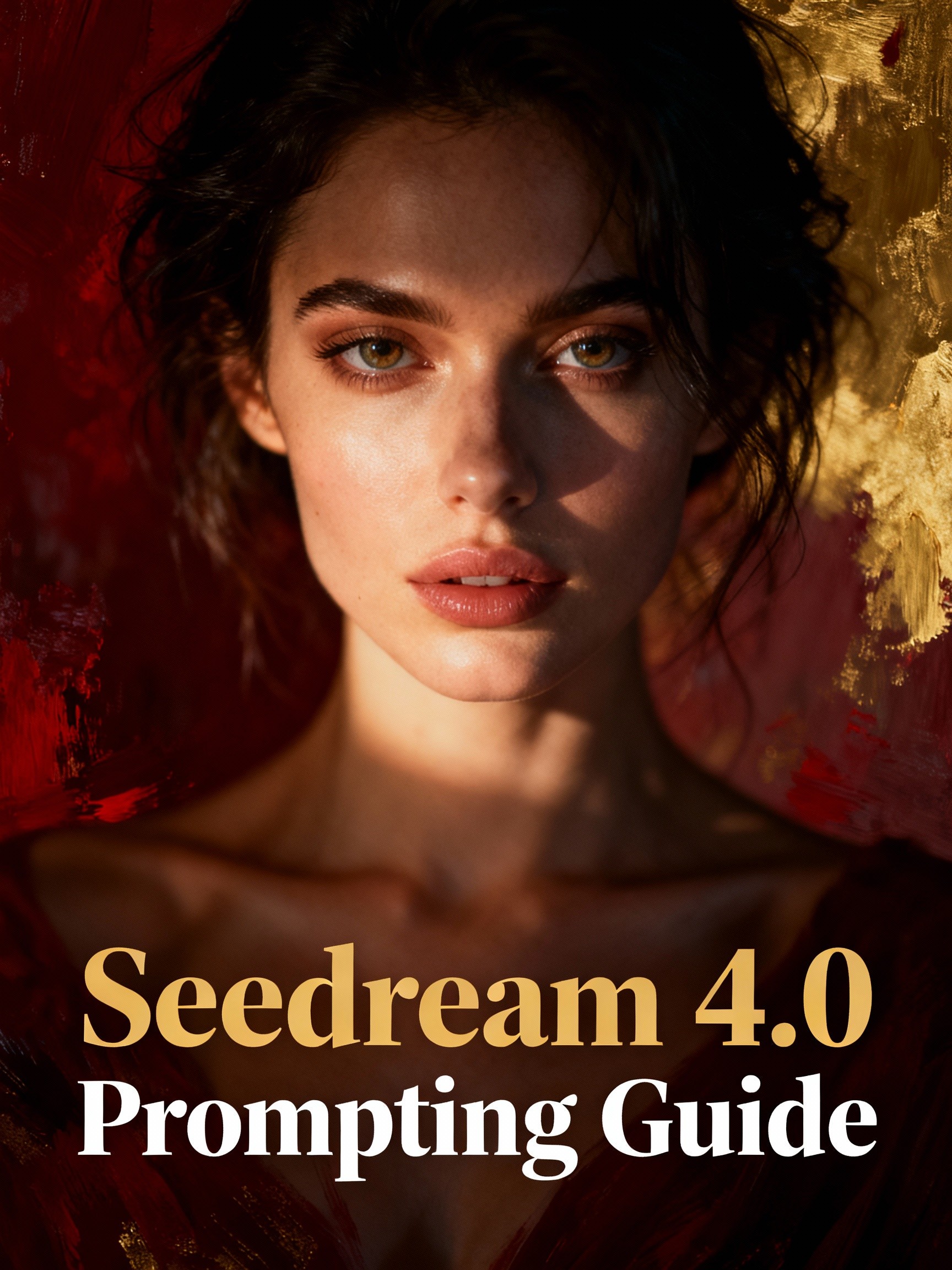
AIによる画像の作成・編集が急速に進化するなか、ByteDanceのSeedream 4.0は、GoogleのNano Bananaなどのツールに匹敵する存在として台頭しています。TikTokの親会社が開発したこのモデルは、シームレスなテキストから画像への生成、精密な編集、高解像度の出力に優れています。「Seedream 4.0 プロンプトガイド」や「Seedream 4.0 プロンプトの書き方」を探している方に向けて、この詳細なガイドでは、基本から高度なテクニックまで、テンプレート、事例、最適化のコツとともにすべて解説します。この最先端のAIで、クリエイティブなワークフローを一段と高めましょう。
Seedream 4.0とは?概要をチェック
Seedream 4.0は、ByteDanceによる次世代のマルチモーダルAI画像モデルで、生成と編集を単一のアーキテクチャに統合し、効率的で高品質な結果を実現します。知識ベースのビジュアル、推論、リファレンスの一貫性といった複雑なタスクにも対応し、より高速な推論と最大4K解像度の出力で、従来モデルを上回ります。Artificial AnalysisのText-to-ImageおよびImage Editing Arenasなどの主要ベンチマークでトップに立ち、創造的な忠実度と速度の面でGoogleのモデルなどを凌駕しています。
主な特長は次のとおりです。
超高速な生成:2K画像を最短1.8秒で作成できます。
プロンプトによる編集:自然な言葉で画像を調整でき、フォント、色、レイアウトの一貫性を保てます。
マルチ画像ブレンド:最大6枚のリファレンスを組み合わせて、スタイルの融合や素材のミックスが可能です。
知識ベースの出力:正確なチャートや図解、年表、教育用ビジュアルを生成できます。
多彩なスタイル:フォトリアルからアニメ、サイバーパンク、水彩画まで幅広く対応します。
バッチ処理:複数の入力・出力を扱え、ワークフローを効率化できます。
Seedream 4.0でプロンプトを書くためのベストプラクティス
Seedream 4.0は、シーンを演出するような、描写的で自然な言葉のプロンプトで本領を発揮します。最適な結果を得るには、明確さと具体性を意識しましょう。
基本のコツ
詳しく、指示的に書く:[被写体+動作+場面]+[スタイル]のような構造を使えば、アマチュアからプロレベルの出力へと近づけます。
用途を指定する:"for a concert poster"や"educational chart"のように、利用シーンを盛り込みます。
繰り返し改善する:まず大まかに生成し、"Change text to 'New Event' while keeping font."のような指示で追加編集します。
リファレンスを活用する:画像をアップロードして役割を指定します。例:"Use Image 1 for character, Image 2 for background."
テキストは短く:見出しやキャプション程度にとどめると、くっきり描画されます。
パラメータを調整する:解像度(例:2K/4K)や画像の強度(忠実度を高めるなら高め)を設定し、曖昧な表現は避けましょう。
あいまいな編集指示といったよくある落とし穴を避けるため、維持する要素と変更する要素を必ず指定しましょう。
Seedream 4.0のプロンプトテンプレートと例
構造化されたプロンプトのために、公式の例やコミュニティのガイドを参考にしましょう。ここでは、よくある用途に合わせたテンプレートをご紹介します。
1. フォトリアルなシーン
テンプレート:"A photorealistic [shot type] of [subject] [action], in [environment] with [lighting]. Mood: [mood]. Resolution: [res]. Style: [style details]."

プロンプト例:"A photorealistic wide-angle shot of a glass observatory on a snowy cliff, aurora borealis in the sky. High contrast lighting. Mood: ethereal. Resolution: 2K."
ポイント:ライティングやムードを細かく指定すると、超リアルな奥行きが生まれます。
2. スタイライズされたイラスト&ステッカー
テンプレート:"A [style] illustration of [subject] with [characteristics], [color palette]. [Line/shading details]. Background: [bg]."
プロンプト例:"An oil painting in Monet style with green tones, low contrast. Slightly low-angle shot of a young woman smiling gently, holding an umbrella in elegant beige dress, lush green trees and blue sky background."

ヒント:アーティスト名を指定すると、より正確に再現できます。
3. 画像内の正確なテキスト
テンプレート:"[Image type] with text '[text]' in [font style]. [Style description], [color scheme]. Preserve [elements]."
プロンプト例:"Change 'Santiago Music Festival' to 'Seedream Photography Exhibition', date to '2025.10.01-07'. Keep color scheme, font, and alignment."
4. 商品モックアップ&商業写真
テンプレート:"High-res studio photo of [product] on [surface]. Lighting: [setup]. Angle: [angle]. Focus on [detail]. Resolution: [res]."
プロンプト例:"High-res studio photo of sleek wireless earbuds on matte black surface. Three-point lighting highlighting textures. 45-degree angle focusing on logo. Resolution: 4K."

5. ミニマル&余白を活かしたデザイン
テンプレート:"Minimalist [subject] in [position], vast [color] background. Lighting: [type]. Resolution: [res]."
プロンプト例:"Minimalist red apple in bottom-right, vast white background. Soft lighting. Wide aspect ratio."

6. 連続アート(コマ割り漫画/ストーリーボード)
テンプレート:"[Art style] panel: Foreground [action], background [setting]. Text: '[dialogue]'. Mood: [mood]."
プロンプト例:"Generate 4 consecutive whimsical fantasy illustrations: Autumn Spirit handing golden leaf to sleeping Winter Spirit, who awakens and frosts landscape; Spring melts ice; Summer brings flowers."

Seedream 4.0の高度なテクニック
複雑な作品づくりに、プロ級の機能を活用しましょう。
マルチ画像フュージョン:"Dress model from Image 3 in top from Image 4, pants from Image 1, shoes from Image 2."
反復的な編集:"Add black leather handbag to woman’s hand," のあとに "Switch to 3D cartoon style."
スタイル転写:"Transform to cyberpunk while keeping structure."
キャラクターの一貫性:"Place exact character from reference in new beach scene."
知識タスク:"Draw a chart of vegetation in tropical rainforest, temperate forest, desert, and tundra."
デザインの試行錯誤やバッチ出力に最適です。
Seedreamの画像編集に関するブログもぜひご覧ください。
デザイナー向けSeedream 4.0:UI/UXプロンプトのコツ
UI/UXのプロにとって、Seedream 4.0はアイデア出しを加速させます。
アイデア出し用プロンプト:"3 UI concepts for finance app dashboard: minimalist, data-rich, playful."

ワイヤーフレーム:"Low-fidelity wireframe for hotel booking page with sort options and map."

コンポーネントデザイン:"Multi-select dropdown in active state, minimalist with tags."

リファレンスでブランドとの整合性を保ち、"Make more data-dense." のように繰り返し改善しましょう。
よくあるミスとトラブルシューティング
ぼやけた出力:解像度を上げ、プロンプトをより詳しく書きましょう。
不正確な編集:維持したい要素を明確に指定します。
APIの問題:レート制限とキーの有効性を確認しましょう。
意図しないスタイル:"without distortions"のように、望まない特徴を否定して指定します。
プロンプトを繰り返し改善しましょう。
まとめ:Seedream 4.0でAI作品づくりに革新を
このSeedream 4.0プロンプトガイドを活用すれば、ByteDanceの革新的なツールで、2025年にふさわしい美しいビジュアルを生み出せます。テンプレートから高度なフュージョンまで、getimg.aiなどの無料プラットフォームで試してみましょう。アイデアをプロ品質のアートに変えるために、今すぐプロンプトを書き始めましょう!
キーワード:Seedream 4.0 プロンプトガイド、Seedream 4.0 の使い方、Seedream 4.0 事例、ByteDance AI画像編集、AIプロンプトテンプレート