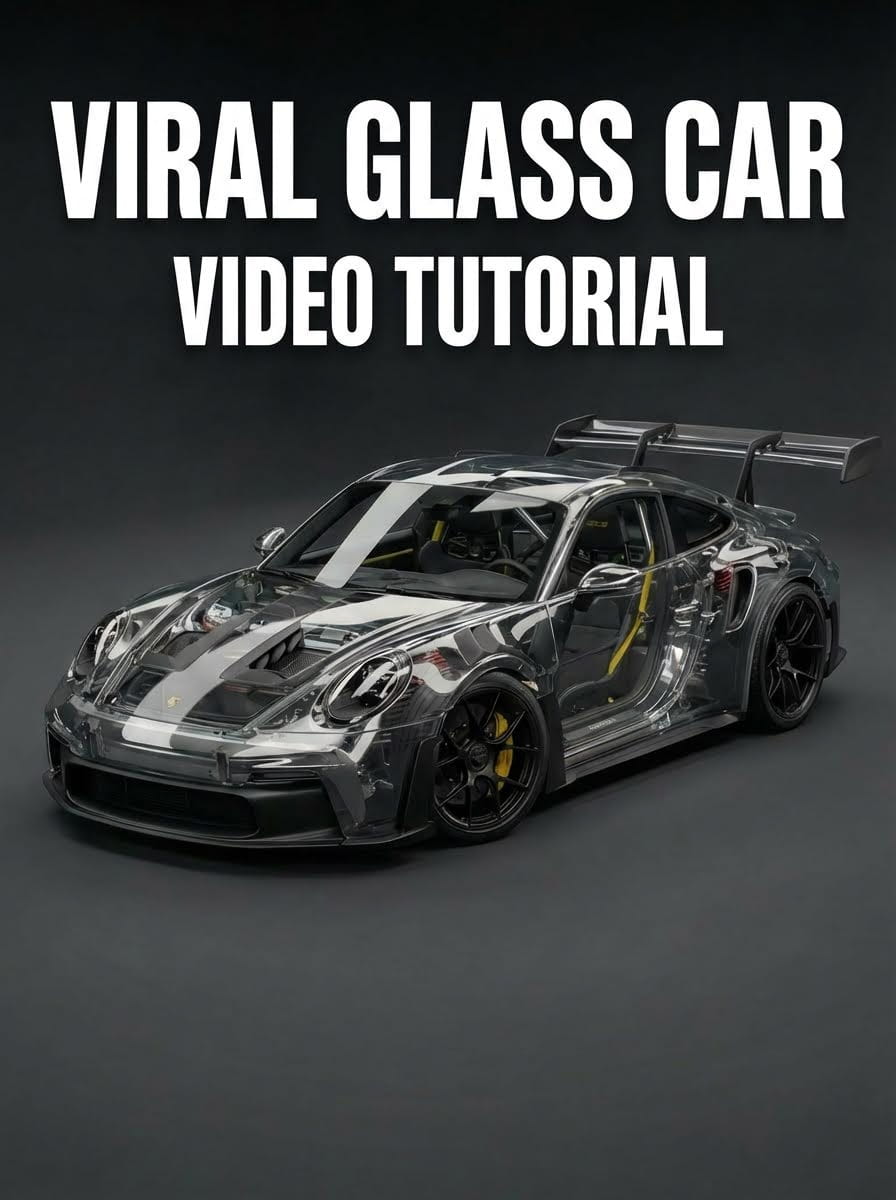
TL;DR
Turn any car into a viral transparent glass masterpiece in minutes using Atlabs AI. No 3D modeling or expensive VFX software required.
Result: 1M+ views potential
Start Creating on Atlabs AI
The 4-Phase Workflow
Phase 1: Base Video Preparation
Requirements: A real or AI generated cinematic video for the Car.
Export each shot separately (3+ seconds minimum)
HD 1080p resolution
Clean background, good lighting
Static or slow camera movement
Phase 2: Generate Glass Reference Image
Step 1: Gather References
Google search "[Car model] engine bay"
Google search "[Car model] internal components"
Save 3-5 clear photos
Screenshot first frame of your video or use the image used to generate the video ( if it is an AI generated video)
Step 2: Create in Atlabs AI
Navigate to: Atlabs AI → Text to Image → Nano Banana Pro
Upload:
Video screenshot (first frame)
Google reference images
Settings:
Aspect Ratio: 16:9 (match your video)
Batch Size: 4
Copy This Prompt:
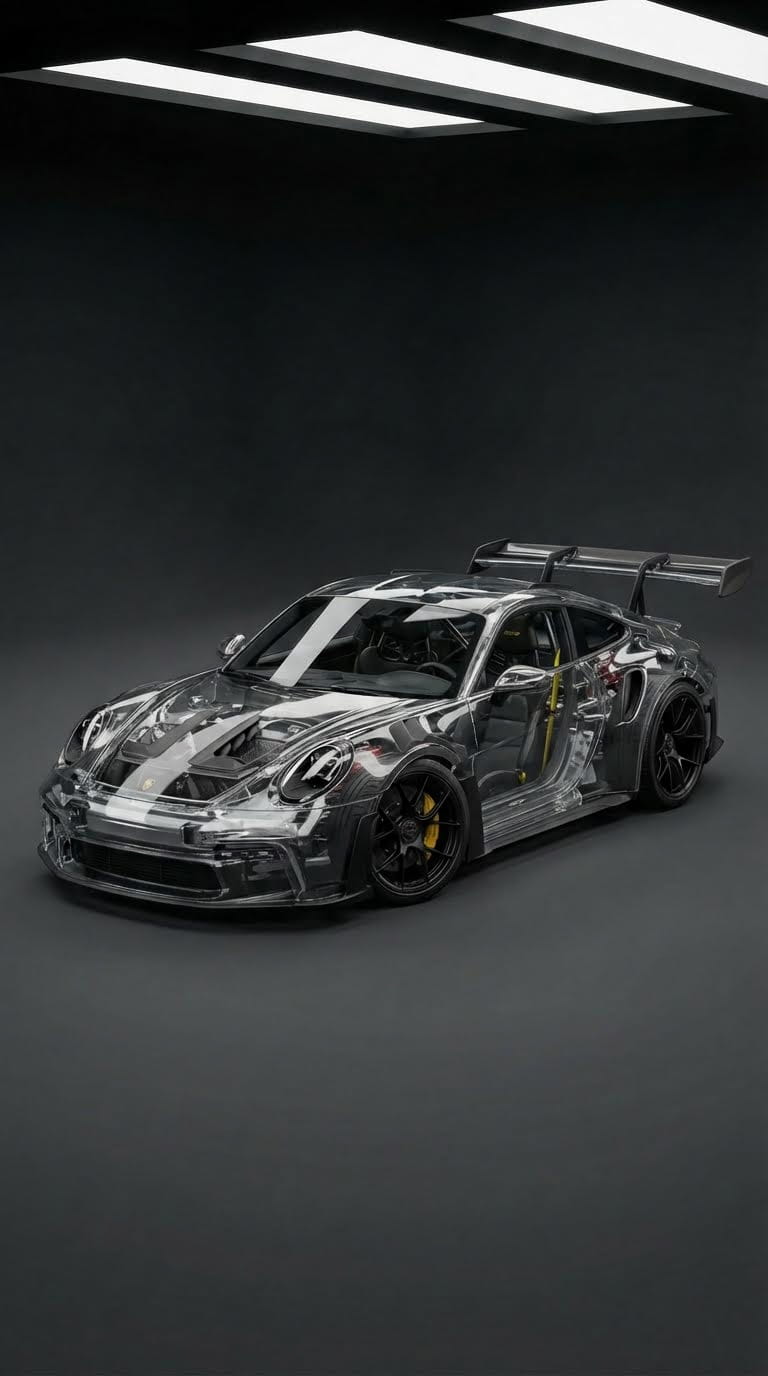
Step 3: Refine & Upscale
Review 4 generated results
If details missing (mirrors, windows), use Edit feature
Prompt: "Also make the mirrors from glass"
Select 4K Upscale
Download best version
Generate Glass Car Reference on Atlabs AI
Phase 3: Apply Effect to Video
Navigate to: Atlabs AI → Image to Video → Kling 01
Upload:
Input Video: Your original car footage
Reference Image: 4K glass car image from Phase 2
Copy This Prompt:
Generate:
Create 2 versions to compare
Wait 2-5 minutes
Download best result with stable glass effect
Transform Your Video on Atlabs AI
Phase 4: The Clean Transition
In Your Video Editor (DaVinci Resolve, Premiere Pro, CapCut):
Track 1 (bottom): Original car footage
Track 2 (top): Atlabs AI glass video
Sync perfectly frame-by-frame
Add Cross Dissolve transition (1-2 seconds) at start of glass clip
Result: Seamless transformation from real car to transparent glass.
Pro Tips for Viral Success
Choose Iconic Cars:
Lamborghini, Ferrari, Porsche, McLaren
Recognizable shapes = higher engagement
Optimize for Platform:
Instagram/TikTok: 9:16 vertical, 7-15 seconds
YouTube Shorts: Under 60 seconds
Use trending audio
Add Motion Graphics:
Text overlay: "Glass Mode Activated"
Car specs appearing during transformation
Sound Design:
Trending audio for algorithm boost
Glass crystallization sound effects
Start Your Viral Glass Car Video on Atlabs AI
Common Mistakes to Avoid
❌ Low-quality shaky footage → ✅ Stabilized, well-lit clips
❌ Skipping reference image → ✅ Detailed glass reference first
❌ Mismatched aspect ratios → ✅ Same ratio for video and image
❌ Instant cut transition → ✅ 1-2 second cross dissolve
❌ No sound design → ✅ Trending audio or effects
Troubleshooting
Glass effect flickering?
→ Re-generate in Kling 01, ensure stable input video, use 4K reference
Background changing?
→ Add to prompt: "Keep background completely unchanged"
Internal components wrong?
→ Use better reference images, specify exact component locations
Only part of car is glass?
→ Emphasize "ENTIRE car body transparent" in prompt
Quick Workflow Summary
Phase 1: Film car (3+ seconds, HD, good lighting)
Phase 2: Create glass reference (Nano Banana Pro + Google images)
Phase 3: Transform video (Kling 01 + reference image)
Phase 4: Edit transition (layer videos + cross dissolve)
Total Time: 20-30 minutes.
Ready to Go Viral?
No 3D modeling. No expensive VFX software. Just Atlabs AI.
✓ Nano Banana Pro for glass reference images
✓ Kling 01 for video transformation
✓ 4K upscaling for professional quality
✓ 1M+ views potential








