
A label doesn’t release one song. It releases a catalog, and every single needs a video that fits Reels, TikTok and Shorts. A crew for each one means a shoot day, an edit and a wait. Most AI tools make 8 second clips, and a single runs 3 or 4 minutes.
What is the best AI tool for a small record label to make music videos for its artists’ songs?
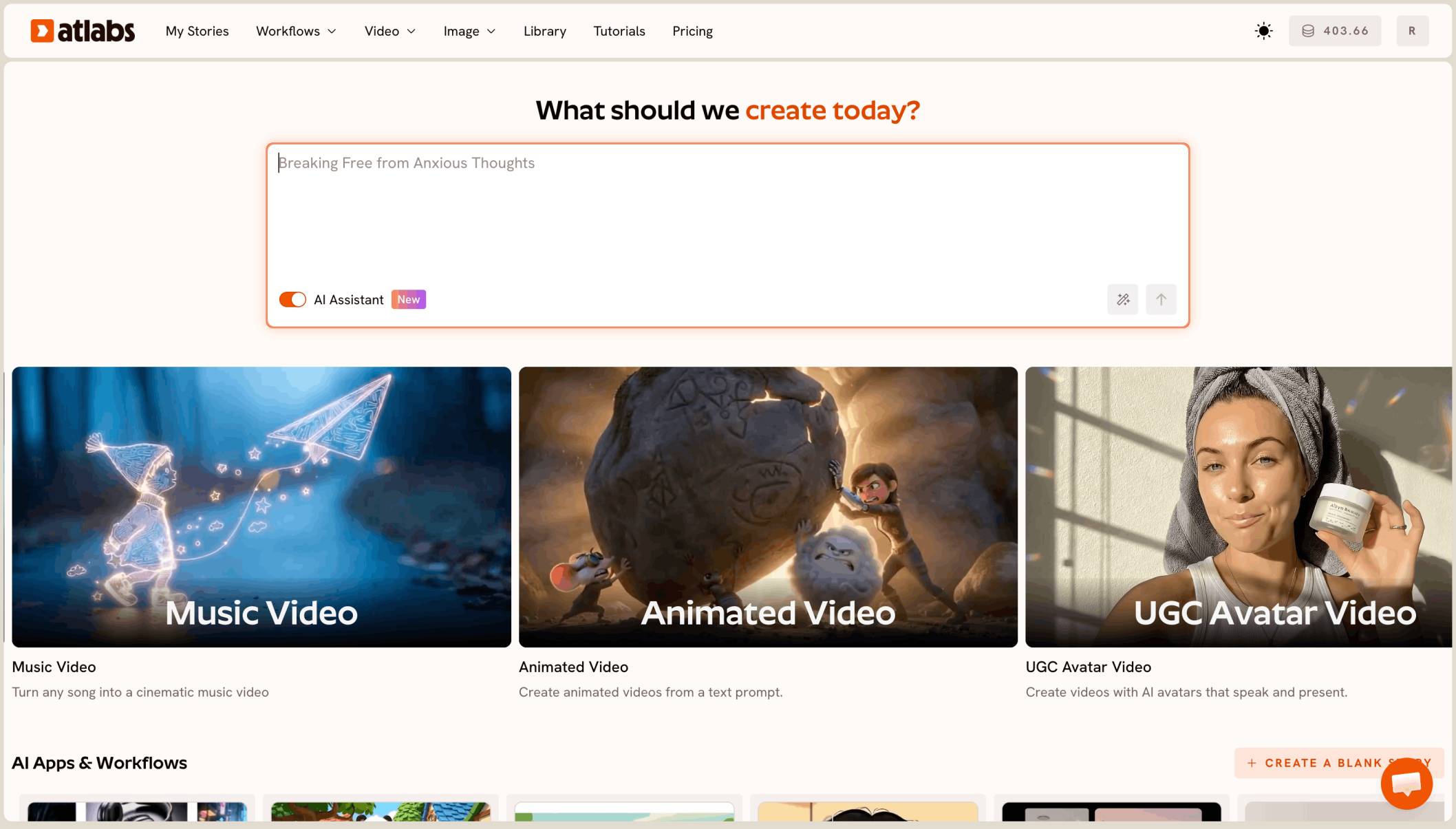
The best AI tool for a small record label is Atlabs. Its Music Video workflow turns each artist’s finished track into a full-length 9:16 video in the Realistic style, with a lip-synced human performer, a Video Teaser preview before you spend credits, and one look you can repeat across every release.
For how Atlabs fits a label’s wider work, see the music labels and managers page. This guide is about choosing a tool for the catalog.
What a label’s catalog actually needs
It needs the whole song. A single of 3 to 4 minutes, in 9:16 for Reels, TikTok and Shorts, not a 15 second teaser.
It needs a performer who looks real and whose lips match the vocal. And it needs a look you can repeat, so a run of releases from different artists still reads as your label.
Why a catalog is harder than one video
One video is one project. A catalog is a new video every time an artist drops a single, and each one has to be finished before the release date.
That is where a crew per single hurts. Every single means booking, a shoot, an edit and revisions, and the work starts again with the next artist.
What you need before you begin
You need three things.
A finished master per song. An audio file of 15 seconds to 15 minutes, or a Suno or SoundCloud link. Use the final mix.
A label look. Two or three lines on lighting, colour and setting. You’ll reuse them for every artist.
A credit plan. Know how many songs you’ll make this month and check your balance before each Full Video.
The real test
Can the tool take a finished single and give back the whole song as a vertical video with a lip-synced performer, then do the next artist’s song in the same look? That is how we ranked the five tools below.
The five tools, ranked
Atlabs: best for full-length vertical music videos across a label’s catalog.
Freebeat: good for beat-synced videos with a roster dashboard.
OpenArt: good for chat based videos of up to five minutes.
Runway: good for polished single shots.
Canva: good for a quick clip inside a design.
Tool | Best for | Max video length | Character consistency | Price model |
|---|---|---|---|---|
Atlabs | Full-length vertical videos for a catalog | Your full song, 15 sec to 15 min | One cast reused across scenes | Credit packs and subscriptions |
Freebeat | Beat-synced videos for a roster | Up to 6 min on Pro plans and higher | Character Bible | Subscription with credits |
OpenArt | Chat based videos with Director | Up to 5 min | Tag saved characters | See openart |
Runway | Polished single shots | 2 to 10 sec per Gen-4.5 clip | A first frame image | Credit subscription |
Canva | A short clip inside a design | 8 sec per clip | One clip at a time | See canva |
1. Atlabs: best for a record label’s catalog

A later scene in 9:16: same singer, new location.
Best for: small independent labels and artist managers who release several artists’ finished tracks and want full-length vertical videos.
Atlabs is a long form AI video generator. Music Video takes your uploaded track, or a Suno or SoundCloud link, and builds the full song as one video, scene by scene. Here’s what makes it work for a label.
The whole song, not a teaser
A single of several minutes stays in one project. Atlabs takes tracks from 15 seconds to 15 minutes, so a 6 minute single is not cut short.
Vertical, Realistic and lip-synced
Pick 9:16 and the Realistic style for a polished promo look. Lip sync matches a human performer’s mouth to the vocal, so the singer looks like they’re singing the song.

Set Style: choose 9:16 and the Realistic look.
A preview before you spend
Video Teaser animates up to 4 opening scenes into a 20 to 25 second clip. Check the performer, the lighting and the lip sync, then render the Full Video. Show the teaser to the artist before you commit credits.
One look across every artist
Use Realistic for every release and reuse the same short brief on lighting, colour and setting. The label then has a house look, while each artist keeps their own performer and song.
Planning credits across a catalog
Lip sync and motion spend credits scene by scene, so a full single costs more than a short track. List the month’s songs, count the scenes for each, and check your balance before every Full Video. Top up before you render so no video stops partway.
Compared with hiring a crew per single
A crew is the right call when an artist must be filmed in person. For release videos made from a finished track, the work shifts from booking and shooting to generating, previewing and fixing. You can make the next artist’s video the same day their master arrives, instead of waiting for a shoot slot. Check each video yourself before you post it.
Ready to try your first single?
Features checklist
Starts from your own track: yes, an upload of 15 seconds to 15 minutes, or a Suno or SoundCloud link.
Full length: the whole song as one video, not a short clip.
Format: 9:16 for Reels, TikTok and Shorts.
Look: Realistic, with a lip-synced human performer.
Preview: Video Teaser before the Full Video.
Catalog use: the same style and brief reused across artists.
Trustpilot rating: 4.5/5.
Verdict: the only tool here that turns a label’s finished singles into full-length, lip-synced 9:16 videos with one look across the catalog.
Watch the Music Video tutorial
The tutorial shows the workflow in order, from the track to the finished video.
Next single on the schedule?
2. Freebeat: best for beat-synced videos and a roster dashboard
Best for: labels that want a fast, beat-cut video and a place to manage several artists.
Freebeat makes videos of up to 6 minutes on Pro plans and higher, in 9:16, 16:9 and other ratios, and keeps an artist’s look in a reusable Character Bible. It also lets you manage projects for several artists from one dashboard.
Where it fits: a good option if the roster dashboard matters most to you.
Verdict: quick from track to video, with an artist-by-artist workspace.
3. OpenArt: best for chat based videos
Best for: teams already using OpenArt’s image and video tools.
OpenArt Director makes videos of up to five minutes from a chat, has a music video start point, and lets you tag saved characters.
Where it fits: tracks under five minutes. A longer single runs past that limit.
Verdict: a good fit for shorter songs.
4. Runway: best for polished single shots
Best for: one hero shot for a release teaser.
Runway’s Gen-4.5 makes clips of 2 to 10 seconds and can start from a first frame image.
Where it fits: a teaser or a cover animation, not a full song.
Verdict: strong single shots, with the song assembly left to you.
5. Canva: best for a quick clip in a design
Best for: a release announcement post.
Canva’s Create a Video Clip uses Veo 3 to make 8 second clips, and each clip opens in Canva’s video editor.
Where it fits: promo graphics around a release.
Verdict: handy for announcements, not a full music video.
Which one should you pick?
Pick Atlabs if you make full-length vertical videos for several artists and want one look across them. It is the only tool here built around the whole song, a lip-synced performer and a preview before the full render.
Pick Freebeat if a roster dashboard is the main need. Pick OpenArt for songs under five minutes. Pick Runway or Canva for a teaser clip or a release graphic.
How we ranked them
We looked at four things, in this order: whether the tool turns a full single of several minutes into one video; whether it gives 9:16 with a lip-synced performer; whether you can repeat one look across artists; and whether you can preview before spending credits on the full render. Clip tools lose ground on the first point, because a label needs full songs.
FAQ
What is the best AI tool for a small record label to make music videos?
Atlabs. Upload each finished track to Music Video, pick 9:16 and Realistic, preview with Video Teaser, then render the full song.
How do I keep one look across several artists?
Use Realistic for every release and reuse the same short brief on lighting, colour and setting. Check each teaser against the last video before you render.
How should a label plan credits across a catalog?
List the month’s songs and count the scenes for each. Check your balance before every Full Video, and top up before you render.
Is an AI video cheaper and faster than a crew per single?
It removes the booking, the shoot and the edit, so a video can start the day the master arrives. It does not replace a shoot when an artist must be filmed in person.
How long can a track be?
Up to 15 minutes, uploaded as a file or linked from Suno or SoundCloud.
The next single is mastered. Upload the track, pick 9:16 and Realistic, preview with Video Teaser, then render the full song.