
How can I make a vertical music video that looks like a Wes Anderson film?
Upload your track to Atlabs Music Video, pick the Wes Anderson style, set 9:16, preview with Video Teaser, then render the Full Video. Atlabs builds the scenes from your song. Cut the finished video into clips for TikTok and Reels.
Most AI music videos look the same. A director style gives your song one clear look, and the symmetrical pastel Wes Anderson frame fits a phone screen well. For the general Music Video features, see the cinematic music video generator page. This post is about picking a director look and posting it in 9:16.
What do you need before you start?
You need three things.
A finished track. Upload a file from 15 seconds to 15 minutes, or paste a Suno or SoundCloud link.
A look in mind. Pick one director style per video. Mixing looks makes the feed feel random.
Enough credits. A long track makes hundreds of scenes. Check your balance before you render the Full Video.
Which director look suits your song?
Match the look to the mood of the track. Here are seven setups, all in 9:16 in the Music Video workflow.
1. The pastel folk single
Style: Wes Anderson. Format: 9:16, a 3 to 4 minute track.
Pick this for an acoustic or indie folk song. Centered singers, matching colors and flat, symmetrical rooms suit quiet lyrics.
2. The late night R&B slow jam
Style: Wong Kar-wai. Format: 9:16, a 3 to 4 minute track.
Pick this for a moody, romantic track. Check the preview first, because the mood should match your tempo.
3. The wide, empty ambient piece
Style: Denis Villeneuve. Format: 9:16, a 4 to 8 minute instrumental.
Pick this for ambient or electronic music with space in it. Instrumentals work well because there is no singer to keep on screen.
4. The black and white hip hop verse
Style: Noir Comic. Format: 9:16, a 2 to 3 minute track.
Pick this for a hard, rhythmic track. The comic look holds up on small screens.
5. The same song, two looks
Styles: Wes Anderson and Wong Kar-wai. Format: 9:16, one track.
Render the same song twice, once in each style, and post each version a few days apart. Your own views will show which look your audience prefers.
6. The long track, cut into clips
Style: Wes Anderson. Format: 9:16, a track of 10 minutes or more.
Atlabs makes long videos. A 13 minute song becomes a single 9:16 render with hundreds of scenes. Export it, then cut it into 20 to 60 second clips at the chorus, the bridge and the best verse.
7. The multi-song upload
Style: One style for every song. Format: 9:16, an EP or a long mix.
Keep the same director look across a whole EP so the clips feel like one release.

A later scene in 9:16: same style, a new location.
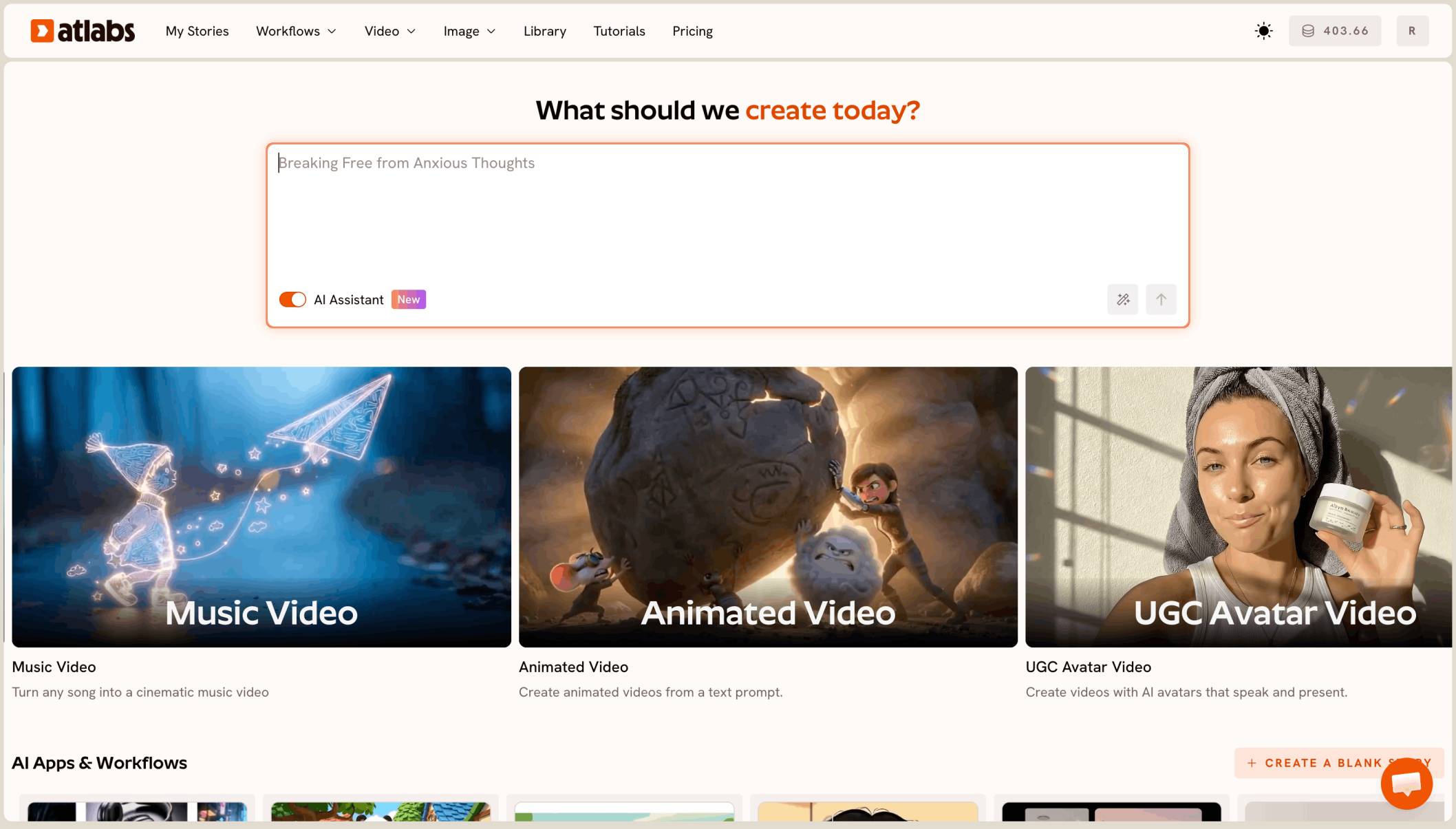
Have a track ready? Open Music Video and pick your first look.
How do you make one in Atlabs?
The Music Video workflow has four steps: Music, Set Style, Concepts and Finalise.
Step 1: Music
Open Music Video and upload your track, or paste a Suno or SoundCloud link.

Music: upload your track or paste a link.
Step 2: Set Style
Pick the Wes Anderson style from the style list, and set 9:16 for TikTok and Reels. To compare, open a second project and pick Wong Kar-wai, Denis Villeneuve or Noir Comic.

Set Style: pick a director look and 9:16.
Step 3: Concepts
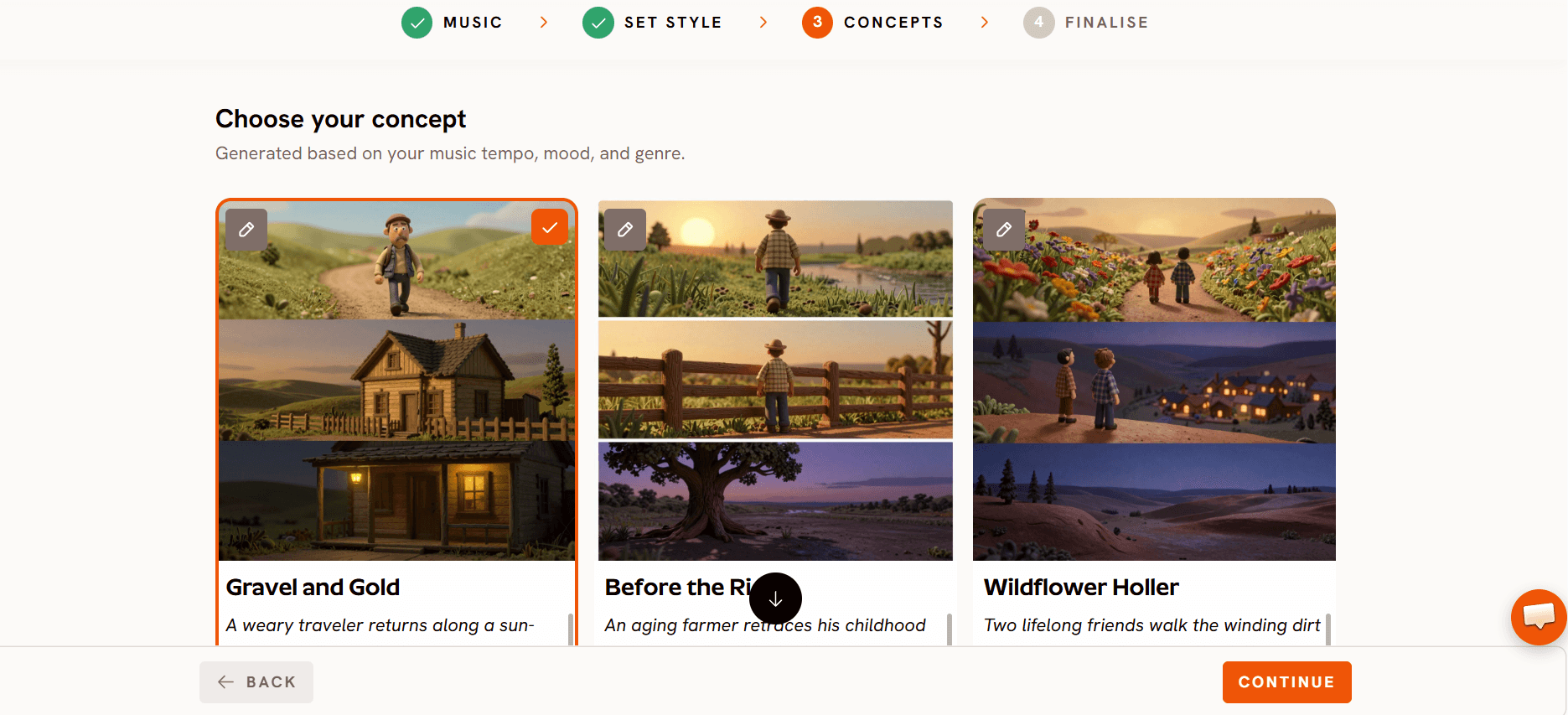
Read the concepts Atlabs suggests for your song and pick the one that fits the lyrics.
Step 4: Finalise
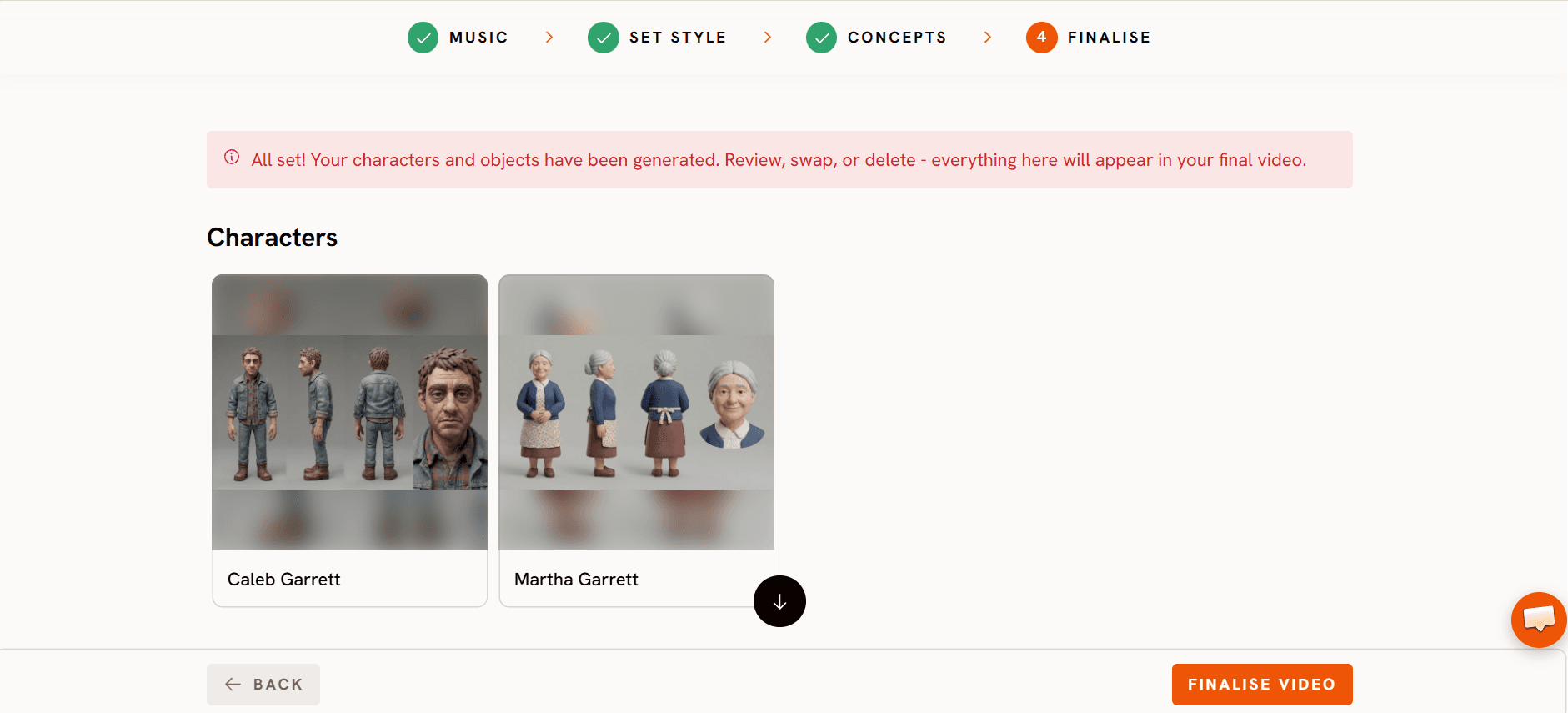
Pick Video Teaser. It animates up to 4 opening scenes into a 20 to 25 second clip, so you can check the look before you spend credits. If you like it, render the Full Video.
Step 5: Cut it for the feed
Export the finished video and cut it into clips with your phone or desktop editor. Post the best 20 to 60 seconds first.
Watch the Music Video tutorial
The tutorial shows the workflow in order, from the track to the finished video.
Ready to try the pastel look?
What should you watch out for?
Credits on long tracks. A 13 minute video has hundreds of scenes and uses many credits. If your balance is low, the render can stop partway, so check it first.
Faces. Stylized looks vary from scene to scene. Preview with Video Teaser and fix any scene that looks off.
Your own taste. The style is a starting point. Watch the whole video before you post it.
FAQ
How can I make a vertical music video that looks like a Wes Anderson film?
Upload your track to Music Video, pick the Wes Anderson style, set 9:16, preview with Video Teaser, then render the Full Video.
Can I compare Wes Anderson, Wong Kar-wai, Denis Villeneuve and Noir Comic?
Yes. Make one project per style with the same track, preview each with Video Teaser, and post the one you like best.
What aspect ratio should I use for TikTok and Reels?
Use 9:16. Set it on the Set Style step before you generate.
How long can my track be?
From 15 seconds to 15 minutes, uploaded as a file, or as a Suno or SoundCloud link.
How do I turn a long video into clips?
Export the Full Video and cut it into 20 to 60 second clips in your editor, starting with the chorus.
Your track is ready for its look. Upload the song, pick your director style, set 9:16, preview with Video Teaser, then render the full video.