在 ATLABS 上使用 50+ 个模型
Seedream 5.5 AI Image Generator: Stable Multi-Round Image Editing & Generation
Generate and edit AI images with Seedream 5.5 on Atlabs. Refine one image through up to 100 rounds of edits without losing quality, with sharper text, faster generation and up to 10 reference images for consistent results.
无需信用卡。几分钟即可开始使用。
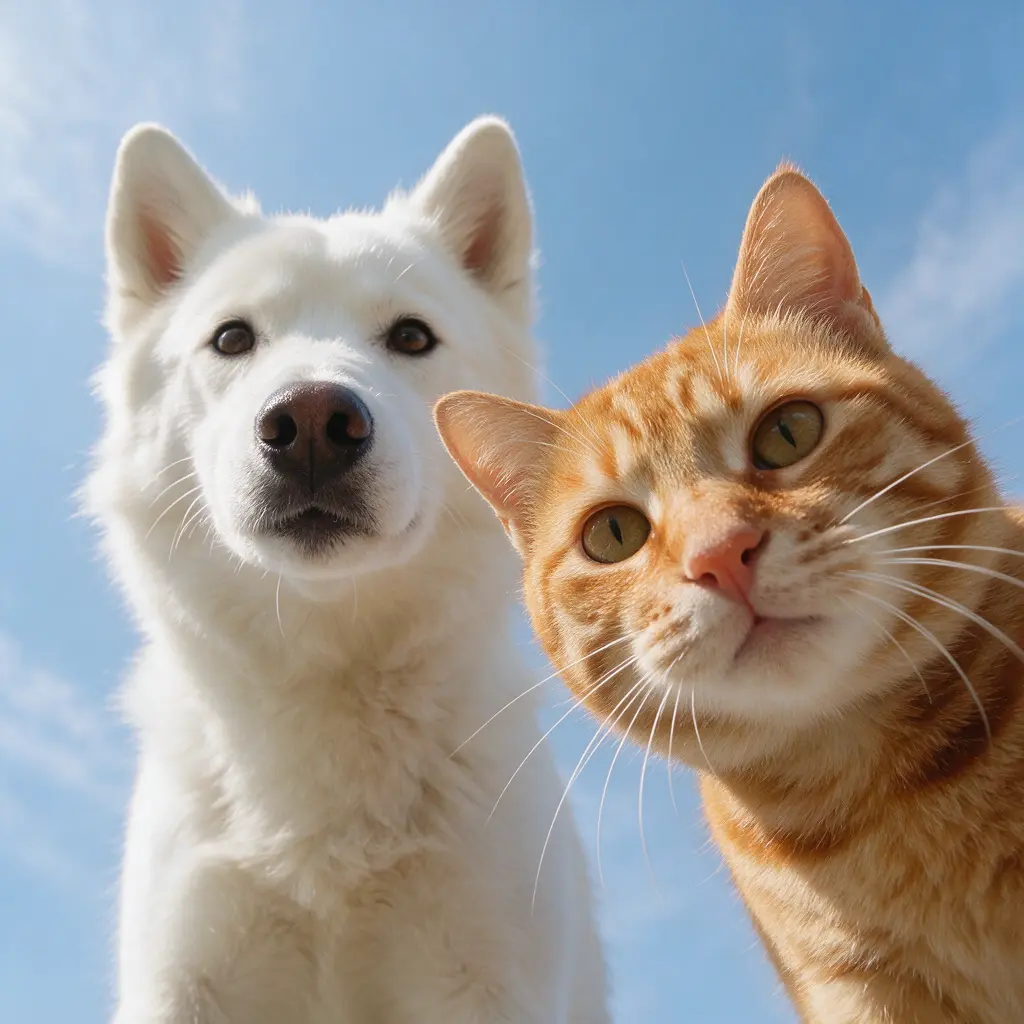
From product shots to ad variations and text-heavy layouts, Seedream 5.5 lets you refine one image over many rounds of edits without losing quality on Atlabs.


由 Atlabs 提供支持
Seedream 5.5 is a Seedream AI image model released in November 2026 as the successor to Seedream 5 Pro, and it is now available on Atlabs. Its biggest upgrade is editing stability: it is designed to hold up through as many as 100 rounds of edits on one image while the parts you did not touch stay unchanged. It also renders small, dense text more accurately and generates faster than Seedream 5 Pro, which makes it practical for iterative design work, ad variations, product images and social media content. On Atlabs you can create images at 1K, 1.5K or 2K, edit with simple text instructions and use up to 10 reference images to keep characters, products and styles consistent. Use Seedream 5.5 when you want to keep improving one image step by step without losing quality, then bring the result into your Atlabs video projects.
分步指南
使用方法
Seedream 5.5
在 Atlabs 上

Select Your Model
Choose Seedream 5.5 from the model dropdown.


Enter Your Prompt
Describe the image you want, or the edit you want to make.

Attach Image
Optionally upload an image to edit or add reference images.

Export and Download
Hit the “Generate” button and download your image.
选择你的方案
无隐藏费用,随时可取消
按月
按年
立减25%
按年计费$180,赠送3个月
$19
$15
/月
1800 积分 / 年
足够制作24分钟视频
适合探索AI视频的个人用户
节省 $48 相比按月付费
包含免费版全部功能 +
所有文字生成视频工作流程(脚本生成视频 / 动画视频等)
所有AI视频工具(重构画幅 / 放大等)
30+种独特视觉风格
300+种超逼真配音
可使用100+个AI模型,包括 Seedance 2.5、H3 Pro & Flux 3
自动动画字幕
最长2分钟视频
商业用途
导出你的视频(720p)
LITE
立减25%
按年计费$348,赠送3个月
$39
$29
/月
4200 积分 / 年
覆盖36-48分钟视频
适合刚起步的独立创作者
节省 $120 相比按月付费
所有音乐生成视频工作流程(儿童音乐 / 独立音乐等)
文字生成视频工作流程(脚本生成视频 / 动画视频等)
30+种视觉风格 / 40+种语言
300+种超逼真配音
可使用100+个AI模型,包括 Seedance 2.5 / H3 / GPT 2.5
自动动画字幕
AI动作 & 口型同步视频
添加一致的角色 / 物体 / 产品
最长5分钟视频
导出你的视频(1080p)
PRO
立减25%
PLUS
最受欢迎
立减25%
9000 积分 / 年
覆盖84-120分钟视频
最适合创作者和小型企业
节省 $240 相比按月付费
包含 Pro 版全部内容 +
训练你自己的模型
添加场地 & 保持一致性
高级讲解视频
多角色音乐视频
克隆 & 自定义产品广告(最长15秒)
为AI配音添加情感
最长10分钟视频
多角色动画视频
200+款广告模板库
导出到 Premiere Pro
按年计费$708,赠送3个月
$79
$59
/月
MAX
立减25%
超值之选
按年计费$2,268,赠送3个月
$249
$189
/月
31200 积分 / 年
覆盖300-420分钟视频
为创意工作室和大规模团队打造
节省 $720 相比按月付费
包含 Plus 套餐全部功能 +
无限自定义演员、风格、场地 & 产品
翻译成40+种语言
演员手持产品
变声器
品牌定制
抢先体验先进AI
最长20分钟视频
客户经理
优先支持
渲染速度提升5倍
入门引导与培训


Got Questions?
What is Seedream 5.5?
Seedream 5.5 is ByteDance’s latest image generation and editing model, released in November 2026. On Atlabs you can use it to create new images from text prompts or make step-by-step edits to existing ones.
How is Seedream 5.5 different from Seedream 5 Pro?
Seedream 5.5 keeps edits more stable across many rounds, leaves untouched areas of the image unchanged, renders small text more accurately and generates faster.
What kind of images is Seedream 5.5 best for?
Seedream 5.5 suits workflows where you refine an image over several passes, such as product shots, ad creatives and text-heavy layouts. It is also a good choice when you need many versions of the same image.
How many edits can I make with Seedream 5.5?
ByteDance says Seedream 5.5 stays stable across up to 100 rounds of edits on the same image. That makes it a good fit for refining one detail at a time without losing the rest of the picture.
Can I use Seedream 5.5 images commercially?
Images you create with Seedream 5.5 on Atlabs can be used across your marketing, social media, ads and content. Check your Atlabs plan for the specifics on commercial usage and resolution.
Is Seedream 5.5 free to use on Atlabs?
Yes, you can try Seedream 5.5 with a free Atlabs account that includes starter credits. Paid plans give you more generations, higher resolution outputs and access to the full model lineup.
