
How do I make a cinematic AI music video around one character?
Upload your song to the Atlabs Music Video workflow, pick Realistic style and 16:9, and save your lead as a cast character from a portrait. Atlabs splits the track into scenes. Then animate each start frame with a short prompt: one action and one camera move, plus lip sync where your character sings.

“Underground Goddess” is a 74 second cinematic music video made entirely in Atlabs. One woman, Halen Shin, moves through a glowing red rock slot canyon. She watches a sunlit waterfall, walks toward the camera, steps into a steaming pool under an opening to the night sky, screams, glares, laughs, sinks beneath the water and finally covers the lens with her palm. It starts from a song, cuts the track into 24 short scenes and animates each one in a realistic, film like style. This tutorial shows the setup, then every scene in order with its lyric, its start frame and the prompt used to animate it.
What you'll need
You need a finished song, because its lyrics and beats become your scene list. If you already have the exact face of your lead, keep that portrait ready to upload. For this project that meant one song, a realistic look and one star: Halen Shin, with cornrow braids, gold makeup and a gold choker.
The setup, step by step
Step 1: Upload the song in Music

Open the Music Video workflow and upload your track in the Music step. The language was set to English. The video is cut to the track, so each scene lines up with a lyric or an instrumental beat.
Step 2: Choose the look in Set Style
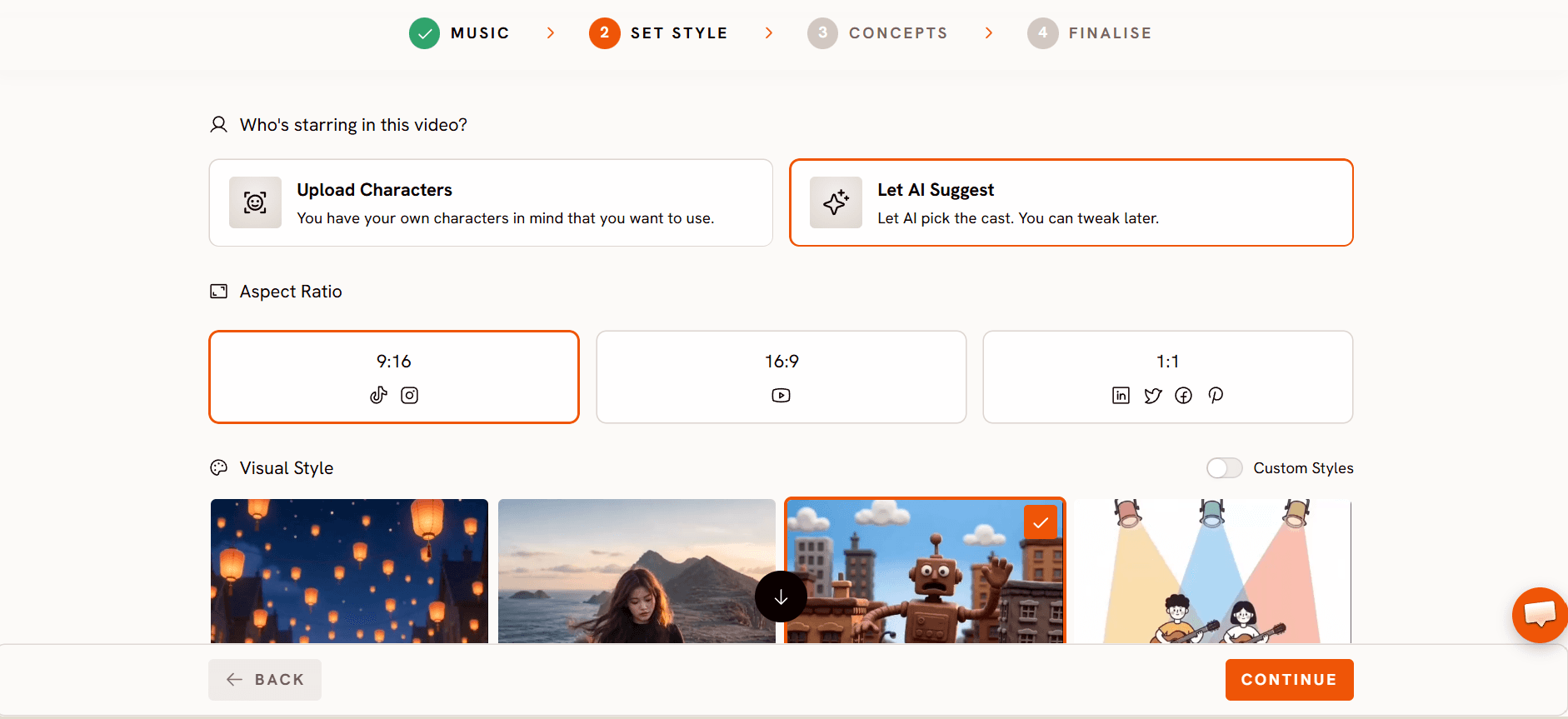
In Set Style, pick the image style, aspect ratio and pace. This project used Realistic images, a 16:9 frame and a Slow scene pace, which gives the moody, held shots room to breathe.
Step 3: Concepts (optional)
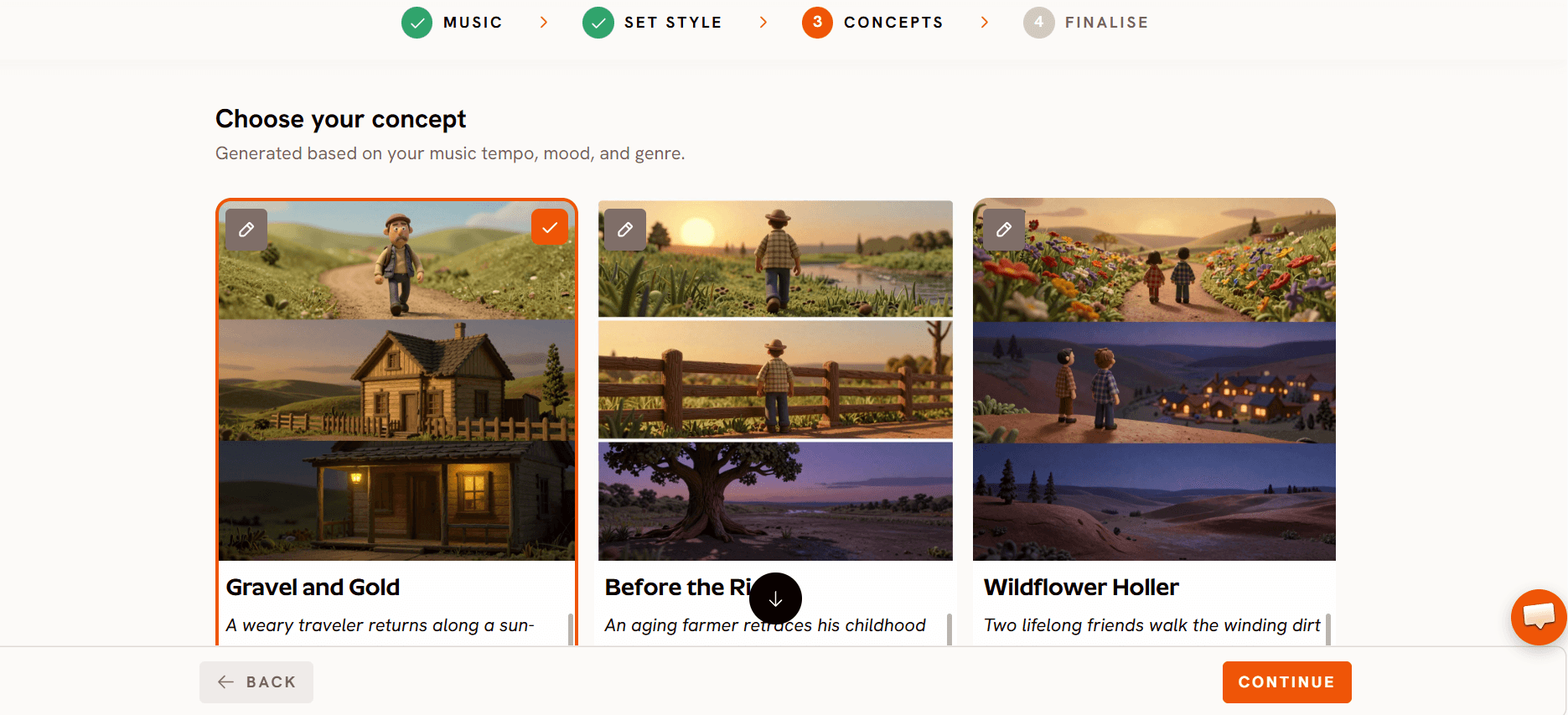
This story has no written concept. The look came from two choices instead: the Realistic image style and the Halen Shin cast character. If your lead's portrait already sets the place and the mood, you can skip a written concept, as was done here.
Everything stays in one palette: warm orange sandstone, golden light from above, and cool blue water and night sky.
Step 4: Add your lead in Finalise
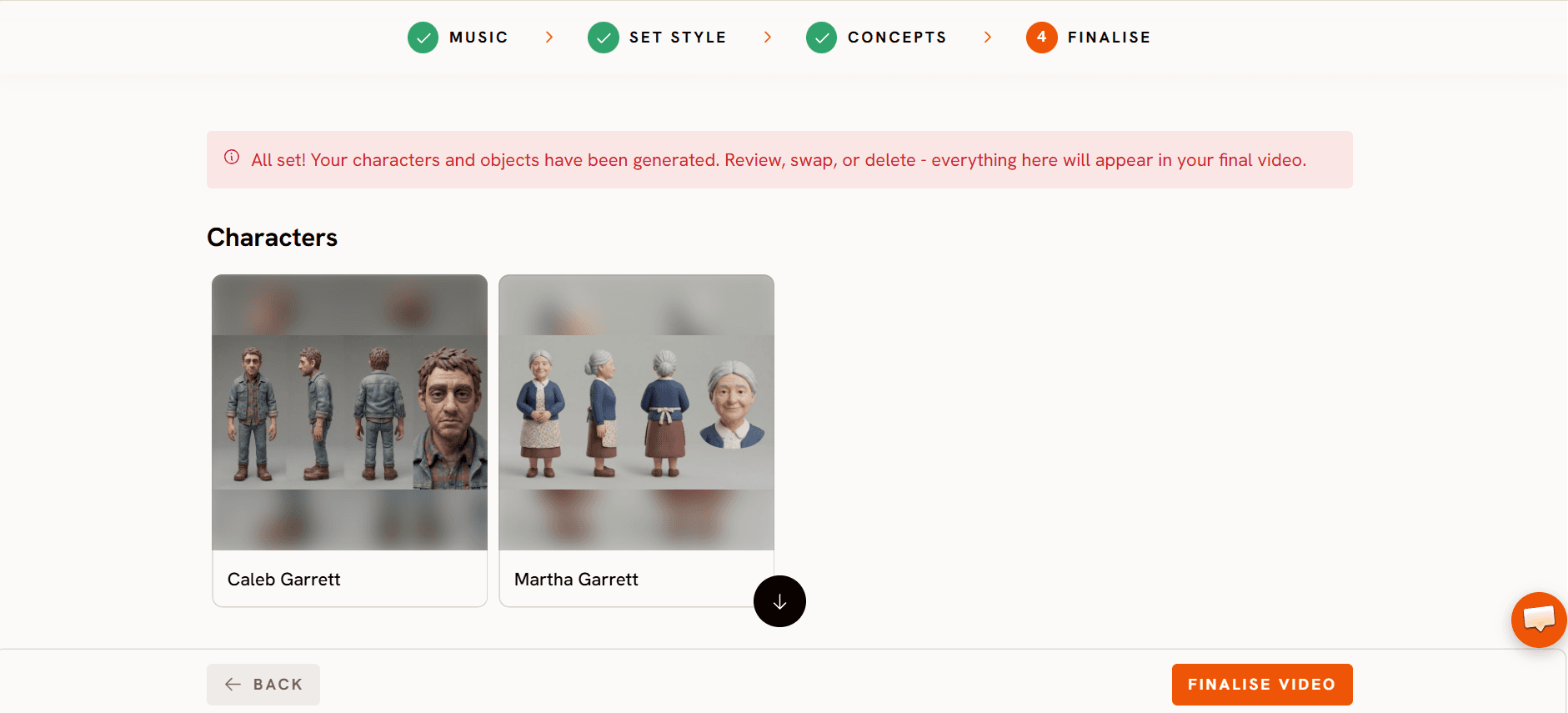
In Finalise, set the cast. Halen Shin was saved as a cast character, so her face, braids, gold choker and black outfit stay the same in every scene. In any scene prompt she can be tagged as @HalenShin. The finished cut runs 74 seconds across 24 scenes.
Step 5: Animate each scene
Atlabs splits the song into scenes. Each scene gets its lyric line, or a run of pauses when that part of the track is instrumental. A still start frame is made for each scene, then animated into a clip with a motion prompt that describes the action and the camera move.
The prompts here are short and cinematic: one action and one camera move, like “medium shot. The camera softly pushes in” or “the camera is still”. Three tricks show up more than once. Shot Switch puts two shots inside one clip. Four scenes are lip synced so Halen sings straight to camera. And some scenes reuse or trim existing footage instead of making something new.
Meet the star: Halen Shin

No text prompt is saved for Halen. Her portrait was uploaded as an image rather than written as a description, so the picture itself is the reference Atlabs uses for her. It sets her whole look: long black hair in two tight cornrow braids, gold winged eyeliner with gold shimmer on the lids, dark plum lipstick, a wide gold choker, long rectangular gold earrings and a black low cut top.
If you already have the exact face you want, upload it as the character portrait instead of describing it. Every scene then starts from the same face.
The location: a slot canyon underground
No location was saved to this story's cast. The setting comes from Halen's portrait, which already places her in front of a waterfall of light inside a red sandstone slot canyon. Each scene's start frame builds on that. The video moves through three looks of the same canyon.
The waterfall chamber (Scenes 1 to 7): warm orange sandstone and golden light pouring down a waterfall.

The blue passage (Scene 8): the canyon turns cool blue as she walks deeper underground.

The night sky pool (Scenes 9 to 22): a steaming pool under a round opening to the night sky.

If you want to reuse a place across many scenes, save it as a location in the cast. You can then tag it in prompts like a character, with @Name.
Scene by scene: every lyric, frame and prompt
Scene 1 (5.0s): instrumental intro

Library clip, so no prompt is saved. It was brought in from the Atlabs media library rather than generated in the scene. It shows a close up of a hand with dark nails holding a smoking cigar, with a column of light and falling water behind it.
Open on a detail, not the face. A hand, a prop and a wisp of smoke set the mood and make the viewer wait for the reveal.
Scene 2 (2.4s): instrumental
Scene 3 (2.8s): “I change form.”

Shot Switch gives you a cut inside a single clip. Here a wide shot of the waterfall cuts to a close profile, right on “I change form”.
Scene 4 (5.1s): “One step closer and you fall.”

When the start frame already has the pose and the light, a four word prompt is enough. Gold dust floats around her face while she sings with her eyes shut.
Scene 5 (3.5s): “When I answer to the call,”

Scene 6 (5.0s): instrumental

Scene 7 (2.8s): “Night sky fall.”

Describe the whole move step by step, including where she leaves the frame. The clip ends on the empty waterfall, which makes a clean cut into the next scene.
Scene 8 (2.8s): instrumental
The light changes from warm orange to cool blue here, so the viewer feels her go deeper underground.
Scene 9 (2.2s): instrumental
Scene 10 (2.0s): instrumental

Scene 11 (5.0s): instrumental

No prompt is saved. This clip is a remake of the scene's earlier clip, rendered again from that clip rather than from a still image. Halen is in the pool up to her shoulders, head tilted back and eyes closed under the opening to the night sky, before she lowers her head to look straight into the lens.
Scene 12 (1.4s): instrumental

An extreme close up in cold blue light breaks up the warm canyon shots and works as a beat on its own.
Scene 13 (1.3s): instrumental

Lip sync only, so no prompt is saved. Halen, wet haired in the dark pool, sings straight into the camera.
Scene 14 (1.3s): instrumental

Lip sync only, so no prompt is saved. Halen sings to camera against the warm canyon wall.
Scenes 13 to 18 are one fast run of one second close ups. Alternating lip sync shots with emotion shots (a scream, a glare, a laugh) makes a short section feel like a live performance.
Scene 15 (1.1s): instrumental

Scene 16 (1.0s): instrumental

Scene 17 (1.1s): “Amy.”

“The camera is still” in Scenes 15, 16 and 17 keeps all the movement in her face, so the three emotions read clearly even at about one second each.
Scene 18 (2.2s): instrumental

Lip sync only, so no prompt is saved. Halen sings to camera from the water, braids loose over her shoulders.
Scene 19 (3.1s): instrumental

This scene reuses the Scene 12 clip, so it carries the same prompt:
Reusing a striking shot later in the song works like a visual chorus, with no new generation needed.
Scene 20 (3.4s): instrumental

Scene 21 (5.0s): instrumental

No prompt is saved. This is a trimmed cut of the scene's generated clip: an underwater shot looking up at Halen as she sinks with her arms spread wide and her hair floating, light pouring down from the surface.
Scene 22 (3.0s): instrumental

No prompt is saved. This is a trimmed cut of the scene's generated clip: a top down view of the canyon pool floating in a starry galaxy, with Halen a tiny figure in the water.
One surreal wide shot after a run of close ups resets the scale and lifts the ending.
Scene 23 (6.1s): instrumental

Covering the lens is a built in transition to black, so the video ends on a cut you never had to edit.
Scene 24 (5.0s): outro

What makes these prompts work
One action, one camera move. “Her gaze fixed on the waterfall, medium shot. The camera softly pushes in” is the pattern for most scenes.
Use Shot Switch for two shots in one clip. Scenes 3 and 8 cut between a wide and a close shot inside one short scene.
Lock the camera for emotion. “The camera is still” on the scream, the glare and the laugh keeps every bit of motion in her face.
Repeat a visual motif. Gold glitter in Scenes 4, 6 and 24 ties the opening to the ending.
Save your star as cast. Halen Shin looks the same in all 24 scenes because she is a saved cast character.
Mix generation with editing. Four scenes are lip synced, one reuses an earlier clip, one is a remake, two are trimmed, and the opener comes from the media library.
FAQ
Do I need a written concept?
No. “Underground Goddess” has no written concept. The Realistic style and the Halen Shin portrait set the whole look.
How do I keep my lead looking the same in every scene?
Save them as a cast character in Finalise. If you already have the face you want, upload it as the character portrait, as was done for Halen.
Can my character sing in the video?
Yes. Four scenes in “Underground Goddess” were lip synced, so Halen sings straight to camera with no written prompt.
Do I need a new clip for every scene?
No. Scene 19 reuses the Scene 12 clip, Scenes 21 and 22 are trimmed cuts, Scene 11 is a remake of an earlier clip, and Scene 1 comes from the media library.
Final verdict
“Underground Goddess” shows that a moody, cinematic AI music video can come from a very simple setup. Atlabs did the groundwork in a few steps: uploading the song in Music, choosing Realistic, 16:9 and a Slow pace in Set Style, skipping a written concept, and saving one star from a portrait in Finalise. From there, short prompts with one action and one camera move, Shot Switch for quick cuts, a locked camera for emotion, lip sync for the singing shots and smart reuse of clips turned 24 scenes into one connected 74 second video. Use these prompts as templates, upload your own lead's portrait, and let the start frames carry the look.








