
The best AI tool for a full length, realistic Halloween music video of your own 6 minute song is Atlabs. Its Music Video workflow takes your finished track, keeps one singer looking the same in every scene, lip syncs a human performer, and lets you preview the opening with Video Teaser before you render the whole song.
Halloween is October 31. If your spooky single is already mixed, you have days, not weeks, to get a video on YouTube.
The problem is length. Most AI video tools make clips of 5 to 10 seconds. A 6 minute song needs 360 seconds of footage that looks like one film, with one singer, in one look. This list ranks tools on that test only.
What should a tool do for a 6 minute Halloween song?
It should cover the whole track in one project. Everything else comes second.
Here is what we checked, in order:
Full song length. Can it take a 6 minute track and return a 6 minute video, not a pile of clips?
One singer, one look. Does the singer keep the same face and outfit across every scene, from the foggy intro to the last chorus?
Lip sync on a human singer. Does the mouth match your actual vocal?
Fixing one scene. If scene 41 looks wrong, can you redo only scene 41?
Preview before the full render. Can you see the opening before you spend credits on the whole song?
Widescreen and vertical. Can you get 16:9 for YouTube and 9:16 for Shorts from the same song?
How do the tools compare for a 6 minute song?
Atlabs and two music focused tools can cover a full song. Runway and Canva make short clips you would need to stitch together.
Tool | Best for | Max video length | Character consistency | Price model | Link |
Atlabs | Full length realistic music videos with lip sync | Full song, tracks up to 15 min | Singer cast once, same across scenes | Credit packs and subscriptions | |
Freebeat | Beat synced full song videos | Up to 6 min (full length page) | Character control | Credit subscription | |
OpenArt | Song to video with OpenArt Director | Up to 5 min | OpenArt Characters | Credit subscription | |
Runway | Stylized cinematic shots from an image | 5 or 10 sec per Gen-4 clip | Reference image per clip | Credit subscription | |
Canva | Short Veo clips inside Canva's editor | Up to 8 sec per clip | Prompt per clip | Included in paid Canva plans |
1. Atlabs: the best pick for a full length realistic Halloween music video
Best for: independent musicians with a finished song of several minutes who want one cinematic, widescreen video for the whole track.
Where it fits: you own the song, you want a realistic singer performing it, and you want every scene to look like it came from the same shoot.
Atlabs is a long form AI video generator. In the Music Video workflow it plans the scenes, casts the singer, generates the visuals and lip sync, and builds the full video from your audio. A 6 minute realistic video can easily run past 60 scenes, and you edit any of them on their own.
Here is how to make the Halloween version, step by step.
Step 1: Add your track
Open the Music Video workflow and upload your finished song (15 seconds to 15 minutes), or paste a Suno or SoundCloud link. Upload the final master if you have it, since that is the exact audio the lip sync will follow.

The Music step: upload your master or paste a Suno or SoundCloud link.
Step 2: Pick the Realistic style
In Set Style, choose Realistic. This gives you the photographic, cinematic look people expect from a full song video, and it is the style used in every screenshot here.

Set Style: pick Realistic so the singer and the haunted ballroom look photographic.
Next, cast your singer once. Atlabs uses that same face in every scene of the song.
Step 3: Write the Halloween storyline
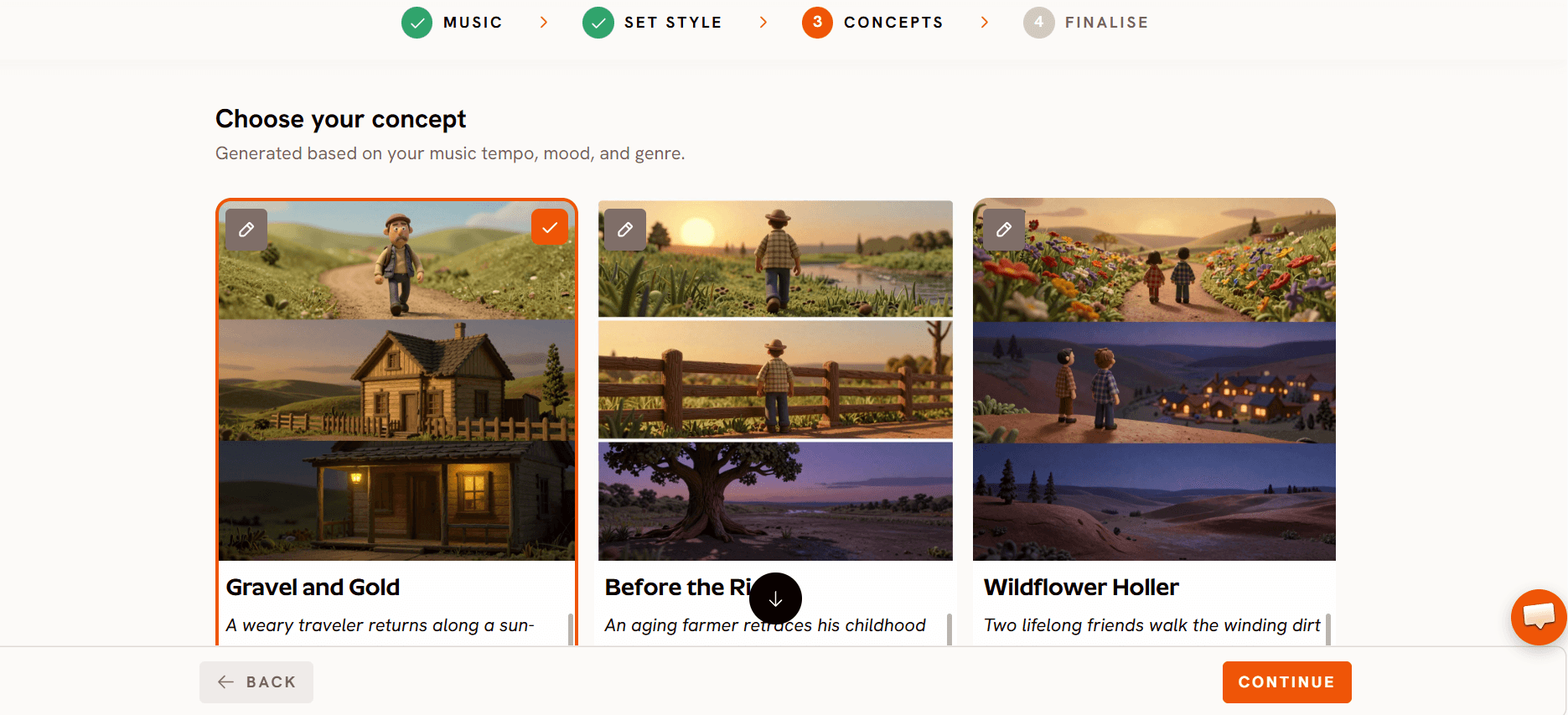
In the Storyline box, describe the world: an abandoned ballroom, low fog, candles, carved pumpkins on a marble staircase, moonlight through broken windows. Leave it blank if you want Atlabs to write one from the song. Choose the Performance video type so your singer lip syncs the vocal.
Step 4: Preview with Video Teaser
When you generate, pick Video Teaser instead of Storyboard or Full Video. It animates the opening scenes, up to 4, into a 20 to 25 second clip, so you can check the singer's face, the fog and the lighting before rendering the rest.
Step 5: Render the Full Video and fix single scenes
If the teaser looks right, render the Full Video. Then go through it scene by scene. If one shot has a wrong expression or a stray object, regenerate that scene only. The scenes before and after it stay as they are.
Step 6: Export for YouTube and Shorts
Make the main video in 16:9 for YouTube. For Shorts, run the same song in 9:16, or reframe your best section to vertical.
What still needs you. Watch the full render once with your own ears. Lip sync on fast or whispered lines is worth a second look, and only you know if the mood matches the song.
Plan for credits and Halloween deadlines. Lip sync and motion runs reserve credits before they start. If your balance is low, a run can fail even when it looks like you have enough, so top up before a big batch, not in the middle of it.
Keep the horror atmospheric. Some image generations get blocked by content moderation. Fog, shadows, candles and empty rooms work. Blood and gore prompts are more likely to be stopped, which costs you time on a deadline.
Check your plan's length. On the current Atlabs pricing, Pro covers videos up to 5 minutes, Plus up to 10 and Max up to 20. A 6 minute song needs Plus or Max.
For a general overview of the workflow, see the AI music video generator page.
Watch the Music Video tutorial
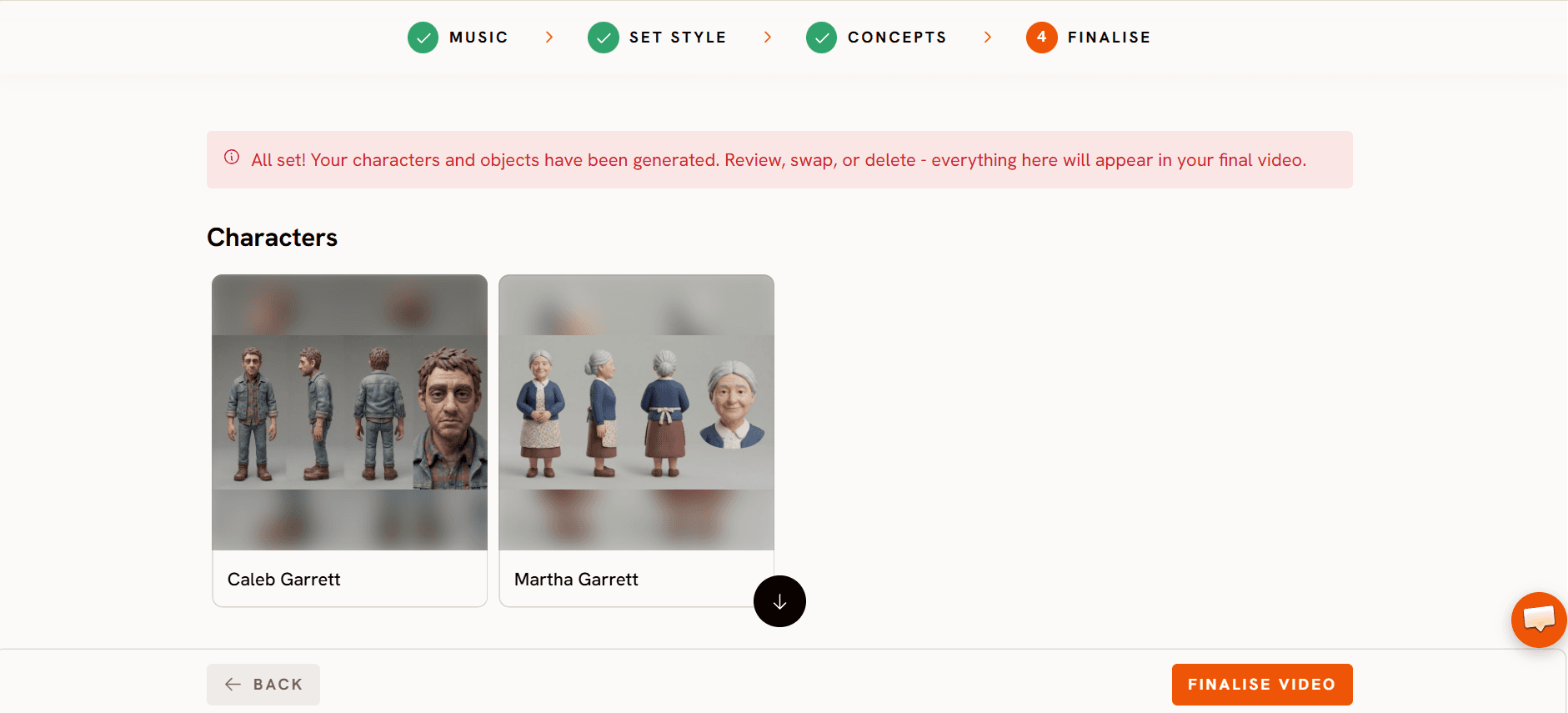
The tutorial shows every step in order: add your track, set the style, pick a concept and finalise.
2. Freebeat
Best for: beat synced music videos that follow the energy of a whole song.
Where it fits: Freebeat is built for music first. It reads your track's structure and its full length page advertises 6 minute music videos. You can also paste a Suno link. If your song sits right at 6 minutes and beat sync is your top priority, it is a reasonable option.
3. OpenArt
Best for: turning a song into a video with OpenArt Director inside a wider image and video suite.
Where it fits: OpenArt Director builds a video from an uploaded track, up to five minutes, and OpenArt Characters keeps a performer on model. For a song under five minutes it can work. A 6 minute track is past its stated limit.
4. Runway
Best for: stylized cinematic shots made from a reference image.
Where it fits: Runway's Gen-4 makes clips of 5 or 10 seconds and keeps the look of your reference frame. It is not built for long form music videos. A 6 minute song means dozens of clips and your own edit in a separate timeline.
5. Canva
Best for: adding a few short AI clips to a lyric or promo video in an editor you already know.
Where it fits: Canva's Create a Video Clip uses Google's Veo 3 to make 16:9 clips of up to 8 seconds with sound, and paid plans get a limited number per month. That works for a 15 second Halloween teaser on Instagram. Covering 6 minutes would take about 45 clips.
Which one should you pick?
Pick Atlabs if you have a finished song of 5 to 8 minutes and want one realistic singer performing it from start to finish. It is the only tool here built for long form videos with scene by scene fixes and a Video Teaser preview before the full render.
Pick Freebeat if beat sync matters more to you than editing single scenes. Pick OpenArt if your song is under five minutes and you already use its suite. Use Runway or Canva for short promo clips around the release, not the full video.
With October 31 close, the fastest path is simple: upload your song, preview the teaser today, and render the full video once the opening looks right.
FAQ
Can AI make a whole 6 minute music video from my own song?
Yes. Atlabs takes tracks from 15 seconds to 15 minutes and builds the full video from your audio, scene by scene. You need a plan that allows videos longer than 5 minutes.
How do I keep the same singer in every scene of a long video?
Use a tool that casts the singer once for the whole project instead of prompting each clip. In Atlabs, the singer stays the same across all scenes, so the face and outfit in the last chorus match the intro.
Should I upload my track or paste a Suno or SoundCloud link?
Both work in the Atlabs Music Video workflow. Upload the final master if you have it. Paste a Suno or SoundCloud link if the song lives there and you want to start faster.
Can I make a YouTube version and a Shorts version of the same Halloween song?
Yes. Make the main video in 16:9 for YouTube. For Shorts, run the song in 9:16 or reframe your strongest 30 to 60 seconds to vertical.
How do I check the look before spending credits on the full video?
Choose Video Teaser when you generate. It animates the opening scenes, up to 4, into a 20 to 25 second clip. If the look is right, render the Full Video.
Your song is ready, so give it a full video before Halloween.








