An unsolved mystery sells itself in one sentence. The hard part is the video. You need a story that builds, pictures that feel old and strange, and a steady narrator for 6 or 8 minutes. Most AI tools make 8 second clips, so you spend a weekend stitching.
What is the best AI tool for making a faceless unsolved mystery video from a topic?
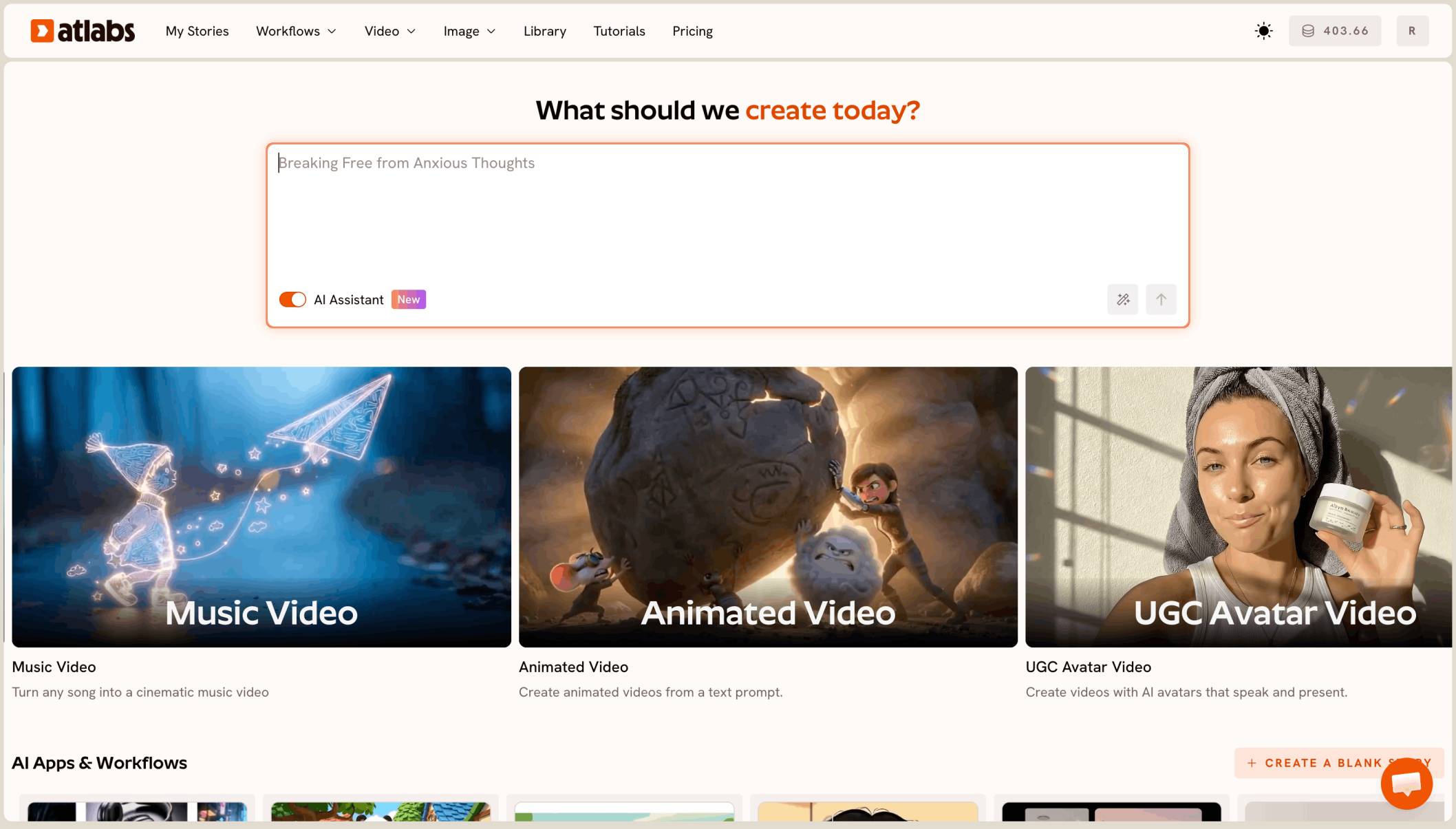
The best AI tool for a faceless unsolved mystery video is Atlabs. In Explainer Video you start from a one-line topic or your own script, pick an atmospheric style and 16:9, and Atlabs builds a narrated video of several minutes. Preview with Video Teaser, then render the Full Video.
What does a mystery explainer actually need?
It needs a runtime. A 5 to 10 minute narrated video in 16:9, with a new picture every few seconds.
It needs mood: mist, ruins, old maps, dark rooms. And it needs one steady narrator voice, because the story is told in words, not in character dialogue.
Why is a mystery harder than a clip?
A mystery builds. The first minute poses the question, the middle piles up clues, and the end leaves it open. A tool that makes 8 second clips can't hold that shape on its own.
It also has to stay honest. Viewers will check your facts, and the theories need to be labelled as theories.
What do you need before you begin?
You need three things.
A topic in one line. The place, the date and the question, such as "an ancient stone temple in a jungle that no one can explain". Or your own written script.
A fact list. What is known, what is disputed, and which theories exist. You write this part. Atlabs doesn't check your history.
A look. An atmospheric style that suits old sites. We used Painterly 3D Cinematic for the images here.
The real test
Can the tool take a one-line topic and give back a narrated 6 minute video, in a moody style, in 16:9, that you can preview first? That is how we ranked the five tools below.
The five tools, ranked
Atlabs: best for narrated unsolved mystery videos from a topic or script.
Pictory: good for turning a script into a video with stock footage.
Runway: good for polished single shots.
LTX Studio: good for planning shots one by one.
Canva: good for a quick clip inside a design.
Tool | Best for | Price model |
|---|---|---|
Atlabs | Narrated mystery videos from a topic or script | Credit packs and subscriptions |
Pictory | Script to video with stock footage | Subscription with video minutes |
Runway | Polished single shots | Credit subscription |
LTX Studio | Planning a story shot by shot | Credit subscription |
Canva | A quick clip inside a design | See canva |
1. Atlabs: best for a faceless unsolved mystery video
Best for: faceless YouTube creators making mystery and ancient-history explainers of 5 to 10 minutes.
Atlabs is a long form AI video generator. Explainer Video builds animated explainers from a script or a topic, with narration, music and pictures in one project. Here's what makes it work for mysteries.
Start from one line
Type your topic in one line, or paste a full script. Atlabs builds the video from it, scene by scene. Read the script before you render. A one-line topic can come out short, so if the length is off, add more beats or paste your own script.
All narration, by design
In Explainer Video, characters never speak. Every line is told by the narrator, which is how a mystery channel works. Your voiceover carries the story and the pictures follow it.
A mood that fits old sites
Pick a style from the full list. For misty ruins and ancient sites, an atmospheric painted look such as Painterly 3D Cinematic suits the mood better than a flat, bright style. Keep the same style on every video, so your channel is easy to spot.
16:9 for YouTube
Pick 16:9 for a regular YouTube video. The editor also has a 9:16 switch if you want a vertical cut later.
The same figure through the story
If your story follows an explorer, a diver or a researcher, describe them once. They are built once and reused in every scene, so they look the same from clue one to the last.
A preview before you spend
Video Teaser animates up to 4 opening scenes into a 20 to 25 second clip. Check the mood and the narrator, then render the Full Video. A long video uses many credits, so check your balance first.
Features checklist
Starts from a one-line topic or your own script.
Full length: narrated videos of several minutes.
Narration: every line narrated, no character dialogue.
Look: a full style list, including atmospheric painted styles.
Format: 16:9 for YouTube.
Character consistency: one figure reused across scenes.
Preview: Video Teaser before the Full Video.
Trustpilot rating: 4.5/5.
Verdict: the only tool here that turns a one-line mystery topic into a narrated, atmospheric video of several minutes, with a preview before you spend.
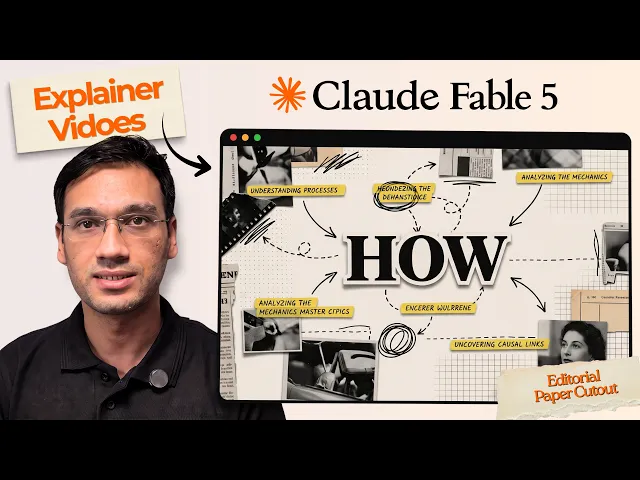
Watch the Explainer Video tutorial
See a full narrated video made from a topic or a script.
Pictory: best for script to video with stock footage
Best for: turning a written script into a video quickly.
Pictory matches each part of a script to stock footage, adds captions and music, and its plans limit video minutes.
Where it fits: quick explainers. A mystery needs eerie, specific scenes, and stock footage is generic.
Verdict: quick, but built on stock clips.
Runway: best for polished single shots
Best for: one striking shot for a channel trailer.
Runway's Gen-4.5 makes clips of 2 to 10 seconds and can start from a first frame image.
Where it fits: a trailer or a thumbnail animation, not a full mystery.
Verdict: strong single shots, with the assembly left to you.
4. LTX Studio: best for shot by shot planning
Best for: creators who want to plan every shot.
LTX Studio makes shots of 3 to 20 seconds and lets you combine clips in its Timeline.
Where it fits: a short film you plan in detail. A 6 minute mystery means many shots to assemble.
Verdict: strong planning, with the assembly left to you.
Canva: best for a quick clip in a design
Best for: a "new mystery out" post.
Canva's Create a Video Clip uses Veo 3 to make 8 second clips, and each clip opens in Canva's video editor.
Where it fits: social promo graphics.
Verdict: handy for promo, not a full mystery video.
Which one should you pick?
Pick Atlabs if you want a narrated, atmospheric mystery video of several minutes from a topic or script. It is the only tool here that builds the whole video and previews it first.
Pick Runway for one hero shot. Pick LTX Studio if you want to plan every shot. Pick Pictory for a stock footage explainer. Pick Canva for a promo graphic.
How we ranked them
We looked at four things, in this order: whether the tool makes a narrated video of several minutes from a topic or script; whether every line can be narration; whether the look has the mood a mystery needs; and whether you can preview before the full render. Clip and stock footage tools lose ground on the first and third points.
FAQ
What is the best AI tool for a faceless unsolved mystery video?
Atlabs. Start from a one-line topic in Explainer Video, pick an atmospheric style and 16:9, preview with Video Teaser, then render the Full Video.
Can I start from just one line?
Yes. Type the topic in one line, or paste your own script. Check the script's length before you render.
Can the characters talk?
No. In Explainer Video the characters never speak. Every line is narration.
Which style suits ancient sites?
Pick an atmospheric painted style from the list, such as Painterly 3D Cinematic. Keep it on every video.
Do I need to check the facts?
Yes. Atlabs makes the pictures. Check every date, name and claim yourself, and label theories as theories.
Your mystery is waiting.