Prompt your way to a finished, vocal-driven song.
Introducing Music into Atlabs
From text to track, vocals included.
Meet Atlabs AI Music Generator. Turn simple text prompts into fully produced, studio-quality tracks in seconds. Customize genres, moods, and vocals to generate the perfect commercial-ready audio for any project.
Explore music categories and genres
Prompt your way to a finished, vocal-driven song.
Got a melody in your head, lyrics in a notebook, or just a specific vibe in mind? Atlabs AI Music Generator turns your raw inspiration into high-quality tracks—no studio experience required.
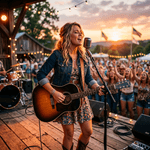
Country Hits
A bright, feel-good acoustic pop anthem with snappy handclaps, bouncy guitar, and a sweet, cheerful male vocal.

Rainbow Parade
A playful and bouncy children's anthem celebrating bright mornings and good food, featuring energetic melodies and joyful vocals.

Kid's Rhymes
Slow, calming acoustic lullaby, 60 BPM, gentle female whisper vocal, sweet baby good night rhyme with soft harp.
Features That Bring Your Lyrics to Life
Atlabs AI Music Generator: Features & Capabilities

Step by Step
How it Works

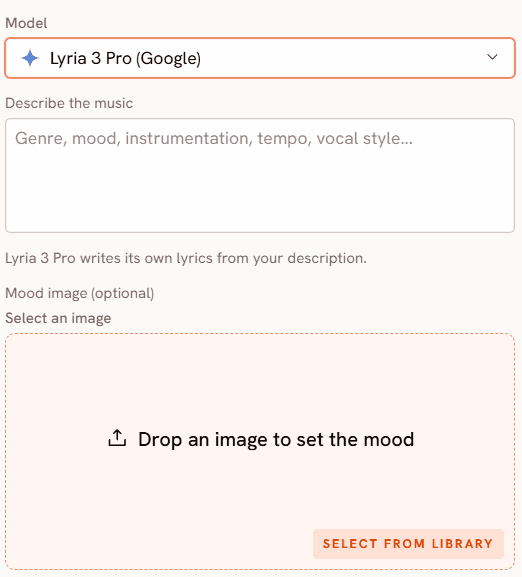
Describe the track
Genre, mood, instrumentation, tempo and vocal style.

Add lyrics, or auto-generate
MiniMax Music 3 sings words you supply; Lyria 3 writes its own.

Generate and listen
Play the finished track and download it.
Best-in-Class AI Models for Your Next Music
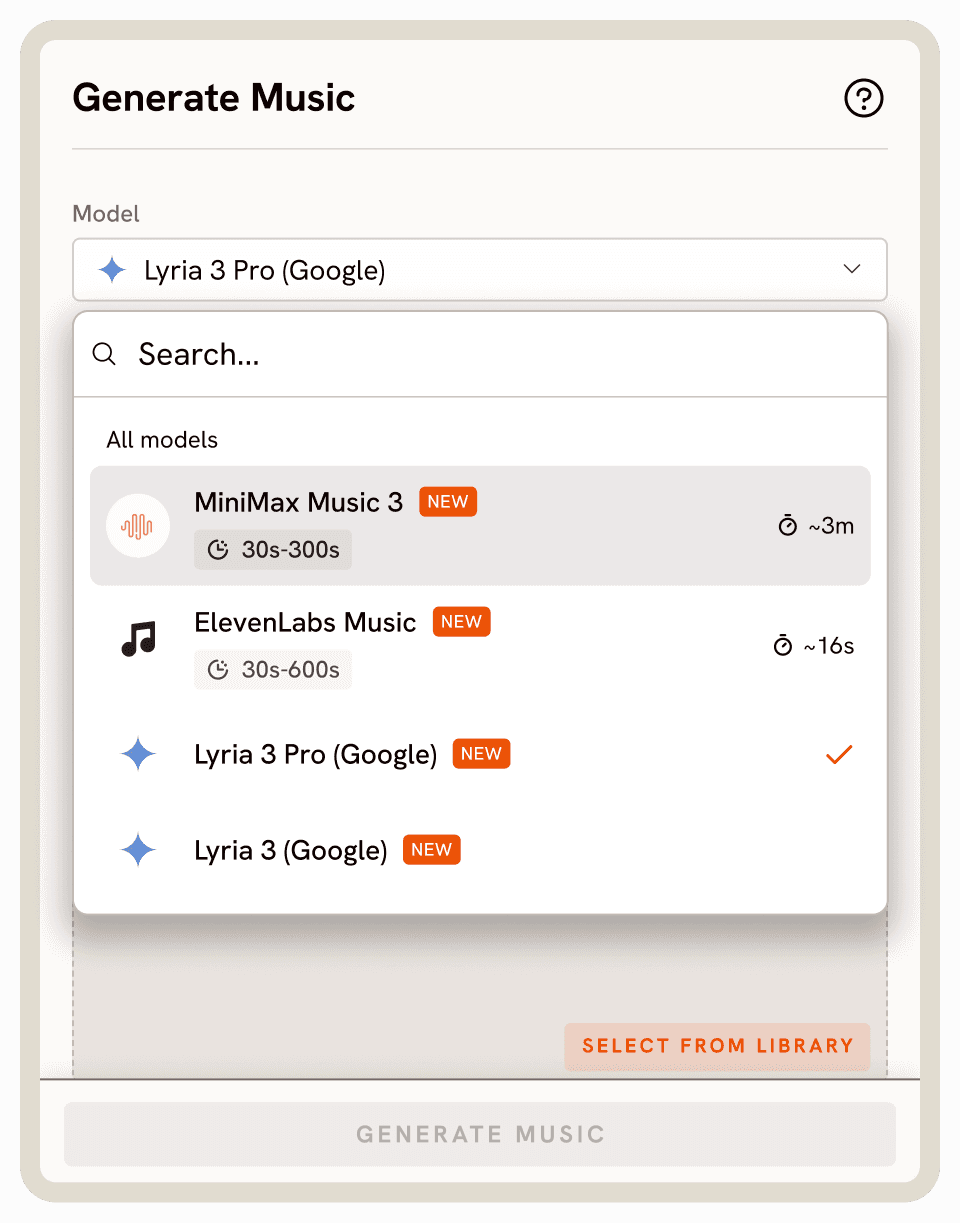
Access top audio models—from MiniMax Music 3 to ElevenLabs Music and Google Lyria 3 Pro—all in one workspace.

Elevenlabs Music
Studio-grade vocal realism and complex lyric delivery across multiple genres.

MiniMax Music 3
Unmatched structural control for crafting complete, multi-section songs with vocals.

Lyria 3 Pro
Extended three-minute compositions with advanced structural pacing and multimodal inputs.
Lyria 3
High-fidelity track generation featuring unique image-to-music visual prompting capabilities.
FAQs
Do I need musical experience to use Atlabs AI Music Generator?
Not at all! You simply type a description of the mood, genre, and instruments you want. The AI models handle the composition, arrangement, and production automatically.
Can I write my own lyrics?
Yes. You can input your own custom lyrics, complete with tags like [Chorus] or [Guitar Solo] to control the structure
How does the image-to-music feature work?
When using the Lyria models, you can upload a reference image or storyboard frame. The AI analyzes the visual mood, colors, and subject matter to generate a soundtrack that seamlessly matches your visual aesthetic.
Can I create instrumental-only background tracks?
Absolutely. All our engines support instrumental-only generation, making it effortless to create high-fidelity audio for podcasts, video beds, or cinematic scores without vocals.
What is the difference between the available AI models?
Each engine excels at different tasks. MiniMax 3 offers unmatched control over long-form song structure. ElevenLabs delivers superior vocal realism and lyrical delivery. Lyria 3 and Lyria 3 Pro specialize in polished audio and unique visual prompting.
Are the generated songs royalty-free?
Yes, tracks generated on our paid plans come with a commercial license. This means you can use them in monetized YouTube videos, games, and digital ads without paying ongoing royalties.
How do I export and use the finished audio?
Your tracks are ready instantly. You can play them directly in your workspace or download the high-quality audio files to drop straight into your preferred video editor.