
What is the best AI tool to turn my own French children's song into a full cartoon video?
The best AI tool to turn your own French children's song into a full cartoon video is Atlabs. In its Kids Music Video workflow you upload your finished French track, set the language to French, pick 3D Cartoon and 16:9, and Atlabs builds the whole song as one cartoon video, scene by scene, with the same character throughout.
You wrote the song. You recorded it in French. Now you need a video that runs the full 3, 4 or 6 minutes, keeps one cute animal hero on screen, and looks right on a YouTube kids channel for ages 2 to 6. Most AI video tools make clips of a few seconds, so we ranked 5 tools on that job.
Atlabs is also covered in news.marketersmedia.com.
What should a tool do for a French kids song channel?
It should turn your whole French track into one finished video. We checked five things, in this order: the full song length in one project; French lyrics and scenes that match; one recurring character across every scene; 16:9 output for YouTube; and a preview before the full render.
How do the tools compare?
Atlabs builds the whole song from your uploaded track. The others make clips or shorter videos that you join yourself.
Tool | Best for | Max video length | Character consistency | Price model |
|---|---|---|---|---|
Atlabs | Full kids song videos from your own uploaded track | Your full song, 15 sec to 15 min | One cast reused in every scene | Credit packs and subscriptions |
Freebeat | Beat-synced music videos from a song | Up to 6 min on its full-length page | See freebeat.ai | See freebeat.ai |
OpenArt | Chat based stories with OpenArt Director | Up to 5 min | Director keeps characters steady across scenes | Credit subscription |
Runway | Animating one character from a reference image | 5 or 10 sec per Gen-4 clip | Up to 3 reference images per clip | Credit subscription |
Canva | A short clip inside a Canva design | 8 sec per clip, 16:9 | One clip at a time | See canva.com |
1. Atlabs: best for a French kids song channel
Atlabs is a long form AI video generator. Kids Music Video takes your uploaded song, builds the characters and scenes around your lyrics, and renders the full song in 16:9 for YouTube. A 6 minute song can run to dozens of scenes, all in one project. For the general features, see the kids song video generator page. This guide covers the French song path.
What you'll need
You need your finished French song as an audio file, 15 seconds to 15 minutes long and under 200 MB, or a Suno or SoundCloud link. You need a paid plan to render the Full Video, since it is locked on the Free plan. You need enough credits for every scene of your song.
Step-by-step: turn your French song into a cartoon video
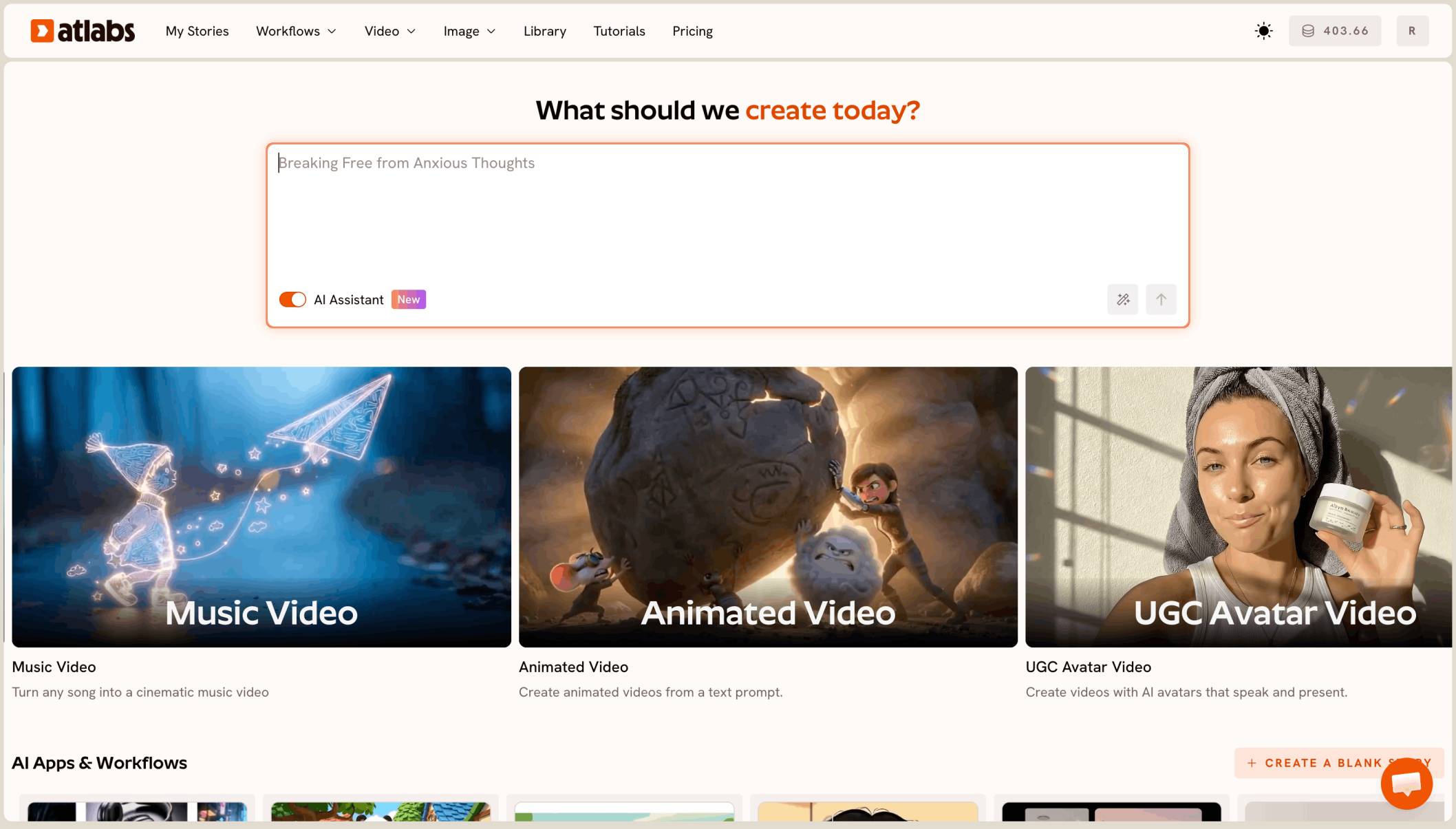
The Kids Music Video workflow has 4 steps: Music, Set Style, Concepts and Finalise.
Step 1: Music
Open Kids Music Video and upload your finished French track, or paste a Suno or SoundCloud link. Set the story language to French, so the scenes follow your French lyrics. Trim only if you need to, because trimming is permanent.

Music: upload your French song and set the language to French.
Step 2: Set Style
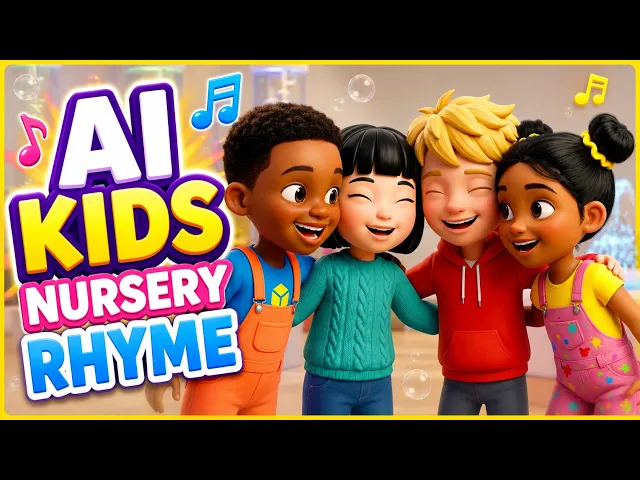
Pick 16:9 for a full YouTube video. Then choose 3D Cartoon. It's the soft, rounded look most kids song channels use, and it's the style in every image in this guide. Keep it for every song so your channel looks like one show.

Set Style: choose 16:9, then pick 3D Cartoon.
Step 3: Concepts
Atlabs suggests creative directions from your song. Pick the one with one animal hero and one setting, like a hedgehog in a vegetable garden. A single hero and a single place keep a long song easy to follow for ages 2 to 6.

Concepts: pick the idea with one hero and one setting.
Step 4: Finalise
Check your cast first. Every scene uses these characters, so fix anything that's off now. Then pick Video Teaser. It animates up to 4 opening scenes into a 20 to 25 second clip, so you can see your hero in motion with your French vocals before you spend credits on the whole song.

Finalise: check your cast, then preview with Video Teaser.
Step 5: Render the Full Video
If the teaser looks right, render the Full Video. Atlabs animates every scene of your song and opens it in the editor. Watch it once from start to end before you export.

A later scene of the same song: same hero, same garden, sunset light.
Step 6: Export and publish to YouTube
Export your video, then publish it to YouTube from Atlabs. YouTube asks whether the video is made for kids. For a children's song channel, choose Yes, it's made for kids.
Watch the Kids Music Video tutorial
The tutorial shows the workflow in order: Music, Set Style, Concepts, then Finalise.
How to budget credits for a long French song
Check your balance before you render the Full Video. Every scene image, motion run, lip sync run and export spends credits, and a 6 minute song can have dozens of scenes.
Count your scenes first. After Finalise, look at how many scenes Atlabs made. More verses mean more scenes to animate.
Preview, then render once. Use Video Teaser to catch problems early. Fixing a scene after the full render costs extra credits.
Top up before, not during. If your balance runs out halfway, some scenes stay unanimated. Buy credits first, then render the whole song in one go.
Tips for better results
Use the final mix. Upload the finished track, with vocals and music mixed. The video follows the file you upload.
Keep one hero. A small animal with one clear colour, like a red scarf, is easy for toddlers to spot in every scene.
Read the French yourself. Check names, spelling and any words shown on screen. Atlabs follows your track, but a native speaker should check what's written.
2. Freebeat: best for beat-synced music videos
Freebeat turns a song into a music video cut to the beat, and its full-length option runs up to 6 minutes. It's built for music video looks, not for a recurring kids character in a set story.
3. OpenArt: best for chat based stories
OpenArt Director plans videos of up to five minutes through chat and aims to keep characters steady across scenes. It's part of a wider image and video suite, not a tool made only for kids songs.
4. Runway: best for animating one character
Runway's Gen-4 makes 5 or 10 second clips and can use up to 3 reference images to keep a character stable. It is not built for long form videos, so a full song means many clips and your own edit.
5. Canva: best for a quick clip in a design
Canva's Create a Video Clip uses Veo 3 to make 8 second clips in 16:9. It's handy for a channel trailer, not a full song.
Which one should you pick?
Pick Atlabs if you have your own French kids song and want the whole track as one cartoon video with the same hero in every scene. It is the only tool here that builds the full song from your upload with a Video Teaser preview.
Pick Freebeat if you want a beat-cut music video look. Pick OpenArt if you already use its suite and your song is under five minutes. Pick Runway for one polished shot. Pick Canva for a short trailer for your channel.
FAQ
Can Atlabs make a video from a song sung in French?
Yes. Upload your French track in Kids Music Video and set the story language to French. The scenes follow your French lyrics.
How long can my French song be?
From 15 seconds to 15 minutes, as a file under 200 MB or a Suno or SoundCloud link. Atlabs makes the full song as one video.
How do I keep the same character through a 6 minute song?
Pick a concept with one animal hero and one setting, and check the cast on the Finalise step. Every scene uses that cast, so the hero looks the same from the first verse to the last.
How do I plan credits for a long song?
Check your balance before you render. Preview with Video Teaser, then render the Full Video once, with enough credits for every scene.
Should I mark the video as made for kids on YouTube?
Yes, if it's a children's song for young viewers. YouTube asks this when you publish, and kids songs should be marked made for kids.