참조 비디오를 사용하여 모든 이미지에 애니메이션 적용하기
레퍼런스 동영상과 캐릭터 이미지를 업로드해 보세요. AI가 댄스 동작, 제스처, 포즈 등 정확한 움직임을 이미지에 그대로 전달해 드립니다. 스튜디오도, 3D 리깅도 필요 없습니다. 그냥 업로드만 하면 바로 시작할 수 있습니다.
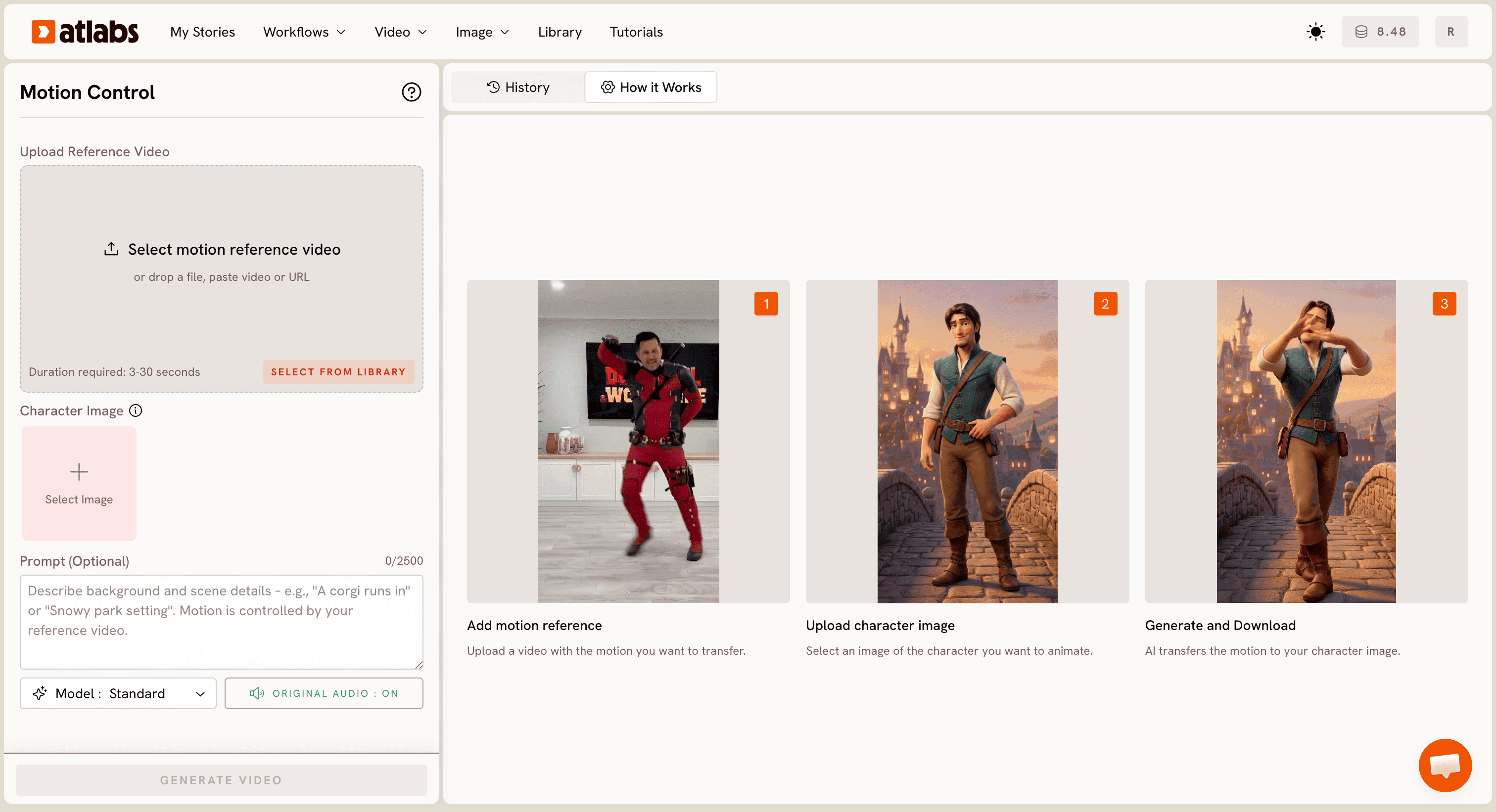
차근차근
작동 방식
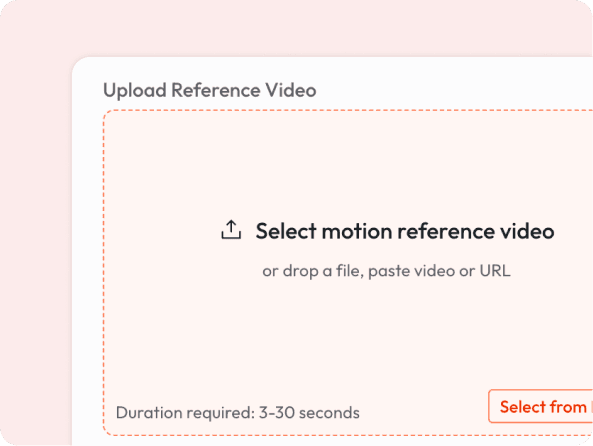
적용하고 싶은 동작이 담긴 3초에서 30초 길이의 동영상을 업로드하세요.
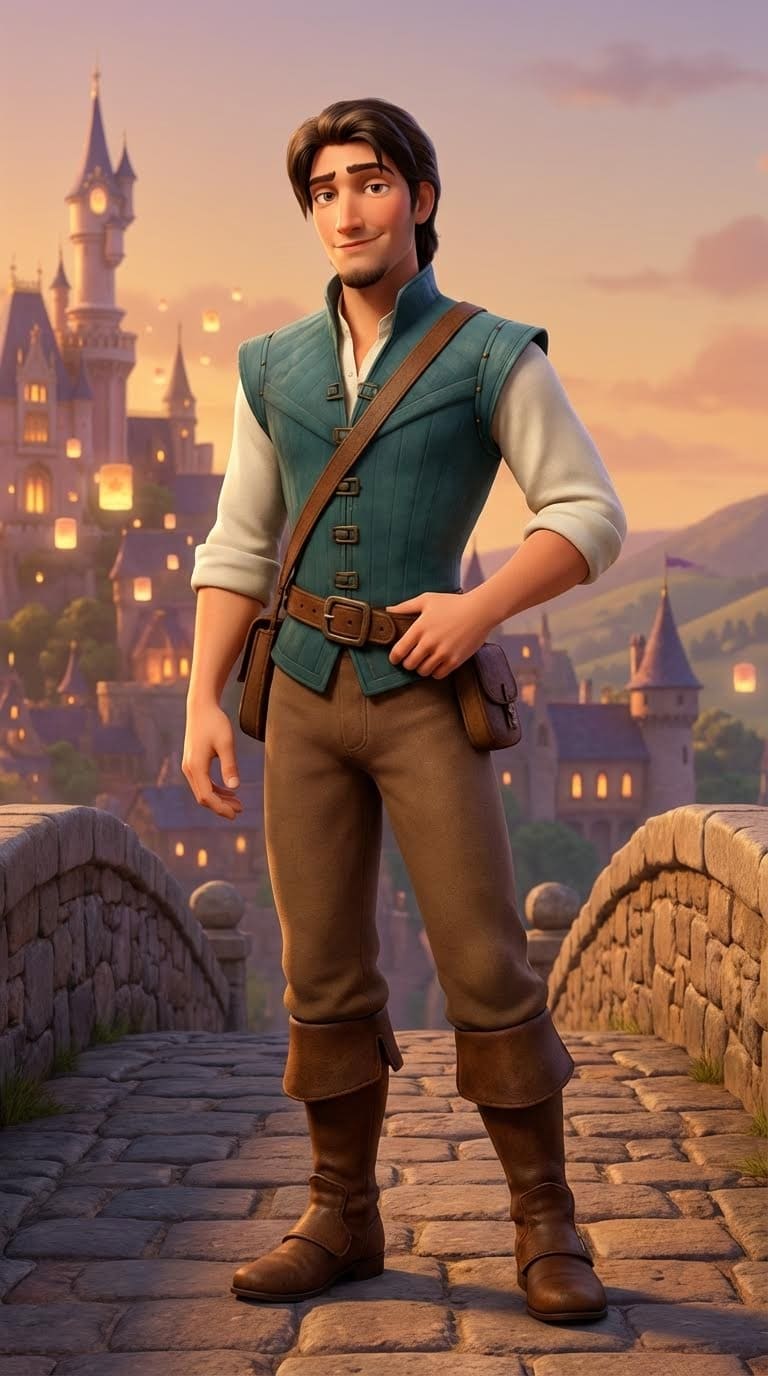
캐릭터 이미지 추가
만화 캐릭터, 일러스트 마스코트, AI 생성 초상화 또는 사진 등 원하는 이미지를 끌어다 놓으세요.
AI가 동영상의 동작을 캐릭터에 매핑하여 매끄러운 애니메이션 동영상을 렌더링합니다.

동영상 다운로드
몇 초 만에 다운로드하고 공유하세요.
몇 가지 예시
어떤 동작이든 캐릭터에 애니메이션 적용하기
이것이 특별한 이유
Any Art Style Works
It works across styles - realistic portraits, cartoon characters, anime, mascots, and more. The AI adapts motion to fit your character naturally.
No Motion Capture Equipment
Traditionally, animating a character requires expensive 3D rigs or motion capture suits. Now you just need a short video of any person moving.
Keep Your Original Audio
The reference video's audio is preserved in the output, so your animated character can lip-sync or react to music automatically.
Fast Turnaround
No render queues. No editing software. Upload, generate, and download. Most videos are ready in under a minute.
궁금한 점이 있으신가요?
What kind of reference video works best?
Any video of a person moving clearly: dancing, gesturing, walking, or posing. 3 to 30 seconds, filmed with decent lighting. Avoid heavy occlusion (person blocked by objects).
What image formats can I upload for the character?
JPG and PNG work best. The character should be clearly visible, ideally full-body or at least from the waist up for full motion transfer.
Will the background change?
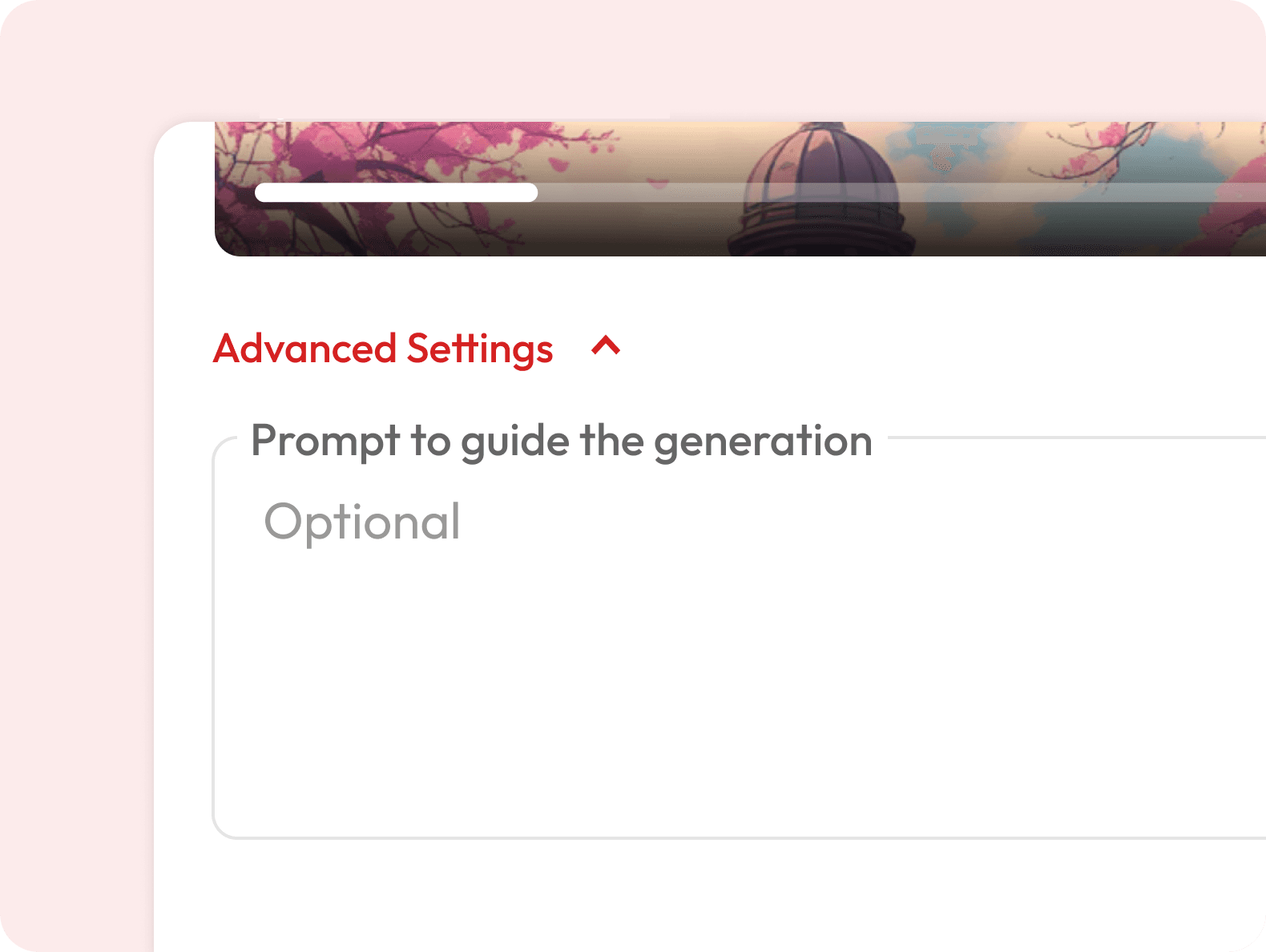
You can describe a background in the optional prompt field. Otherwise, the character is placed in a contextually appropriate scene.
Can I use a dance video from social media as a reference?
Yes, you can paste a video URL directly into the upload field.
Is this the same as deepfake technology?
No. Motion Control transfers movement onto illustrated or AI-generated characters and does not replace real human faces or create synthetic impersonations of real people.
What's the difference between Motion Control and Image to Video?
Image to Video generates motion from a text prompt. Motion Control lets you control exactly what motion plays out, because you provide the reference video yourself.
Is it free to use?
Motion Control requires a subscription. Visit our pricing page to find a plan that works for you.
How long does it take to generate the animated video?
Most videos are ready within a few minutes depending on the length of your reference clip. You will get a notification as soon as your video is ready to download.
Can I use the generated videos commercially?
Yes, videos generated on eligible subscription plans can be used for commercial purposes including ads, social media, and client projects. Check the pricing page for details on which plans include commercial usage rights.
Can I use this for cartoon or illustrated characters?
Yes, this is one of the most popular use cases. Upload any illustrated or AI-generated character and it will animate with the reference motion.