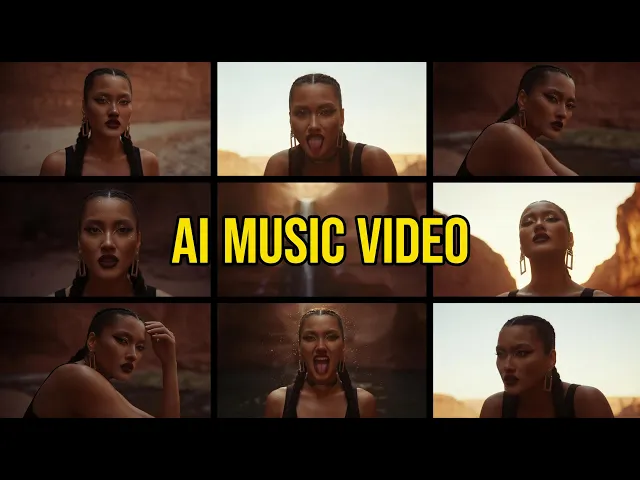
AI 뮤직 비디오 생성기
2분 만에 당신의 노래를 뮤직비디오로 만들어보세요
트랙을 업로드하고 비주얼 스타일을 선택하기만 하면, Atlabs AI가 전문가가 촬영한 듯한 비트에 맞춘 뮤직비디오를 제작해 드립니다. YouTube, Instagram, Spotify Canvas에 바로 업로드할 수 있습니다. 제작진도, 편집도, 예산도 필요 없습니다.
G2 평점 4.8/5
Capterra 평점 4.9/5
작동 원리
트랙에서 시각적 걸작까지 단 3단계로 완성하기
음악 파일을 업로드하거나 Suno 링크를 붙여넣으세요
오디오 파일을 직접 끌어다 놓거나 Suno 노래 링크를 붙여넣으세요. Atlabs AI가 트랙의 분위기, 템포, 에너지를 파악하여 전체적인 비주얼 방향을 설정합니다.
시각적 스타일과 스토리 전개를 선택하세요
시네마틱 실사, 3D 애니메이션, 애니메이션, 로파이, 네온 사이버펑크, 수채화 등 50가지 이상의 AI 비주얼 스타일 중에서 선택해 보세요. 화면 비율, 재생 시간, 움직임 방향을 몇 초 만에 설정할 수 있습니다.
생성, 개선 및 출시
몇 분 안에 뮤직비디오가 완성됩니다. 원하실 때 언제든 장면을 교체하고, 특정 클립을 재생성하며, 색상을 미세 조정하거나 가사 자막을 추가한 다음, 모든 플랫폼에 최적화된 1080p 해상도로 내보내기 하세요.
비주얼 스타일
20가지 이상의 스타일. 하나의 음악. 무한한 창의적 방향.
귀하의 음악에 어울리는 것을 선택하거나 자유롭게 실험해 보세요.
Atlabs에서는 나만의 맞춤형 비주얼 스타일을 학습시킬 수도 있습니다. 제작하는 모든 비디오가 여러분만의 독창적인 미감과 완벽하게 일치하게 됩니다.
튜토리얼
노래에서 영상까지, 단 몇 분 만에
K-팝 뮤직비디오, 사진을 동영상으로 변환, 립싱크 등 다양한 튜토리얼을 빠르게 확인해 보세요. 편집 경험이 없어도 누구나 쉽게 따라 할 수 있습니다.
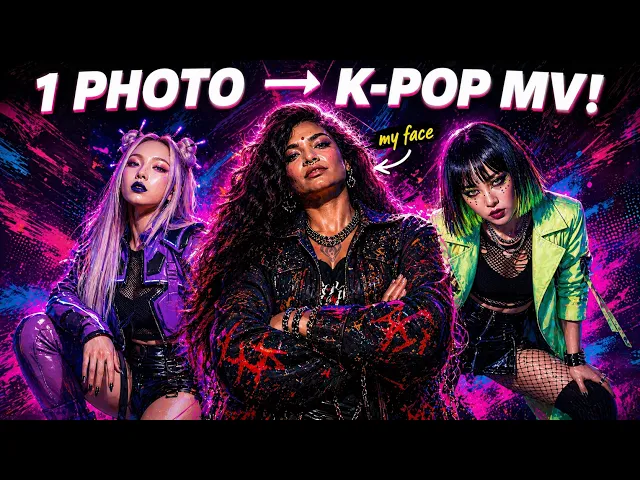
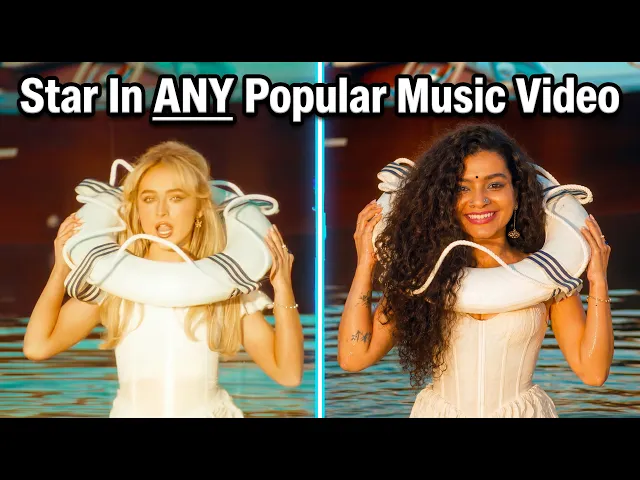
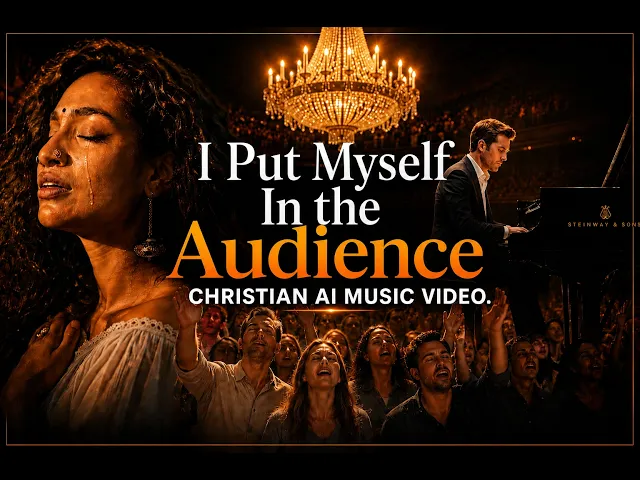
위한
모든 유형의 음악 크리에이터를 위해 제작되었습니다
크리에이터들의 한마디
뮤지션들은 자신들의 발매 곡을 위한 Atlabs의 작업에 열광합니다
자주 묻는 질문
AI 뮤직 비디오 제작에 관한 자주 묻는 질문
How does the AI music video generator work?
You upload your audio file or describe your songs concept. Atlabs AI analyses the tracks tempo, mood, and energy to generate a storyboard, then renders AI visuals synced to the music. You can customise every scene before exporting.
Do I need any video editing skills?
None at all. Atlabs is designed for musicians and creators who want professional results without learning a timeline-based editor. If you can upload a file and choose a style, you can make a music video.
Is it free to make an AI music video?
Yes - you can start for free with no credit card required. Free credits let you explore the workflow. Paid plans unlock longer durations, premium AI models (like Google Veo 3.1), 1080p exports, and full scene editing.
How long does it take to generate a music video?
Most videos are ready in under 2 minutes. Longer videos take proportionally more time, but the whole process is still faster than a single revision round with a traditional editor.
What visual styles and genres does Atlabs support?
Atlabs has 50+ built-in styles spanning cinematic live-action, 3D cartoon, anime, lo-fi illustrated, neon cyberpunk, watercolour, webtoon, and more. You can also train a custom style on your own references.
Can I keep the same character or artist across the whole video?
Yes. Atlabs consistent character feature locks the appearance, clothing, and visual style of your artist or character across every scene — no drift, no inconsistency frame to frame.
Can I add lyrics or subtitles to my music video?
Absolutely. Atlabs supports 10+ animated caption styles that you can sync to your lyrics — especially powerful for Instagram Reels and TikTok where most viewers watch without audio.
What platforms can I export to?
You can export in any aspect ratio — 16:9 for YouTube, 9:16 for TikTok and Reels, 1:1 for Instagram feed. Atlabs also supports Premiere Pro export on higher plans for final colour grading.
Is the generated content royalty-free?
All visuals generated by Atlabs are yours to use. Your song and any uploaded assets remain entirely your intellectual property.
I have more questions!
Please send us a message using the chat icon on the right of the website, or email us at support@atlabs.ai
다음 뮤직비디오가 지금 바로 시작됩니다.
50,000명 이상의 아티스트가 Atlabs AI를 사용하여 노래를 멋진 비주얼로 바꾸고 있습니다. 지금 함께하세요.