AI로 비디오 수정하기
AI 기반 VFX. 이미지 레퍼런스와 간단한 프롬프트를 사용하여 배경을 변경하고, 캐릭터를 편집하고, 시간을 바꾸거나, 비디오 전체를 완전히 새롭게 재구성해 보세요.
환경 변경
밤으로 만들기
이전
후
비 추가
이전
후
화산 지대로 변하기
이전
후
어둡고 연기가 자욱한 골목으로 접어드세요
이전
후
분수대 및 분사기 추가
이전
후
건물들 사이에 고질라를 추가하세요
이전
후
차량 제거
이전
후
이전
후
피사체의 색상을 분홍색으로 변경
이전
후
캐릭터를 폭신폭신한 고양이로 교체
이전
후
그를 아이처럼 대하세요
이전
후
헤어스타일을 곱슬머리로 변경
이전
후
카메라 앵글을 와이드 샷으로 변경
이전
후
측면 보기로 변경
이전
후
크로마키 추가
이전
후
책을 크로마키 처리하세요
이전
후
이전
후
차근차근
작동 방식


동영상 업로드
드래그 앤 드롭, 선택 또는 URL 붙여넣기
프롬프트를 입력하세요
원하는 변경 사항을 설명해 주세요
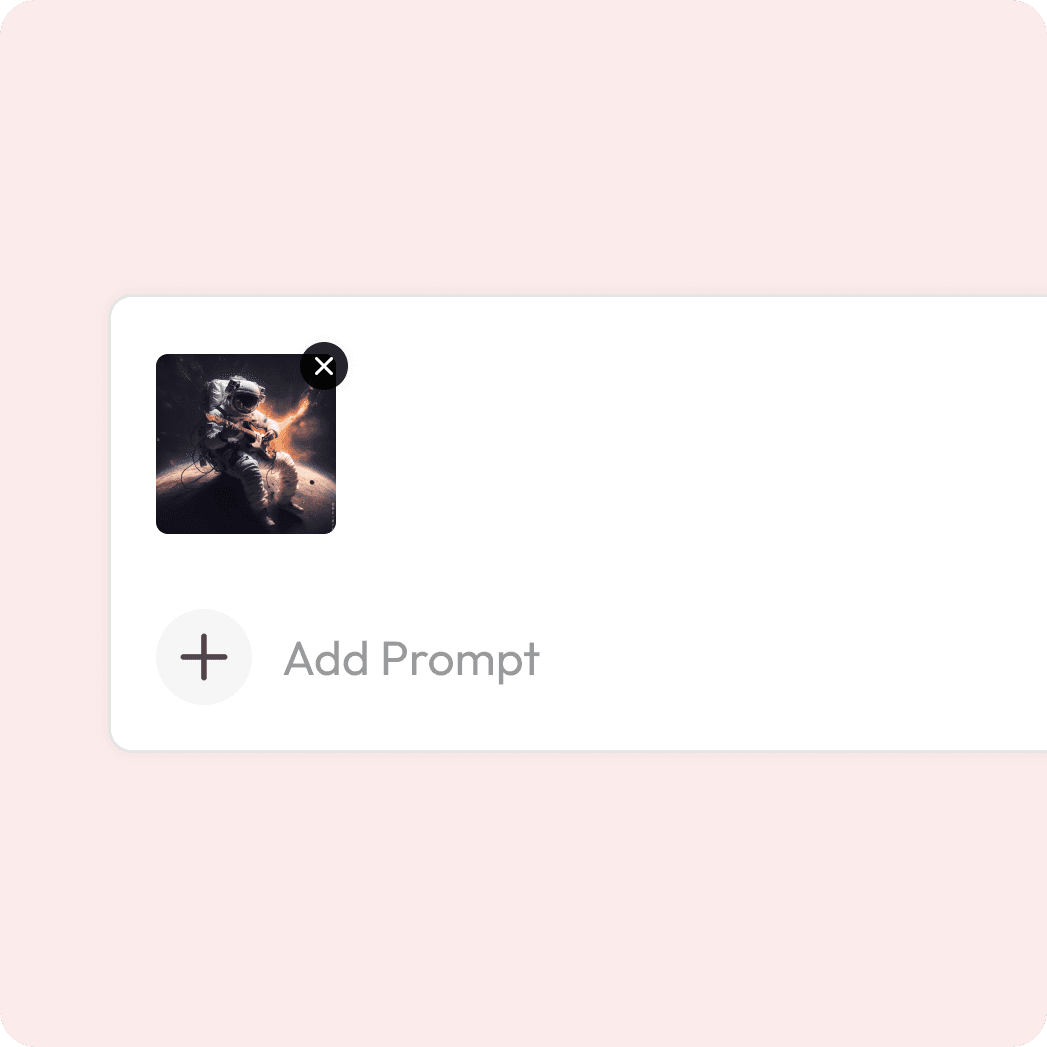
정확도를 위해 선택적으로 추가 가능
미리보기 및 다운로드
변환 및 내보내기를 확인해 보세요.
어떤 클립이든 완전히 새로운 것으로 바꿔보세요
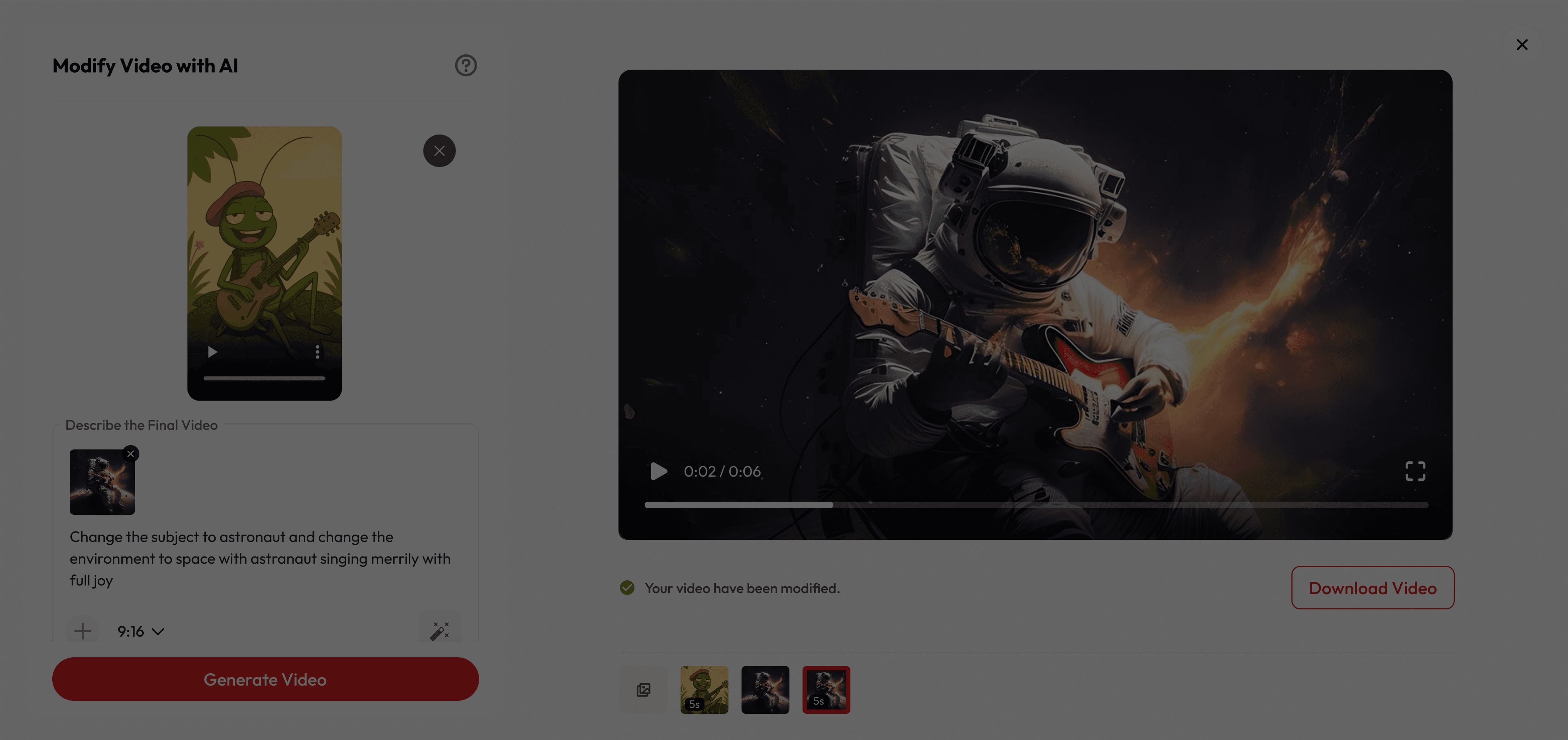
이것이 특별한 이유
Creative Control, Simplified
Refresh your footage effortlessly and give old clips a brand-new look with modern, cinematic quality.
Instant Video Makeover
Swap objects, change backgrounds, or add cinematic effects—no reshoots needed.
Modify faster and cheaper
Skip complex edits and costly shoots—just write a prompt and create professional results in minutes.
궁금한 점이 있으신가요?
What is video modification?
Video modification lets creators transform existing footage using natural-language prompts. It can add, remove, or change objects, restyle scenes, adjust lighting, and even generate alternative camera angles while keeping frames consistent.
Is it free to use?
Yes! New users get free credits when they sign up, which you can use for a certain number of generations at no cost. Once your free credits run out, you can purchase more or subscribe for unlimited access.
Are there content or usage restrictions?
Yes. Edits must comply with Atlabs’ acceptable-use and rights policies. Upload only content with the right to modify.
What are best practices for prompting?
Be specific about objects, actions, materials, and mood. Mention camera moves and lighting intent (e.g., “soft golden-hour rim light,” “subtle push-in”). Provide references when possible. You can also try magic prompt.
How fast is the process?
Most videos are generated in just a few seconds, depending on size and prompt.
How do I add a reference image?
Click the + icon in the editor to add reference image, and upload a single image. Only one reference can be attached per edit at this time.