AI를 사용하여 동영상에서 무엇이든 즉시 지우세요
더 이상의 재촬영은 필요 없습니다. 단 한 번의 클릭으로 동영상에서 원치 않는 사람, 로고, 사물 또는 방해 요소를 제거하세요.
배경 속 인물 지우기
이전
후
이전
후
차량 제거
이전
후
이전
후
이전
후
차근차근
작동 방식


동영상 업로드
드래그 앤 드롭, 선택 또는 URL 붙여넣기
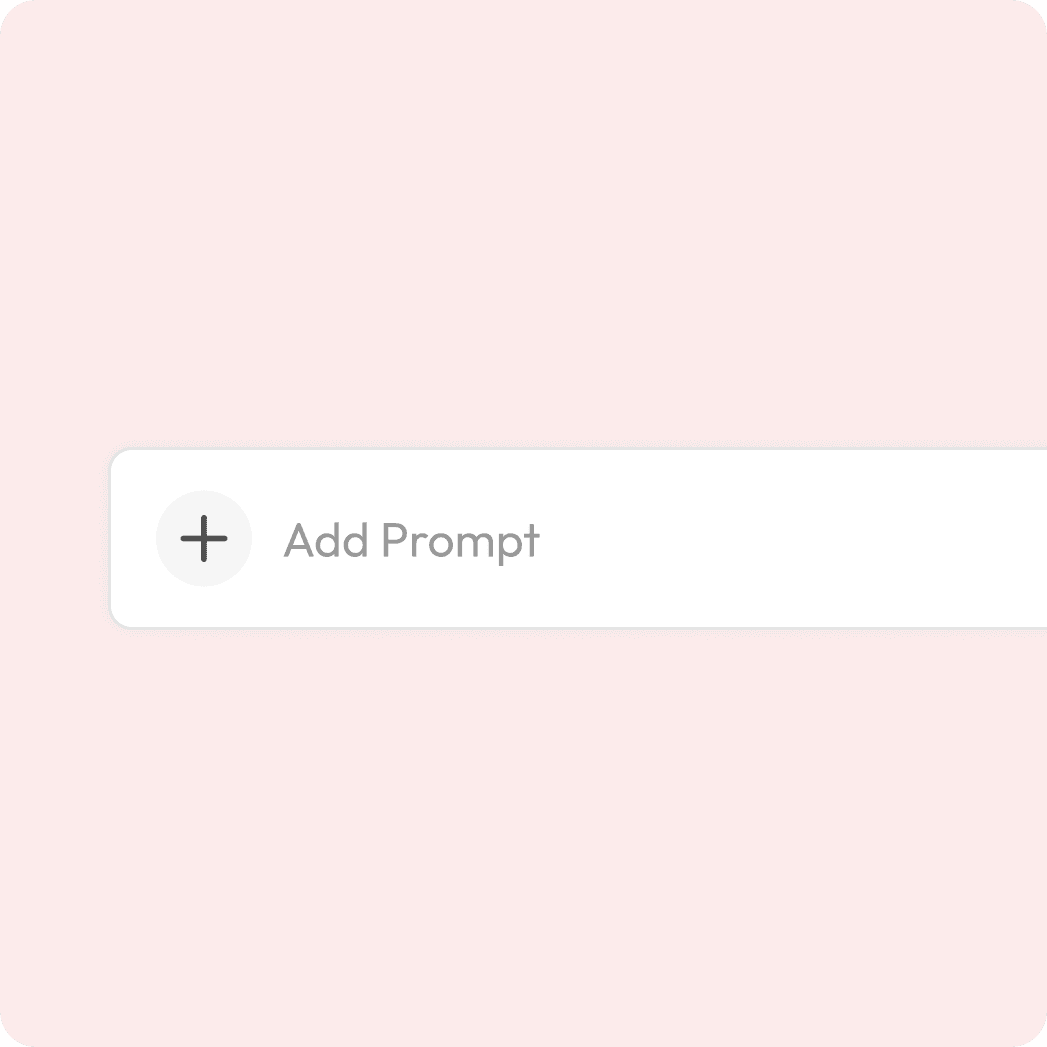
프롬프트를 입력하세요
동영상에서 지우고 싶은 부분을 언급해 주세요.

미리보기 및 다운로드
마법 같은 변화를 지켜보고 내보내기 하세요.
동영상 정리 기능이 인기를 끌고 있습니다.
프레임에 시선을 분산시키는 요소를 남겨두지 마세요!
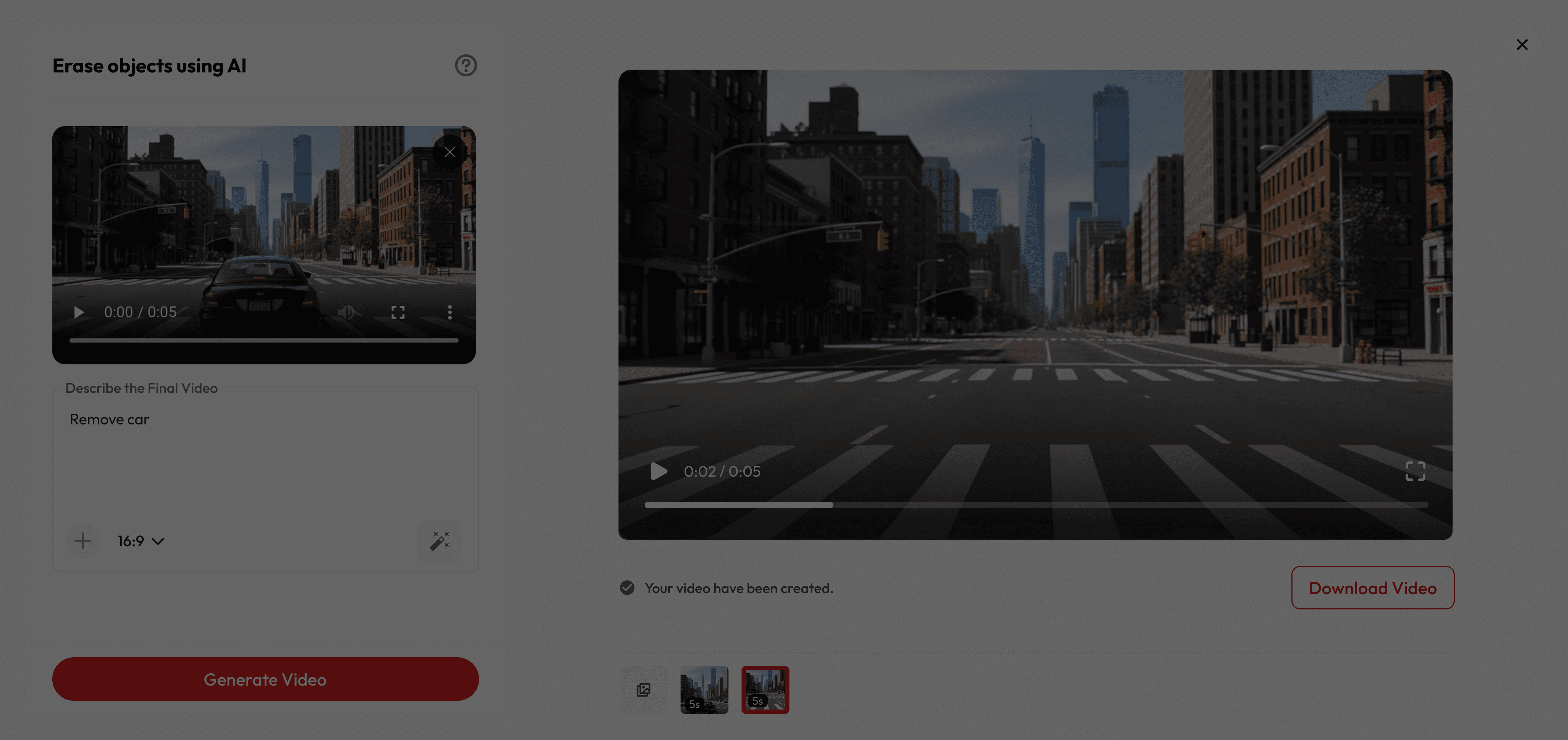
사람들이 좋아하는 이유
궁금한 점이 있으신가요?
Do I need to edit frame-by-frame?
Absolutely not. Just write your prompt, our AI follows it across the clip and removes it automatically.
Is it free to use?
Yes! New users get free credits when they sign up, which you can use for a certain number of generations at no cost. Once your free credits run out, you can purchase more or subscribe for unlimited access.
How long are the videos?
Most baby videos are just a few seconds—short, snackable, and perfect for sharing.
Can I share it on Instagram/TikTok?
Absolutely. Every video is sized perfectly for Reels, Stories, and TikToks.
Will it really look seamless?
The algorithm rebuilds missing pixels by analysing surrounding frames, preserving texture, lighting, and motion for natural results.
What objects can I erase?
Anything visible: people, logos, text, power lines, reflections—even multiple moving elements at once.
Will it work on moving objects?
Yes! Our AI tracks motion across frames so removals look smooth and natural.
Do I need professional editing skills?
No, it’s beginner-friendly. Just write the prompt, and AI does the rest.