AI로 자르기 없이 비디오 확장하기
중요한 세부 정보를 잃지 않고 동영상의 화면 비율을 변경해 보세요. AI가 새로운 공간을 매끄럽게 채워 배경을 확장하므로 피사체가 항상 또렷하게 유지됩니다.
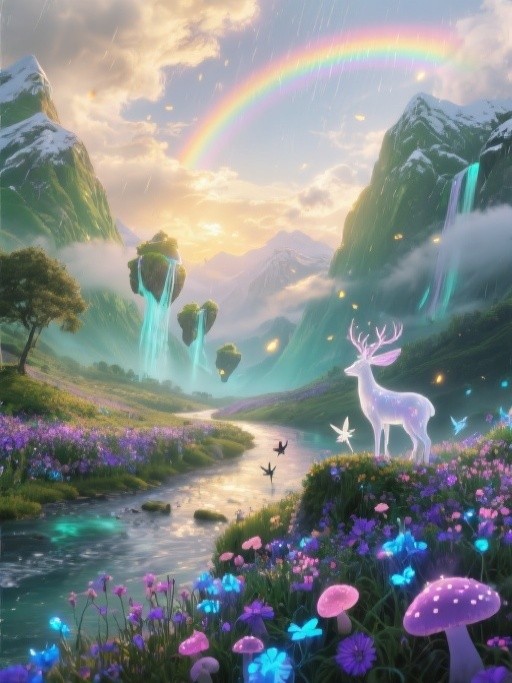
이전
후
9:16에서 16:9로
이전
후
1:1 ~ 21:9
이전
후
16:9에서 3:4로
이전
후
1:2에서 4:3
차근차근
작동 방식


동영상 업로드
드래그 앤 드롭, 선택 또는 URL 붙여넣기
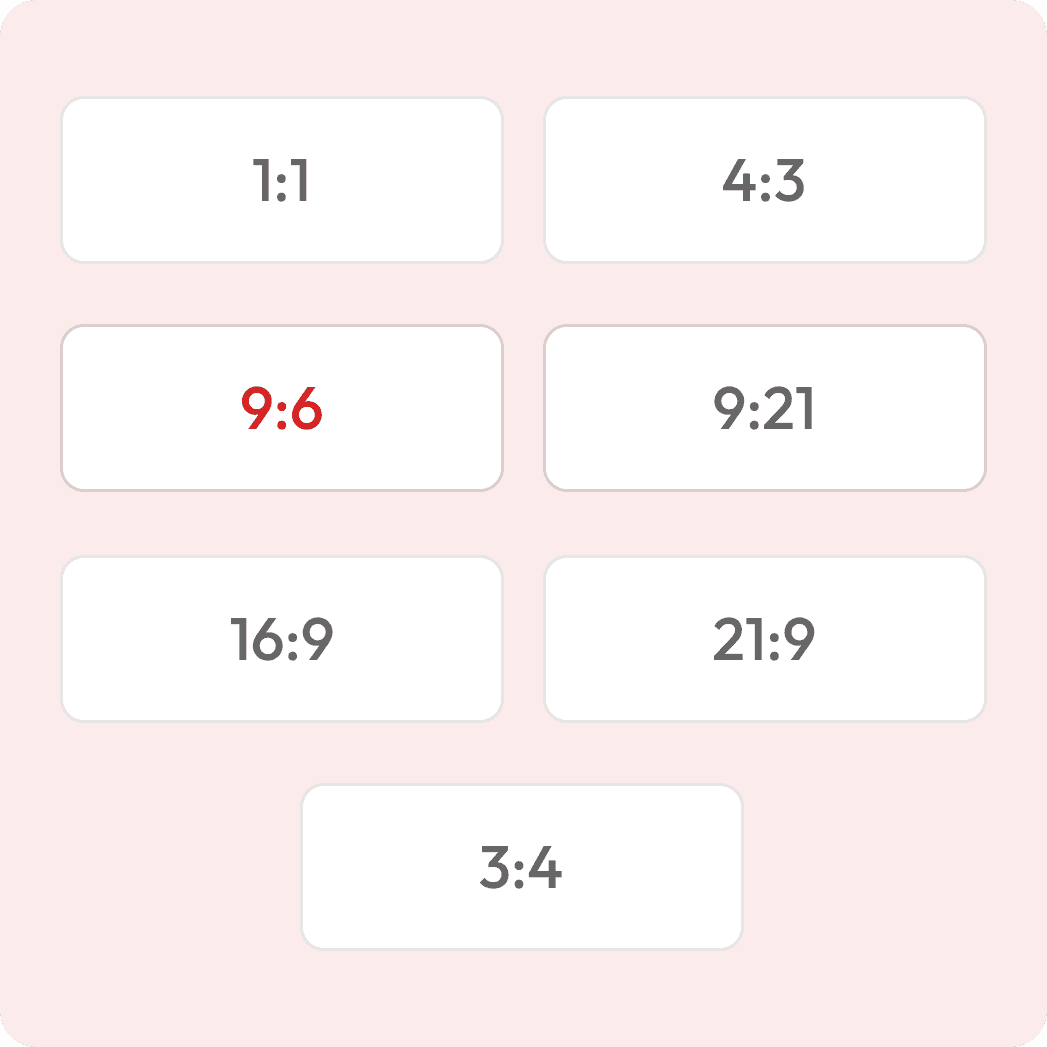
종횡비 선택
예: 1:1, 4:3, 16:9, 9:21
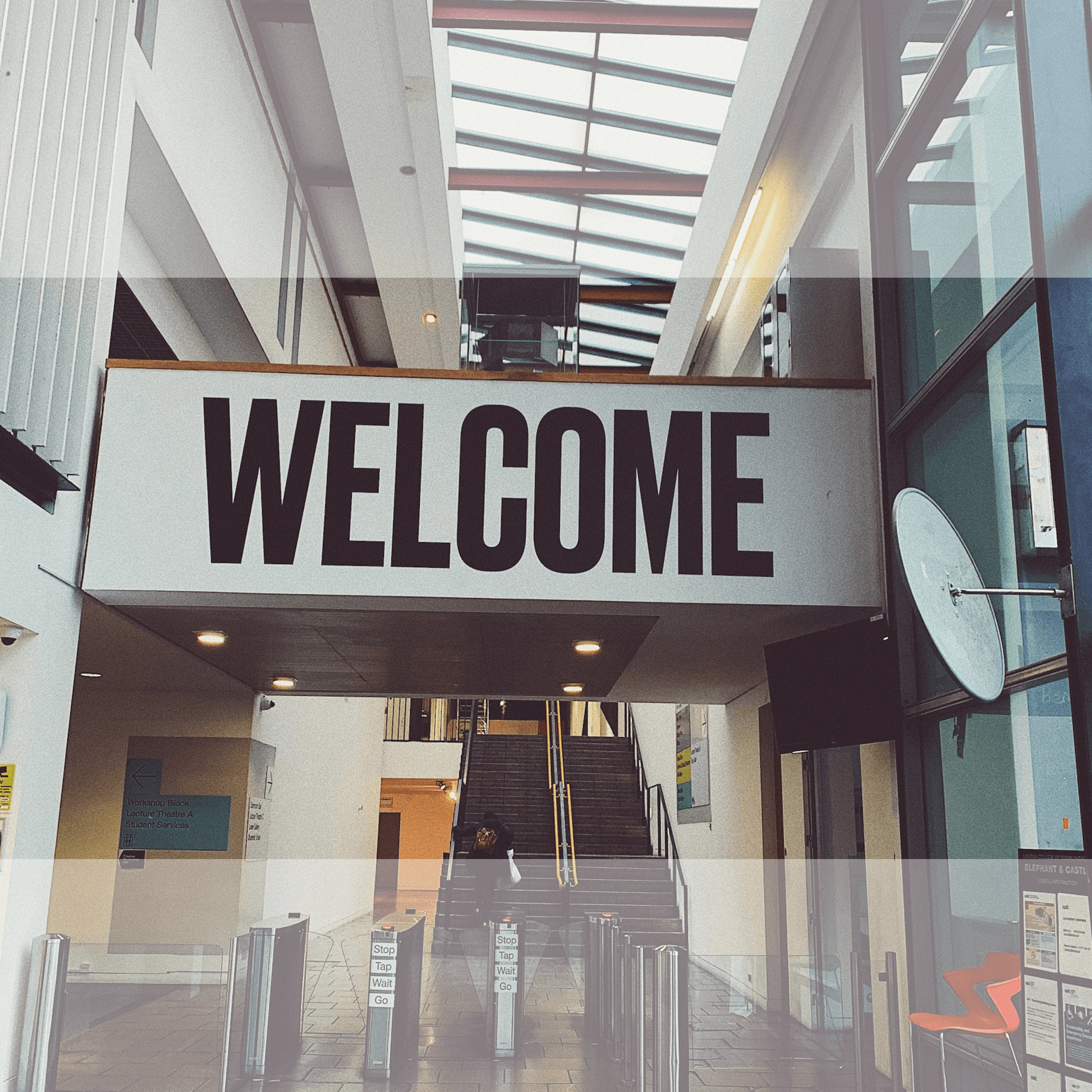
실시간 전후 사진 보기

동영상 다운로드
인쇄용 또는 화면 표시용
어떤 가로세로 비율로든 동영상을 확장해 보세요
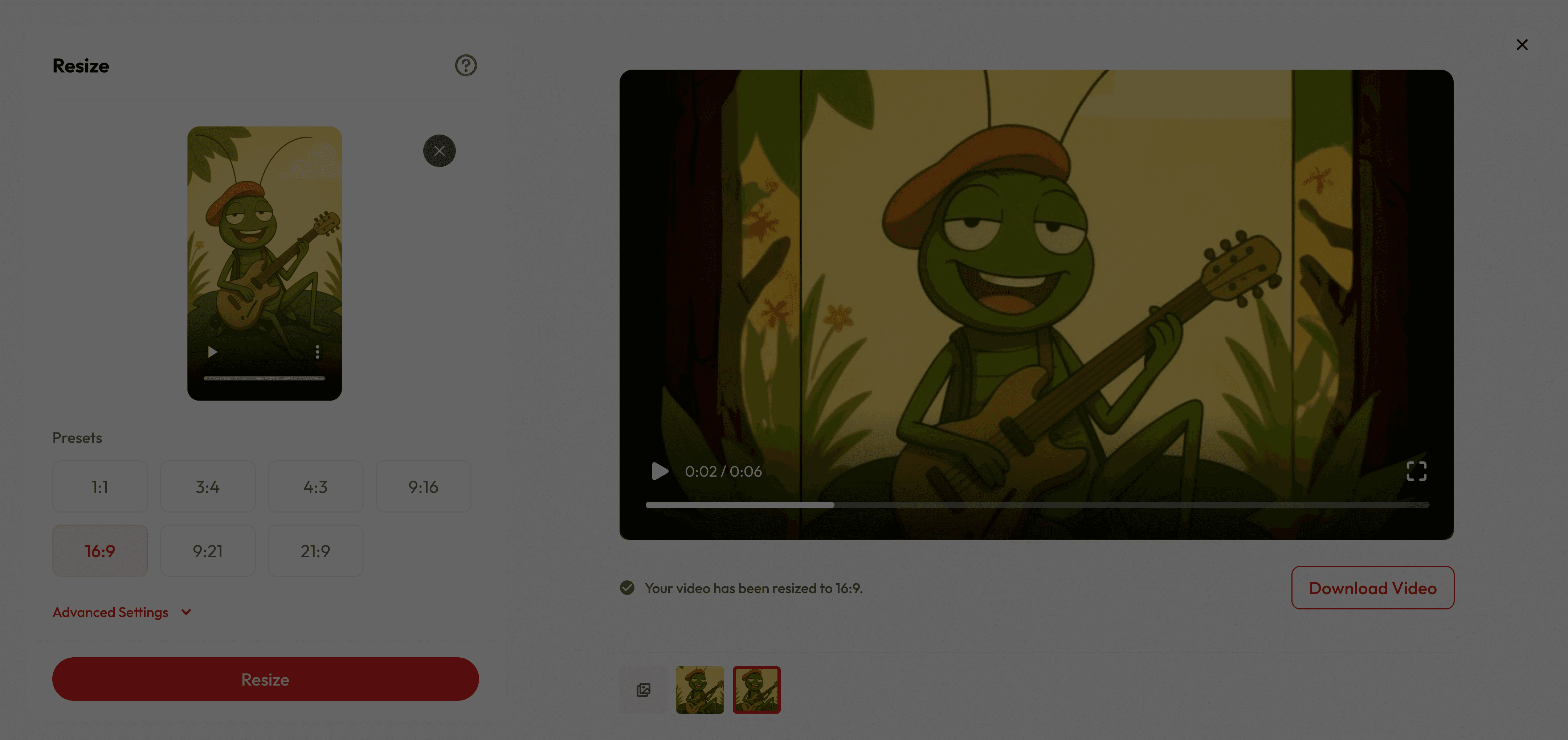

이것이 특별한 이유
Keep Your Main Subject Intact
AI ensures your main subject stays perfectly in focus, filling the edges with realistic, context-aware visuals.
Save Time on Reshoots
Recover cropped framing and reformat for different platforms without extra filming.
Perfect for All Creators
Whether you’re making cinematic edits, social media clips, or quick reels—Reframe fits your needs.
궁금한 점이 있으신가요?
What does “expanding” mean?
Expanding changes your video’s aspect ratio to fit different platforms without cutting out important parts. Instead of cropping, our AI expands the scene by generating realistic background details that blend perfectly with the original footage.
How is this different from normal expanding?
Traditional expanding crops or adds black bars, which can make content look awkward. Our AI uses scene-aware expansion to keep everything visible and naturally fill extra space.
What aspect ratios can I choose from?
You can select popular presets like 1:1, 4:3, 3:4, 16:9, 9:16, 21:9, or 9:21 to suit your needs.
Can I control how the new background looks?
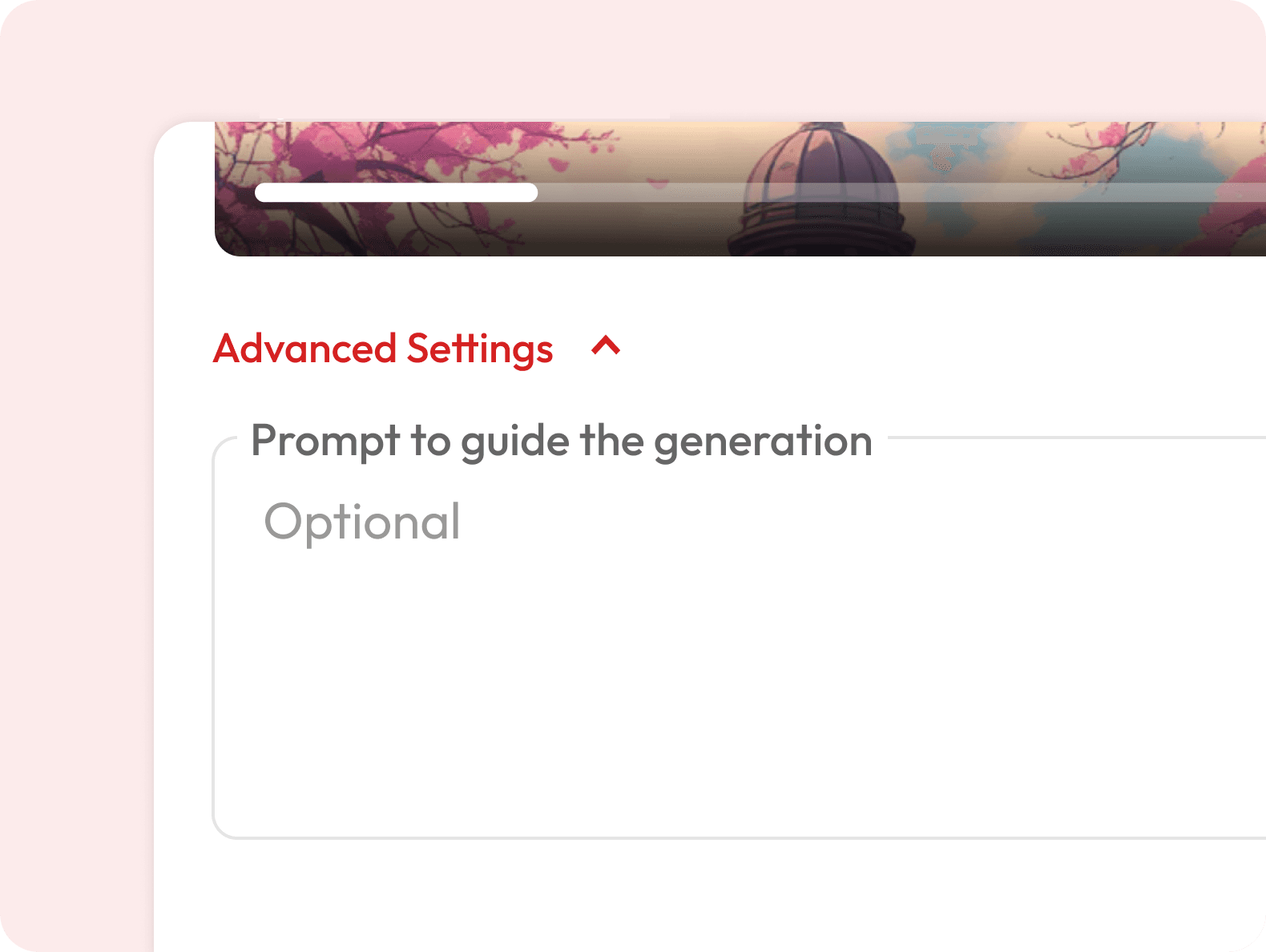
Yes — in Advanced Settings, you can add a prompt to guide the AI’s background style, colors, or mood.
Is the generated background unique every time?
Yes — each expansion is generated fresh by AI, so results may vary slightly even with the same image and settings.
Is there a length limit?
Yes — videos up to 30 seconds are supported for reframing. Longer videos can be trimmed before upload.
Is it free to use?
Yes — you get free credits when you sign up, so you can do a few resizes at no cost. Once your free credits run out, you’ll need to subscribe for more.
Can I use this for animated videos or cartoons?
Absolutely — the AI adapts to both live-action and animated styles, ensuring the generated background matches the original art or animation style.
Will the AI match my video’s style and lighting?
Yes — the AI analyzes your existing footage to generate matching colors, lighting, and depth so the expansion feels seamless.
Will the AI change my subject?
No — your subject, motion, and core content remain untouched. The AI only generates extra background to fit the new aspect ratio.