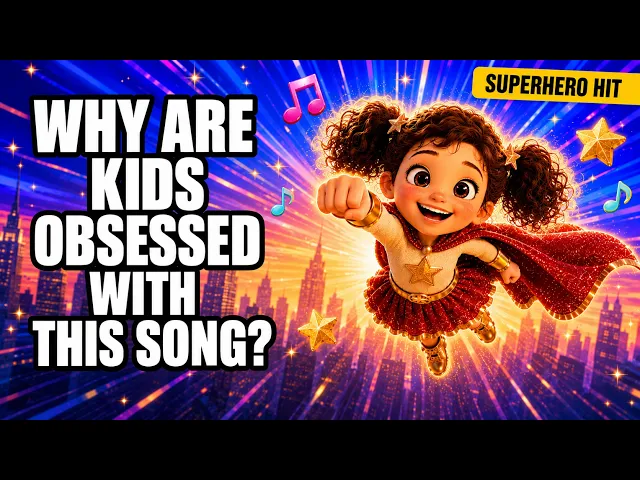
AI Kids Music Video Generator
Make Action Song Videos Kids Can Copy
Make an action song video for kids with a cartoon leader who claps, stomps and jumps on the beat for children to copy. Upload your finished action song and Atlabs animates every move. No filming and no animation studio. Choose a bright, bouncy style to match.
4.8/5 on G2
4.9/5 on Capterra
How It Works
From action song to video in 3 steps
Upload your kids song
Upload your finished action song, whether it is clap and stomp, wiggle and jump or a freeze dance. A clear beat helps each move land on its word, and a typical song runs about two minutes.
Choose your visual style and direction
Choose a bright, playful style, then Performance so a cartoon leader moves and sings with lip-sync or Narrative so scenes show each action. Bold colours and clear shapes make every move easy for children to see and copy.
Generate, refine, and share
Generate your video, check that each move arrives on its word and fix any scene. Export for classroom screens, YouTube, Shorts or Reels, ready for children to clap, stomp and jump along together.
Visual Styles
Bold, clear visual styles for every move you teach
Choose from 20+ styles. Soft storybook and bright 3D both give a leader that children can see and copy clearly.
You can also train your own custom visual style on Atlabs - every video you make matches your unique aesthetic.
TUTORIALS
Watch an action song grow into a video
Action songs suit short lines and one move at a time. These short tutorials show each step from upload to export, so your action song video shows every clap, stomp and jump right as the lyrics call for it.
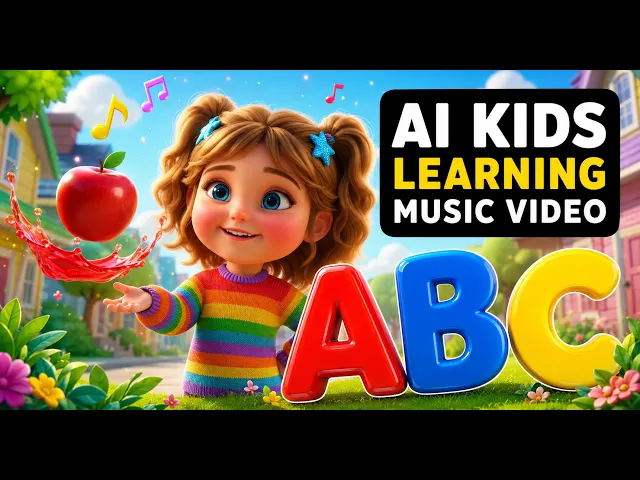
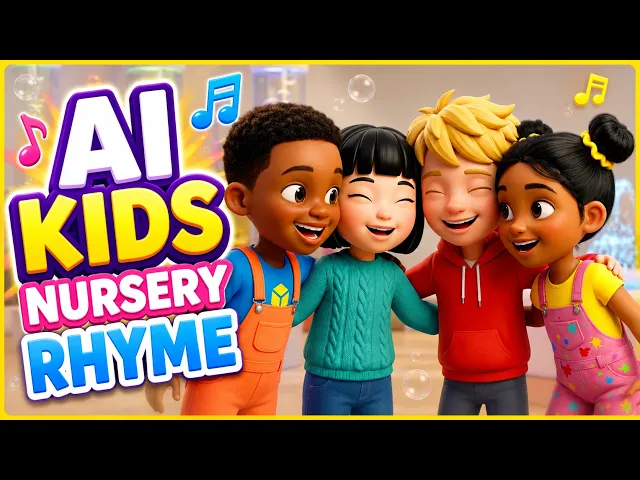
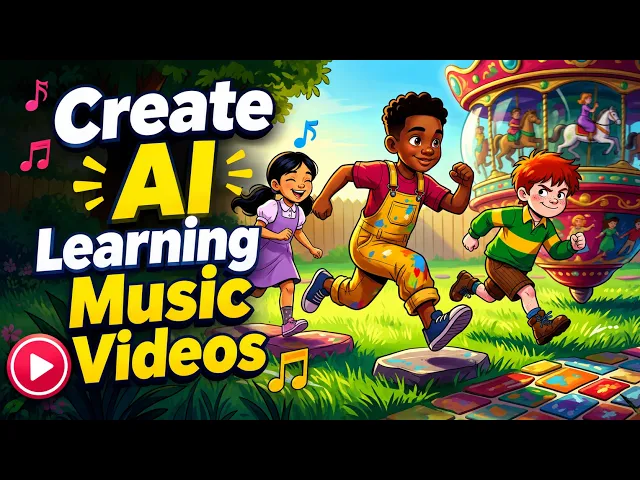
By hand, filming a leader means a camera, a clear space, several takes and an editor to line each move up to the audio. With Atlabs you upload your song and each move arrives as a scene on the beat, so changing a verse means re-recording one verse, not reshooting the whole video.
No credit card required | No editing experience needed
Who is it for
Who makes action song videos for children
What Creators Say
What teachers and entertainers say about action videos
FAQ
Action song video questions from teachers
How do I make a dance-along action song video for kids?
Upload your finished action song to Atlabs, pick a bright style and a mode, then generate. Each move arrives as a scene on the beat, and any scene can be fixed before you export. Most action songs finish generating within minutes.
How do I make each move land on the song beat?
Sing one clear move on each strong beat and keep the tempo steady, such as clap, clap, stomp, stomp. Record the song with the beat easy to hear. Atlabs reads the recording as it plays, so each move arrives on its word, and you can check every scene before exporting.
What is a lyric-to-action cue list for kids?
It pairs each lyric word with the move it cues: clap means hands together, stomp means feet down, wiggle means shake the whole body, jump means both feet up. Keep one move for each word, say the word clearly and repeat it, so children learn the cue after a play or two.
How do I keep a classroom action song safe?
Clear an arm's length of space around each child, keep to a soft or non-slip floor and offer a seated version for children who need it. Start with slow moves, finish with a calm verse and check that no one is jumping near furniture. These are general tips, not safety advice.
What style suits an action song video for children?
Choose a bright cartoon or soft storybook look with a big leader and a plain background. Bold colours and clear shapes help children see each move from a distance, and large captions show the action word. Bright 3D suits a livelier, faster dance.
Can I make an action song in Spanish or French?
Yes, an action song can be in Spanish, French or any of 40+ languages. Captions follow the words you sing, so salta or saute appears as the leader jumps. This works well in language classes, where children learn the words by moving.
Get your class moving with an action song video
Join 50,000+ creators turning songs into stunning visuals with Atlabs AI. Free to start, no editing experience needed.