Features
Workflows
Solutions
Resources
AI Kids Music Video Generator

Make a Theme Song Video for Kids' Channels

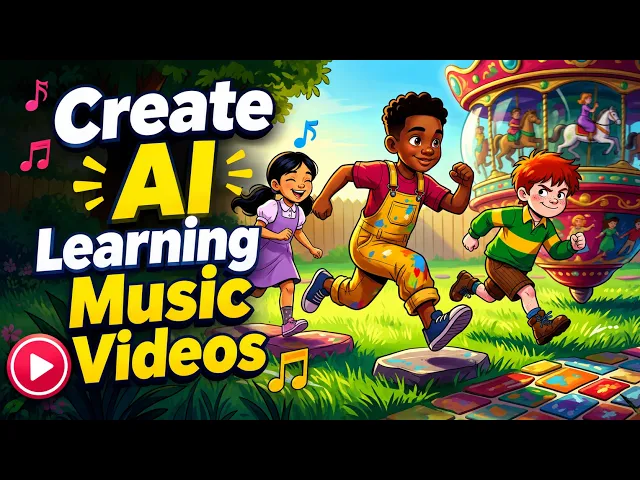
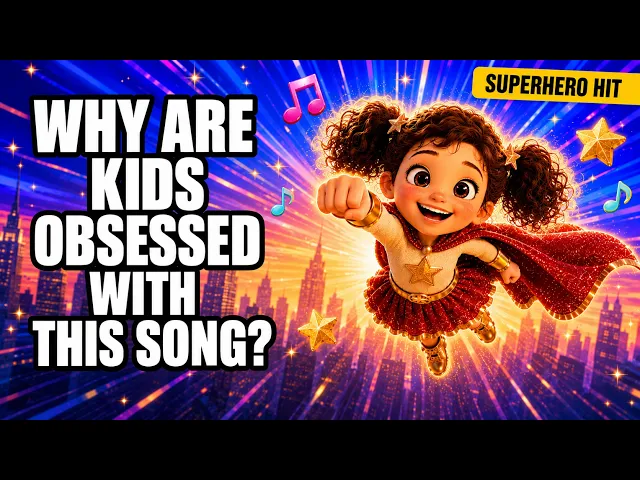
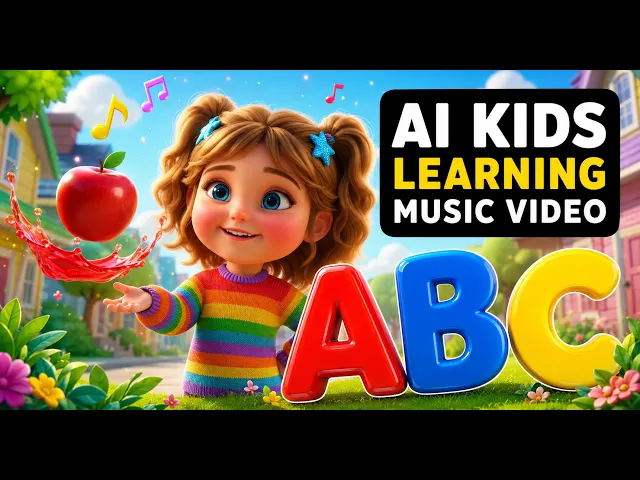
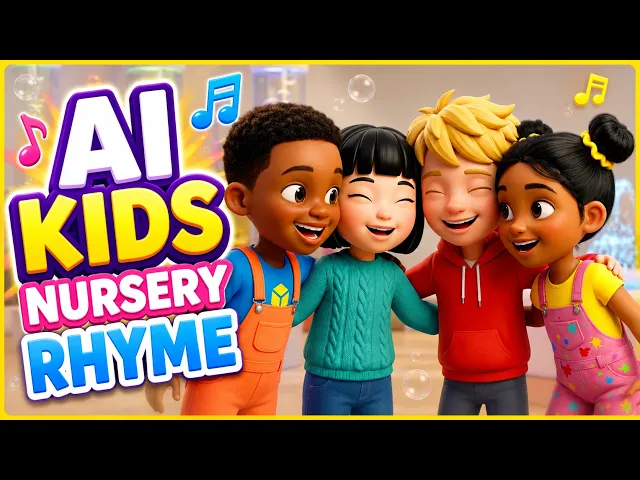
Make a kids channel theme song video where your mascot, your colours and your hook open every episode the same way. Upload your channel jingle and Atlabs animates it in minutes. No filming and no animation studio. Export it ready to open every video.

4.8/5 on G2
4.9/5 on Capterra
How It Works

From jingle to theme video in 3 steps

Upload your kids song

Upload your finished jingle or theme song, with clear vocals so the channel name can be heard. Cut a 10-second intro and a 30-second theme from the same song, and upload each cut.

Choose your visual style and direction

Choose a bright style, then Performance so your channel mascot sings the theme with lip-sync or Narrative so the cast acts it out. Keep the same style for every cut, so your intro and your theme look like one brand.

Generate, refine, and share

Generate your cuts and watch them against the song, checking the mascot appears in the first second and the name is clear. Save each one to play on a phone, a tablet or a channel of your own.

Features

Kids channel theme song video features, cut by cut

Beat-Synced Scene Generation

Your jingle sets the scenes. When the theme sings your channel name, the mascot waves on screen, and the chorus brings back the same bright look. Atlabs follows the beat, so the intro lands as it plays.

0:08

0:22

0:35

0:51

Beat-Synced Scene Generation

Your jingle sets the scenes. When the theme sings your channel name, the mascot waves on screen, and the chorus brings back the same bright look. Atlabs follows the beat, so the intro lands as it plays.

0:08

0:22

0:35

0:51

Beat-Synced Scene Generation

Your jingle sets the scenes. When the theme sings your channel name, the mascot waves on screen, and the chorus brings back the same bright look. Atlabs follows the beat, so the intro lands as it plays.

0:08

0:22

0:35

0:51

Kids-Friendly Visual Styles

Choose from 20+ styles, with the colours and shapes that match your channel. Pick one look for your theme and keep it everywhere, so children spot your show on the first frame of every video.

Consistent Character Look

Cast your mascot once and see the same character in every cut. The hero in your 10-second intro still looks like the singer of your 30-second theme, so your channel feels like one steady show.

Full Scene Editing

If the opening needs a different first scene, edit only that one. Every other scene stays as Atlabs first generated it, so a small fix never means starting your theme video again from the beginning.

Songs in Any Language

Upload a theme in any of 40+ languages. An English jingle, a Spanish welcome or a Hindi rhyme all work, with captions that follow the language you sing, so your channel greets every viewer in their own.

Creative Direction

Direct the opening with a short note, such as the mascot running onto a sunny stage or waving from a treehouse. Your lyrics decide the action, and your notes decide where the theme takes place.

Animated Lyric Captions

Show the channel name in animated captions, with 10+ styles available. The name appears large as it is sung, so children read it, remember it and know exactly which channel they are watching.

Cast Yourself

Upload a photo and star as the host. More than half of paying creators upload their own character portraits, so you can open every episode as a friendly cartoon version of yourself with the mascot.

Kids-Friendly Visual Styles

Choose from 20+ styles, with the colours and shapes that match your channel. Pick one look for your theme and keep it everywhere, so children spot your show on the first frame of every video.

Creative Direction

Direct the opening with a short note, such as the mascot running onto a sunny stage or waving from a treehouse. Your lyrics decide the action, and your notes decide where the theme takes place.

Consistent Character Look

Cast your mascot once and see the same character in every cut. The hero in your 10-second intro still looks like the singer of your 30-second theme, so your channel feels like one steady show.

Animated Lyric Captions

Show the channel name in animated captions, with 10+ styles available. The name appears large as it is sung, so children read it, remember it and know exactly which channel they are watching.

Full Scene Editing

If the opening needs a different first scene, edit only that one. Every other scene stays as Atlabs first generated it, so a small fix never means starting your theme video again from the beginning.

Cast Yourself

Upload a photo and star as the host. More than half of paying creators upload their own character portraits, so you can open every episode as a friendly cartoon version of yourself with the mascot.

Songs in Any Language

Upload a theme in any of 40+ languages. An English jingle, a Spanish welcome or a Hindi rhyme all work, with captions that follow the language you sing, so your channel greets every viewer in their own.

Visual Styles

Bright visual styles that make a channel theme stick

Choose from 20+ styles. Bright 3D and bold cartoon looks give your mascot a clear, lasting identity.

You can also train your own custom visual style on Atlabs - every video you make matches your unique aesthetic.

10

x

Faster video production

50

k+

Users across brands, agencies & creators

100

k+

Videos created on Atlabs

10

x

Faster video production

50

k+

Users across brands, agencies & creators

100

k+

Videos created on Atlabs

10

x

Faster video production

50

k+

Users across brands, agencies & creators

100

k+

Videos created on Atlabs
TUTORIALS

Watch a jingle grow into a theme video

A kids channel theme song video works best when the song is short and sung clearly. These short tutorials show each step from upload to export, so your intro and theme cut are ready to open every episode.
Comparison
Cost per release

Making a channel theme video by hand vs Atlabs

Making a channel theme video by hand vs Atlabs

By hand, a channel intro needs a mascot design, animation, captions and an editor to line them up with the jingle. With Atlabs you upload the song and the mascot arrives on the beat, so a new cut means one more upload. Every other cut stays just as it was.

What you need
Per song
Atlabs AI
Atlabs
Hire a video team
DIY editing tools

Production time

Music video

2 minutes

Included

2–8 weeks

Days of editing

Cost

A second direction to test

From $0

Included

$1,000 – $50,000+

$20–100/mo + your time

Filming required

Alternate style versions

None ✓

Included

Shoot days needed ✗

Stock footage only ✗

Beat-synced cuts

Six vertical cutdowns

Auto ✓

One-click reframe

Manual editor work

Manual

Consistent characters

Localised language versions

Built-in ✓

Included

Casting + continuity crew

Not available ✗

Cast yourself

Consistent artist look across all of it

Yes, one-click ✓

Built in

Yes, too much work

Yes, too much work

Multi-platform export

Turnaround

Instant reframe ✓

Same week

Separate edit per format

Manual reformat

Creative control

Total

Full scene editing

One subscription

Depends on director

Limited

No credit card required | No editing experience needed

Who is it for

Who makes theme songs for kids channels

Kids channel owner

You have a jingle but no intro. Upload it, choose Performance mode so your mascot sings the channel name, and open every episode with the same friendly face that children already know.

Homeschooling parent

You run a small learning channel for your own children. Upload a family theme, star as the host from one photo, and open each lesson video with the same song your children sing along to, day after day, all year.

Nursery rhyme channel creator

You publish new rhymes each week. Make a short intro and a longer theme from one song, then drop them into every new video so your whole channel looks and sounds like one show, week after week.

Kids church media lead

You produce a weekly kids segment. Make a theme video with a friendly mascot, play it on the screen as children arrive, and use the same song to open each week, so children know the segment has begun and settle in.

Children's songwriter

You wrote a theme tune for a show you are building. Upload your final mix, keep one style across every cut and share a short clip of the theme with the families and the channels who follow you.

Animation hobbyist

You love characters but not hours of editing. Upload your jingle, cast your mascot once and get a finished intro and outro for every new episode in your series, with no editing skills and no drawing needed.

Kids channel owner

You have a jingle but no intro. Upload it, choose Performance mode so your mascot sings the channel name, and open every episode with the same friendly face that children already know.

Nursery rhyme channel creator

You publish new rhymes each week. Make a short intro and a longer theme from one song, then drop them into every new video so your whole channel looks and sounds like one show, week after week.

Children's songwriter

You wrote a theme tune for a show you are building. Upload your final mix, keep one style across every cut and share a short clip of the theme with the families and the channels who follow you.

Homeschooling parent

You run a small learning channel for your own children. Upload a family theme, star as the host from one photo, and open each lesson video with the same song your children sing along to, day after day, all year.

Kids church media lead

You produce a weekly kids segment. Make a theme video with a friendly mascot, play it on the screen as children arrive, and use the same song to open each week, so children know the segment has begun and settle in.

Animation hobbyist

You love characters but not hours of editing. Upload your jingle, cast your mascot once and get a finished intro and outro for every new episode in your series, with no editing skills and no drawing needed.

Kids channel owner

You have a jingle but no intro. Upload it, choose Performance mode so your mascot sings the channel name, and open every episode with the same friendly face that children already know.

Children's songwriter

You wrote a theme tune for a show you are building. Upload your final mix, keep one style across every cut and share a short clip of the theme with the families and the channels who follow you.

Kids church media lead

You produce a weekly kids segment. Make a theme video with a friendly mascot, play it on the screen as children arrive, and use the same song to open each week, so children know the segment has begun and settle in.

Nursery rhyme channel creator

You publish new rhymes each week. Make a short intro and a longer theme from one song, then drop them into every new video so your whole channel looks and sounds like one show, week after week.

Homeschooling parent

You run a small learning channel for your own children. Upload a family theme, star as the host from one photo, and open each lesson video with the same song your children sing along to, day after day, all year.

Animation hobbyist

You love characters but not hours of editing. Upload your jingle, cast your mascot once and get a finished intro and outro for every new episode in your series, with no editing skills and no drawing needed.

What Creators Say

What channel owners say about their theme song videos

I had a jingle for months and no intro. I uploaded it, picked Performance mode and my mascot sang the channel name on screen. Every new episode opens with it now, and viewers hum it back.

Jordan K., Kids channel owner

I cut a 10-second intro and a 30-second theme from one song. Both kept the same mascot and style, so my videos look like one show. It took one afternoon, not a week of animating.

Sana H., Nursery rhyme creator

We open our Sunday kids segment with the theme video. Children shout the channel name with the mascot, and parents asked for the link so they could play it at home through the week.

Peter M., Kids church media lead

I had a jingle for months and no intro. I uploaded it, picked Performance mode and my mascot sang the channel name on screen. Every new episode opens with it now, and viewers hum it back.

Jordan K., Kids channel owner

I cut a 10-second intro and a 30-second theme from one song. Both kept the same mascot and style, so my videos look like one show. It took one afternoon, not a week of animating.

Sana H., Nursery rhyme creator

We open our Sunday kids segment with the theme video. Children shout the channel name with the mascot, and parents asked for the link so they could play it at home through the week.

Peter M., Kids church media lead

I had a jingle for months and no intro. I uploaded it, picked Performance mode and my mascot sang the channel name on screen. Every new episode opens with it now, and viewers hum it back.

Jordan K., Kids channel owner

I cut a 10-second intro and a 30-second theme from one song. Both kept the same mascot and style, so my videos look like one show. It took one afternoon, not a week of animating.

Sana H., Nursery rhyme creator

We open our Sunday kids segment with the theme video. Children shout the channel name with the mascot, and parents asked for the link so they could play it at home through the week.

Peter M., Kids church media lead

FAQ

Kids channel theme song questions from creators

How do I make a theme song video for my kids' channel?

Upload your finished jingle to Atlabs, choose a style and Performance mode so your mascot sings it, then generate. Atlabs adds scenes and animated captions to the beat, and you can edit any scene before you export a theme video for every episode.

How do I make a 10-second intro and a 30-second theme?

Cut both from the same song, the opening hook for the intro and the full chorus for the theme, and upload each cut. Atlabs animates each one with the same mascot and style, so the short intro and the longer theme look like one brand.

Can my channel mascot sing the theme song too?

Yes. Choose Performance mode and your mascot sings the theme with lip-sync, in your chosen style, with the channel name in animated captions. Cast the mascot once and the same character appears in every cut and every new episode you make from now on.

Where should the subscribe card go in the video?

Put it in the closing beat of the theme. End the song on a clear pose, such as your mascot waving, and add your subscribe card in your editor over that last moment. Atlabs exports the finished cut, ready for you to drop it on top.

How do I reuse the theme across all my episodes?

Export the intro and the theme once from Atlabs for YouTube, then drop them at the start and end of every new episode in your editor. Cast the same mascot for new songs, so each episode and its theme look like one show for your viewers.

Can my theme song be in another language too?

Yes. Atlabs handles theme songs in 40+ languages, so a Spanish welcome, a Hindi jingle or an English rhyme all work. Animated captions follow the words you sing, and your mascot carries across every language you choose, so one channel can greet families in several.

Bring your channel theme to life for free

Join 50,000+ creators turning songs into stunning visuals with Atlabs AI. Free to start, no editing experience needed.