AI Kids Music Video Generator
Make a Nursery Rhyme Music Video in Minutes
Make a nursery rhyme music video in bright 3D from your own finished rhyme. Upload it and Atlabs animates every duck, spider and star right on its line. No filming, no animation studio and no animation skills needed. Share it on YouTube Kids or in class.
4.8/5 on G2
4.9/5 on Capterra
How It Works
From nursery rhyme to 3D video in 3 steps
Upload your kids song
Upload your finished nursery rhyme, whether it is a classic tune or your own new verse. Clear vocals and a steady beat help each line land on its picture, and a rhyme runs about two minutes.
Choose your visual style and direction
Choose a bright 3D style, then Narrative so characters act out each verse or Performance so a cartoon singer performs it with lip-sync. Round shapes and warm colours keep every scene gentle and clear for the youngest viewers.
Generate, refine, and share
Generate your video, check that each line has the right scene and fix any scene. Export for YouTube, YouTube Kids, nursery screens, Shorts or Reels, ready for children to sing along.
Visual Styles
Warm 3D and storybook styles for every nursery rhyme
Choose from 20+ styles. Bright 3D and soft storybook both give rhymes round, friendly characters and clear scenes.
You can also train your own custom visual style on Atlabs - every video you make matches your unique aesthetic.
TUTORIALS
Watch a rhyme grow into a 3D video
A nursery rhyme music video starts with a short line and a steady tune. These short tutorials walk through upload, style and export in order, so your first rhyme video feels simple from start to finish.
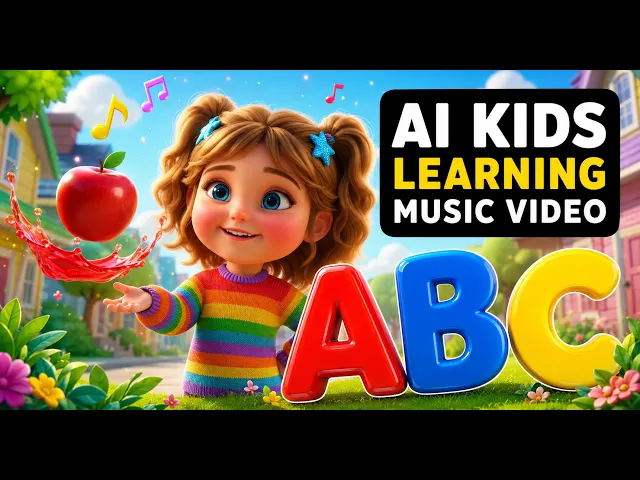
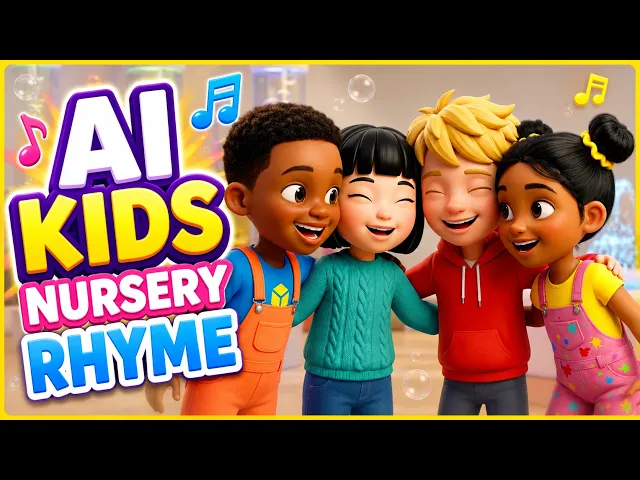
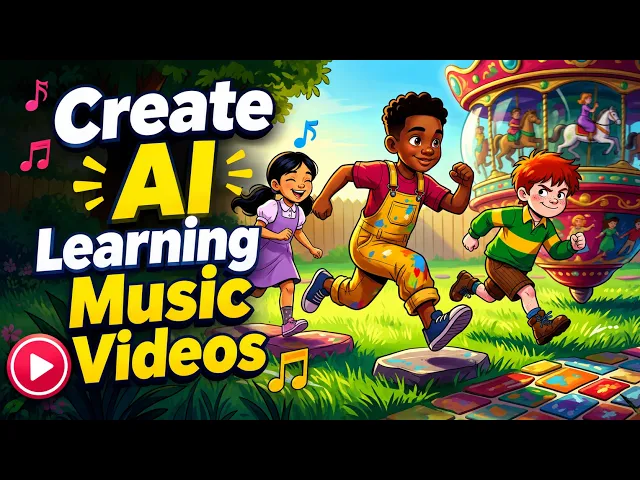
By hand, a 3D rhyme needs modelling, rigging, a render for every shot and a lot of time. With Atlabs you upload your song and each line arrives as a 3D scene on the beat, so adding a verse means recording one more verse, not building another set of 3D models.
No credit card required | No editing experience needed
Who is it for
Who makes nursery rhyme videos for little ones
What Creators Say
What channel owners and teachers say about rhyme videos
FAQ
Nursery rhyme video questions from channels
How can I create 3D animated nursery rhyme videos without any animation skills?
Upload your finished rhyme to Atlabs, choose a bright 3D style and a mode, then generate. Each line gets a scene on the beat, and any scene can be fixed before you export. You need a recording, not a modelling or animation skill.
Which nursery rhymes are in the public domain?
Traditional rhymes such as Twinkle Twinkle, Old MacDonald, Itsy Bitsy Spider and Five Little Ducks have old, traditional tunes and words. A particular recording or arrangement may still belong to someone else, so use your own version. This is general information, not legal advice.
Can I use modern kids songs in my own video?
Modern songs from today's rhyme channels are usually protected, so upload only a song you wrote, recorded or have permission to use. Atlabs animates the song you upload and does not check ownership, so check rights before you publish. This is general information, not legal advice.
How should I record a nursery rhyme for the best video?
Record in a quiet room, with the microphone close to your mouth. Sing at a steady, gentle pace, leave a short pause between verses and keep the music quieter than your voice. Clear vocals help each line land on its scene, and one clean take beats three rushed ones.
What does a 3D nursery rhyme video look like?
A 3D rhyme has round, glossy characters, soft light and rich colour. Picture five yellow ducks waddling to a blue pond, each one a rounded, friendly shape. Choose bright 3D when you want that familiar look, or a soft storybook style for a gentler feel.
Can I make a nursery rhyme video in Spanish or French?
Yes, a rhyme can be in Spanish, French or any of 40+ languages. Captions follow the words you sing, so patito or canard appears on screen as you say it. This works well for channels with bilingual viewers and for language classes.
Bring your nursery rhyme to 3D life for free
Join 50,000+ creators turning songs into stunning visuals with Atlabs AI. Free to start, no editing experience needed.