인공지능 이미지 고화질 변환기
이미지 해상도를 즉시 최대 8배까지 향상시키세요. 워터마크나 번거로움 없이 더 선명하고 깨끗하며 실물 같은 세부 정보가 담긴 사진을 얻을 수 있습니다.

수백만 명의 사진작가, 크리에이터 및 브랜드로부터 신뢰를 받는 Topaz Labs의 전문가급 AI 모델이 지원합니다.
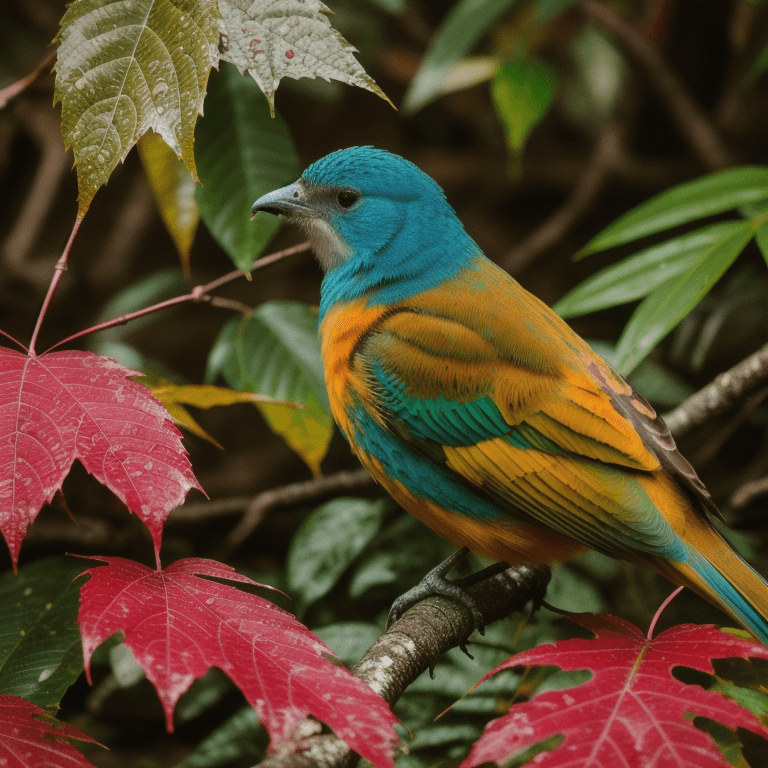
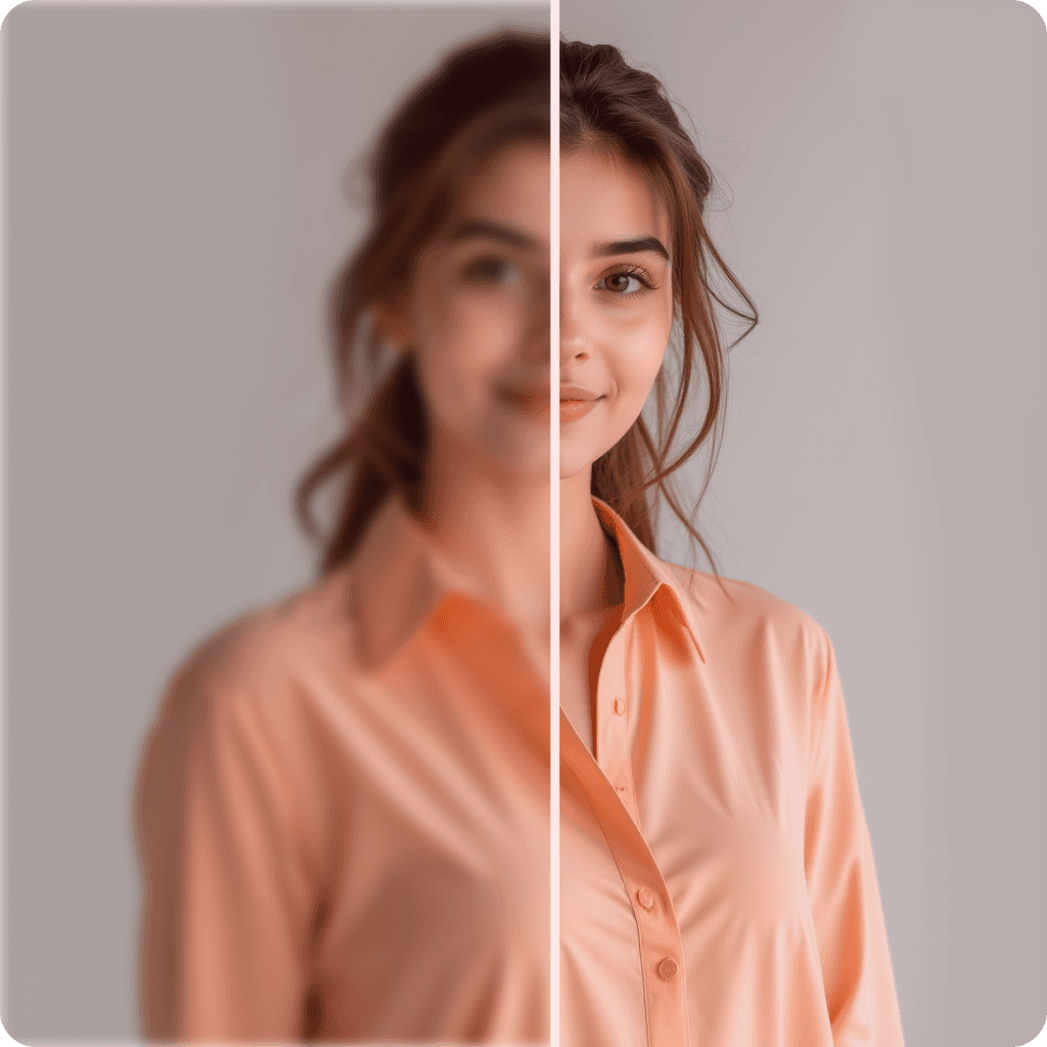
이전
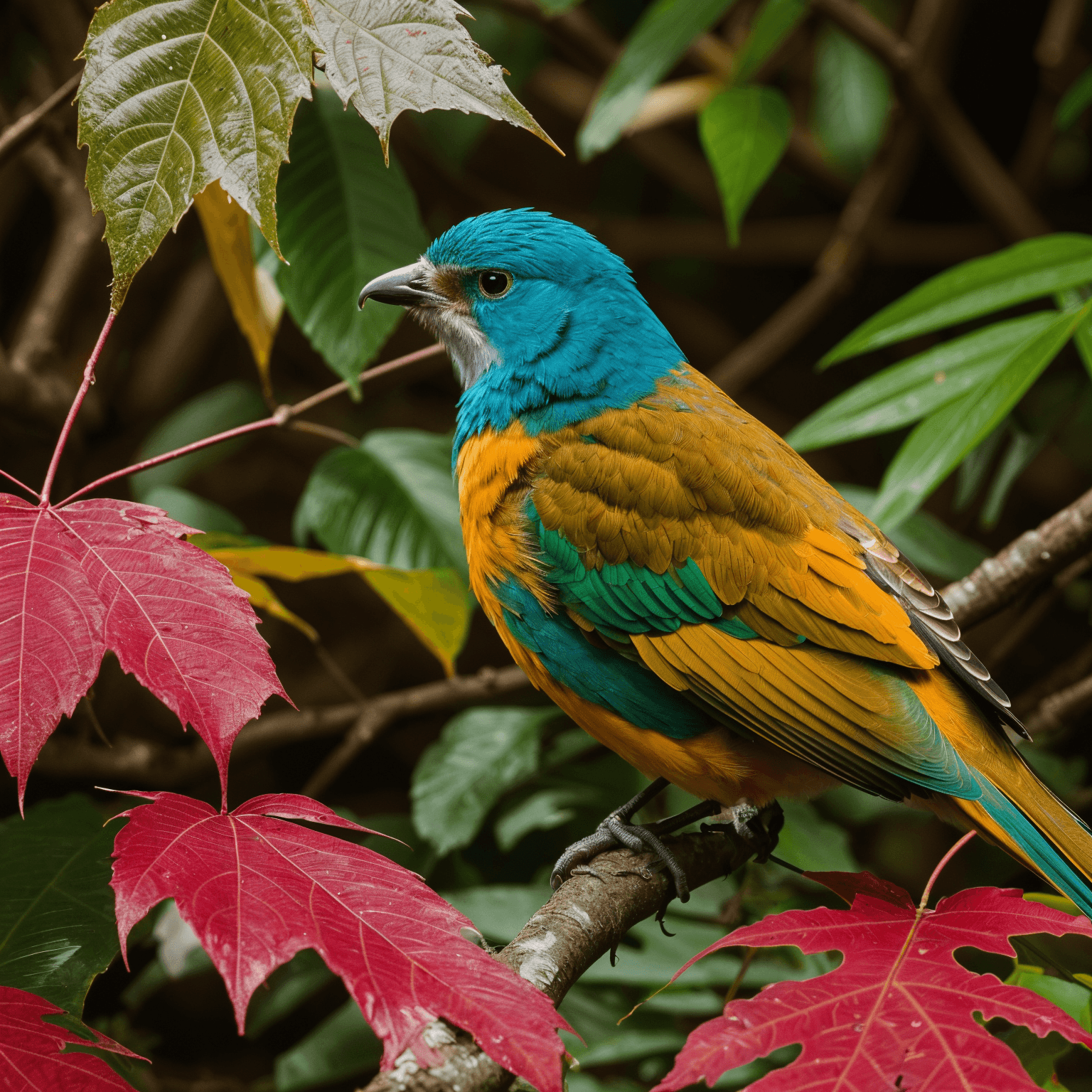
후
최대 8배 해상도 업스케일


후
향상된 얼굴 디테일
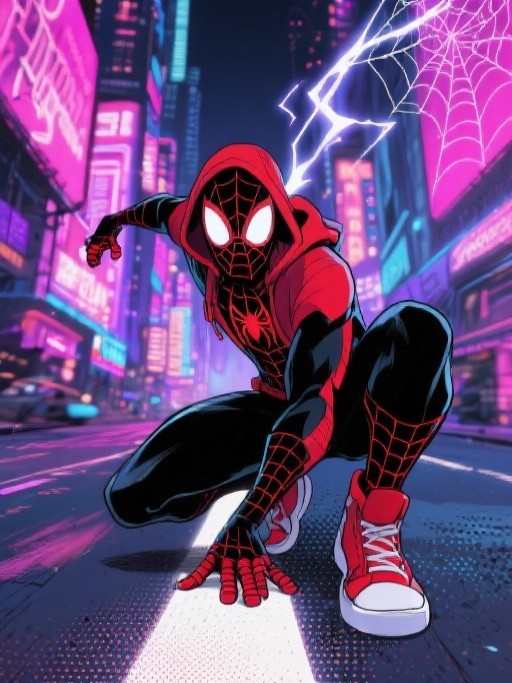
이전
후
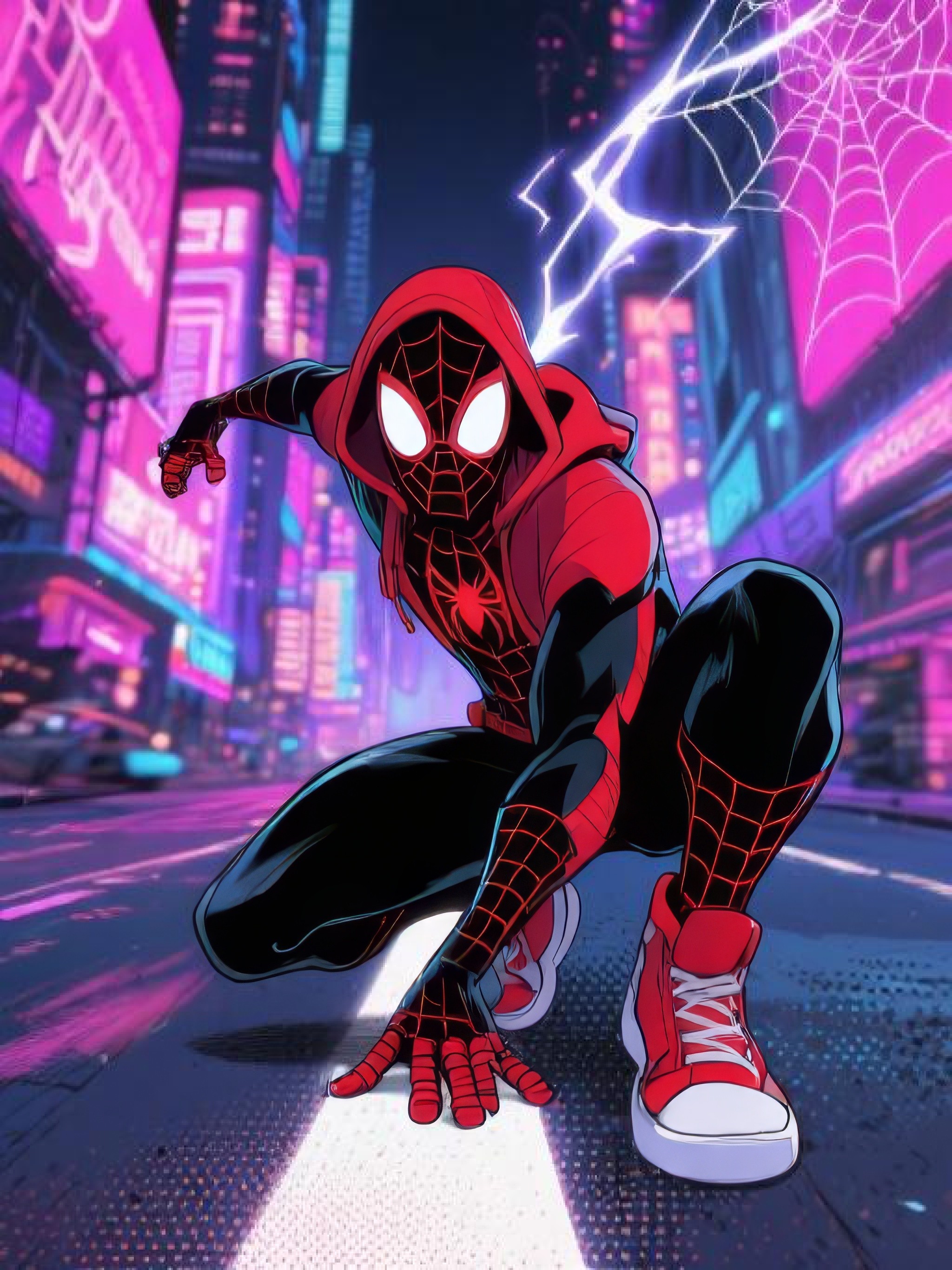
디지털 아트 업스케일에 완벽합니다
이전
후
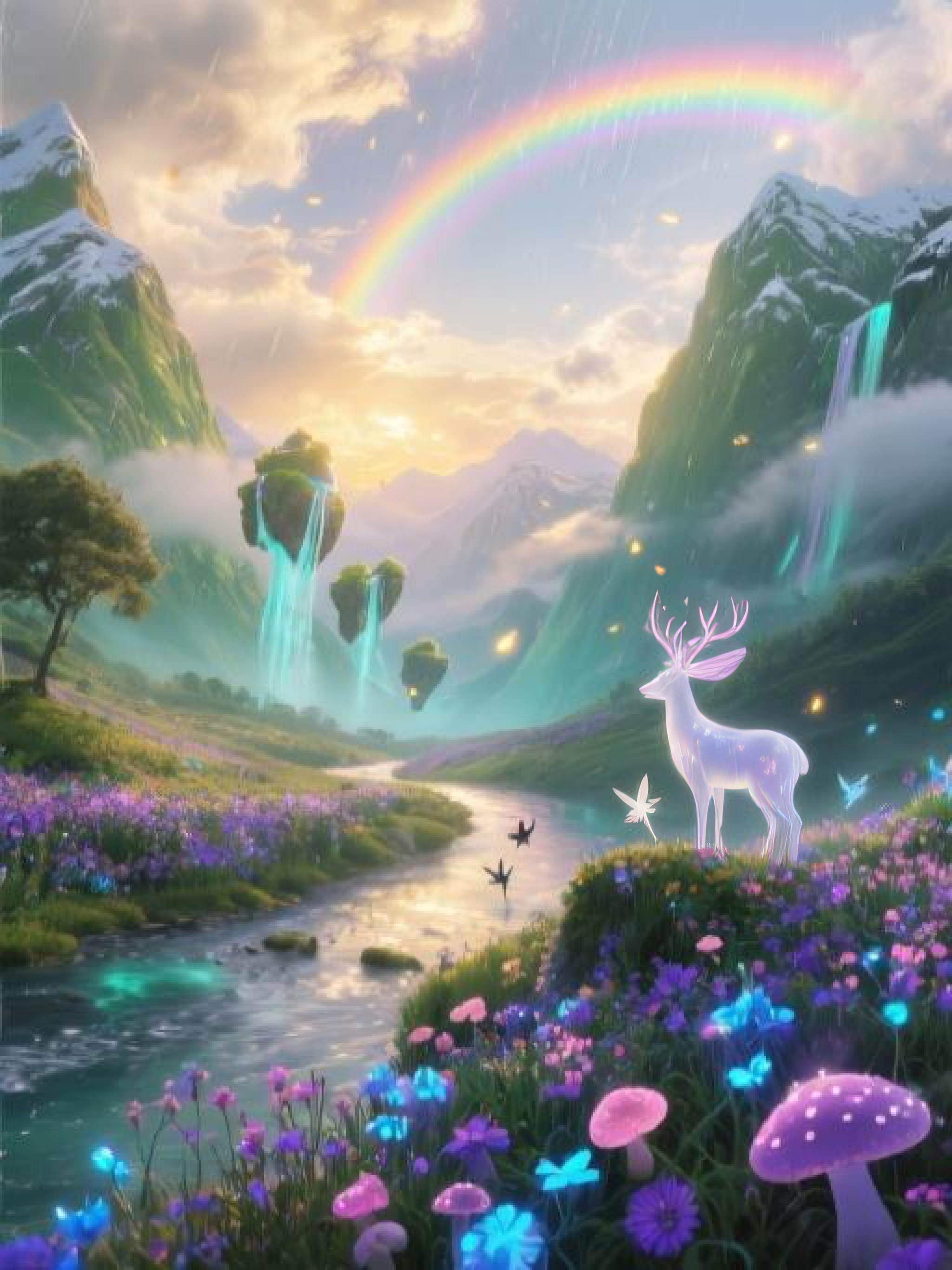
선명도를 높이면서 세부 디테일 유지
차근차근
작동 방식

이미지 업로드
드래그 앤 드롭, 선택 또는 URL 붙여넣기
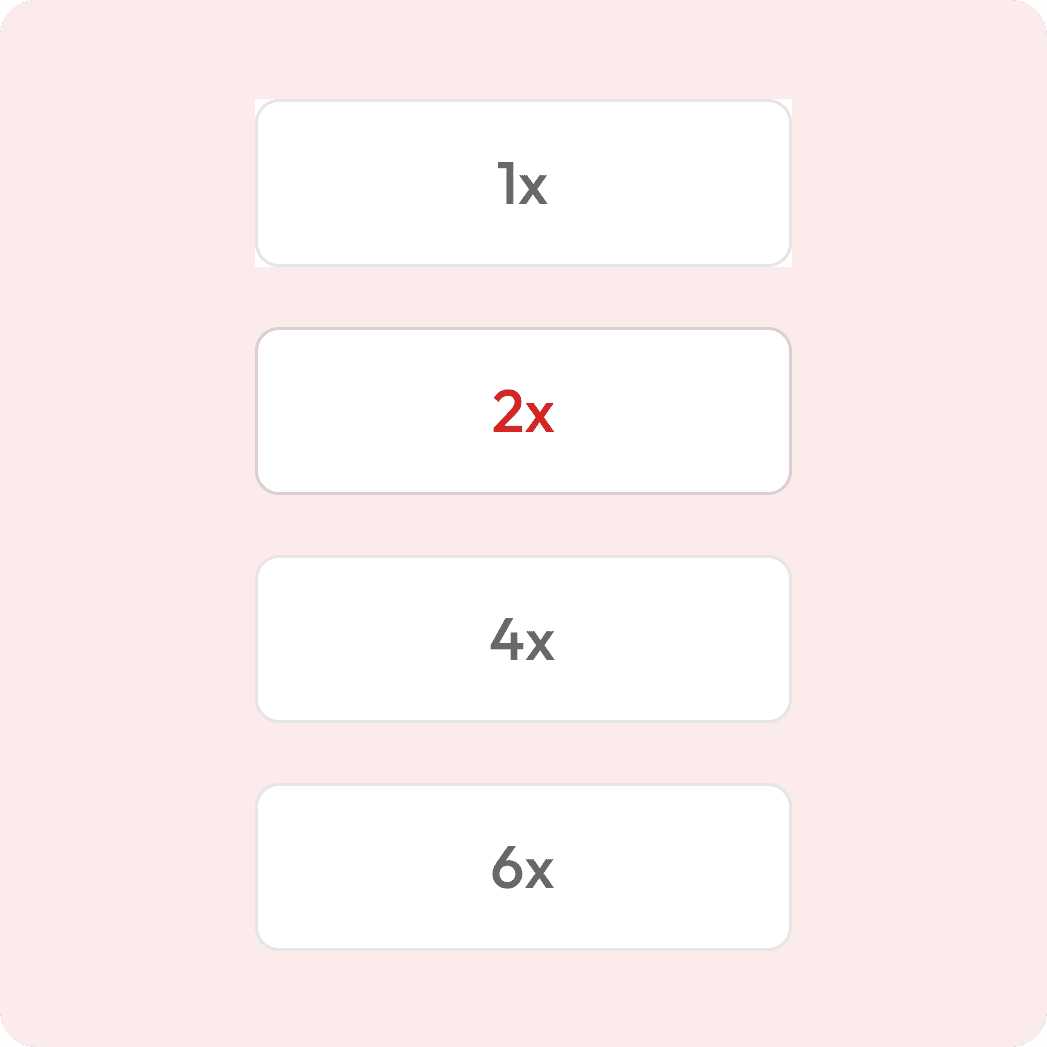
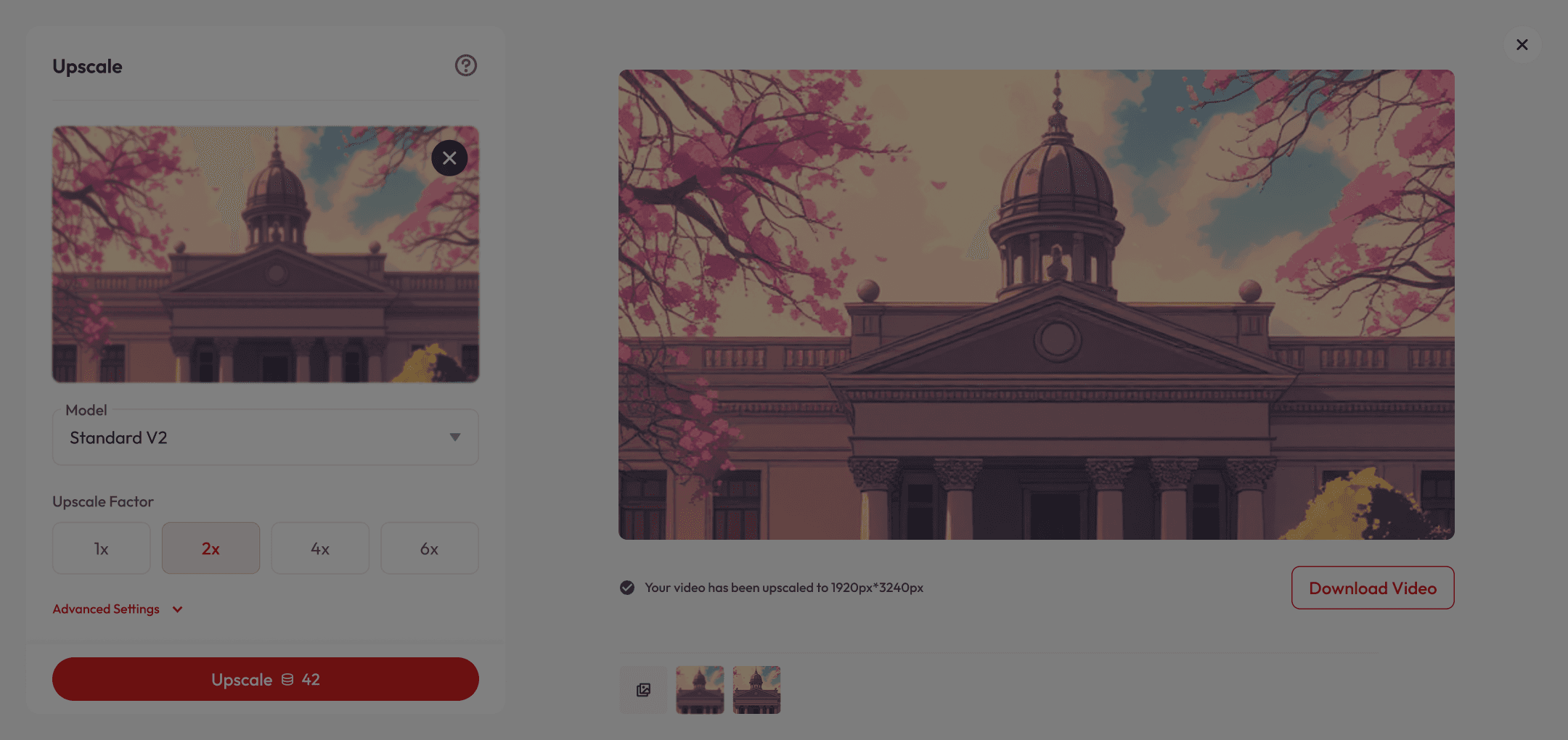
업스케일 단계를 선택하세요
예: 2배, 4배 또는 맞춤 설정
미리보기
실시간 전후 사진 보기

이미지 다운로드
인쇄용 또는 화면 표시용
이미지를 놀라운 화질로 업스케일하세요







이것이 특별한 이유
Preserves Original Look
Maintains natural colors, lighting, and artistic style of your image while improving quality.
Fast, Easy & Versatile
Get professional-grade results in just a few clicks, whether it’s a product photo, travel shot, or anything in between.
Perfect for All Creators
From professional portraits to social media posts and quick snaps, Upscale delivers stunning results every time.
궁금한 점이 있으신가요?
What is AI upscaling?
AI upscaling uses advanced machine learning models to increase the resolution of your image while restoring details, reducing noise, and improving clarity — without simply stretching pixels.
Is it free to use?
Yes! New users get free credits when they sign up, which you can use for a certain number of upscales at no cost. Once your free credits run out, you can purchase more or subscribe for unlimited access.
Which AI models are available?
We offer multiple models for different needs: Standard V2 – For realistic photos Low Resolution V2 – For small or compressed images CGI (Art/CG) – For anime, comics, or vector art High Fidelity V2 – Preserves fine textures and edges Text Refine – Keeps text crisp and readable
What is Beautify Image and Creativity Factor?
Beautify Image smooths and enhances portraits, while Creativity Factor adds subtle or bold artistic improvements to your image.
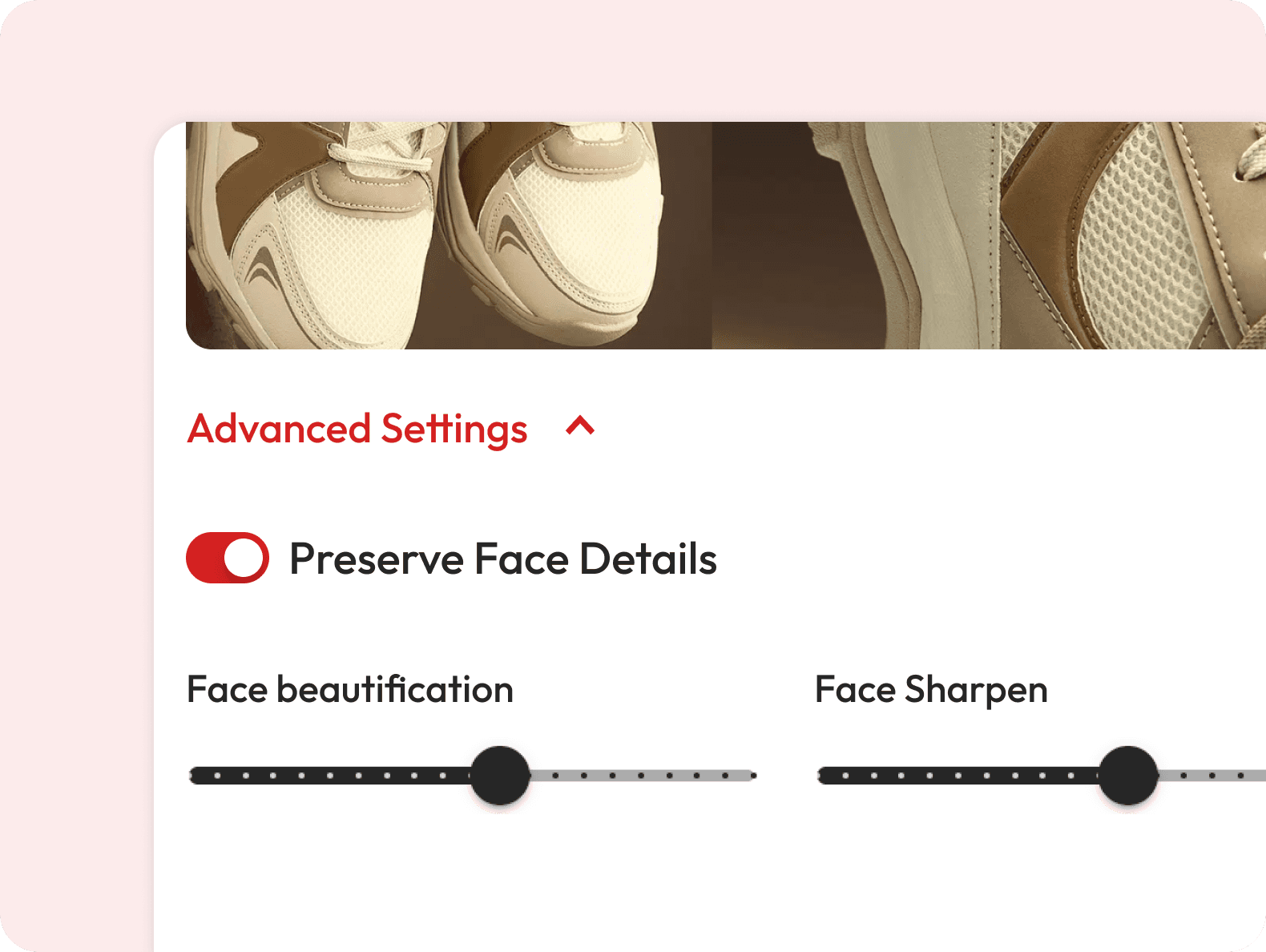
What does “Preserve Face Details Finely” do?
This option ensures that facial features remain sharp and natural, even when the rest of the image is enhanced.
Can I enhance only part of my image?
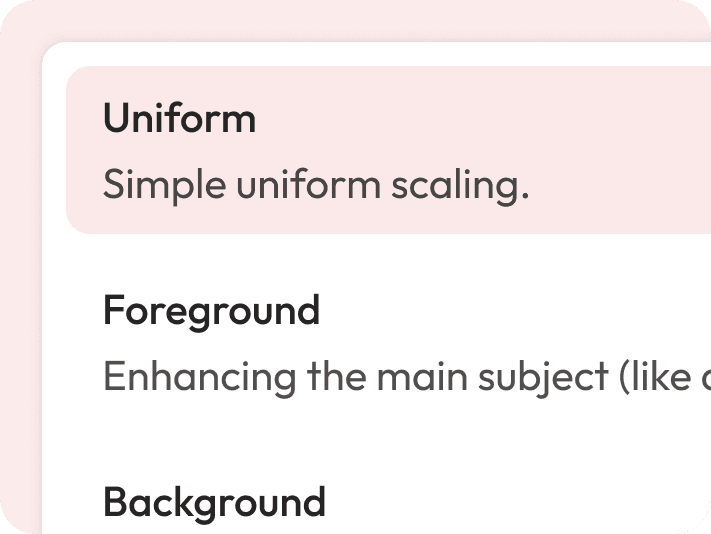
Yes — choose Uniform scaling for the whole image, or target Foreground, Background, or Both for precise control.
Does AI upscaling work on very old or blurry images?
Yes, especially if you choose the Low Resolution V2 or High Fidelity V2 model — they’re designed to recover details from poor-quality sources.
How fast is the process?
Most images upscale in just a few seconds, depending on size and upscale factor.
Which upscale factors can I choose?
You can upscale images by 2x, 4x, or 6x. The higher the factor, the more detail the AI will generate.