
몇 분 만에 아이디어를 비디오로 만들어 보세요
이야기를 입력하고 스타일을 선택하기만 하면, Atlabs가 AI를 통해 단 몇 분 만에 멋진 영상을 만들어 드립니다
G2 평점 4.8/5
Capterra 평점 4.9/5

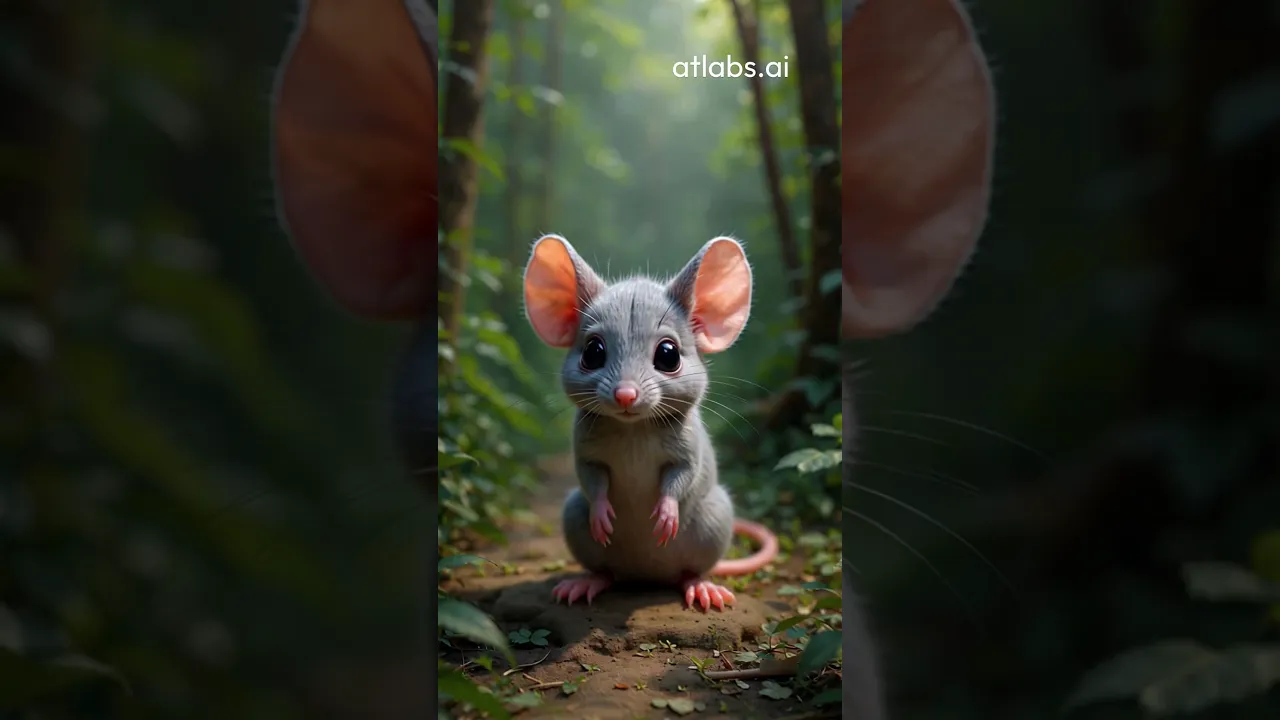
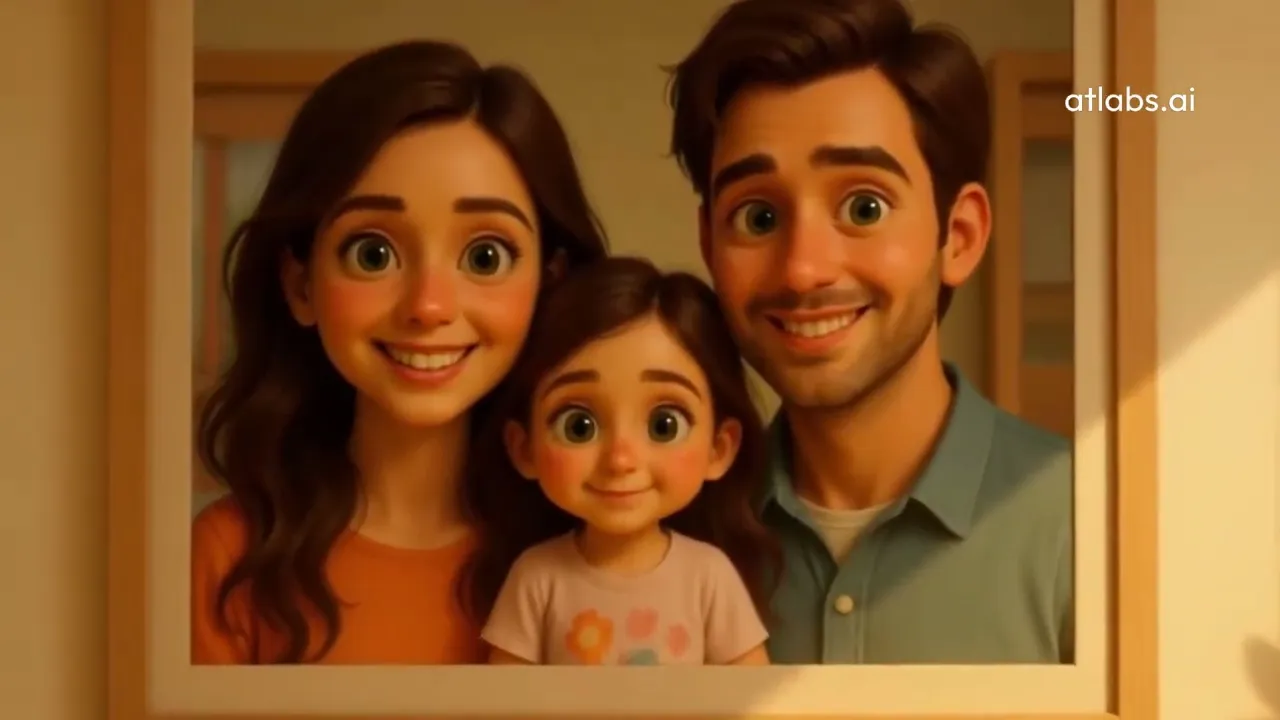


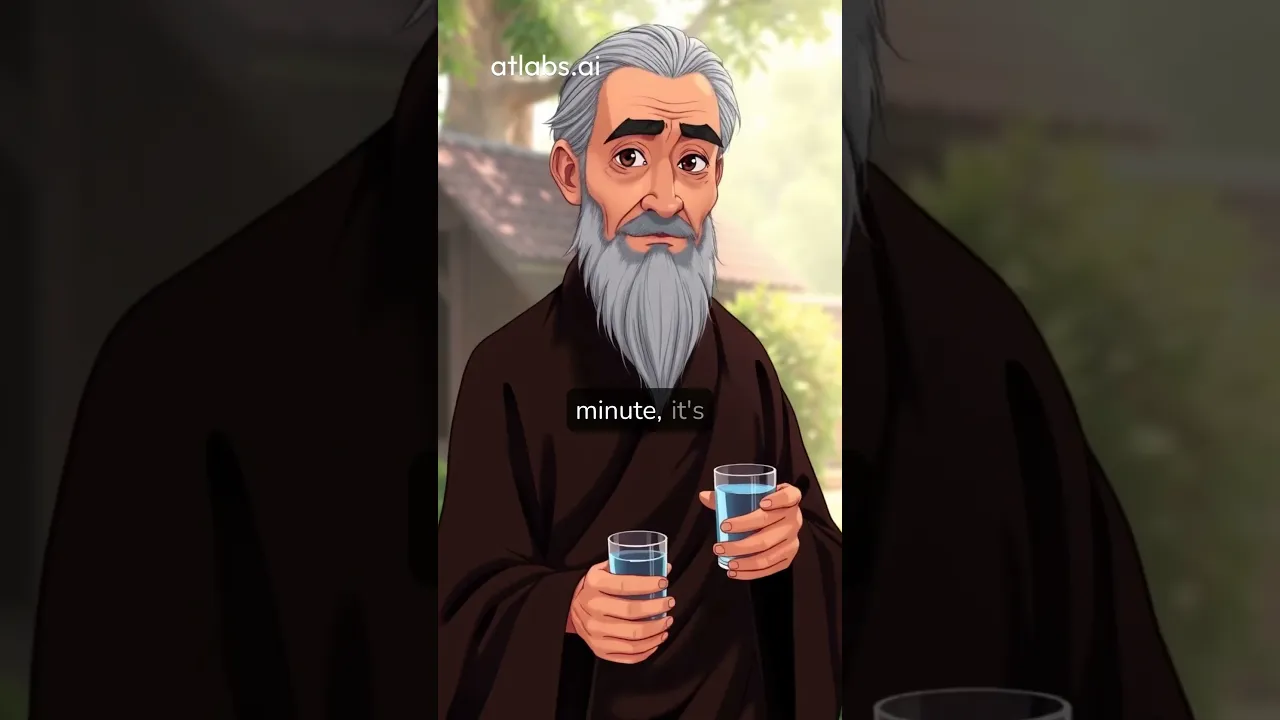


차근차근
작동 방식

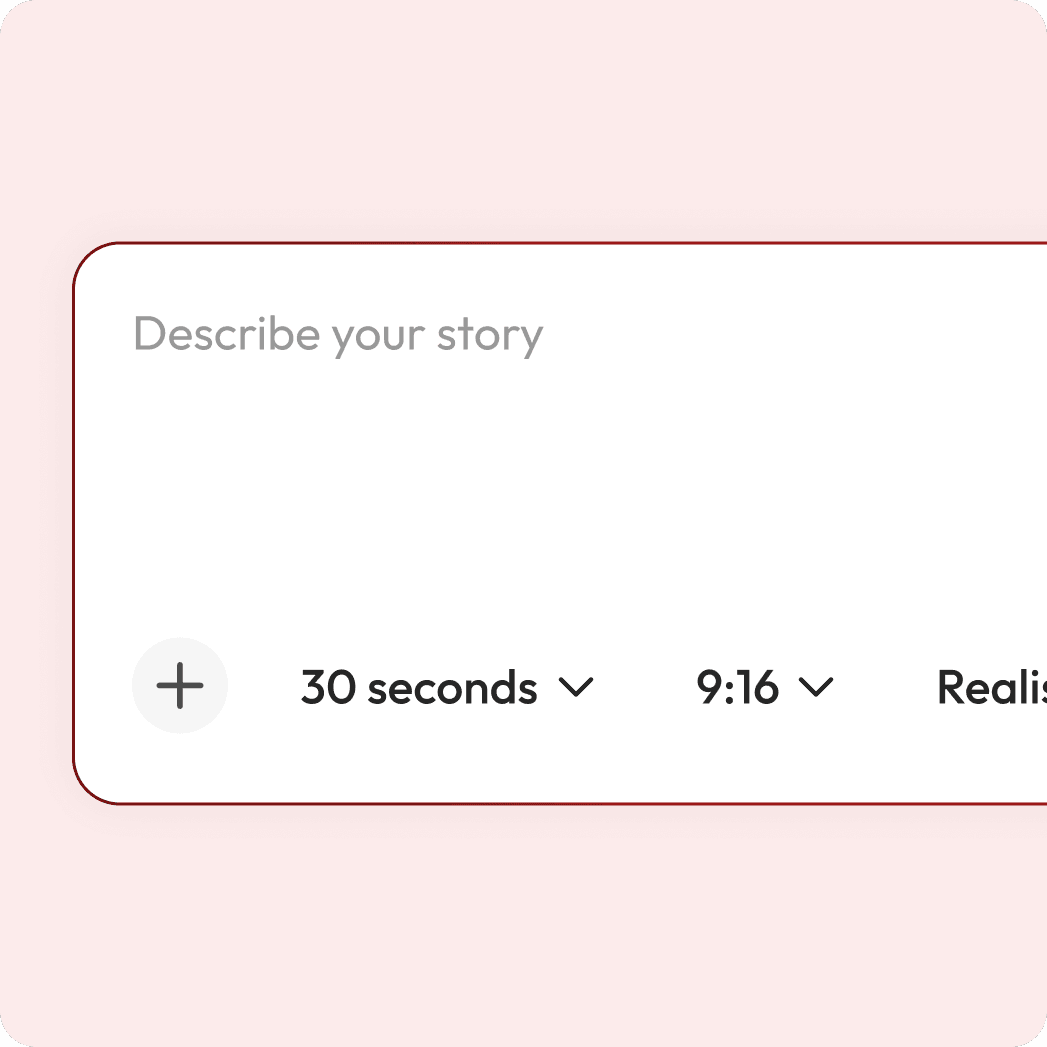
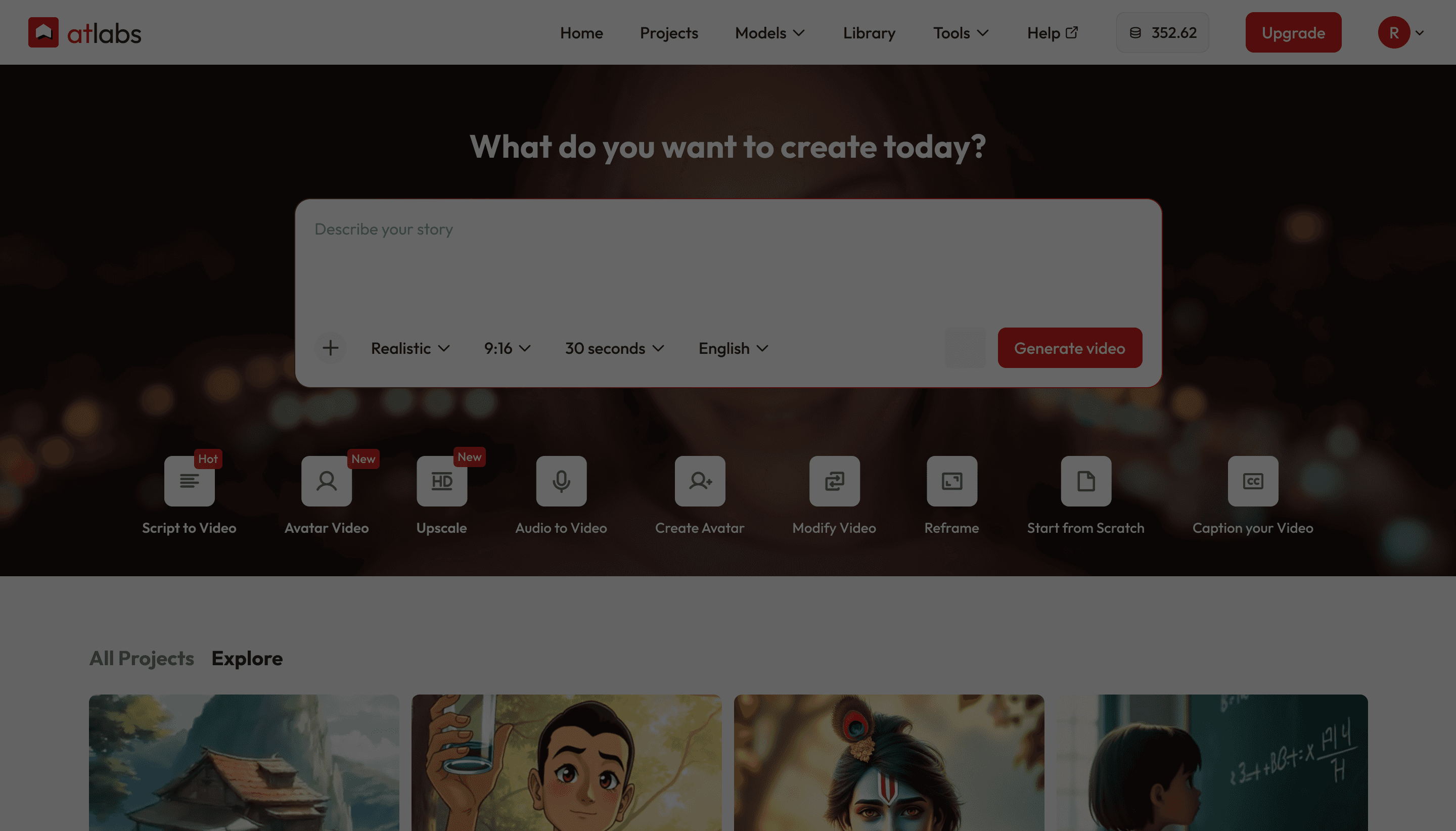
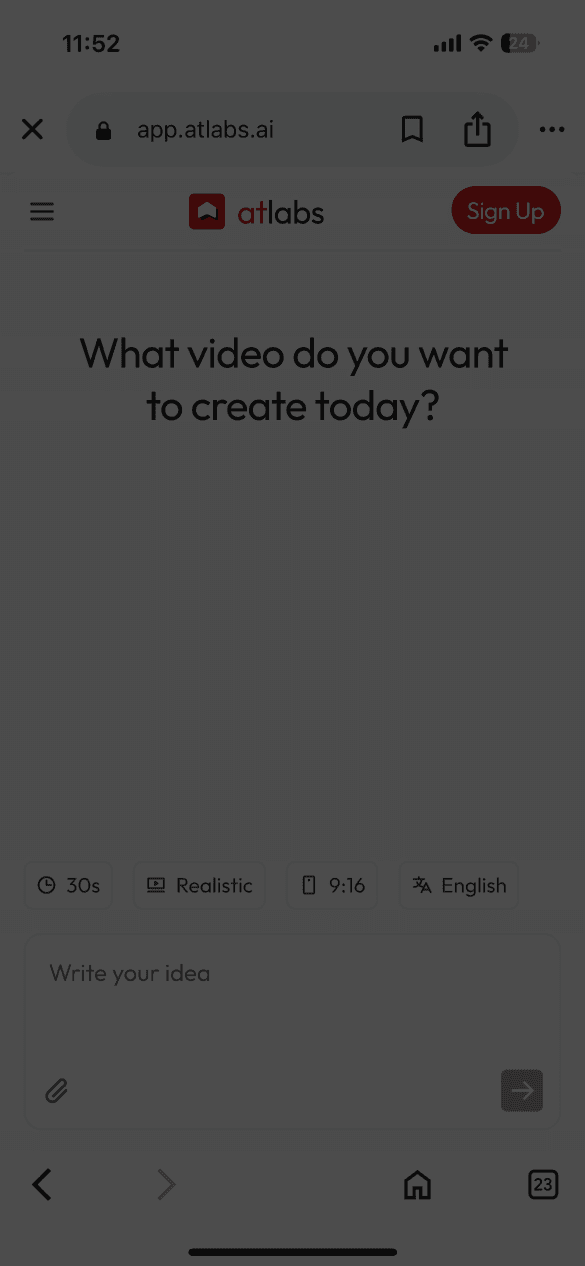
프롬프트 상자에 스토리 아이디어를 입력하세요.
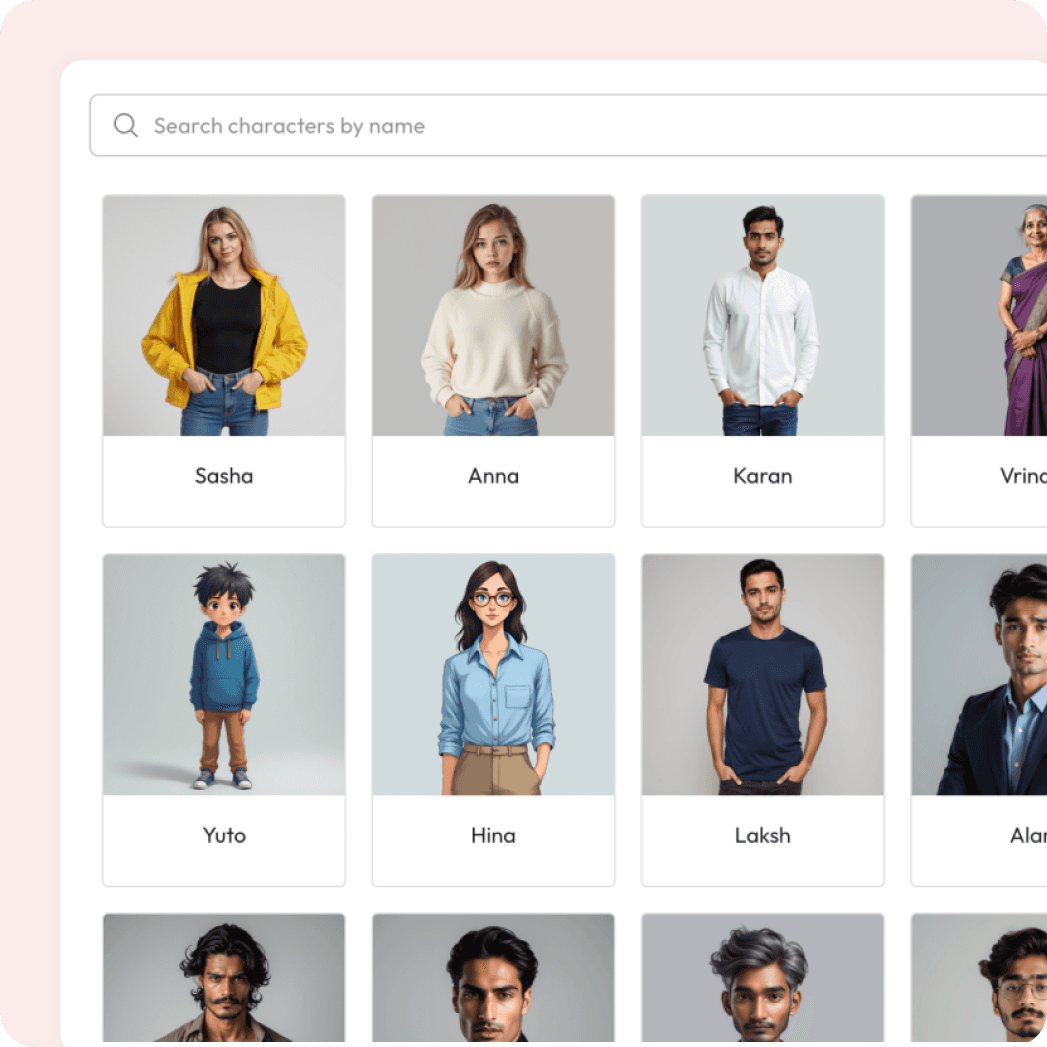
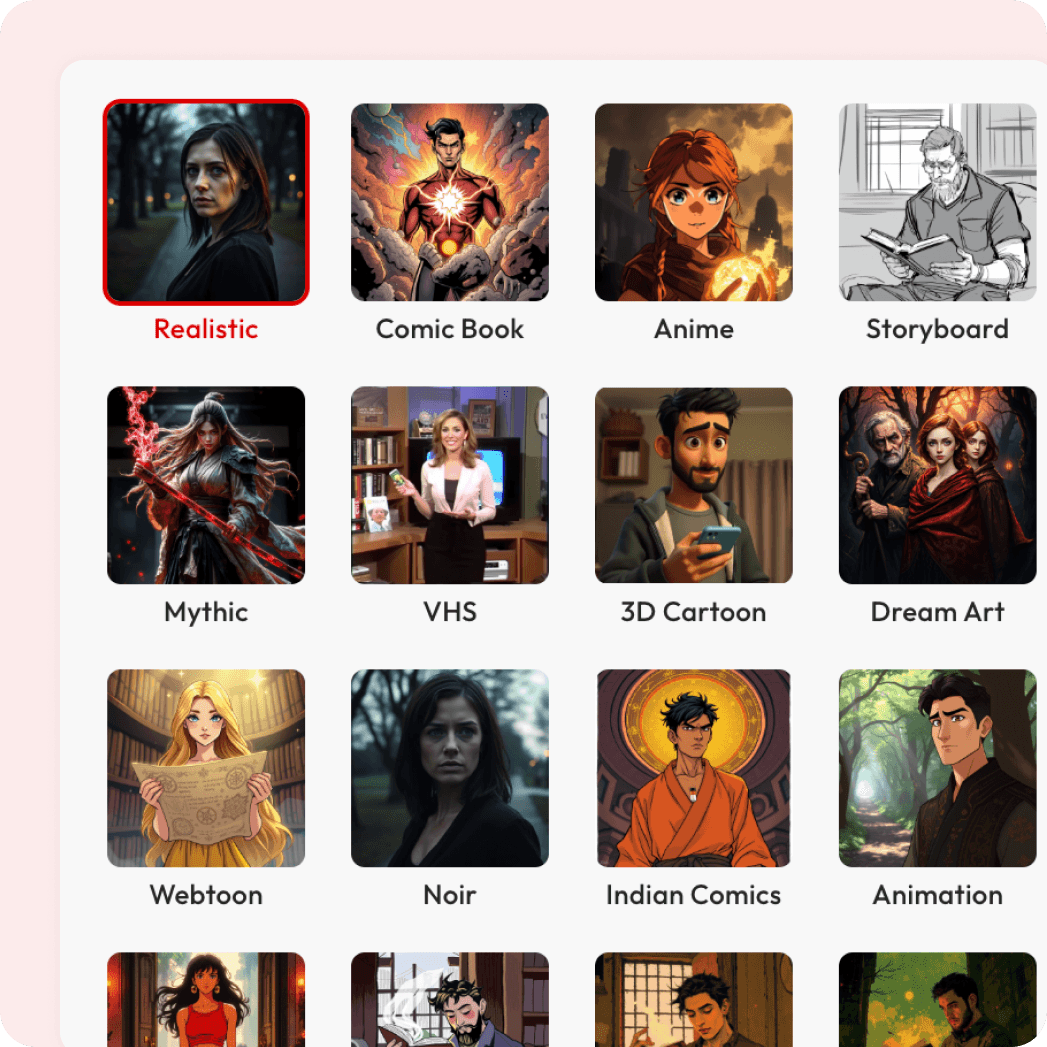
스타일을 선택하세요
시각 자료, 화면 비율 및 언어를 선택하세요.
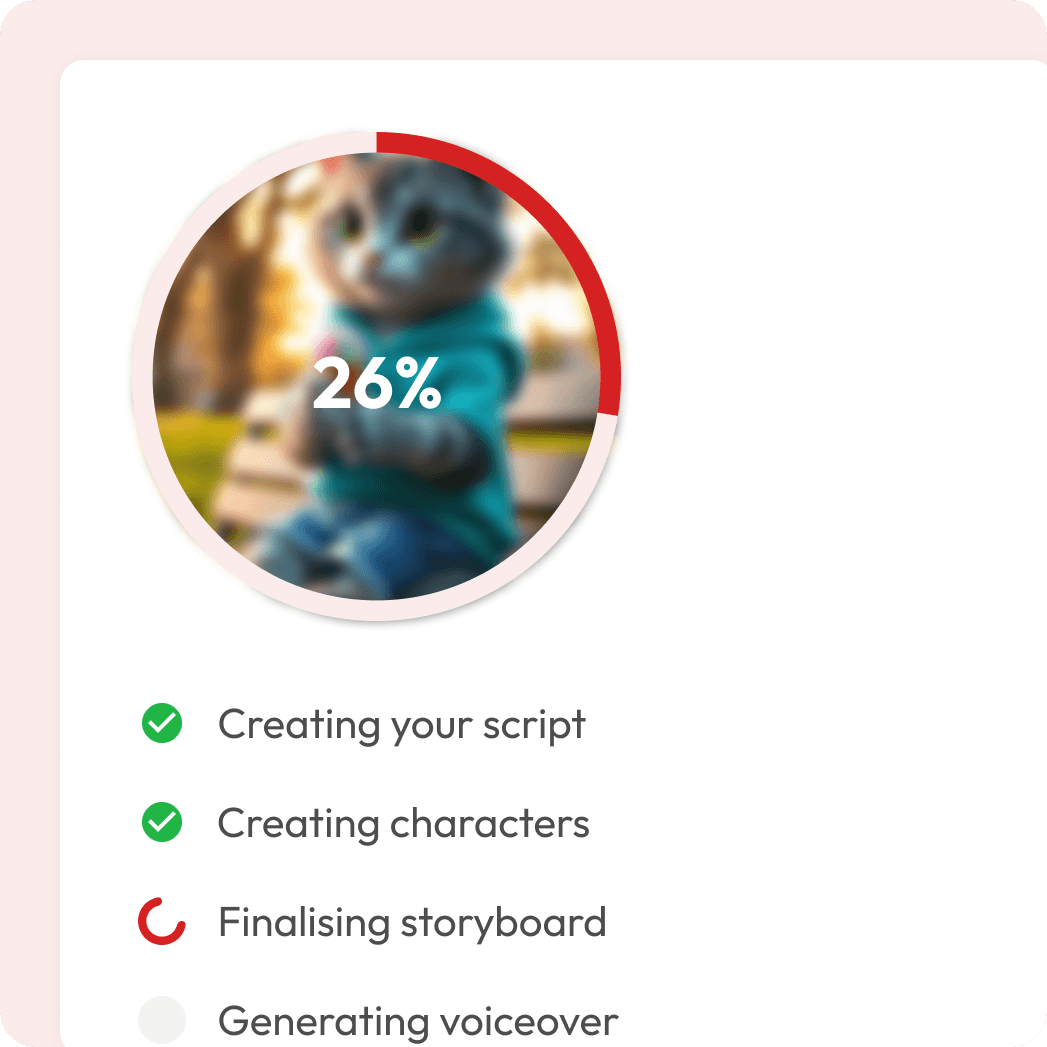
AI가 내레이션, 모션, 자막 등을 통해 당신의 이야기를 생생하게 구현해 드립니다.
이것이 특별한 이유
명확하고 매력적인 스토리텔링
자연스러운 목소리의 성우가 관객을 이야기 속으로 안내하여 복잡한 아이디어도 쉽게 이해하고 오랫동안 기억할 수 있도록 도와줍니다.
다국어 지원 가능
영어, 힌디어, 스페인어뿐만 아니라 수십 개의 다른 언어까지, Atlabs는 현지화된 내레이션을 통해 전 세계 관객이 귀하의 동영상을 즐길 수 있도록 지원합니다.
몇 분 만에 완성도 높은 결과물
목소리를 직접 녹음하거나 수동으로 편집할 필요가 없습니다. Atlabs가 내레이션, 시각 효과, 자막, 모션을 더해 수고 없이도 전문가 수준의 고품질 영상을 완성해 드립니다.
멋진 동영상을 만드는 가장 쉬운 방법



궁금한 점이 있으신가요?
What is format of the video?
These videos use a natural-sounding voiceover to guide the audience through your content. Instead of relying only on visuals or text, a narrator explains the story, making the video clearer, more engaging, and easier to understand.
Can I make narration in different languages?
Yes. You can instantly generate narration in English, Hindi, Spanish, and dozens of other global languages. This makes it easy to localize your videos and reach wider audiences without hiring separate voiceover artists.
How do captions and visuals sync with the narration?
Atlabs automatically aligns the narration with your script. Captions, visuals, and motion are synced seamlessly, so your final video feels polished and professional — without manual editing.
Can I choose or change the voice?
Yes. Atlabs automatically picks a natural-sounding voice for your first draft, so you don’t need to worry about setup. Once your video is ready, you can easily change the voice, adjust the style, or pick from dozens of other languages and tones — all with a single click.
What type of videos work best with this format?
These videos are ideal for explainer videos, educational lessons, product demos, storytelling, training, and marketing campaigns. If your content requires clarity and guidance, narration makes it shine
Do I need editing experience to use this?
Not at all. Atlabs is designed for non-editors. Simply upload your script (or audio), pick a style, and the platform generates a video with synced visuals and captions automatically.
How fast can I create a video?
Most videos are ready in just a few minutes. Because everything — from voice to captions to visuals — is automated, you can produce professional-quality videos much faster than traditional editing.