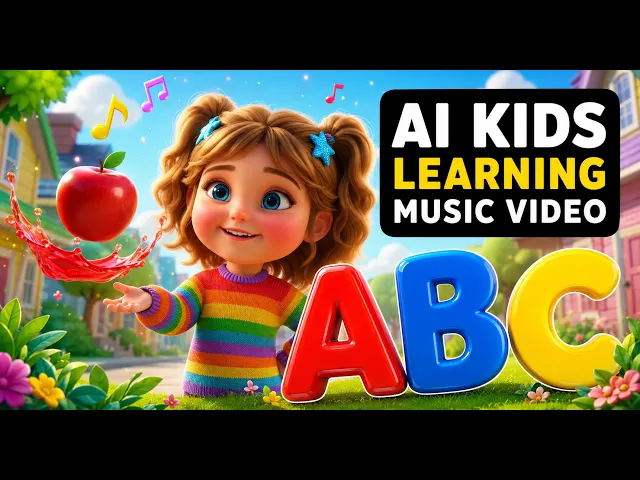
AI 동요 비디오 생성기
몇 분 만에 동요 동영상 제작하기
Atlabs는 단 몇 분 만에 모든 전래동요를 일관된 캐릭터와 어린이가 안전하게 시청할 수 있는 비주얼이 담긴, 음악과 동기화된 화려한 애니메이션 비디오로 변환합니다.
오디오를 업로드하거나 Suno 링크를 붙여넣고, 장난기 넘치는 스타일을 선택하면 YouTube Kids, Instagram, 학생들 또는 귀하의 채널을 위한 바로 공유할 수 있는 비디오를 얻을 수 있습니다. 제작진도, 편집도, 예산도 필요하지 않습니다.
G2 평점 4.8/5
Capterra 평점 4.9/5
AI 동요 영상 생성기란 무엇인가요?
AI 동요 동영상 생성기는 동요 오디오 트랙을 아이들에게 안전한 완성된 애니메이션 동영상으로 바꿔줍니다. 촬영이나 편집 없이도 비트에 맞춰 자동으로 싱크가 조절되며, 일관된 캐릭터와 함께 따라 부르는 자막이 제공됩니다.
작동 원리
전래동요에서 스크린용 비디오까지 단 3단계 만에 완성
라임을 작성하거나 오디오를 추가하세요
자신의 라임을 직접 입력하거나 붙여넣으면 Atlabs가 노래를 생성해 드립니다. 오디오 파일이나 Suno 링크를 업로드하셔도 됩니다. 어떤 방식을 선택하든 트랙의 템포와 분위기가 자동으로 맞춰지므로 모든 장면이 리듬감을 유지합니다.
아이에게 친숙한 스타일과 이야기를 선택하세요
3D 애니메이션, 동화책 일러스트, 클레이메이션, 수채화, 펠트 인형 등 50가지 이상의 다양한 AI 비주얼 스타일 중에서 선택해 보세요. 단 몇 초 만에 화면 비율, 재생 시간, 스토리를 설정할 수 있습니다.
생성, 개선 및 출시
동요나 어린이 노래 동영상이 몇 분 만에 완성됩니다. 어떤 장면이든 교체하고, 개별 클립을 다시 생성하고, 색상을 조정하거나, 따라 부르기 자막을 추가한 다음, 모든 플랫폼에 맞게 1080p 해상도로 내보내세요.
비주얼 스타일
20가지 이상의 스타일. 단 한 곡. 아이들의 상상력을 자극하는 무한한 방향.
자녀의 동요에 맞는 것을 선택하거나 자유롭게 실험해 보세요.
Atlabs에서는 나만의 커스텀 비주얼 스타일을 학습시킬 수도 있습니다. 덕분에 제작하는 모든 동요가 나만의 고유한 스타일과 완벽하게 어우러집니다.
새로움
자작 시나 고전 동요 등 어떤 동요든 입력해 보세요. Atlabs가 멜로디와 보컬이 포함된 완벽한 어린이 노래를 작곡하여 비디오로 만들 수 있도록 준비해 드립니다.
1
라임을 쓰거나 붙여넣으세요
2
노래 스타일을 선택하세요
3
몇 초 만에 당신의 노래를 생성하세요
반짝반짝 작은 별,
아름답게 비치네.
동쪽 하늘에서도,
서쪽 하늘에서도.
자장가
떼창 (Sing-along)
신나는
클래식
동영상으로 만들 수 있는 인기 동요
시대를 초월한 고전부터 현대적인 인기곡까지, Atlabs는 모든 동요 트랙과 호환됩니다:
튜토리얼
노래에서 영상까지, 단 몇 분 만에
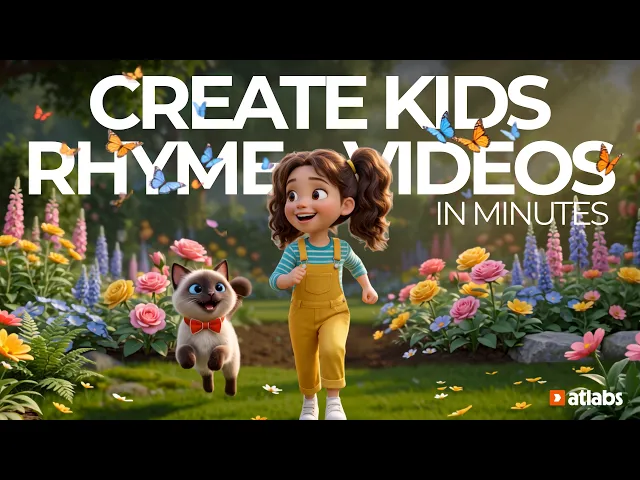
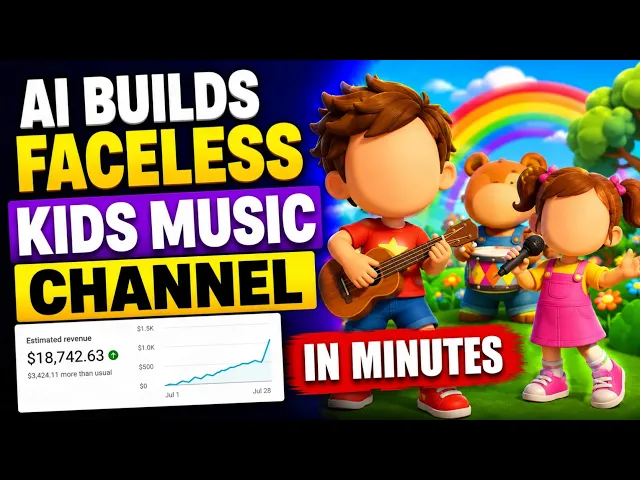
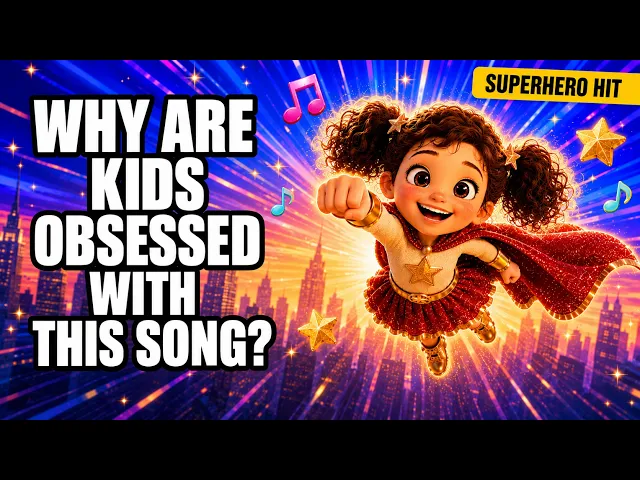
동요, 사진을 비디오로 변환, 립싱크 등 다양한 내용을 다루는 빠른 튜토리얼 - 편집 경험이 전혀 없어도 괜찮습니다.
왜 앳랩스인가
Atlabs vs. 기존의 동요 비디오 제작 방식
기존의 어린이 동영상 제작은 비용이 많이 들고 느려서 대부분의 부모, 교사, 소규모 채널 운영자가 접근하기 어려웠습니다.
필요한 것
Atlabs AI
제작 기간
2분
비용
$0부터
촬영 필요
없음 ✓
비트에 맞춰 싱크된 편집
자동 ✓
일관된 캐릭터
기본 탑재 ✓
직접 캐스팅해보세요
네, 원클릭으로 가능합니다 ✓
다중 플랫폼 내보내기
즉각적인 프레임 전환 ✓
창작권
전체 장면 편집
신용카드 필요 없음 | 편집 경험 필요 없음
위한
모든 유형의 키즈 콘텐츠 크리에이터를 위해 만들어졌습니다
크리에이터들의 한마디
크리에이터들은 Atlabs가 자녀 채널을 위해 제공하는 서비스를 매우 마음에 들어 합니다.
자주 묻는 질문
AI 동요 비디오 제작에 대해 자주 묻는 질문
How do I make a nursery rhyme video with AI?
Upload your nursery rhyme as an audio file or paste a Suno link, choose a kids style like 3D Cartoon or Cozy Plush, pick from six AI-generated scene concepts matched to your track, and define your characters. Atlabs generates a finished animated video in minutes — no editing or animation experience needed.
What is the best AI tool for nursery rhyme videos?
Atlabs is built for exactly this: it works audio-first, so it turns your nursery rhyme track or Suno song into synced, sing-along visuals, keeps the same characters consistent across every scene, and offers kid-friendly styles like 3D Cartoon and Cozy Plush. That audio-driven, character-consistent, kids-first combination is what makes it a strong fit for nursery rhyme creators.
Do I need my own song, or can I create the nursery rhyme too?
Both work. Bring an original kids song or nursery rhyme you have the rights to, or create the track first in a tool like Suno and paste the link — Atlabs takes the audio in and builds the animated video around its lyrics, mood, and timing.
Can I make nursery rhymes in other languages?
Yes. Atlabs supports 40+ languages, including Hindi, Spanish, Arabic, and Tamil, so you can create sing-along nursery rhyme videos for the audience and market you’re targeting.
Can I keep the same character across all my nursery rhyme videos?
Yes. Add your hero to the Cast and Atlabs builds a multi-angle reference sheet that locks their appearance, outfit, and style, so the same friendly character stays consistent across every scene and every episode of your series.
Is Atlabs good for a YouTube Kids channel?
Yes. You can export 16:9 for standard uploads and 9:16 for Shorts, use kid-appropriate styles, and produce videos fast enough to publish weekly. You remain responsible for meeting YouTube Kids, COPPA, and child-safety requirements before publishing.
Can I make Cocomelon-style AI videos?
You can create bright, 3D cartoon-style nursery rhyme videos with an original look. Don’t copy another brand’s characters, logos, or music — build your own world and cast so the channel is fully yours.
Can I add lyrics and sing-along captions?
Yes. Atlabs can add animated sing-along captions synced to your track so kids can follow the words as the song plays. Review the final timing and spelling before you publish.
Are the videos royalty-free and mine to keep?
Yes. On paid plans you own the commercial rights to the videos you create, and your song and uploaded assets remain your intellectual property — as long as you have the rights to everything you upload.
Is it free to start?
Yes — you can start for free with no credit card required. Free credits let you try the full workflow, and paid plans unlock longer videos, higher-quality exports, and full scene editing.
I have more questions!
Please send us a message using the chat icon on the right of the website, or email us at support@atlabs.ai
다음 동요 동상이 지금 바로 시작됩니다.
Atlabs AI로 영유아 동요를 즐거운 싱어롱 비디오로 제작하는 5만 명 이상의 크리에이터와 함께하세요.