Anima cualquier imagen con un video de referencia
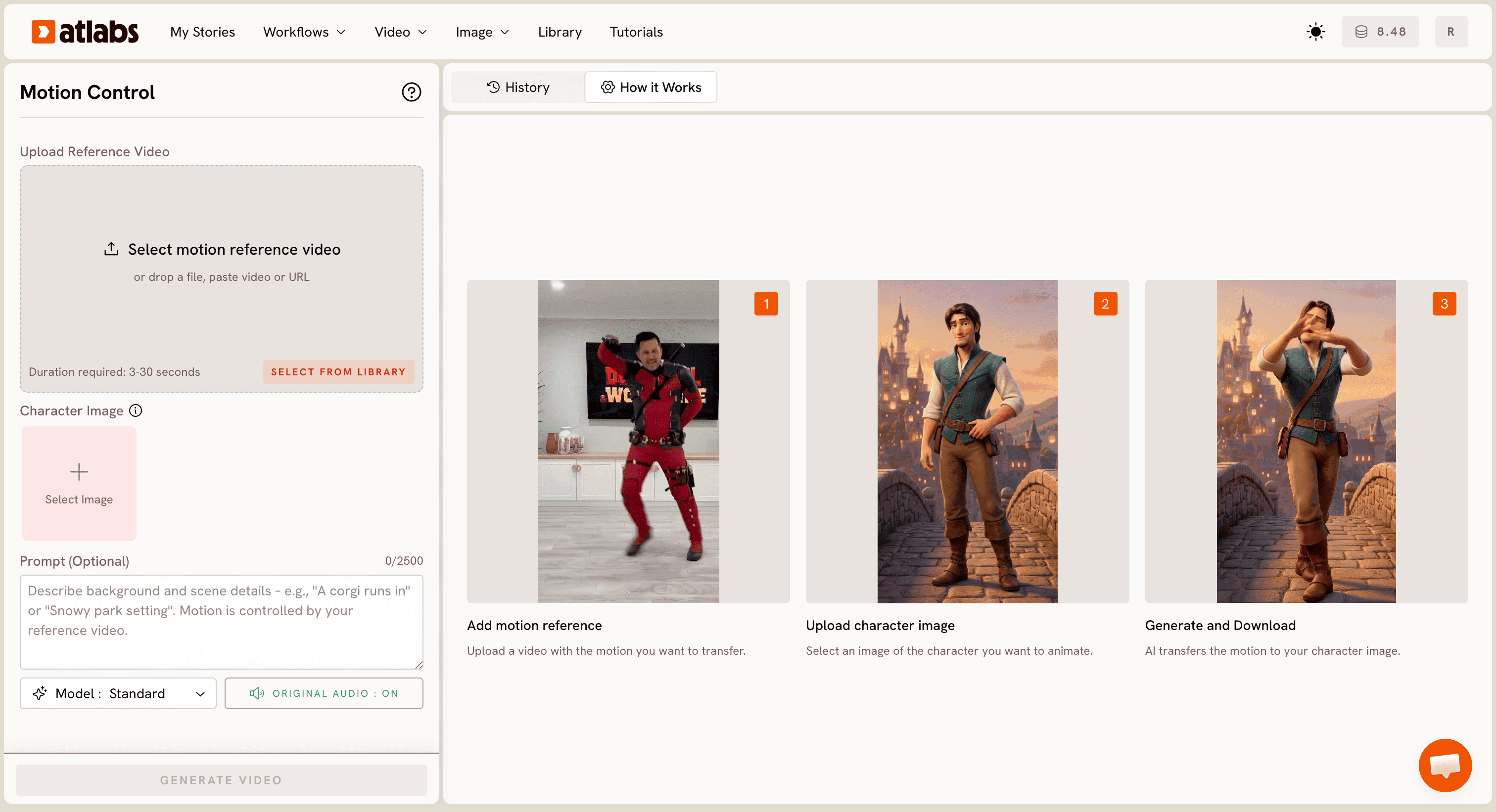
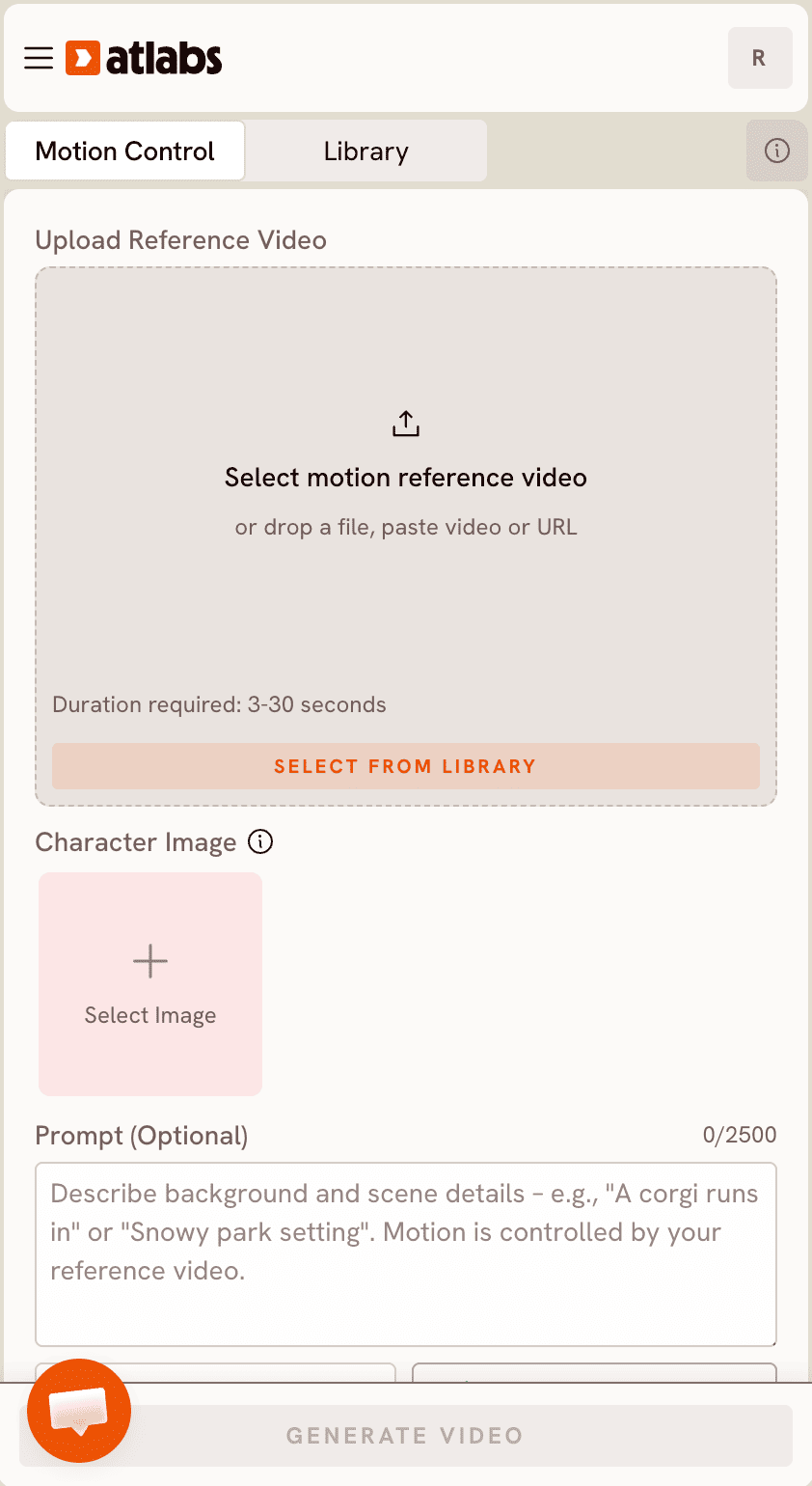
Sube un video de referencia y una imagen de un personaje. La IA transfiere el movimiento exacto (pasos de baile, gestos, poses) a tu imagen. Sin estudio. Sin esqueleto 3D. Solo sube y listo.
Paso a paso
Cómo funciona
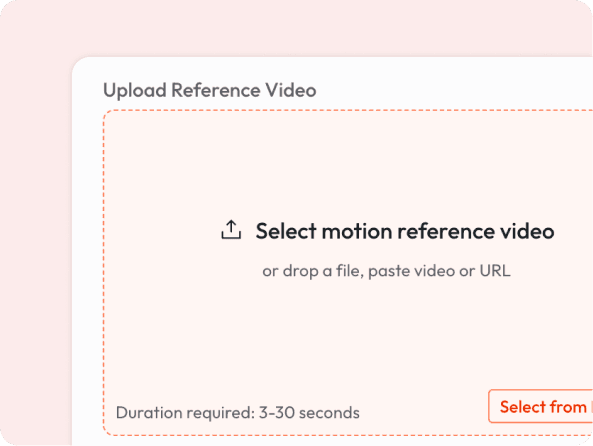
Sube un video (de 3 a 30 segundos) con el movimiento que quieras transferir.
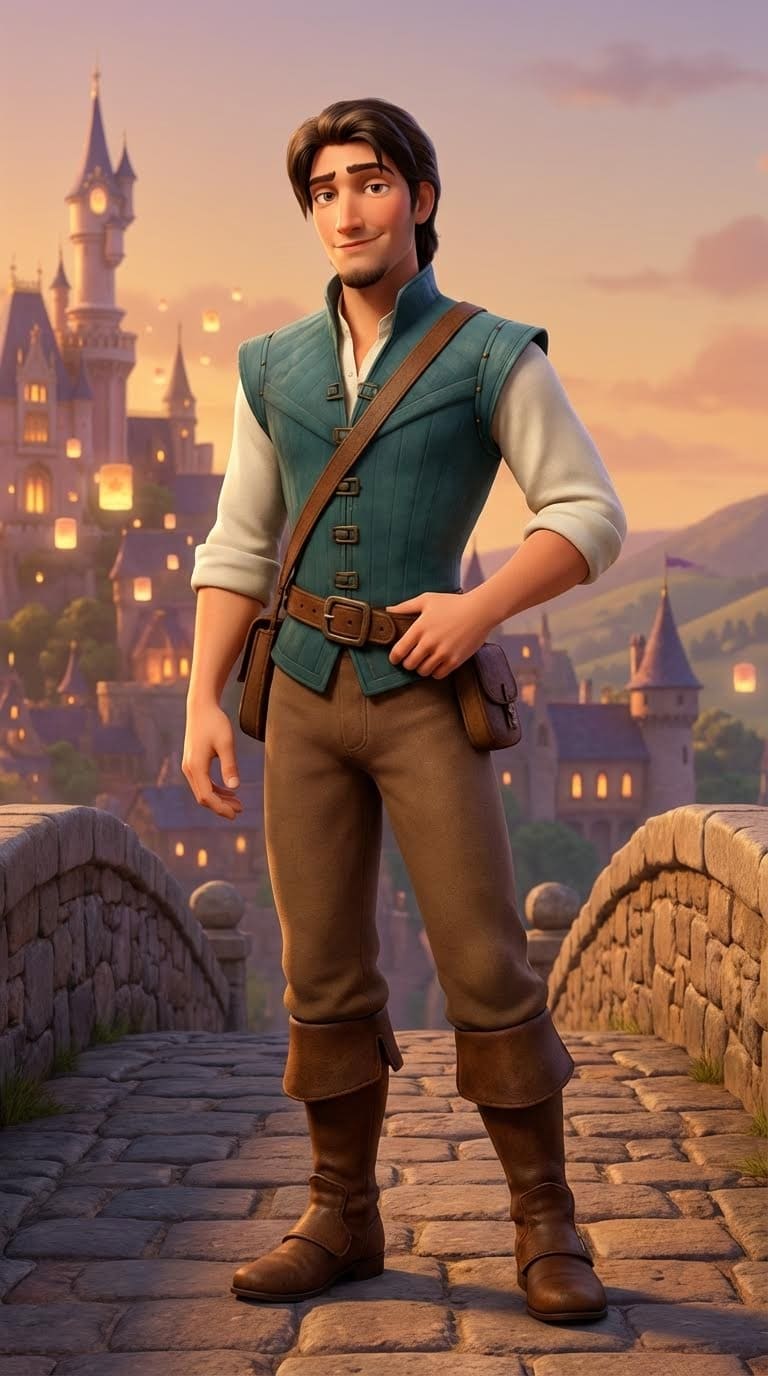
Agregar imagen de personaje
Suelta cualquier imagen: un personaje de dibujos animados, una mascota ilustrada, un retrato generado por IA o una foto.
La IA asigna el movimiento del video a tu personaje y genera un video animado fluido.

Descargar video
Descarga y comparte en segundos.
Algunos ejemplos
Anima tu personaje a cualquier movimiento
Qué lo hace especial
Cualquier estilo artístico funciona
Funciona en todos los estilos: retratos realistas, personajes de dibujos animados, anime, mascotas y más. La IA adapta el movimiento para que se ajuste a tu personaje de forma natural.
Sin equipo de captura de movimiento
Tradicionalmente, animar a un personaje requiere costosos soportes 3D o trajes de captura de movimiento. Ahora solo necesitas un video corto de cualquier persona moviéndose.
Conserva tu audio original
El audio del video de referencia se conserva en el resultado, por lo que tu personaje animado puede sincronizar los labios o reaccionar a la música automáticamente.
Entrega rápida
Sin colas de renderizado. Sin software de edición. Sube, genera y descarga. La mayoría de los videos están listos en menos de un minuto.
¿Tiene preguntas?
What kind of reference video works best?
Any video of a person moving clearly: dancing, gesturing, walking, or posing. 3 to 30 seconds, filmed with decent lighting. Avoid heavy occlusion (person blocked by objects).
What image formats can I upload for the character?
JPG and PNG work best. The character should be clearly visible, ideally full-body or at least from the waist up for full motion transfer.
Will the background change?
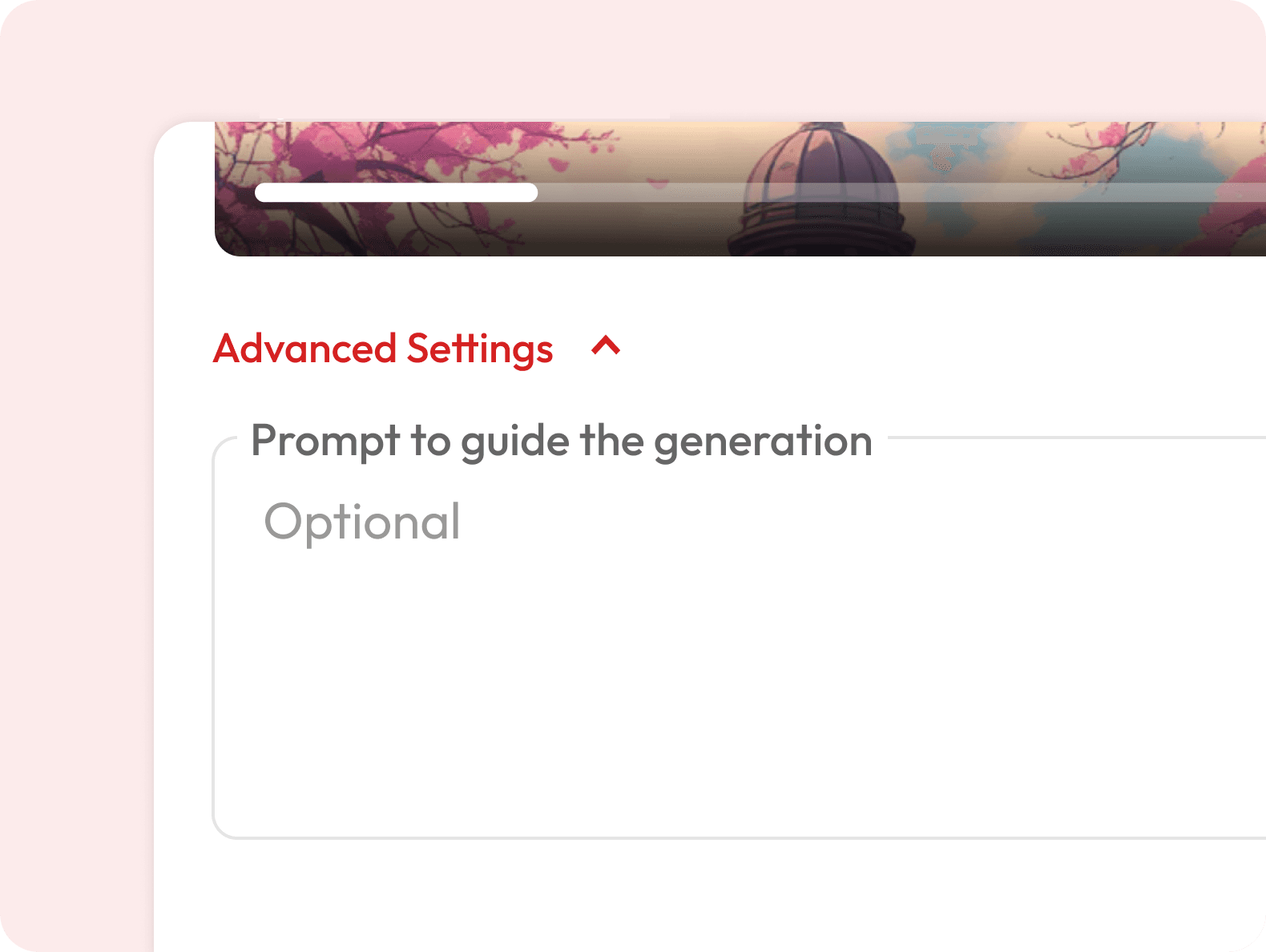
You can describe a background in the optional prompt field. Otherwise, the character is placed in a contextually appropriate scene.
Can I use a dance video from social media as a reference?
Yes, you can paste a video URL directly into the upload field.
Is this the same as deepfake technology?
No. Motion Control transfers movement onto illustrated or AI-generated characters and does not replace real human faces or create synthetic impersonations of real people.
What's the difference between Motion Control and Image to Video?
Image to Video generates motion from a text prompt. Motion Control lets you control exactly what motion plays out, because you provide the reference video yourself.
Is it free to use?
Motion Control requires a subscription. Visit our pricing page to find a plan that works for you.
How long does it take to generate the animated video?
Most videos are ready within a few minutes depending on the length of your reference clip. You will get a notification as soon as your video is ready to download.
Can I use the generated videos commercially?
Yes, videos generated on eligible subscription plans can be used for commercial purposes including ads, social media, and client projects. Check the pricing page for details on which plans include commercial usage rights.
Can I use this for cartoon or illustrated characters?
Yes, this is one of the most popular use cases. Upload any illustrated or AI-generated character and it will animate with the reference motion.