Reencuadra imágenes con IA sin recortar
Cambia la relación de aspecto de tu imagen con un solo clic. La IA rellena el nuevo espacio a la perfección, de modo que el sujeto siempre permanezca enfocado.
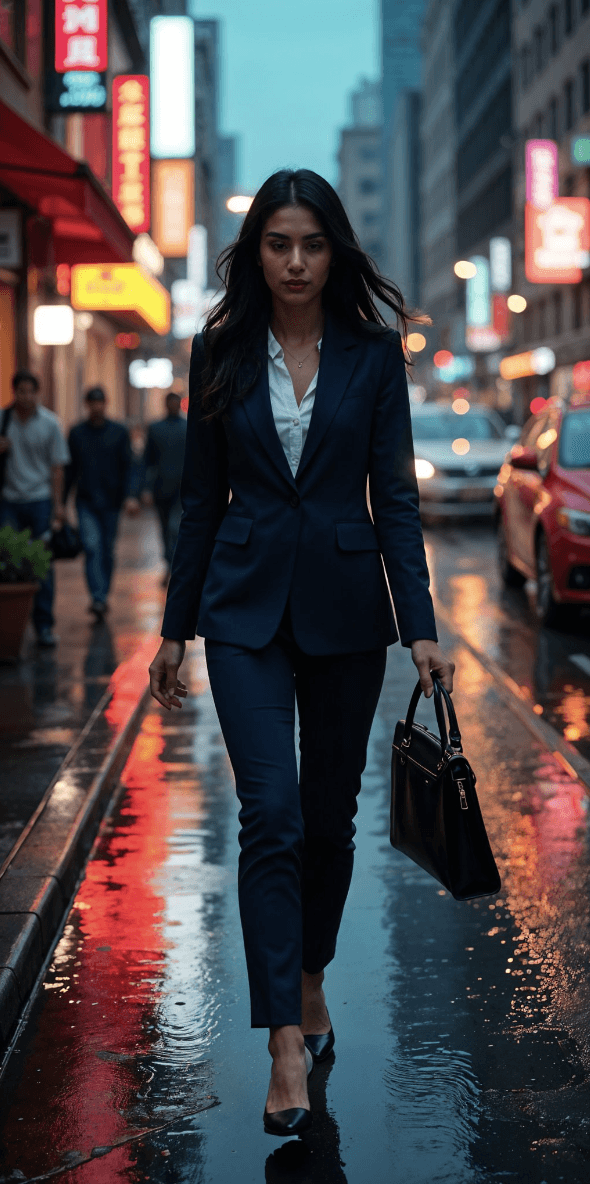
Antes
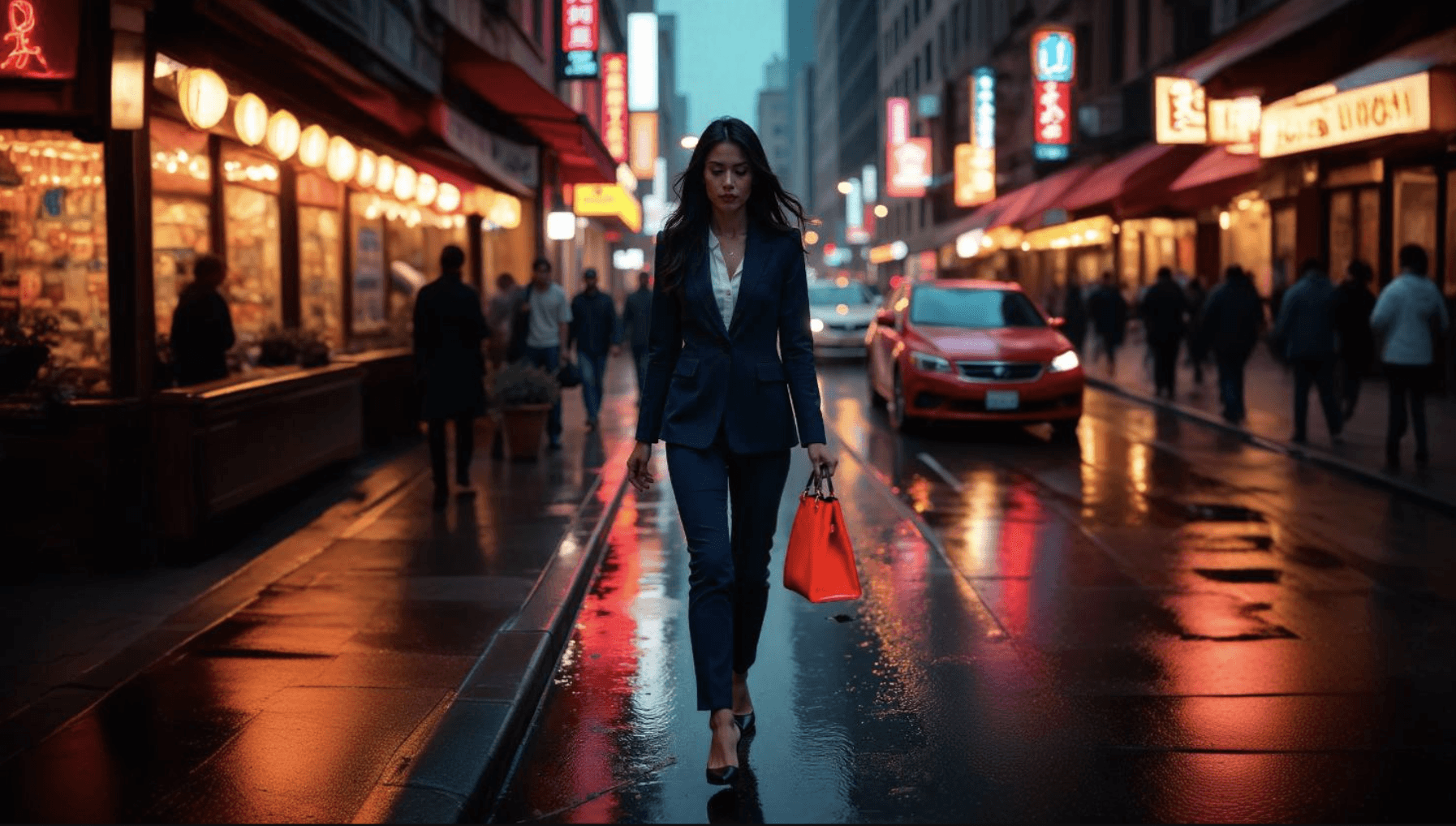


Después
16:9 a 3:4
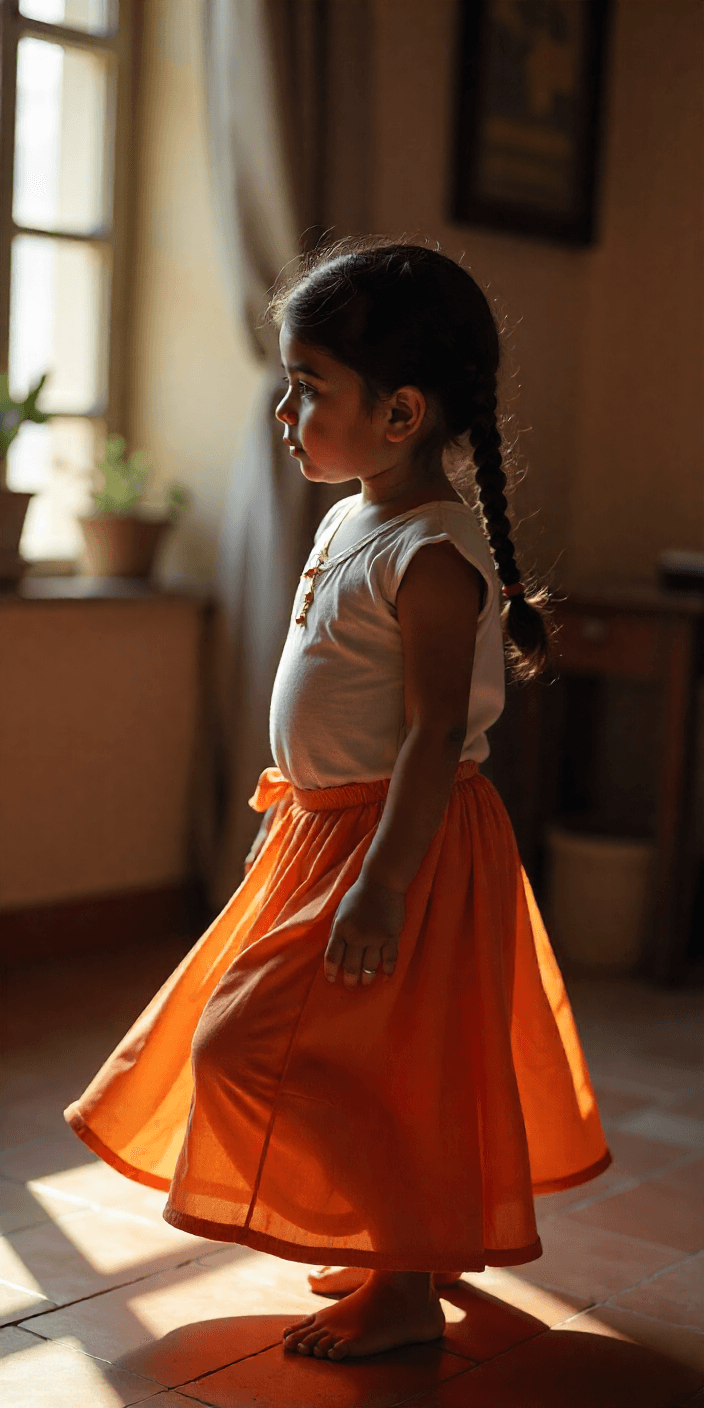
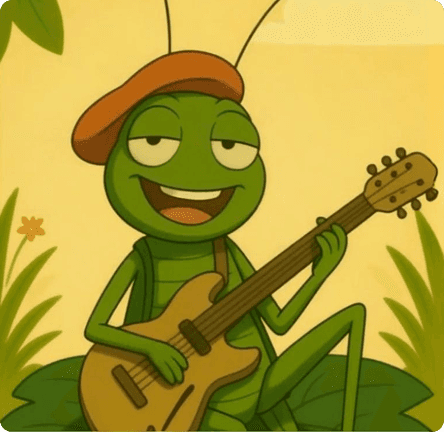
Antes

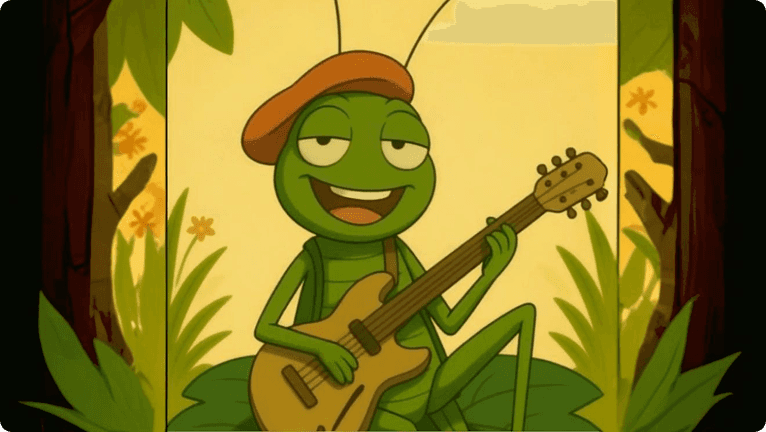
Después
1:2 a 4:3
Paso a paso
Cómo funciona

Sube tu imagen
Arrastra y suelta, selecciona o pega una URL
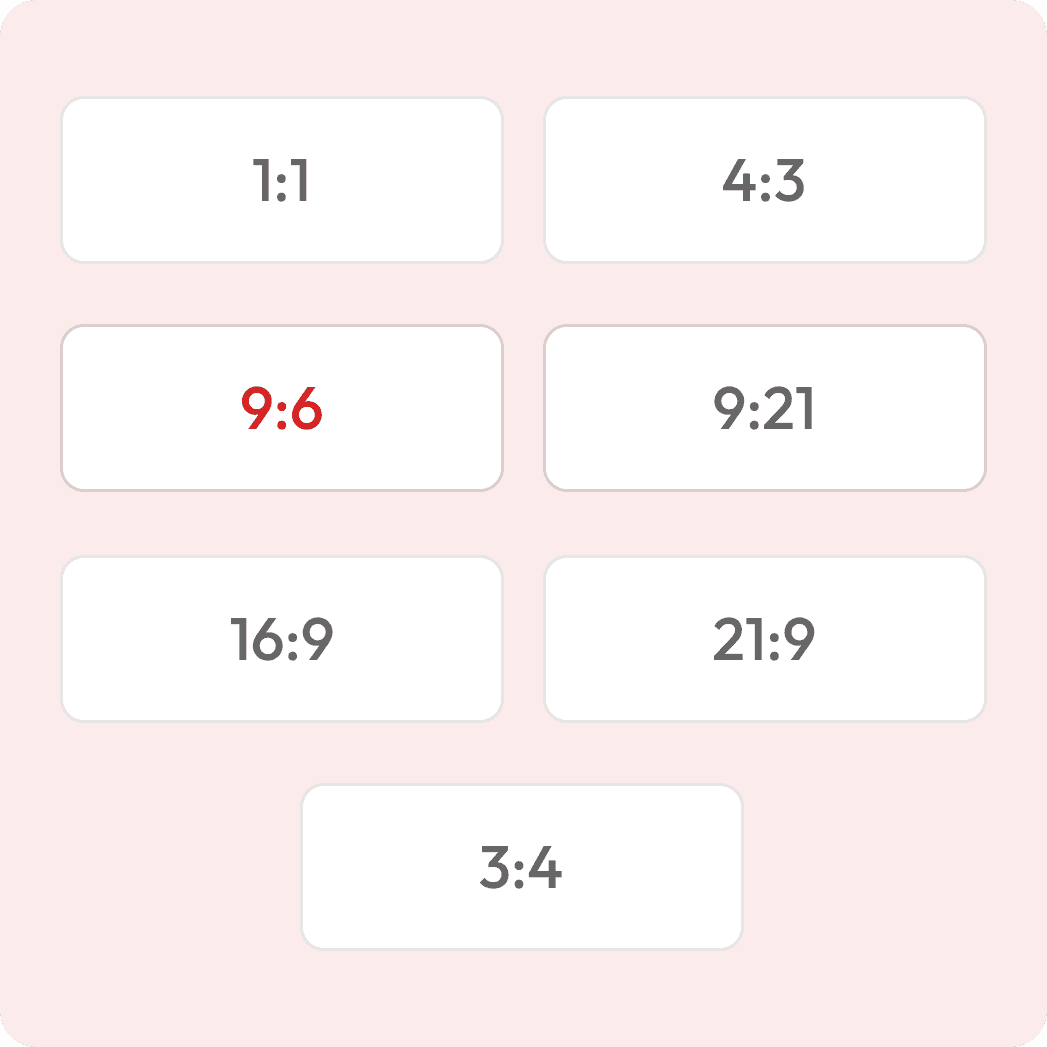
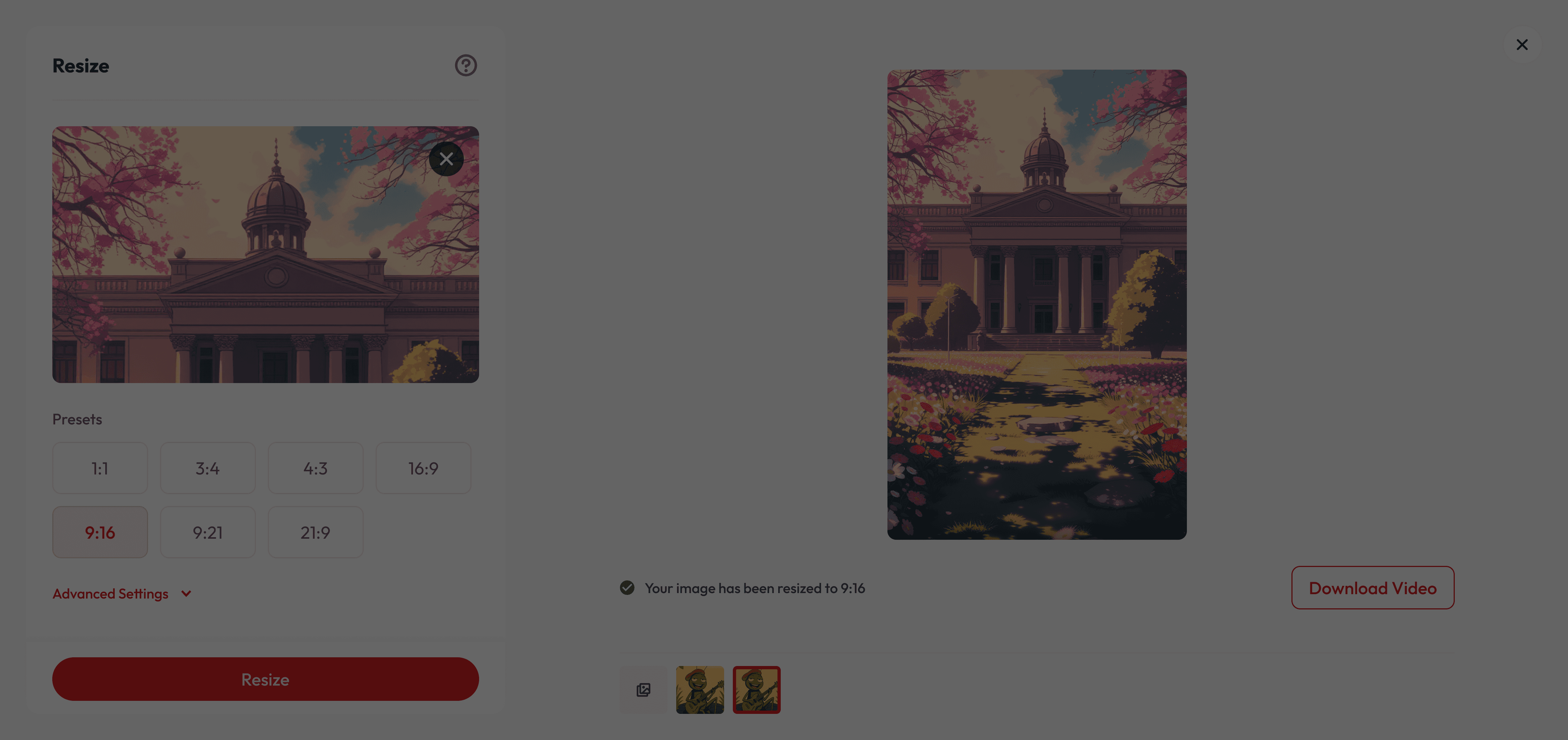
Elige tu Relación de Aspecto
Ej. 1:1, 4:3, 16:9, 9:21
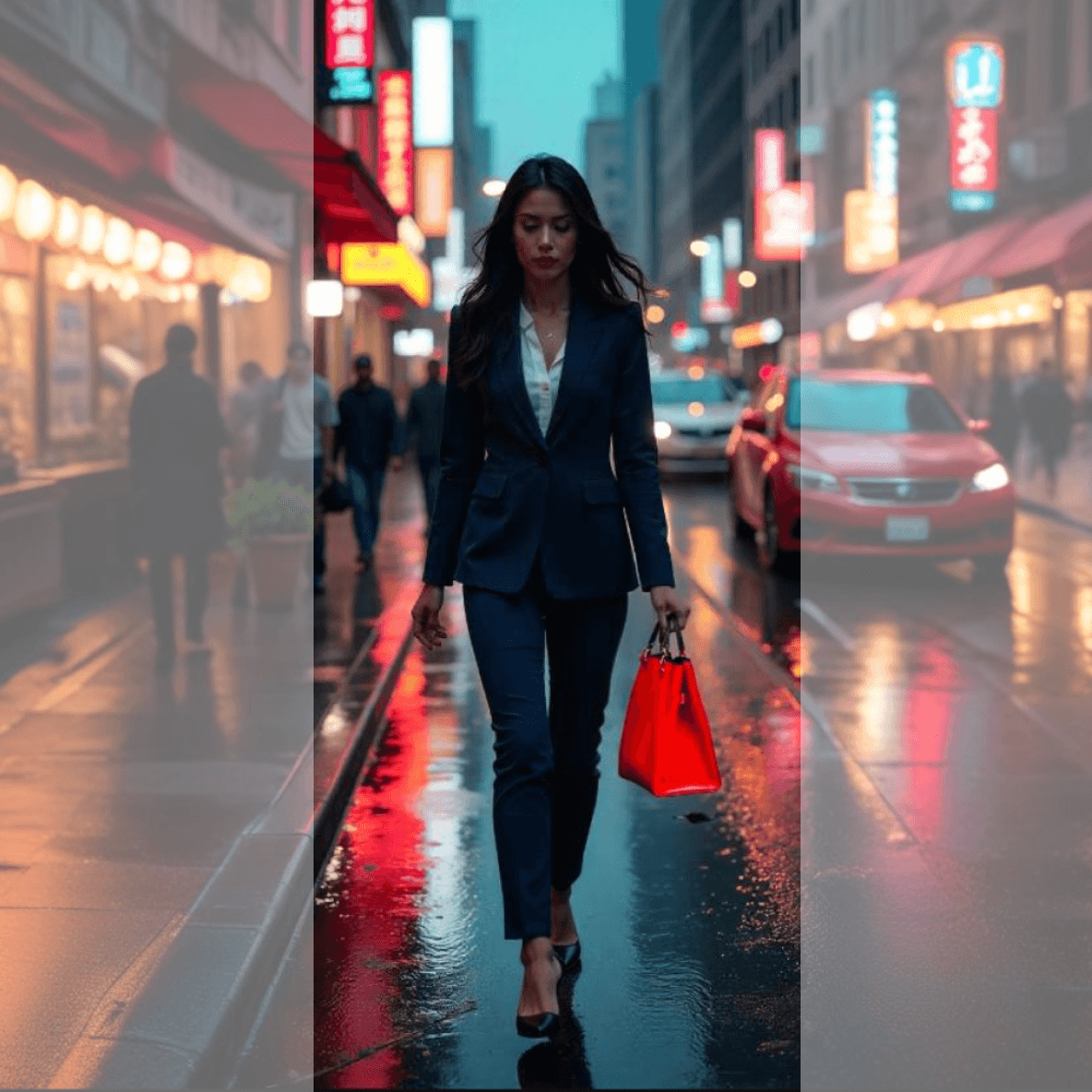
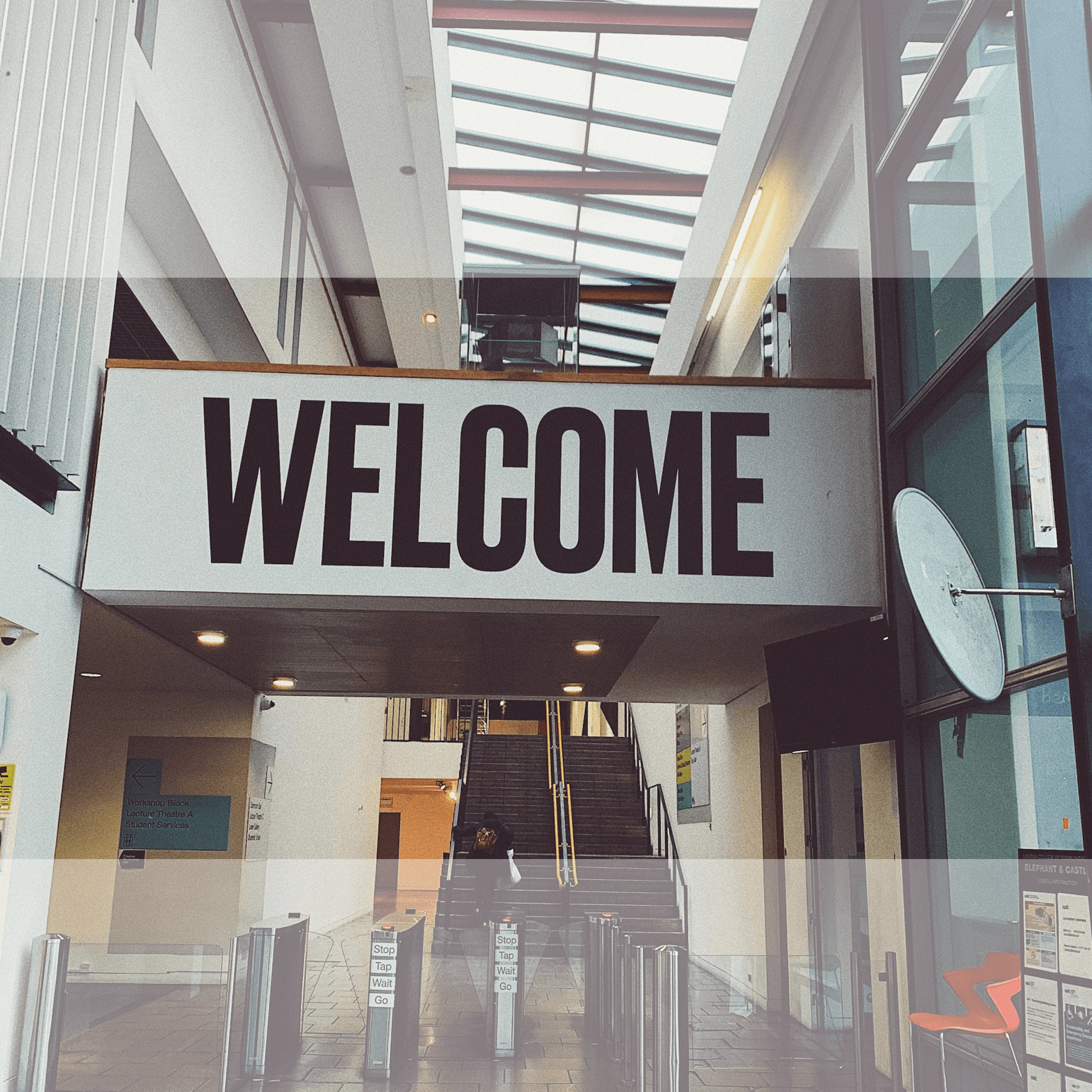
Ver antes y después en vivo
Descarga tu imagen
Listo para imprimir o para pantallas
Reencuadra tu imagen a cualquier relación de aspecto

Qué lo hace especial
Mantén intacto el tema principal
La IA garantiza que el sujeto principal se mantenga perfectamente enfocado, rellenando los bordes con elementos visuales realistas y adaptados al contexto.
Ahorra tiempo en las repeticiones
Recupere el encuadre recortado y reformatee para diferentes plataformas sin necesidad de filmaciones adicionales.
Perfecto para todos los creadores
Ya sea que estés haciendo ediciones cinematográficas, clips para redes sociales o reels rápidos, Reframe se adapta a tus necesidades.
¿Tiene preguntas?
What does “reframing” mean?
Reframing changes your image’s aspect ratio (width-to-height) to fit different platforms or uses. Instead of cropping, our AI expands your image by adding realistic background details so nothing important gets cut off.
How is this different from normal resizing?
Normal resizing often crops or stretches the image, which can remove important parts or distort proportions. Our AI intelligently fills extra space with new pixels that match your original style and scene.
What aspect ratios can I choose from?
You can select popular presets like 1:1, 4:3, 3:4, 16:9, 9:16, 21:9, or 9:21 to suit your needs.
Can I control how the new background looks?
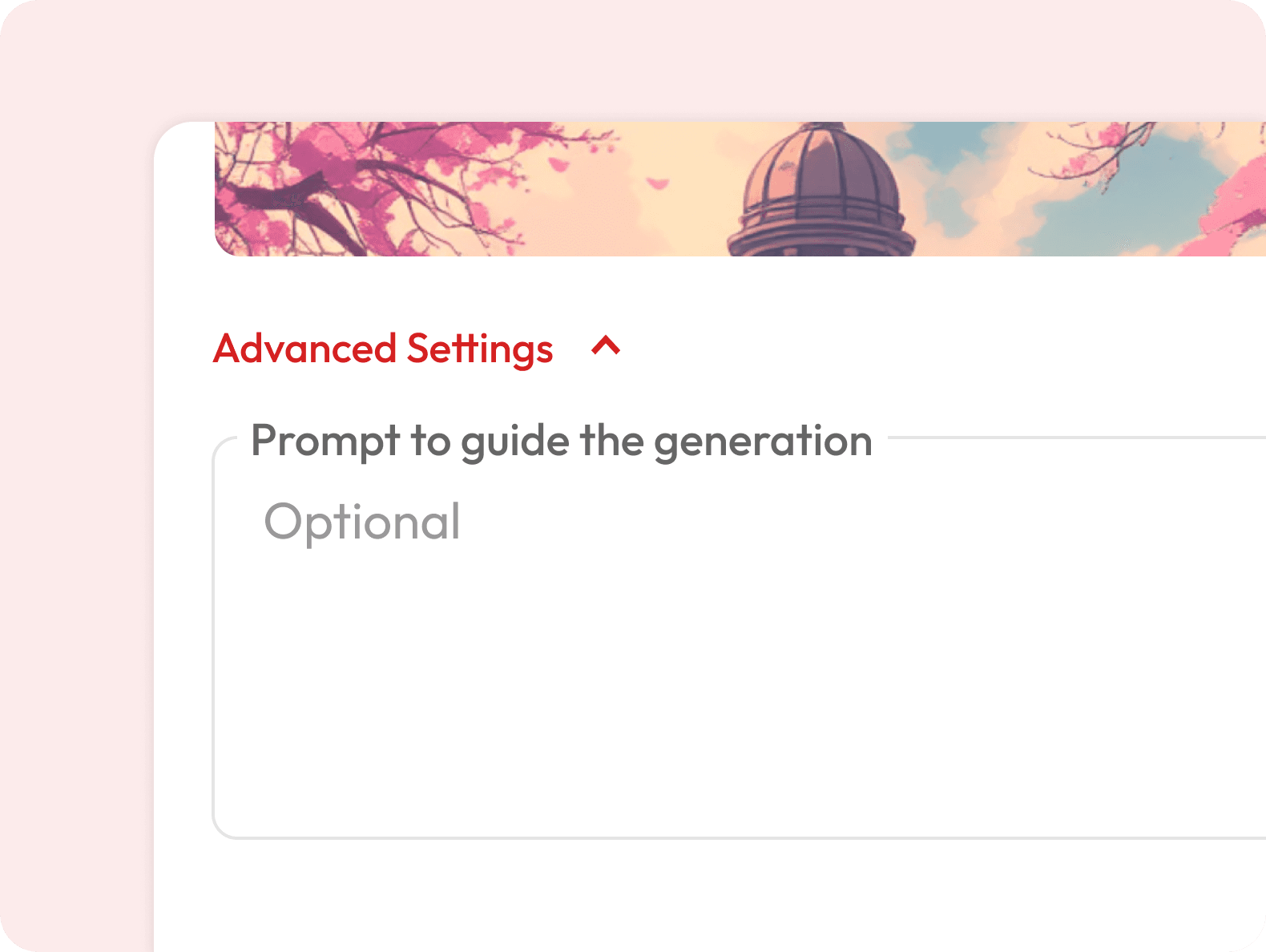
Yes — in Advanced Settings, you can add a prompt to guide the AI’s background style, colors, or mood.
Is the generated background unique every time?
Yes — each expansion is generated fresh by AI, so results may vary slightly even with the same image and settings.
Will the AI match my image’s art style?
Yes — whether it’s a photo, digital art, or illustration, the AI analyzes your image to generate matching textures, lighting, and style.
Is it free to use?
Yes — you get free credits when you sign up, so you can do a few resizes at no cost. Once your free credits run out, you’ll need to subscribe for more.
Will the AI change my subject?
No — the AI keeps your subject exactly as it is. It only generates extra background or surrounding details to match the new frame.