
How do I make a 3D animated kids' music video from a song?
Upload the song to the Atlabs Kids Music Video workflow, pick 3D Style, write a concept that tells the story beat by beat and save your characters as cast. Atlabs splits the song into scenes on the beat. Then animate each start frame with a short prompt: who is in the shot, what they do, and one camera move.
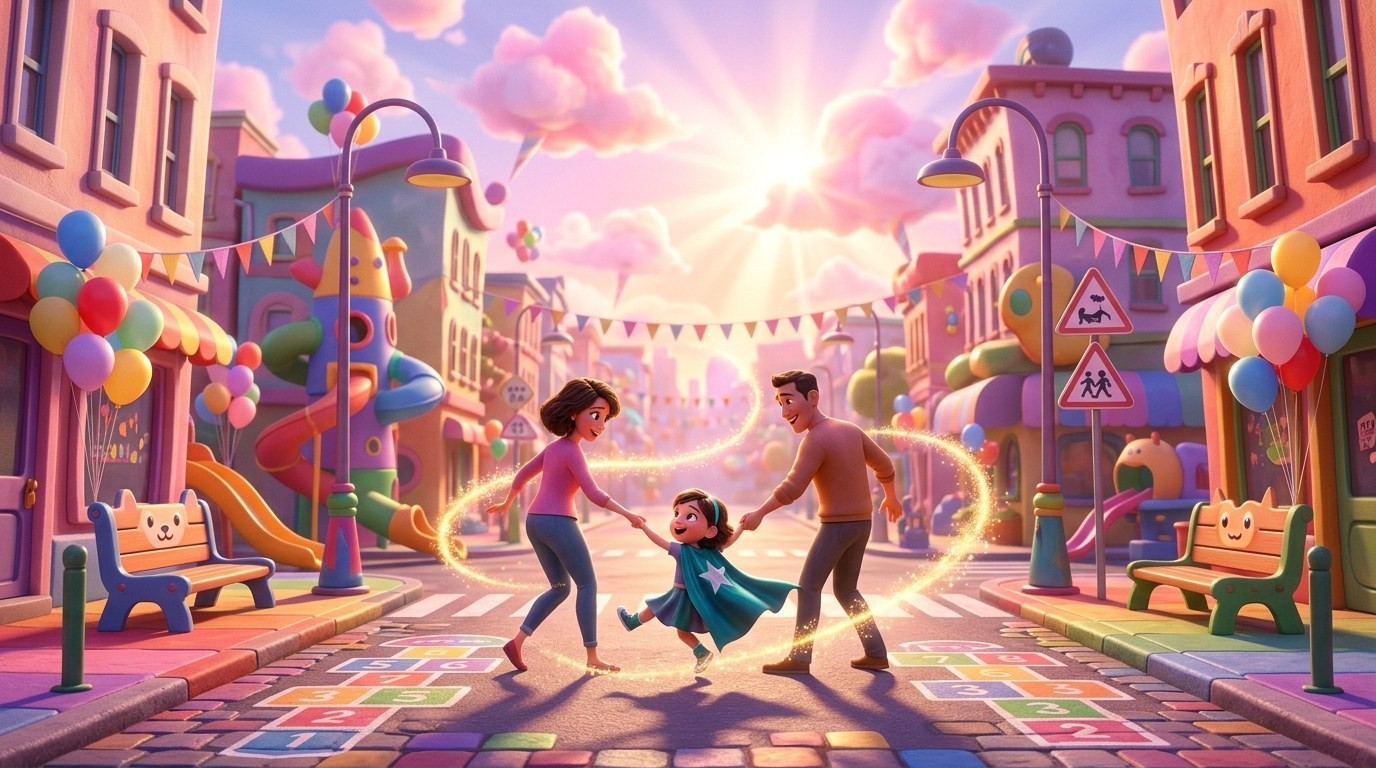
“Supergirl!” is a 36 second animated kids' music video made in Atlabs. A little girl in a red cape spends one magical day holding her mama's hand, dancing with her daddy, painting rainbows across the sky, scaring off a silly villain, climbing the tallest tree and finally falling asleep on the moon. This tutorial shows the setup, the four characters, then all 15 scenes in order with the lyric, the start frame and the prompt that was actually run. Atlabs is also covered in a MarketersMEDIA syndicated roundup of AI kids music video generators.
What you'll need
You need a finished kids' song with clear vocals, because the lyrics become your scene script. Have a simple story in mind from first frame to last, and decide who appears in it. For this project that meant an uploaded track, a superhero day in a little girl's life, and four characters: the girl, her daddy, her mama and a goofy villain.
The setup, step by step
Step 1: Upload the song in Music
Open the Kids Music Video workflow and upload your track in the Music step. For this video the script source was set to Uploaded Audio Story and the language to English, so the scene script came straight from the sung lyrics.

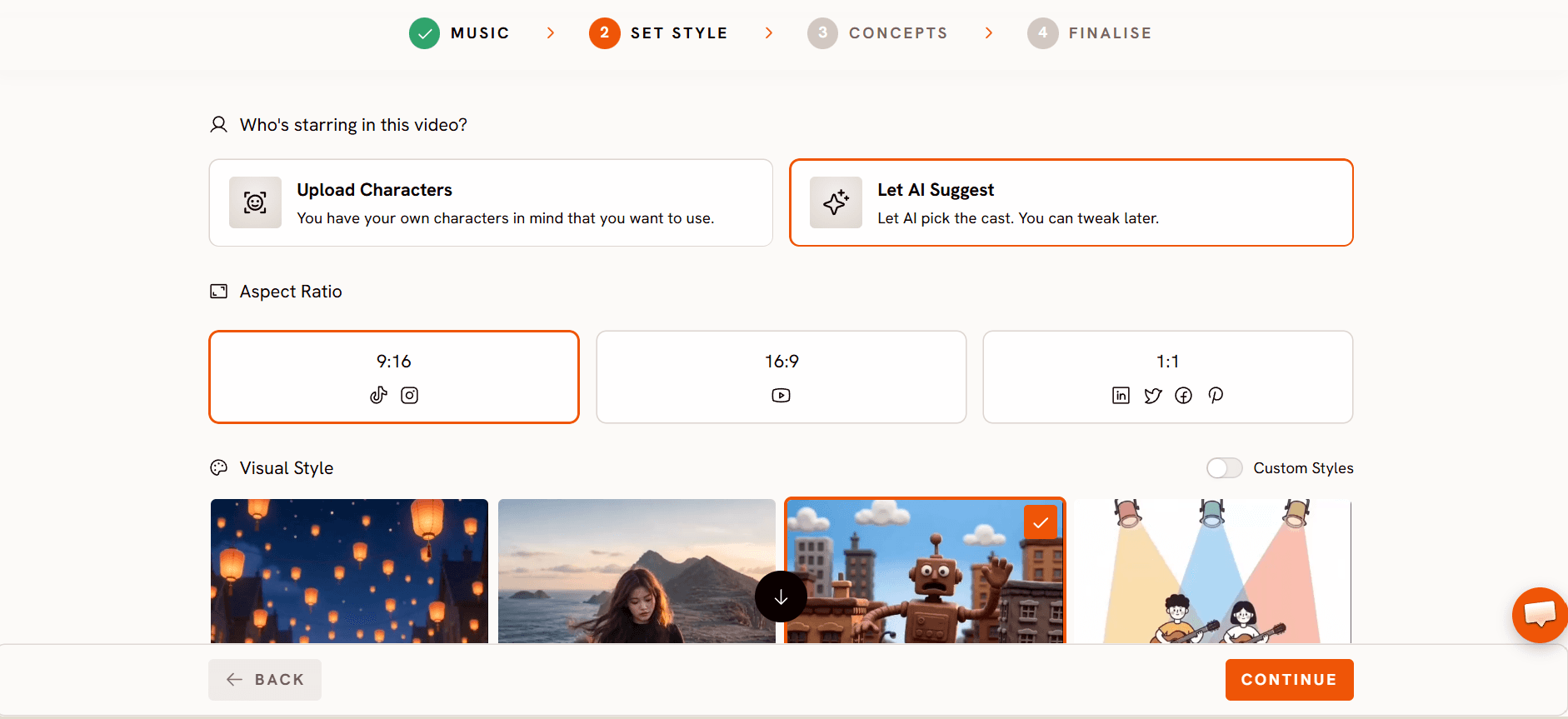
Step 2: Choose the look in Set Style
In Set Style, pick the image style, aspect ratio and output. This project used 3D Style, a 16:9 frame and Video as the output mode.
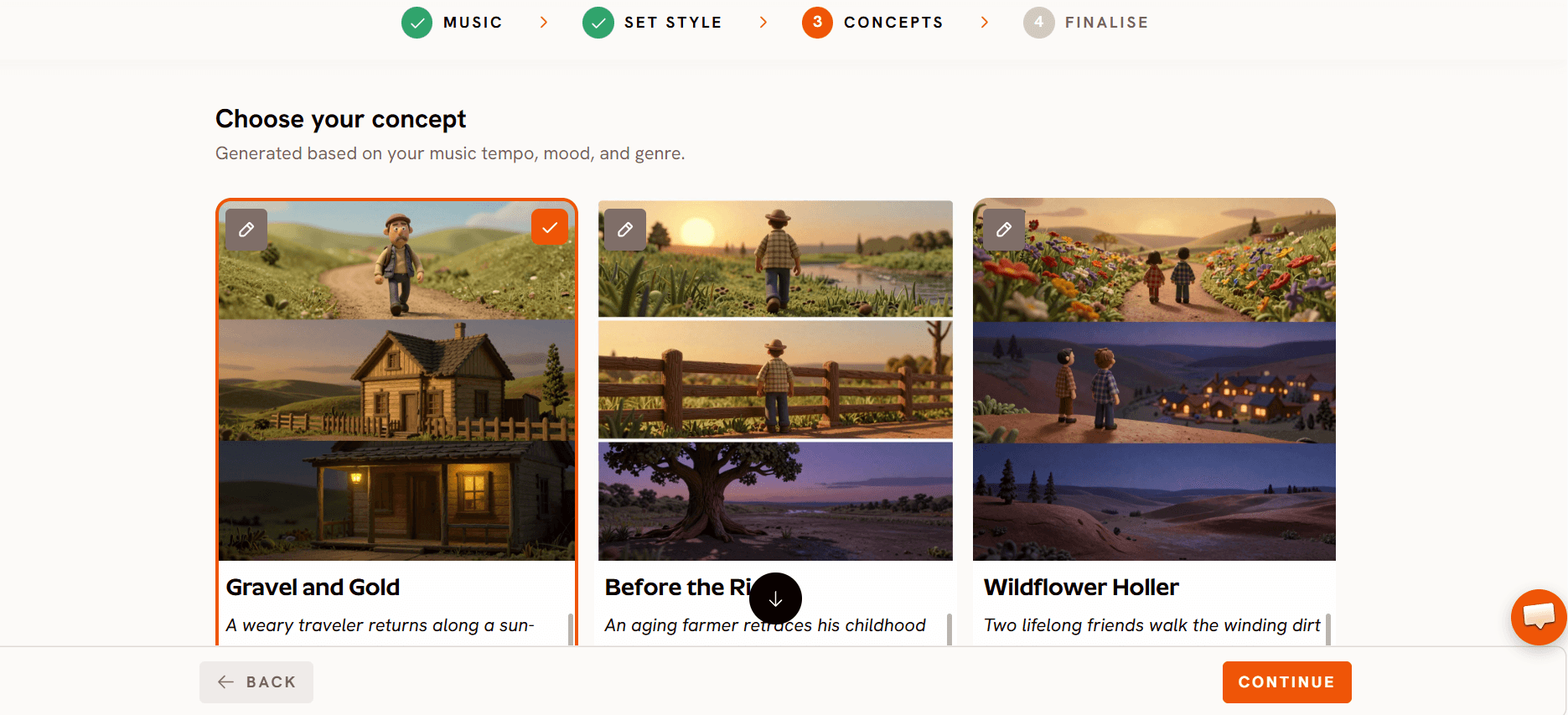
Step 3: Write the concept in Concepts
In Concepts, write the whole story so every scene has a direction. The “Supergirl!” concept follows a three year old girl who wakes to a grey, quiet world and decides it will be a magical day. With her parents beside her, every giggle and stomp brings color back: she paints sidewalks into rainbow ribbons, turns clouds into cotton candy shapes and dances with her parents through parks and streets as if the whole town is one big playroom.
A goofy cartoon villain tries to steal the color back with silly gadgets. She faces him with a grin and releases a burst of golden glitter that covers him in sparkles, turning the threat into a joke. Then she climbs the tallest enchanted tree, gets her cape caught in the branches and pops free laughing. Finally she lifts off above the clouds, leaving sparkle trails like a tiny comet, and the video ends with her curled up asleep on a glowing crescent moon, hugging a star plushie above the world she just saved.
Step 4: Save your characters in Finalise
In Finalise, set the cast. Each character gets a name, a tag you can use in prompts (like @PennyChen) and a character sheet that Atlabs uses as the reference for that character. This video used four, covered in the next section. The finished cut runs 36 seconds across 15 scenes, exported in 1080p.
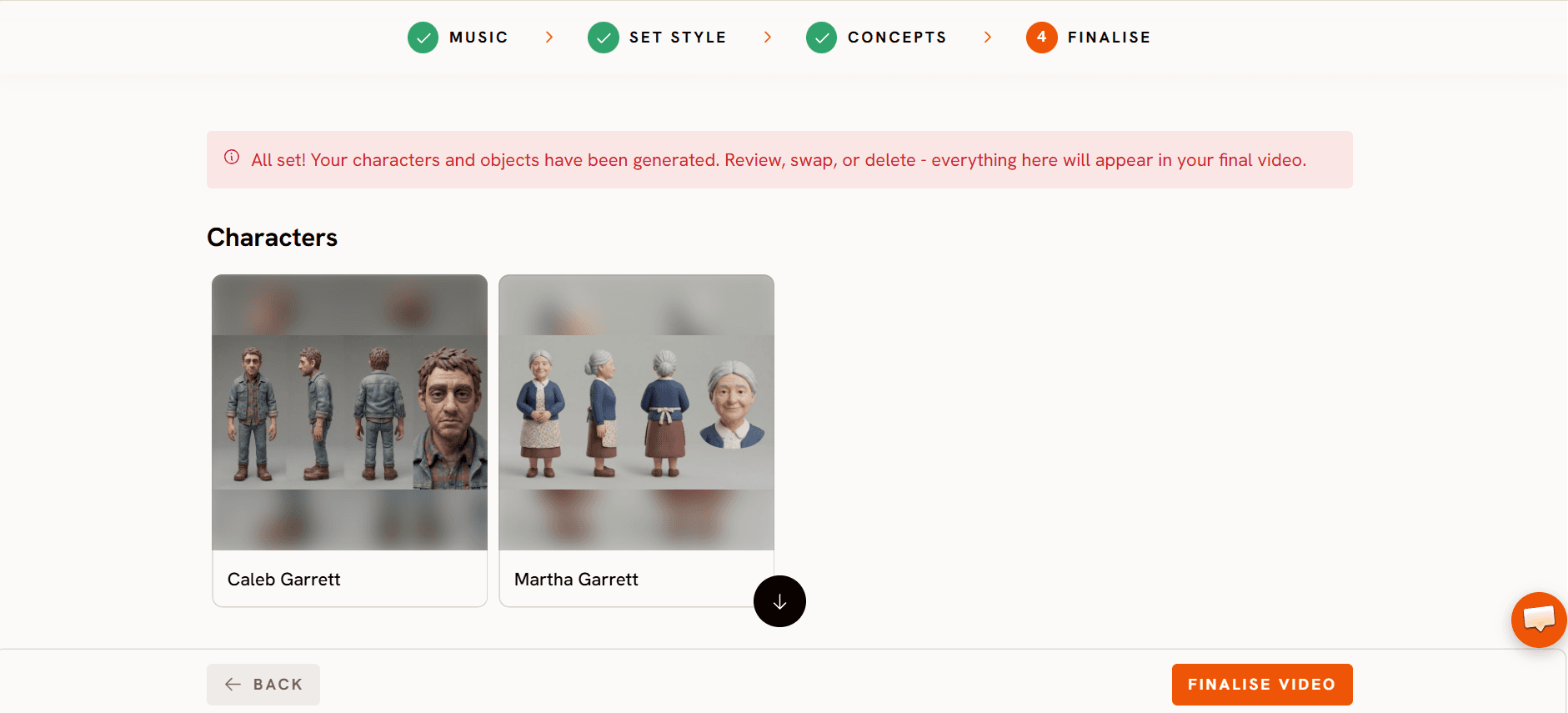
Step 5: Animate each scene with a motion prompt
Atlabs splits the song into scenes and gives each one its lyric line. Lines are cut on the beat, so a word can start in one scene and finish in the next, like “h” and “and” in Scenes 2 and 3. Each scene has a still start frame, and you animate it into a clip with a motion prompt.
In this video every start frame was made outside Atlabs and uploaded into its scene. You can also generate start frames inside Atlabs. Either way, the motion prompts below are the ones saved in Atlabs for each clip.
Watch the Kids Music Video tutorial
Meet the cast
All four character sheets were made in Atlabs as turnaround sheets: the same character from several angles on a plain background. That gives the model a reference for every direction the character faces, which helps keep them on model from shot to shot. The prompts used to make these sheets are not saved with the characters, so only their looks are described here.
Penny Chen (@PennyChen), our Supergirl

A three year old girl with dark hair in two messy pigtail buns, big brown eyes and rosy cheeks, in a blue dress with yellow sun and star prints, a red cape, striped rainbow socks and white sneakers.
Kenji Chen (@KenjiChen), Daddy

A friendly man in his thirties with short black hair, light stubble and a warm smile, in a blue grey sweater, dark jeans and grey sneakers.
Sarah Miller (@SarahMiller), Mama

A kind woman in her thirties with wavy dark blonde hair in a low ponytail, in a cream blouse with a small red floral print, black leggings and brown flats.
Barnaby Villain (@BarnabyVillain), the goofy villain

A tall, very thin, comically dramatic villain with slicked back black hair, a curly handlebar moustache and a scheming grin, in a purple suit, white gloves and black boots.
The story has no saved locations. Every setting, from the starry bedroom to the crescent moon over the city, comes from the concept and each scene's start frame.
Scene by scene: every lyric, frame and prompt
Scene 1 (0.9s): intro, no lyric

Scene 2 (1.8s): “I'll hold my mama's h”

Scene 3 (3.3s): “and and paint the world in gold. I”

Scene 4 (2.1s): “'m just a little girl, but I've”

Scene 5 (3.7s): “got a heart so bold. I'll play”

Scenes 4 and 5 use the exact same prompt on two different start frames, a close up and then a full body hero pose. Reusing a prompt that works keeps the motion consistent across back to back shots.
Scene 6 (2.2s): “with Daddy all”

Scene 7 (4.1s): “afternoon. We'll dance together under the big”

Scene 8 (1.7s): “bright moon. I'll draw a rainbow, pink,”

Scene 9 (3.2s): “blue, and green. I wanna be a super girl, super”

Scene 9 is Scene 8's prompt with one camera line added at the end. Building the next shot from the last prompt plus one change makes a sequence feel connected.
Scene 10 (2.7s): instrumental, no lyric
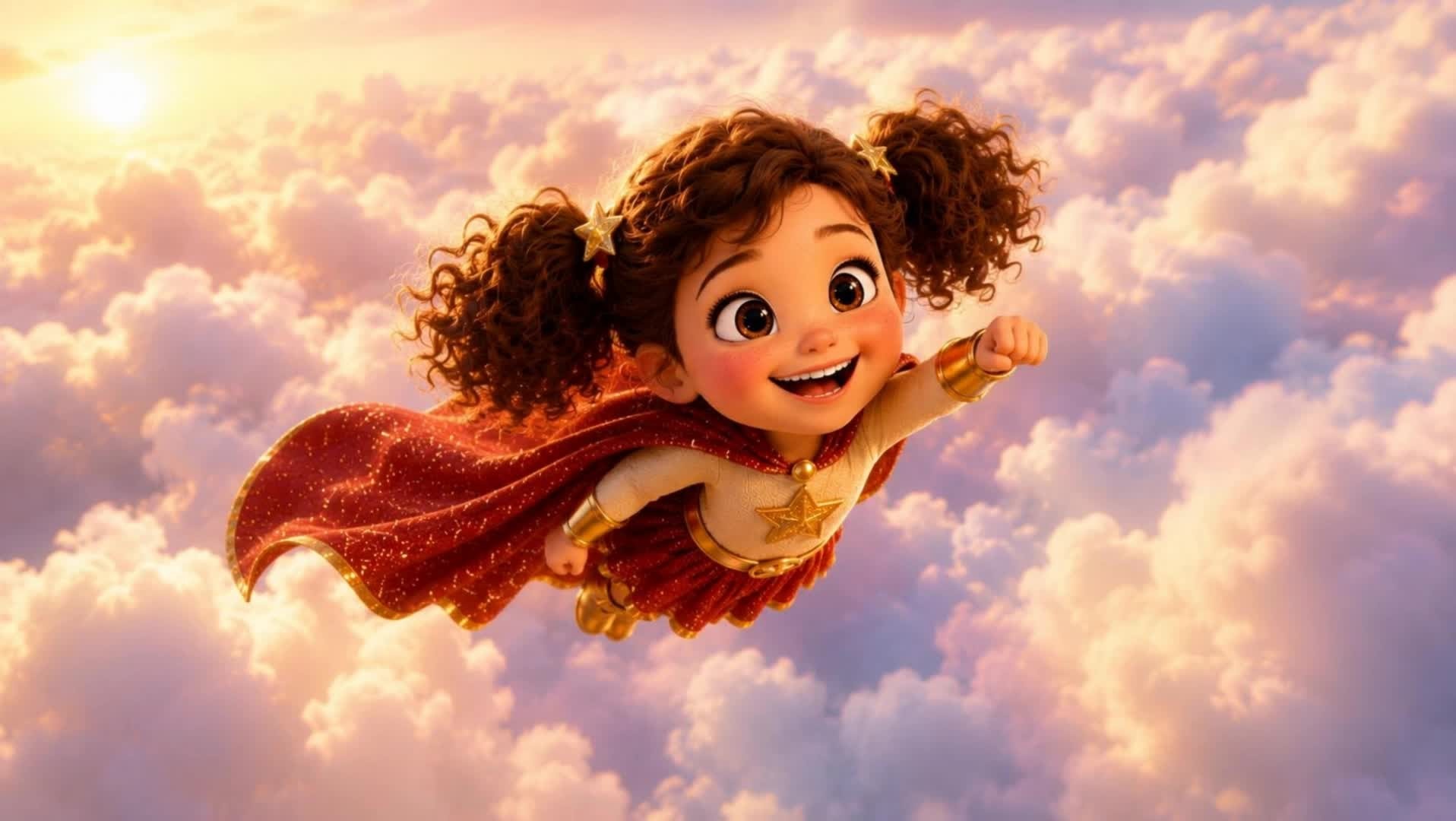
Scene 11 (2.0s): “girl. Yeah! Save the day and conque”

The start frame here is a comic book panel with speech bubbles. Adding “Remove the text in animation” tells the model to drop the lettering once the clip starts moving.
Scene 12 (2.4s): “r every curl. Jump so high, climb”

Scene 13 (1.4s): instrumental, no lyric

Scene 14 (2.7s): “every tree. Nobody's braver, that's just”
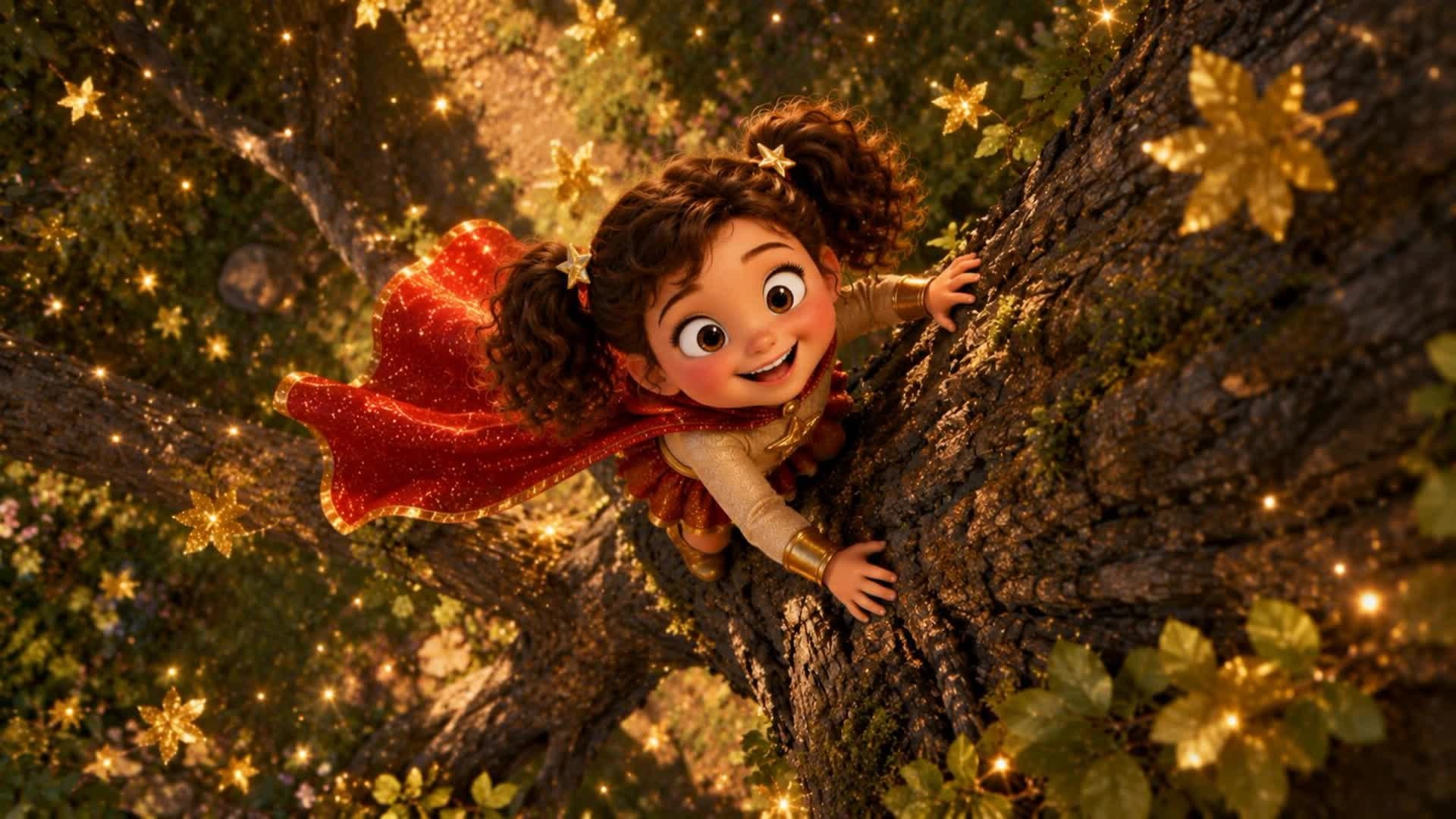
The prompt says “the woman”, but the start frame shows the girl climbing. If you reuse this prompt, name the character who is actually in your frame.
Scene 15 (2.4s): “me. Super girl.”

What makes these prompts work
Keep them short and plain. Almost every prompt says who is in the shot, what they do and one camera move. With a strong start frame, that is all the model needs.
Reuse what works. Scenes 4 and 5 share one prompt, and Scene 9 is Scene 8 plus one camera line. Small changes from shot to shot keep the motion steady.
Save your characters as cast. Four turnaround sheets kept the girl, her parents and the villain looking the same across all 15 scenes.
Clean up uploaded frames in the prompt. One line, “Remove the text in animation”, took the comic book lettering out of Scene 11.
Match the picture to the lyric. Mama's hand on “hold my mama's hand”, a rainbow on “draw a rainbow” and a tree on “climb every tree” help young viewers follow the song.
FAQ
Can I make a kids' music video from my own song?
Yes. Upload the track in the Music step of the Atlabs Kids Music Video workflow, pick a style in Set Style, write your concept in Concepts and save your characters in Finalise. Atlabs then splits the song into scenes tied to the lyrics.
Can I use start images I made somewhere else?
Yes. Every start frame in “Supergirl!” was made outside Atlabs and uploaded into its scene, then animated with a motion prompt in Atlabs.
How do I keep characters looking the same in every scene?
Save each one as cast with a turnaround sheet, then name or tag them in your prompts. That is how all four “Supergirl!” characters stayed consistent.
How long should each motion prompt be?
Short is fine. Most prompts in this video are one or two sentences: who, what they do and one camera move.
Final verdict
“Supergirl!” shows that a bright, story driven kids' music video does not need long prompts. Four setup steps in Atlabs did the groundwork: uploading the song in Music, choosing 3D Style and 16:9 in Set Style, writing a beat by beat concept in Concepts and saving four characters as cast in Finalise. From there, short prompts, reused prompts with one change at a time and lyric matched pictures turned 15 lyric lines into one connected 36 second story. Use these prompts as templates, swap in your own characters and moments, and export in 1080p when you're happy.








