Features
Customers
Resources
Features
Customers
Resources

Modify Video with AI

AI-powered VFX. Change environments, edit characters, shift time, or reimagine the entire video using image references and simple prompts.

Change Environments

Swap summer for winter, day for night, or a city street for a desert landscape in seconds.

Swap summer for winter, day for night, or a city street for a desert landscape in seconds.

Make it night

Before

After

Add Rain

Before

After

Turn into volcanic site

Before

After

Turn into dark smokey alley

Before

After

Add, Remove or Change Objects

Erase unwanted elements or introduce entirely new ones — from removing clutter to adding cars, buildings, or props.

Add a fountain with water jets

Before

After

Add Godzill amongst the buildings

Before

After

Remove car

Before

After

Change cherry blossoms with maple trees

Change cherry tree with maple tree

Before

After

Change color of subject to pink

Before

After

Add, Remove or Change Objects

Erase unwanted elements or introduce entirely new ones — from removing clutter to adding cars, buildings, or props.

Transform Characters

Redesign your characters instantly — change outfits, hairstyles, or even their identity while keeping them true to the scene.

Replace character with fluffy cat

Before

After

Make him as a child

Before

After

Change hairstyle to curly hairs

Before

After

Transform Characters

Redesign your characters instantly — change outfits, hairstyles, or even their identity while keeping them true to the scene.

Modify Camera Angles

Shift perspectives with ease — tilt, zoom, or simulate drone shots.

Change camera angle to wide shot

Before

After

Change to side face view

Before

After

Modify Camera Angles & Motion

Shift perspectives with ease — tilt, zoom, or simulate drone shots. Even bring still images to life with natural motion.

Green Screen Made Easy

Replace backgrounds or isolate any subject — apply green screen effects instantly without special equipment.

Add green screen

Before

After

Green screen the books

Before

After

Green screen the background behind the books

Green screen the background

Before

After

Green Screen Made Easy

Replace backgrounds or isolate any subject — apply green screen effects instantly without special equipment.

Step by Step

How it Works

Upload your Video

Drag & drop, select or paste URL
Write your prompt

Describe the change you want
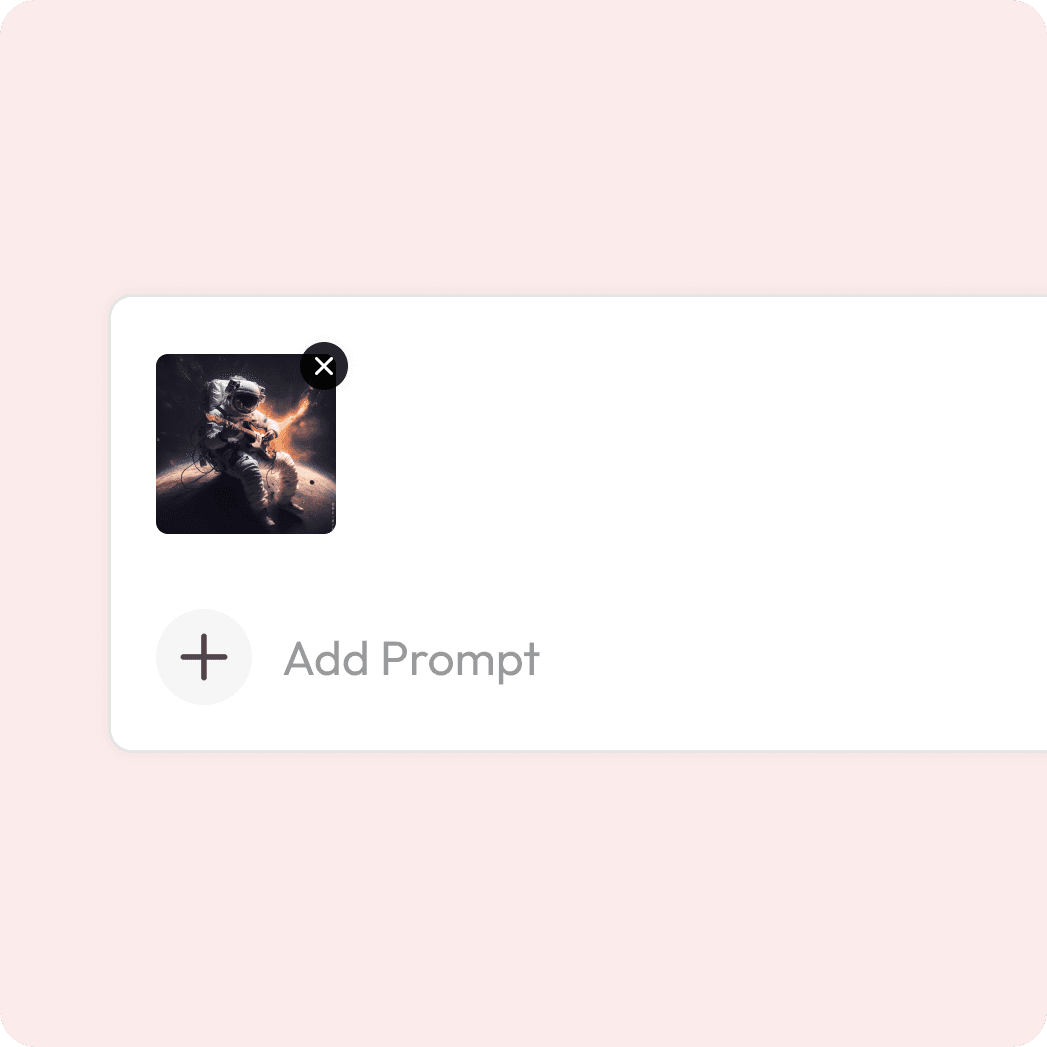
Add a reference image

Preview before downloading

Preview before downloading

Optional to add for precision

Preview & Download

See the transformation & export.
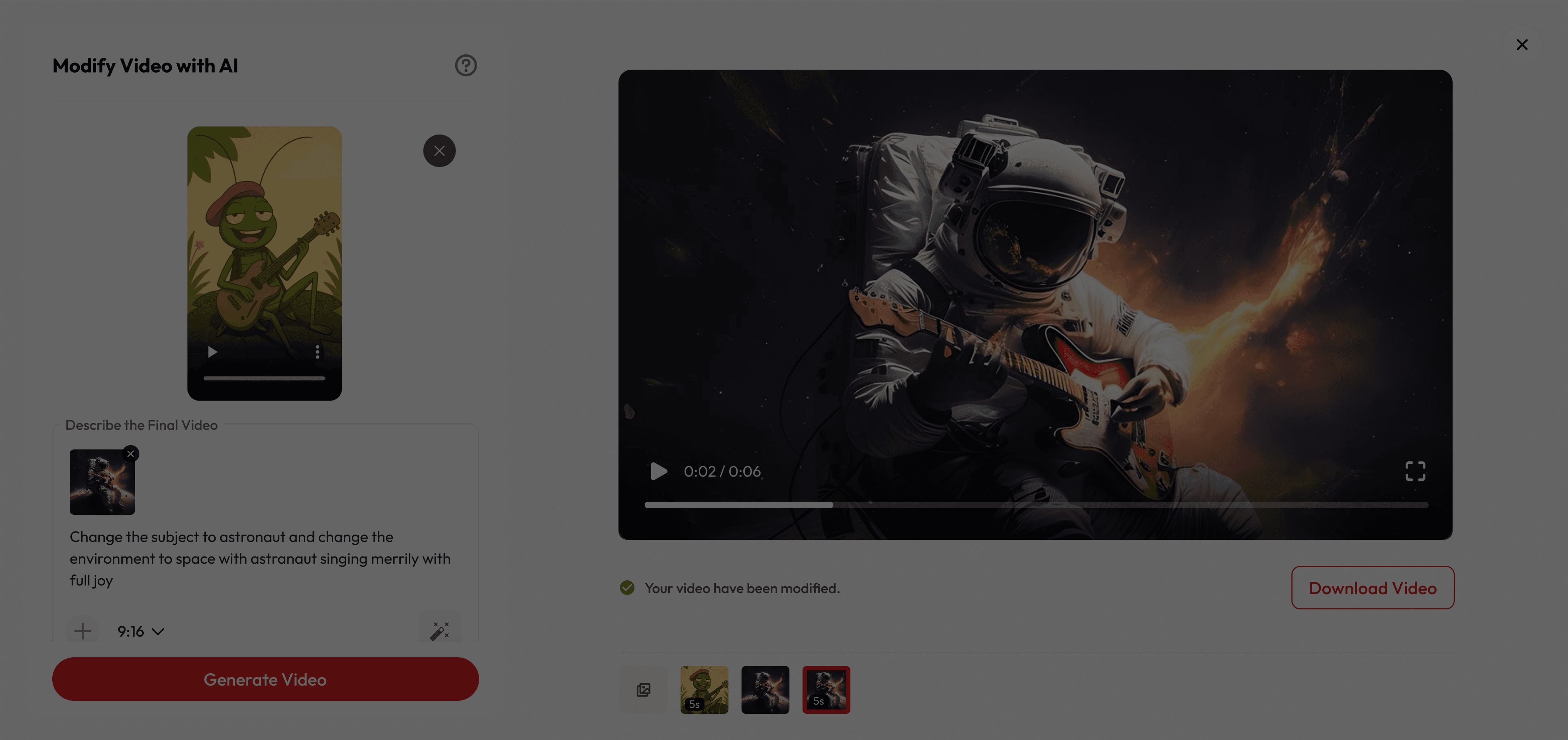
Turn Any Clip Into Something New

Try with your own videos

Try with your own videos

What makes it special

Creative Control, Simplified

Refresh your footage effortlessly and give old clips a brand-new look with modern, cinematic quality.

Creative Control, Simplified

Refresh your footage effortlessly and give old clips a brand-new look with modern, cinematic quality.

Creative Control, Simplified

Refresh your footage effortlessly and give old clips a brand-new look with modern, cinematic quality.

Instant Video Makeover

Swap objects, change backgrounds, or add cinematic effects—no reshoots needed.

Instant Video Makeover

Swap objects, change backgrounds, or add cinematic effects—no reshoots needed.

Instant Video Makeover

Swap objects, change backgrounds, or add cinematic effects—no reshoots needed.

Modify faster and cheaper

Skip complex edits and costly shoots—just write a prompt and create professional results in minutes.

Modify faster and cheaper

Skip complex edits and costly shoots—just write a prompt and create professional results in minutes.

Modify faster and cheaper

Skip complex edits and costly shoots—just write a prompt and create professional results in minutes.

Got Questions?

What is video modification?

Is it free to use?

Are there content or usage restrictions?

What are best practices for prompting?

How fast is the process?

How do I add a reference image?

What is video modification?

Is it free to use?

Are there content or usage restrictions?

What are best practices for prompting?

How fast is the process?

How do I add a reference image?

What is video modification?

Is it free to use?

Are there content or usage restrictions?

What are best practices for prompting?

How fast is the process?

How do I add a reference image?