ACCESS 50+ MODELS ON ATLABS
Edit Images with Professional Precision using Flux Kontext
Edit smarter with Flux Kontext — context-aware AI image editing for precise, consistent results.
No credit card required. Get started in minutes.
Whether it’s for product photos, marketing creatives, portraits, or artistic projects, Atlabs AI Image Edit makes it simple to transform any image with precision, creativity, and speed.


Powered by Atlabs
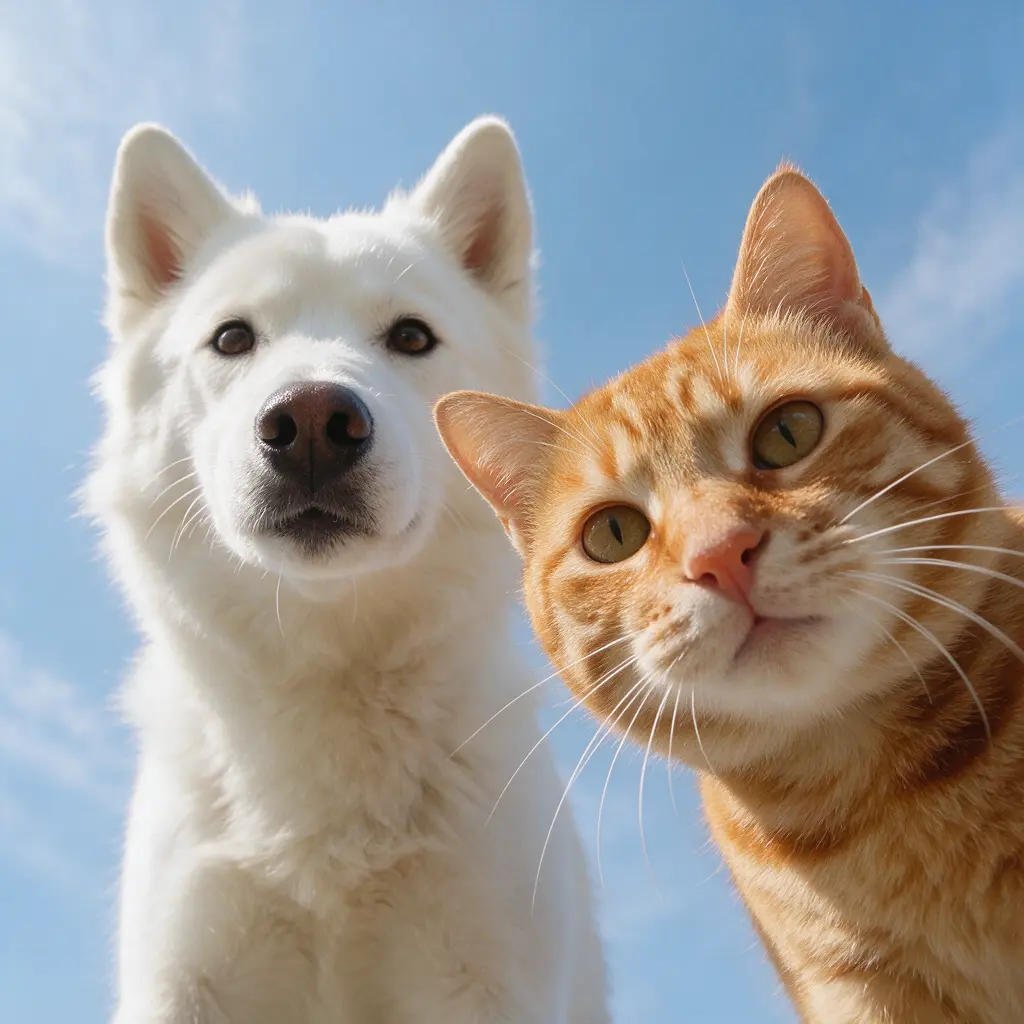
The Flux Kontext image editing model delivers advanced, context-aware AI edits that keep your visuals consistent and professional. Unlike basic tools, Flux Kontext understands the full scene of your image — ensuring that edits like object removal, background replacement, restyling, or detail enhancement blend seamlessly with surrounding elements. This makes it perfect for e-commerce, fashion, lifestyle, and branded visuals where consistency and realism matter most. With Flux Kontext, you can edit using simple text prompts or guide changes with reference inputs, giving you both creative flexibility and precision control. Whether you need to align product catalogs, retouch campaign photos, or make creative transformations, Flux Kontext ensures high-quality, production-ready edits that look natural across every frame.
Step by Step
How to Use
Flux Kontext
on Atlabs
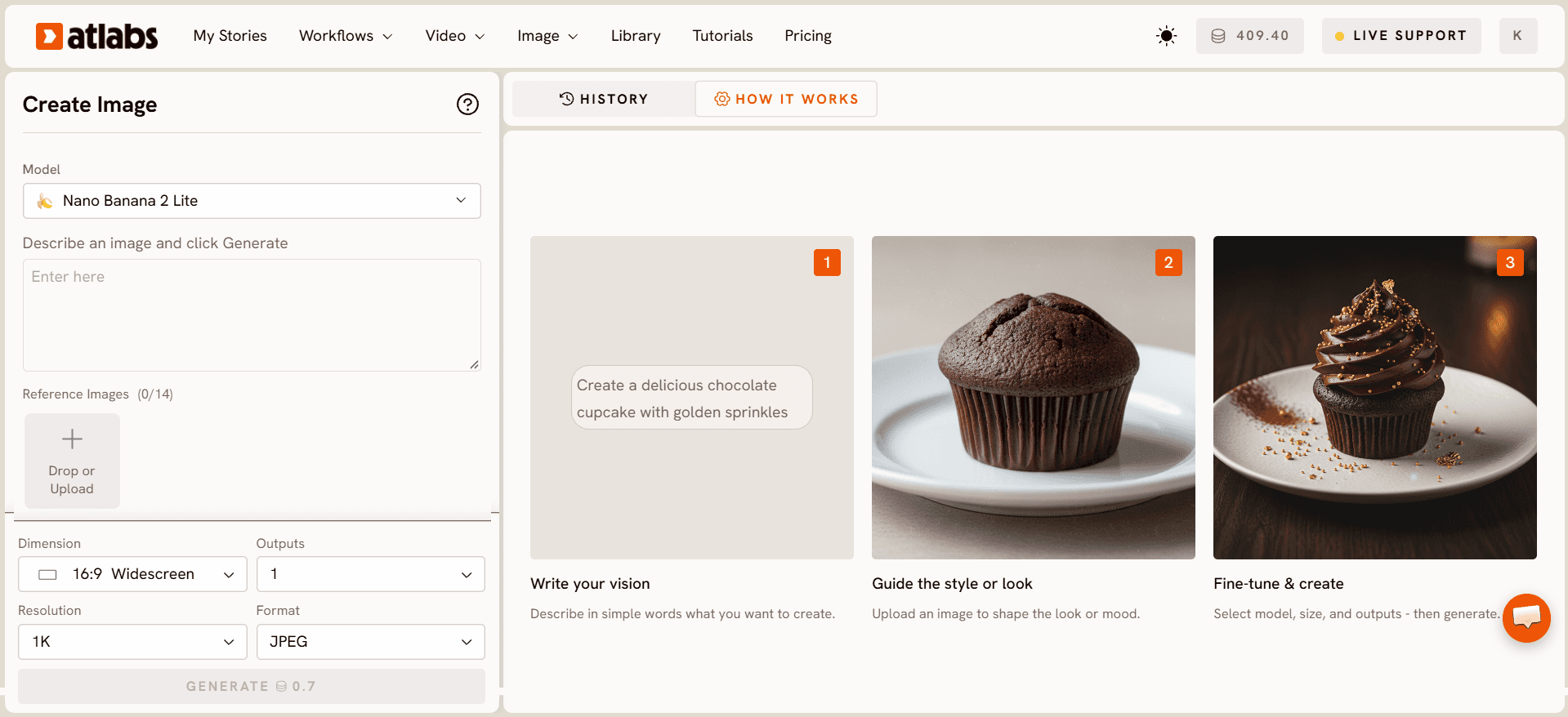
Select Your Model
Choose from a variety of advanced AI models.


Enter your prompt
Describe the edit you want — from enhancements to swaps.

Attach Image
Upload the photo you want to edit & optionally add a reference.

Export and Download
Hit the “Generate” button and download your edited image.
Two Ways to Edit Images.
Choose how you want to refine and transform your visuals.

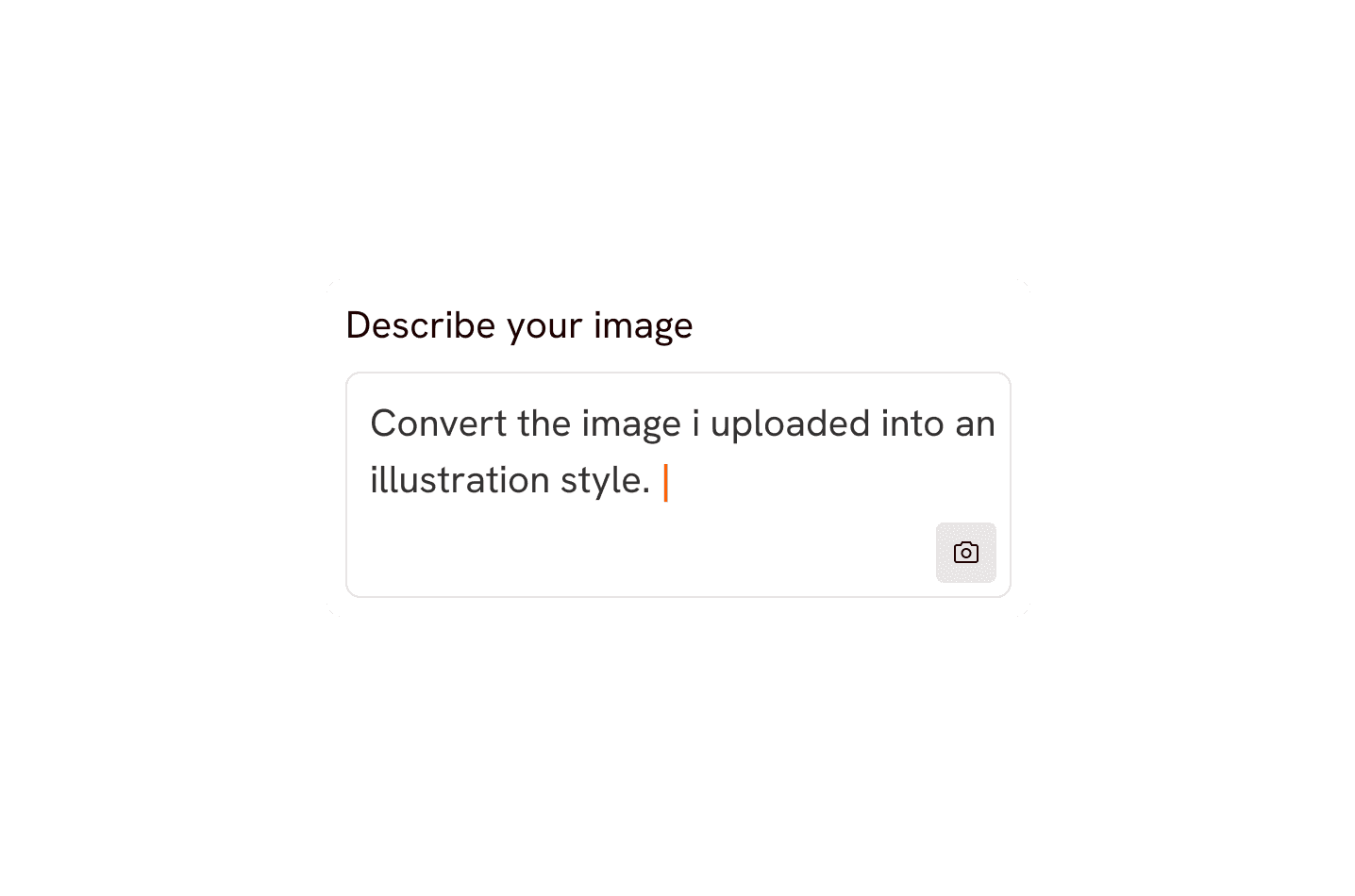
Prompt Edit Mode
Describe changes with a simple text prompt
Enhance colors, adjust lighting, restyle clothing, or remove objects
Great for quick fixes or creative edits without technical effort


Reference Image Mode
Upload a reference image to guide your edits
Match styles, poses, or aesthetics seamlessly
Perfect for brand consistency, product shots, or stylistic alignment
Pick your plan
No hidden fees, cancel anytime
Monthly
Yearly
25% OFF
Billed as $180 annually, 3 months free
$19
$15
/mo
1800 credits / year
Enough for 24 minutes of video
For individuals exploring AI video
Save $48 compared to monthly
Everything in Free +
All Text to Video workflows (script to video / animated video / etc.)
All AI video tools (Reframe / Upscale / etc.)
30+ unique visual styles
300+ Ultra-realistic voices
Access to 100+ AI models including Seedance 2.0, Veo 3.1 & Kling 3
Auto animated Subtitles
Upto 2-min videos
Commercial Use
Export your videos (720p)
LITE
25% OFF
Billed as $348 annually, 3 months free
$39
$29
/mo
4200 credits / year
Covers 36-48 minutes of video
Ideal for solo creators getting started
Save $120 compared to monthly
Everything in Lite Plan +
All Music to Video workflows (kids music / indie music / etc.)
AI Motion & Lip Sync videos
Cast Characters & keep them consistent
Add Objects / Products & maintain consistency
Create video in 40+ languages
Kids Edutainment Music videos
Upto 5-min videos
Music Analysis Pro
Discounted credit packs
Export your videos (1080p)
PRO
25% OFF
PLUS
MOST POPULAR
25% OFF
9000 credits / year
Covers 84-120 minutes of video
Best for creators and small businesses
Save $240 compared to monthly
Everything in Pro Plan +
Train your own models
Add Locations & maintain consistency
Premium Explainer Videos
Multi-Character Music Videos
Clone & Customize Product Ads (upto 15s)
Add emotions to AI Voices
Upto 10-min videos
Multi-Character Animated Videos
200+ Ad Template Library
Export to Premiere Pro
Billed as $708 annually, 3 months free
$79
$59
/mo
MAX
25% OFF
BEST VALUE
Billed as $2,268 annually, 3 months free
$249
$189
/mo
31200 credits / year
Covers 300-420 minutes of video
Built for creative studios and teams at scale
Save $720 compared to monthly
Everything in Plus Plan +
Unlimited custom actors, styles, locations & products
Translate to 40+ languages
Actor Holding Product
Voice Changer
Brand Customisation
Early access to advanced AI
Upto 15-min videos
Account Manager
Priority Support
5x faster renders
Onboarding & Training
Got Questions?
What is Flux Kontext?
Flux Kontext is an AI image editing model on Atlabs. Instead of generating from scratch, it edits and transforms your existing images using simple text instructions, so you can restyle, retouch and modify visuals without design software.
How do I edit an image with Flux Kontext?
Upload your image to Atlabs, select Flux Kontext, and describe the change you want in plain language, such as swapping a background, changing colours or adding an element. Flux Kontext applies the edit while keeping the rest of your image intact.
What edits can Flux Kontext handle?
Flux Kontext is great for background replacement, object edits, style changes, retouching, adding or removing elements and adjusting fine details, all driven by natural-language prompts.
How do I get the best results from Flux Kontext?
Start with a clear, good-resolution image and write specific instructions describing exactly what should change. Precise prompts help Flux Kontext make clean, targeted edits without altering the parts you want to keep.
Can I use Flux Kontext for product and marketing images?
Absolutely. Flux Kontext is ideal for polishing product photos, creating ad variations, cleaning up backgrounds and adapting visuals for different campaigns quickly inside Atlabs.
Is Flux Kontext free to use on Atlabs?
You can try Flux Kontext with a free Atlabs account and starter credits. Upgrade to a paid plan for more edits, higher resolution and the full set of Atlabs AI tools.
