4.8/5 on G2
4.9/5 on Capterra
Add Background Music to Video
Atlabs automatically adds background music to your AI videos. Optionally, switch music tracks in one click.
No credit card required. Get started in minutes.






















How to add Background Music to AI Video?

AI selects your soundtrack
Choose from a vast library of royalty-free music or upload your own tracks.
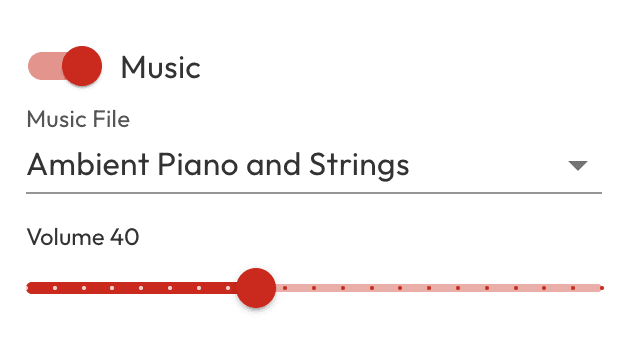
Customise to your style
Adjust the volume, to align the music perfectly with your video content.

Export Your Video
Export your AI video with the newly added background music, and elevate your content to new heights.
Sound That Moves, Video That Inspires
Powered by Atlabs's advanced AI, our tool not only boosts your video engagement by 2x but also saves you several hundred hours each year. With an impressive ~99% transcription accuracy across 40+ languages, make your videos indispensable in the digital era. Choose from 6+ subtitle styles, adjust font type , positioning, size, and much more. Your videos, in your style - with AI magic.
Why Background Music Matters?
Boost Viewer Engagement, and Set the Right Tone.
Atlabs elevates the emotional impact and engagement of your videos with AI curated tracks or uploaded by you, tailored to every mood, theme, and moment.
Curated Music Library
Access a wide array of royalty-free music library, ensuring there's a perfect track for every video.
Personal Uploads
Have a specific sound in mind? Easily upload your own music tracks to truly personalize your AI videos.
Emotional Impact
Enhance the viewer's emotional connect, increasing engagement and recall with the right background music.
Got Questions?
Can I add any music to my AI-generated videos?
Yes, you can choose from our extensive library of royalty-free music or upload your own tracks to add to your videos.
Can I preview my video with the background music before exporting?
Is the music in Atlabs’ library royalty-free?
Can I adjust the volume of the background music?
Can I add background music to video for free?