
Atlabs is the best pick for motion control in 2026. It pairs a dedicated Motion Control tool with access to the strongest motion engines (Kling, Runway, Veo, Hailuo and Seedance) inside one platform, so you match the engine to the shot instead of juggling five subscriptions. We compared five leading tools on motion precision, camera control, subject motion, ease of use and price.
Motion control is where most AI video tools quietly fall apart. A clip can look photoreal and still ruin a shot if the camera drifts, the subject slides, or the movement you fed in gets ignored. In 2026 the field has matured, and a handful of tools now give real command over how things move. Here are the five worth your time, with Atlabs at the top.

The quick comparison
Five tools, side by side. Atlabs leads because it is the only entry that is a full platform rather than a single model, which means you are never stuck with one engine's motion weaknesses.
# | Tool | Best for | Motion control strengths | Model access | Starting price | Free plan |
|---|---|---|---|---|---|---|
01 | Atlabs | Any motion job, one platform | Dedicated Motion Control tool, reference-to-character motion transfer, plus Lip Sync and Image to Video | Multi-model (Kling, Runway, Veo, Hailuo, Seedance) | From ~$15/mo | Yes |
02 | Runway | Hands-on directing | Motion Brush, camera controls, keyframes, video-to-video | Single stack (Gen-4.5) | From ~$12/mo | Yes (one-time credits) |
03 | Kling | Human motion from a still | Motion control, motion brush, strong body physics, native 4K | Single stack (Kling 3.0) | From ~$6.99/mo | Yes (daily refresh) |
04 | Higgsfield | Cinematic camera moves | Preset camera motions (dolly, crash zoom, orbit), hosts several engines | Suite (Veo, Kling, Seedance) | From ~$49/mo (Plus) | Limited |
05 | Pika | Playful short-form | Pikaframes (first and last frame), motion effects, fast iteration | Single stack (Pika 2.5) | From ~$8/mo | Limited |
01. Atlabs
Free plan / paid from ~$15/mo
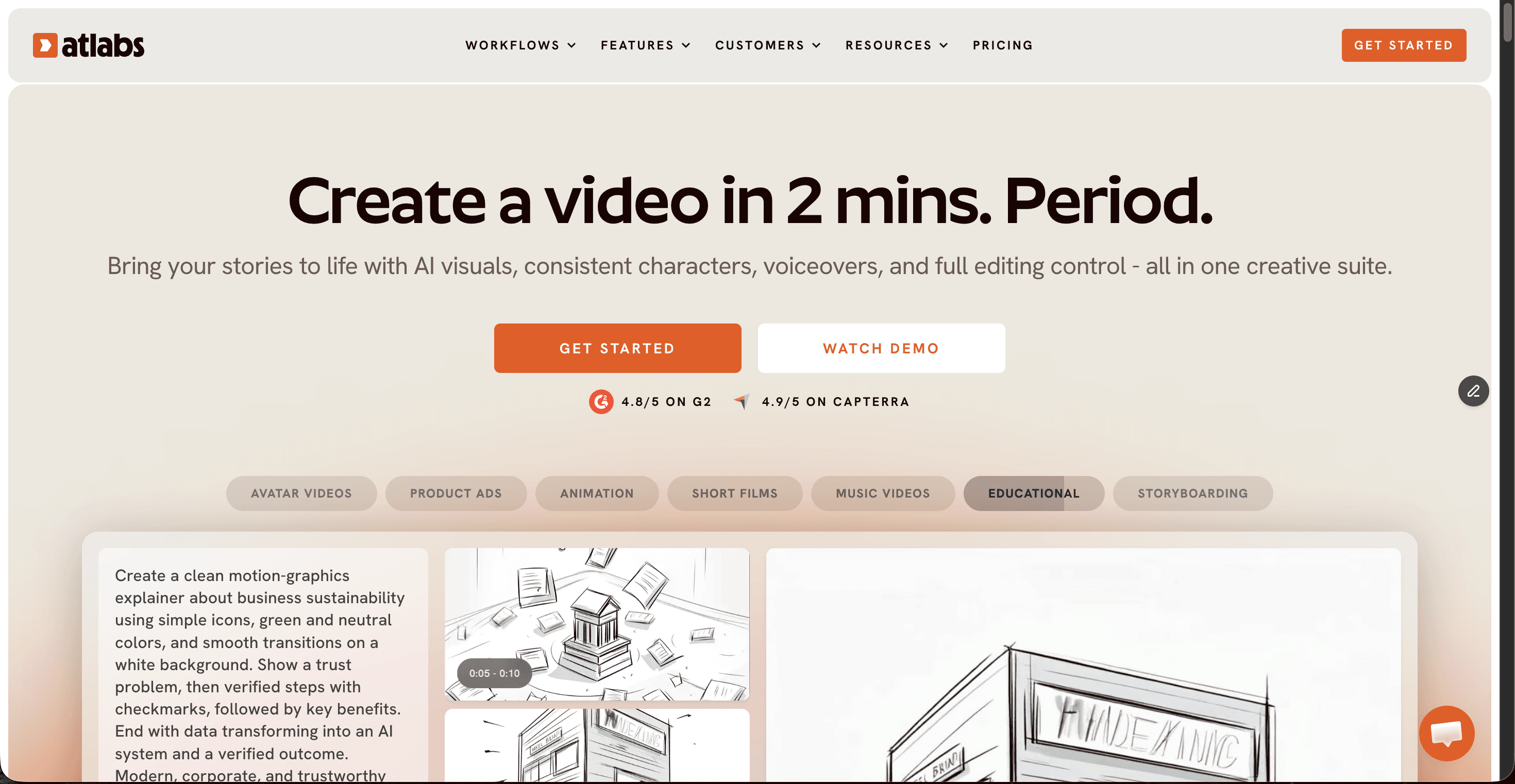
Atlabs wins here for one structural reason: it is not a single model, it is the room where the best models live. Its Motion Control tool takes the movement from a reference video and maps it onto a still character, and because you can route the same shot through Kling, Runway, Veo, Hailuo or Seedance, you are never forced to accept one engine's weak spot. When a camera move needs Higgsfield-grade drama you pick the engine that nails it. When you need believable body physics you switch to Kling, all without leaving the platform or paying a second subscription.
Key points. One subscription covers the whole motion toolkit. The dedicated Motion Control tool handles choreography, dance and performance shots by transferring motion onto a character image. Image to Video and Lip Sync sit alongside it, so a still can be animated, voiced and moved without exporting to another app. The multi-model access is the real advantage: your shot is only as limited as the best engine available, not the one engine you happened to subscribe to.
Pros
Dedicated Motion Control tool, not a buried setting
Five top engines under one login, pick per shot
Motion, lip sync and image-to-video in one place
Free plan to test the full workflow before paying
Lowest effective cost versus stacking separate tools
Cons
Depth of features has a small learning curve
Credit system rewards planning your renders
Verdict. The best all-round choice for motion control in 2026. If you want precise movement without betting your whole workflow on a single model, Atlabs is the pick. It is also the easiest place to start, since the free plan lets you try the full multi-model motion pipeline first.
🎬 Atlabs Motion Control tutorial
New to reference-driven motion? This walkthrough shows how to upload a character image, drop in a reference video, and transfer the movement onto your character inside the Motion Control tool.
02. Runway
Free tier / paid from ~$12/mo
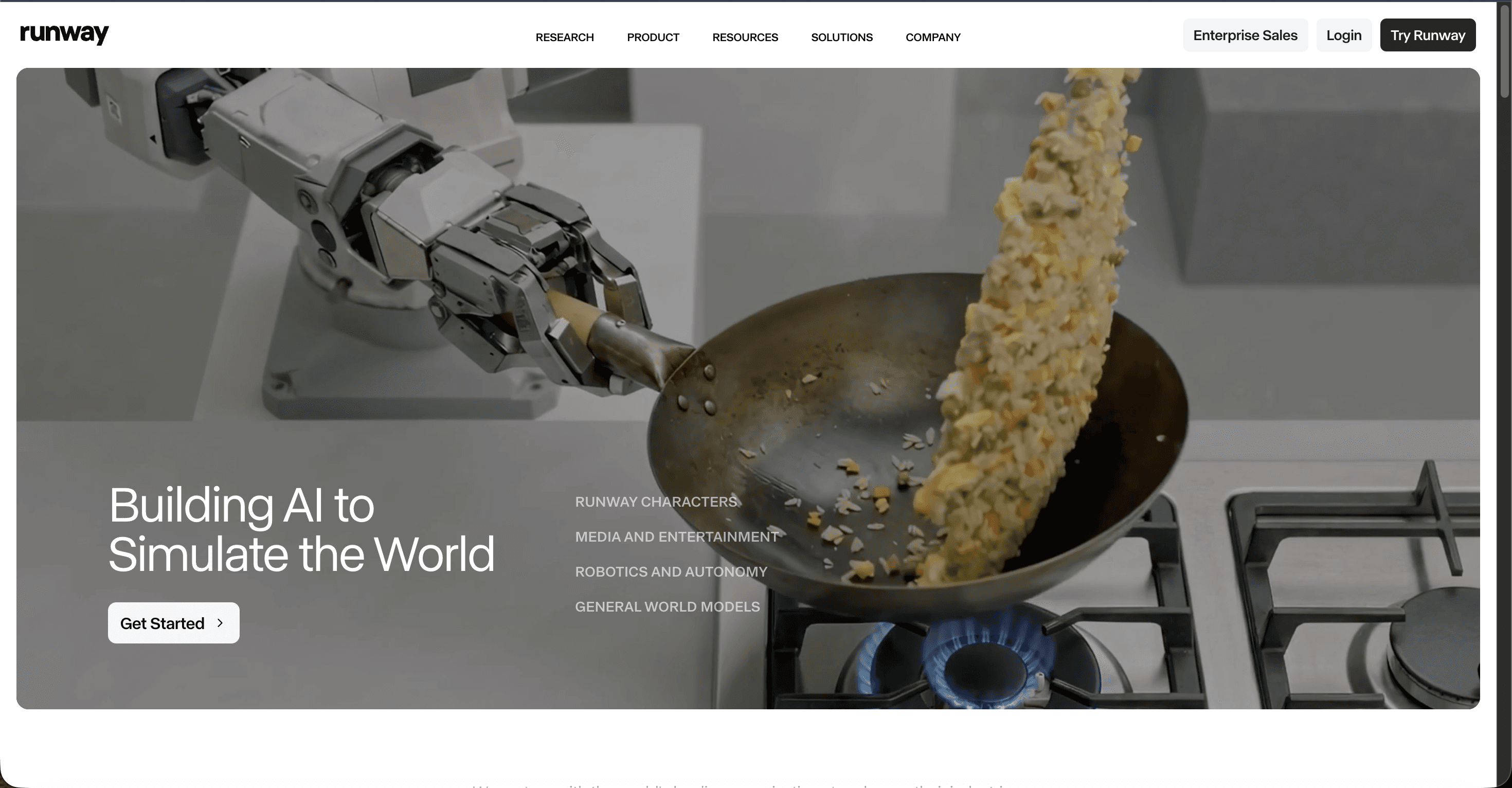
Runway sells a creative environment rather than raw generation. Its Gen-4.5 model comes wrapped in the most hands-on control surface in the category: Motion Brush to paint movement onto specific regions, direct camera controls, keyframes and video-to-video. For editors and motion designers who want to direct a shot rather than describe it, this is the closest thing to a virtual camera rig.
Key points. Strongest manual control for people who already think like filmmakers. Excellent character consistency and believable physical interactions. The trade-off is that everything lives inside Runway's ecosystem and per-clip cost adds up fast on heavy iteration.
Pros
Best manual control surface, Motion Brush and camera tools
Strong character consistency across shots
Video-to-video for reworking existing footage
Cons
Single model, no engine switching
Per-clip cost climbs with iteration
Control depth means a steeper start for beginners
Verdict. Pick Runway if hands-on directing matters more than model choice and you are comfortable working inside one ecosystem. It is a strong specialist, just not a one-stop platform.
03. Kling
Free tier / paid from ~$6.99/mo
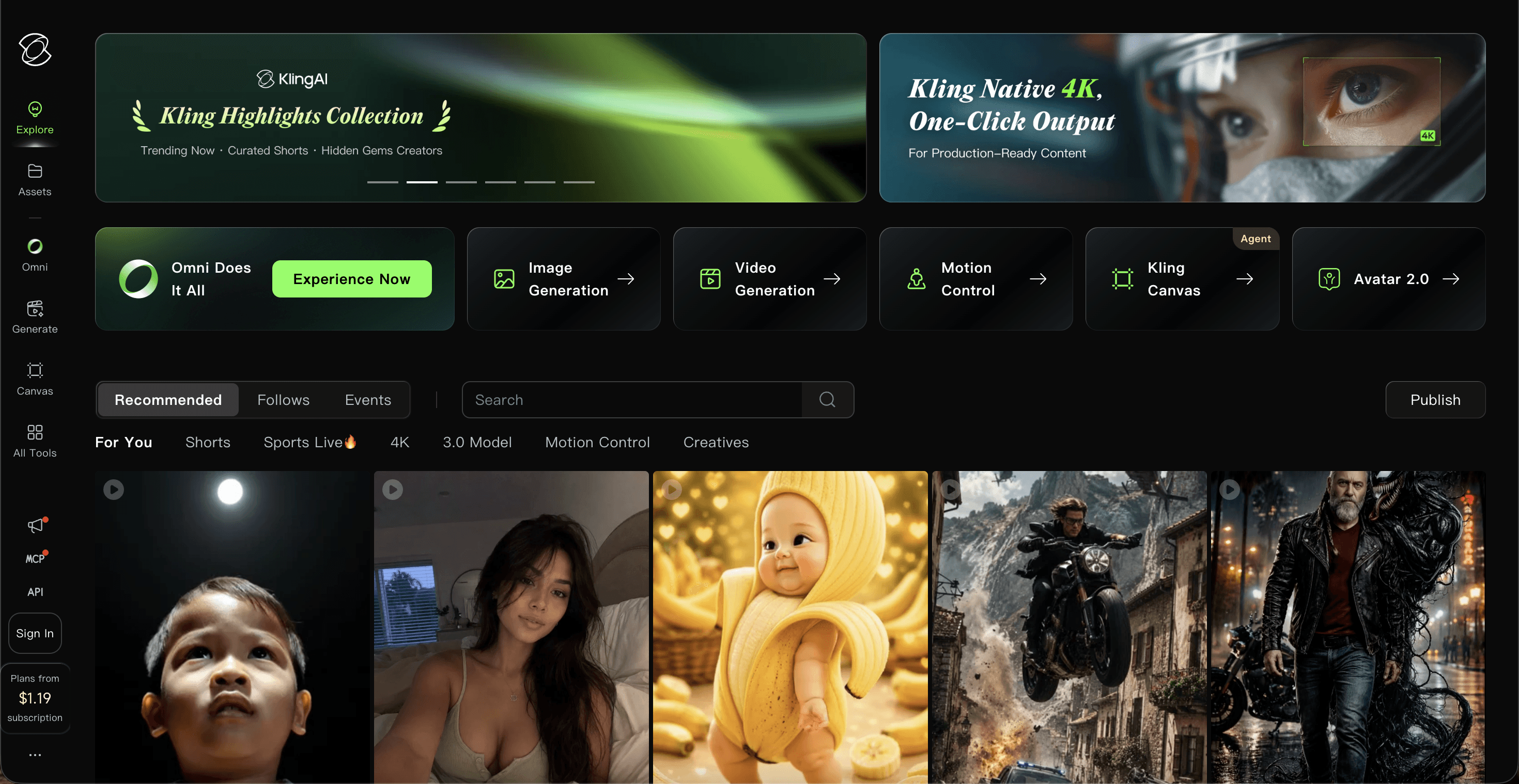
Kling 3.0 is the standout for photorealistic human motion, especially when driven from a reference still. Its motion control and motion-brush features handle complex body movement, action physics and rapid choreography more reliably than most rivals, and native 4K output at higher frame rates gives the results a finished look.
Key points. The go-to for high-energy, human-centric motion on a budget entry price. The catch is the credit economy: higher-quality modes burn credits quickly, unused credits expire monthly, and lower tiers can hit queue times during peak demand.
Pros
Excellent photorealistic human and action motion
Native 4K, generous free daily credits
Low entry price for what it delivers
Cons
Credit burn is high in professional mode
Monthly credit expiry, reported billing friction
Queue times on lower tiers at peak
Verdict. Choose Kling when your shots center on realistic human movement and you want strong output for a low starting price. Watch the credit math on heavy projects.
04. Higgsfield
Paid, Plus from ~$49/mo
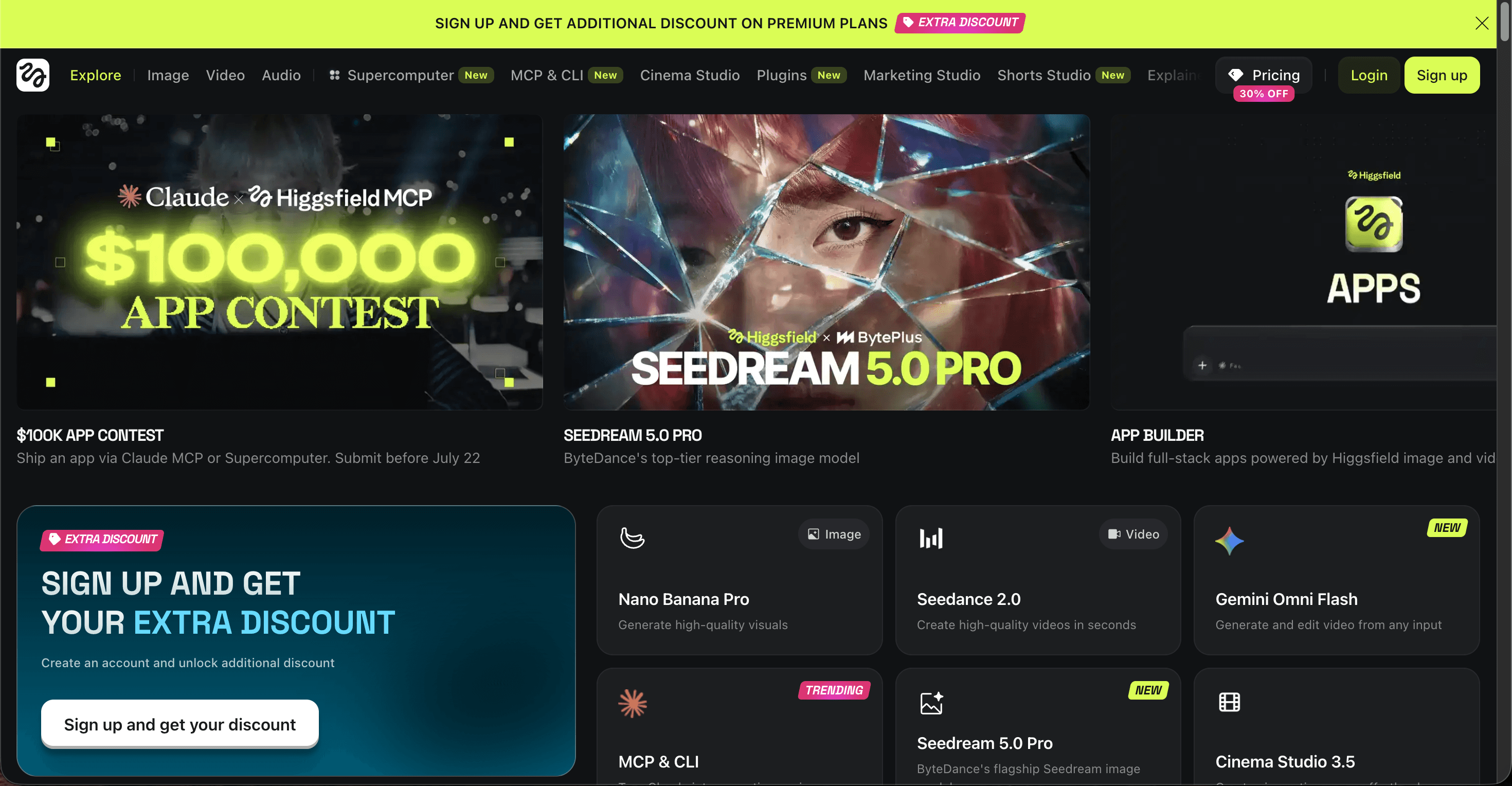
Higgsfield built its name on camera motion. Instead of coaxing a move out of a text prompt, you select preset cinematic camera actions like dolly, crash zoom, orbit and bullet-time, then apply them to your shot. It also runs as a suite, hosting engines like Veo, Kling and Seedance behind one subscription, so the camera control sits on top of strong generation.
Key points. The specialist for dramatic, repeatable camera movement. The limitations are cost and gating: the useful model access and features sit on the higher Plus tier and up, which makes it the priciest entry to start.
Pros
Best preset cinematic camera moves
Hosts multiple strong engines in one suite
Repeatable, predictable camera behavior
Cons
Highest entry price in this list
Best models and features gated to upper tiers
Camera focus over granular subject-motion control
Verdict. Pick Higgsfield if signature camera moves are the whole point and the budget is there. For everyday motion work it is more firepower than most projects need.
05. Pika
Paid from ~$8/mo
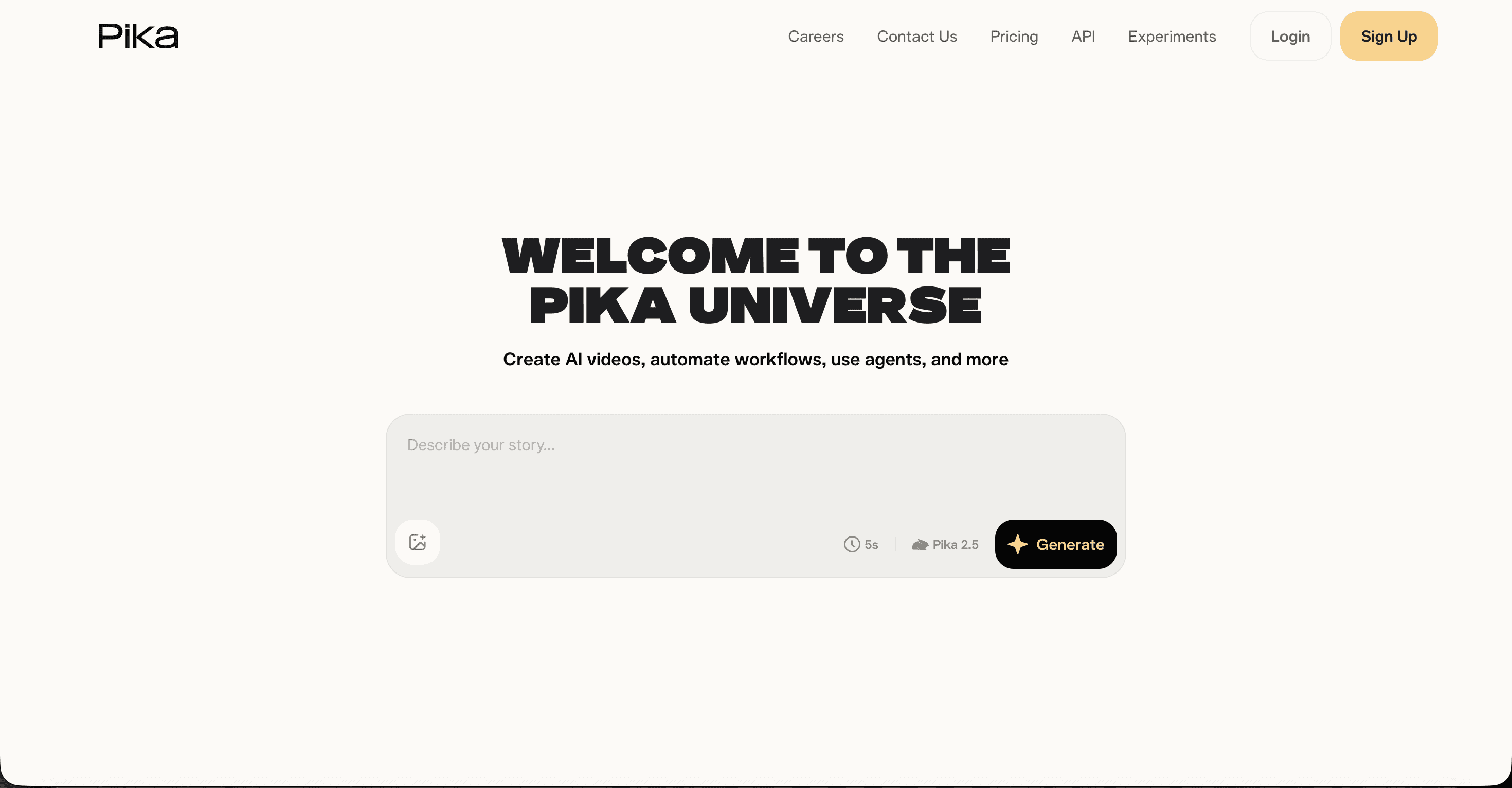
Pika 2.5 is the fun, fast option for social content. Its Pikaframes feature lets you set a first and last frame to control transitions and stop-motion-style results, and its motion effects make quick, playful clips easy. It is built for speed and iteration rather than precise cinematic direction.
Key points. The budget pick for short-form creators who value speed over exacting control. Raw generation quality trails the top models, and camera control is lighter than the specialists above.
Pros
First and last frame control via Pikaframes
Fast, playful effects for social clips
Low price, quick iteration loop
Cons
Raw quality trails Kling, Runway and Veo
Lighter camera and subject-motion control
Less suited to precise, cinematic shots
Verdict. Reach for Pika when you want fast, characterful short-form motion and precise control is not the priority. It is a capable budget tool, not a precision instrument.
The scoreboard
We scored each tool out of 10 across five motion-control criteria. Atlabs takes the top spot, but every model here earns its place. Higher is better.
# | Tool | Motion precision | Camera control | Subject motion | Ease of use | Value | Total /50 |
|---|---|---|---|---|---|---|---|
01 | Atlabs | 9 | 9 | 9 | 10 | 9 | 46 — Winner |
02 | Runway | 8 | 8 | 8 | 7 | 8 | 39 |
03 | Kling | 8 | 8 | 8 | 7 | 8 | 39 |
04 | Higgsfield | 8 | 9 | 8 | 7 | 6 | 38 |
05 | Pika | 7 | 6 | 7 | 8 | 8 | 36 |
How we picked
We evaluated each tool on the criteria that actually decide a motion-control shot, not raw resolution. Every model here is capable; the ranking reflects how well each one lets you command movement and how much friction it adds along the way.
Motion precision — how faithfully the tool follows the movement you intend.
Camera control — command over dolly, zoom, orbit and other camera moves.
Subject motion — believable body and object movement without sliding or drift.
Ease of use — how quickly you get a usable result without deep setup.
Value — what you get relative to entry price and credit burn.
▶ Create your first motion-controlled shot
FAQ
What is the best AI video model for motion control in 2026? Atlabs is the top pick because it combines a dedicated Motion Control tool with access to the strongest engines (Kling, Runway, Veo, Hailuo, Seedance) in one platform. You match the engine to the shot instead of paying for several separate tools.
Which AI tool has the best camera motion control? Higgsfield leads on preset cinematic camera moves like dolly and crash zoom, while Runway offers the most hands-on camera and motion-brush controls. Atlabs covers both by routing your shot to whichever engine handles that move best.
Is there a free AI video tool for motion control? Yes. Atlabs, Kling and Runway all offer free plans. Kling has the most generous daily refresh, Atlabs lets you test the full multi-model workflow, and Runway provides one-time starter credits.
How much does AI motion control video cost? Entry pricing in 2026 runs roughly: Kling from about $6.99/mo, Pika from about $8/mo, Runway from about $12/mo, Atlabs from about $15/mo, and Higgsfield from about $49/mo on Plus. Prices shift often, so check the live pages before subscribing.
Ready to direct your next shot?
Get a dedicated Motion Control tool plus the best AI video engines in one place. Start free and see the difference precise movement makes.
Pricing verified July 2026 from public pricing pages and is subject to change; credit costs vary by resolution, duration and settings, so confirm live rates before subscribing. Model capabilities and tier access evolve on a rolling basis. Tool names and features belong to their respective owners.








