Erase anything Instantly from Video using AI
No more reshoots. Remove unwanted people, logos, objects, or distractions from your videos with just one click.
Remove people in the background
Before
After
Before
After
Remove car
Before
After
Before
After
Before
After
Step by Step
How it Works


Upload your Video
Drag & drop, select or paste URL
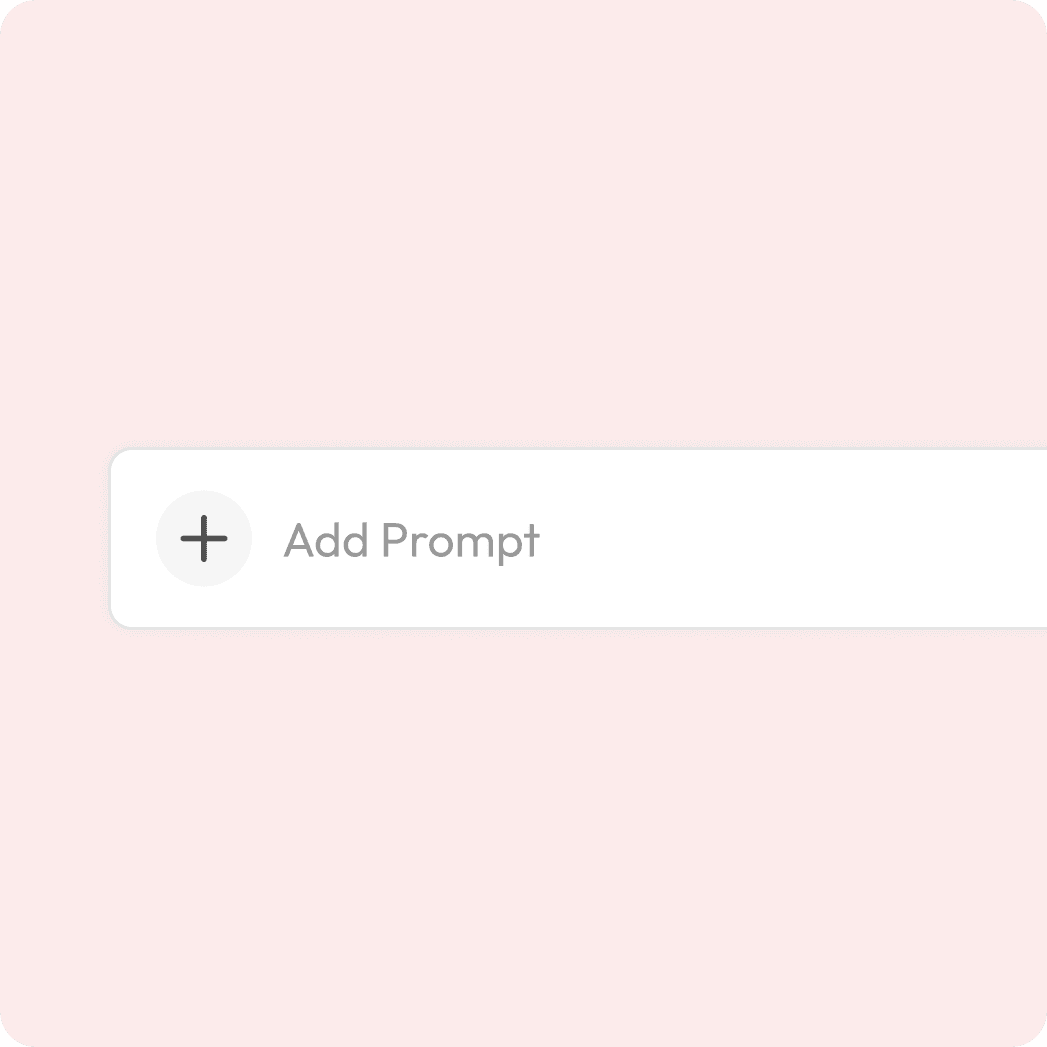
Add your prompt
Mention what you want to erase from video.

Preview & Download
Watch the magic happen & export.
Video clean-ups are taking off.
Don’t leave distractions in your frame!
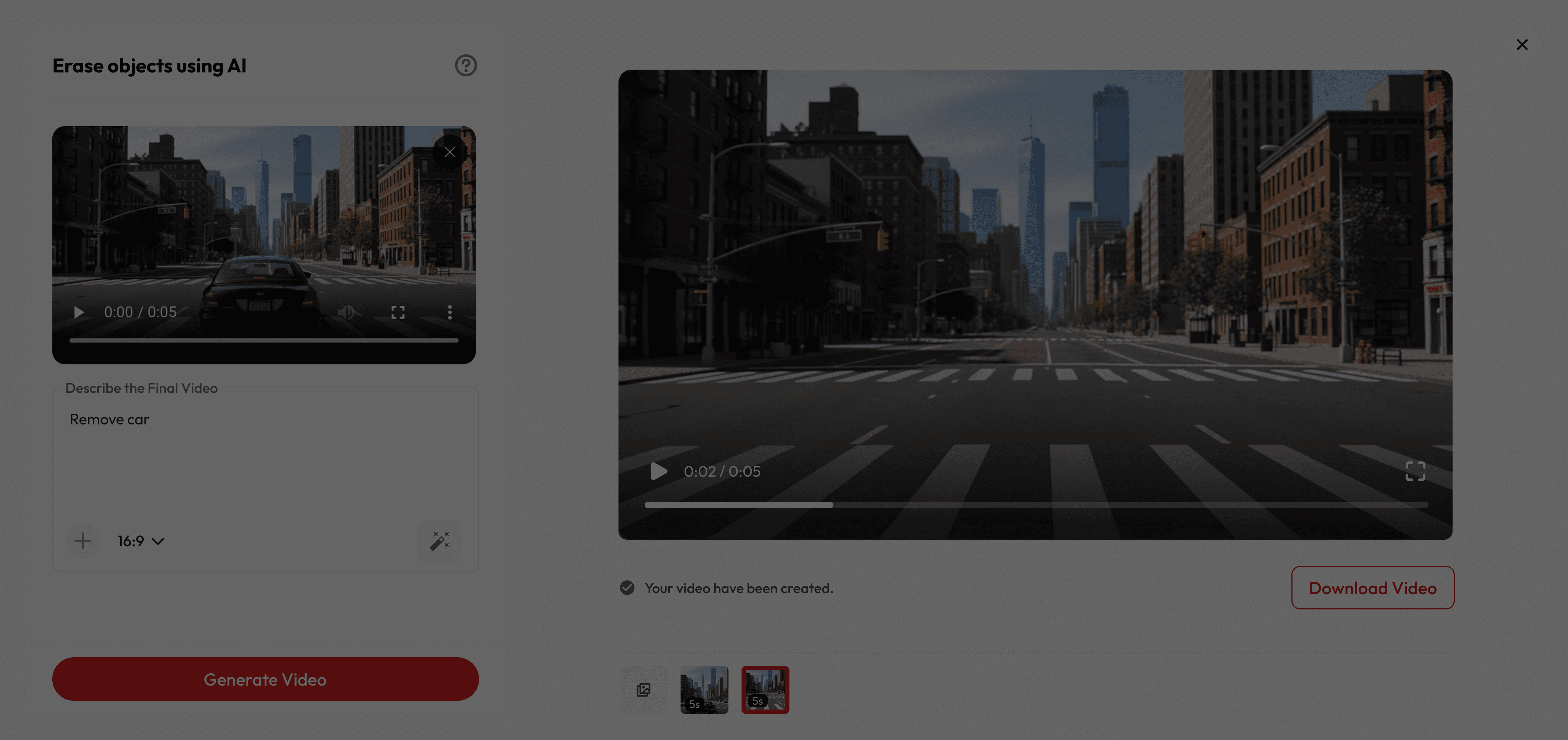
Why People Love It
Got Questions?
Do I need to edit frame-by-frame?
Absolutely not. Just write your prompt, our AI follows it across the clip and removes it automatically.
Is it free to use?
Yes! New users get free credits when they sign up, which you can use for a certain number of generations at no cost. Once your free credits run out, you can purchase more or subscribe for unlimited access.
How long are the videos?
Most baby videos are just a few seconds—short, snackable, and perfect for sharing.
Can I share it on Instagram/TikTok?
Absolutely. Every video is sized perfectly for Reels, Stories, and TikToks.
Will it really look seamless?
The algorithm rebuilds missing pixels by analysing surrounding frames, preserving texture, lighting, and motion for natural results.
What objects can I erase?
Anything visible: people, logos, text, power lines, reflections—even multiple moving elements at once.
Will it work on moving objects?
Yes! Our AI tracks motion across frames so removals look smooth and natural.
Do I need professional editing skills?
No, it’s beginner-friendly. Just write the prompt, and AI does the rest.