Looking for a Higgsfield AI alternative that gives you full creative control? Here are the top tools, with Atlabs AI leading the list, that go further than Higgsfield for creators, marketers, and filmmakers who need a complete video workflow.
Why Are Creators Looking for a Higgsfield Alternative?
Higgsfield AI has carved out a niche in AI video generation, particularly for effects-driven short clips and prompt-based social content. But as creators, brands, and filmmakers push into more ambitious territory, they routinely run into the same ceiling: Higgsfield is a clip generator, not a production platform.
The frustrations are consistent across communities:
Slow generation queues that break momentum mid-project
No scene-by-scene editing: what the model gives you is largely what you get
No UGC avatar or character consistency features for brand-driven content
Isolated from a broader workflow: scripts, voiceovers, and exports live in other tools
Credit-based pricing that becomes unpredictable at scale
Once you are making videos for a real audience like ads, product content, short films, and social series, you need more than generation. You need a system. That is what this comparison is about.
Quick Comparison: Best Higgsfield AI Alternatives
Tool | Best For | Key Advantage Over Higgsfield | Tradeoffs |
Atlabs AI | Creators, brands, marketers and filmmakers | End-to-end platform: UGC avatars, cinematic video, product ads, all top models in one place | Newer entrant, still growing its user community |
Runway | Post-production editors | Advanced masking, layers, and motion refinement tools | Steeper learning curve, expensive for high volume |
Kling AI | Cinematic motion shots | Long, stable, realistic motion sequences | No built-in editing or campaign workflow |
Luma Dream Machine | Architectural and product hero shots | Cinematic depth and lighting from 3D scene understanding | Short clips only, no audio or dialogue |
Pika | Fast social tests and visual experiments | Quick stylized clips with rapid iteration | Not a full production tool, needs another editor |
1. Atlabs AI: Best Overall Higgsfield Alternative
Website: atlabs.ai
Rated 4.8/5 on G2 | 4.9/5 on Capterra | Trusted by 50,000+ brands, agencies, and creators globally
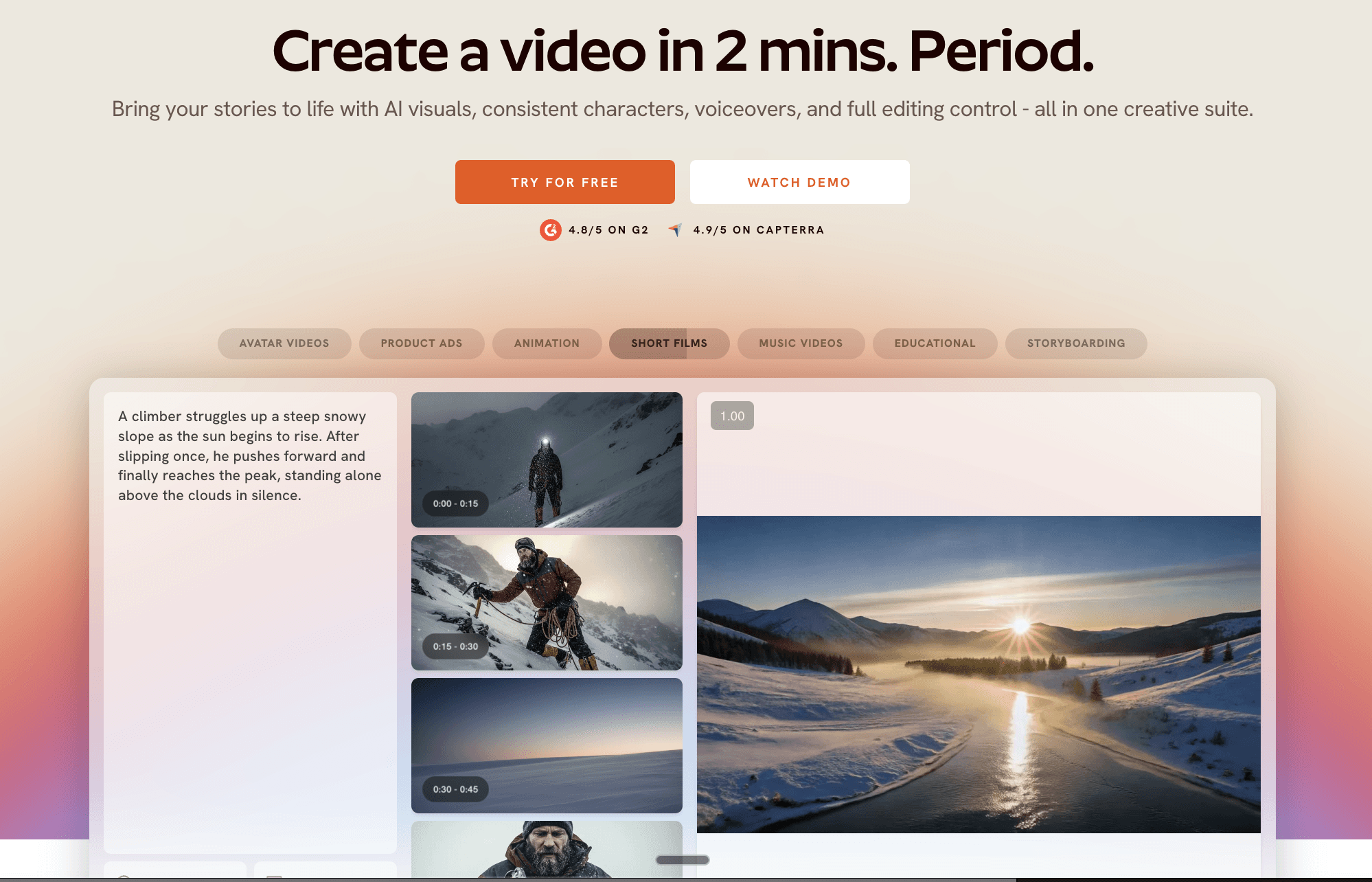
If you have been searching for a single platform that replaces not just Higgsfield but the entire fragmented stack of tools that surrounds it, Atlabs AI is the answer. It is the most complete end-to-end AI video creation platform available today, covering everything from UGC avatar videos to full cinematic short films inside a single interface, with every scene fully editable.
Atlabs is not just another AI video generator. It is a creative suite built for people who need to ship polished, professional-grade video content regularly: marketers, brand teams, independent filmmakers, and social creators alike.
What Makes Atlabs AI Different from Higgsfield
Where Higgsfield hands you a clip and steps back, Atlabs hands you a fully editable production. Here is what that means in practice:
UGC Avatars: Consistent Characters at Scale
One of the most commercially valuable features in the Atlabs suite is its UGC avatar system. You can create lifelike AI presenters and characters that maintain consistent appearance, voice, and personality across an entire campaign or video series.
This is something Higgsfield simply does not offer. For brands running product reviews, testimonial-style ads, or creator-driven content without the overhead of live filming, this feature alone justifies switching. You can produce avatar videos across multiple formats and styles, from casual UGC-style content to polished on-screen presenters, all without booking talent or studio time.
Full Cinematic Video Creation: Not Just Clips
Atlabs is built for the full arc of a video project. It supports Avatar Videos, Product Ads, Animation, Short Films, Music Videos, Educational content, and Storyboarding, all within the same workspace.
You are not limited to 5-second generative clips. You can build out full scenes, arrange them on a timeline, adjust AI-generated visuals frame by frame, and export a finished video that looks like it was produced with a full creative team. For filmmakers and brand studios, this is a fundamental shift from what Higgsfield provides.
All Top AI Models in One Place
One of Atlabs AI's most powerful and underappreciated features is model aggregation. Instead of being locked into a single generative engine, Atlabs gives you access to all top AI image and video models through a single unified interface.
This means you are not betting on one model's aesthetic or limitations. You can switch between models depending on what a particular scene demands. A photorealistic product shot might call for a different model than a stylized animation sequence. Atlabs lets you make that choice without leaving the platform or rebuilding your project.
For power users and creative directors who follow model developments closely, this is a genuine competitive advantage. You get the best of the AI landscape, curated and accessible in one place, without managing API keys, separate subscriptions, or incompatible export formats.
Every Scene Is Editable
This is the core promise of Atlabs: full creative control at every stage. Unlike generation-only tools where the model's output is the endpoint, every scene in Atlabs is editable. You can revise individual shots, swap out visuals, adjust timing, change voiceovers, and fine-tune the sequence without regenerating everything from scratch.
This matters enormously for professional workflows. When a client asks for a revised CTA, a different product color, or a resized format for another platform, you do not start over. You make a targeted edit. That is the kind of tool behavior that earns trust from teams working on tight deadlines.
Beginner-Friendly Without Sacrificing Depth
Despite being a pro-grade platform, Atlabs is designed to be immediately usable for beginners. The interface guides you from concept to finished video without requiring you to understand every model parameter or generative technique.
You can create a video in under two minutes, from idea to editable draft, making Atlabs accessible to founders, solo marketers, and first-time video creators who would otherwise find AI video tools overwhelming. As your skills grow, the platform grows with you: there is always more depth available, from advanced style controls to custom character configurations.
Product Ads: Purpose-Built for Commercial Content
Atlabs includes dedicated workflows for Product Ads, a use case where Higgsfield falls short. If you are selling physical or digital products and need scroll-stopping ad creative at volume, Atlabs gives you the tools to generate, refine, and iterate on commercial video content without relying on a production agency.
The product ad pipeline integrates visuals, voiceover, pacing, and format controls so your finished assets are ready to go directly into a paid campaign, not just a mood board.
When Should You Choose Atlabs Over Higgsfield?
You produce video content regularly and need a repeatable, editable workflow
You need UGC-style or avatar-driven video for brand and marketing campaigns
You want access to multiple AI models without managing multiple subscriptions
You are creating product ads, short films, or educational videos: not just social clips
You want a tool that beginners can pick up fast but professionals can push deep
You need every scene to be editable after generation, not locked after export
In short: if Higgsfield is a clip generator, Atlabs AI is a complete creative studio. For anyone doing serious video work, there is no comparison.
2. Runway: Best for Post-Production Control
Runway is a natural name in any conversation about Higgsfield alternatives, and for good reason. It has evolved far beyond its roots as a text-to-video demo and now operates as a full creative environment built around its Gen series of video models.
Where Runway distinguishes itself is in editing and refinement. Features like Motion Brush, Camera Controls, masking, and inpainting give creators the ability to shape a generated clip rather than just accept it. If a subject moves in a way that does not feel right, or a background element looks off, Runway gives you tools to fix those things inside the same project. That is a meaningful improvement over Higgsfield's more passive generation approach.
The platform also integrates well with professional workflows: it speaks the language of layers, timelines, and masks, which means experienced editors will find it familiar. It is particularly strong for creators who are working from reference footage, importing existing material and then extending, remixing, or enhancing it with AI.
The tradeoff is cost and complexity. Runway's credit system can become expensive during heavy exploration phases, and the feature depth that makes it powerful also means there is a learning curve. It is not the fastest path to a finished video, but for creators who want tight control over every frame, it is one of the most capable tools in the space.
Best for: Editors, compositors, and creators who prioritize refinement and post-production precision over speed.
3. Kling AI: Best for Cinematic Motion
Kling AI has built a strong reputation as one of the most reliable motion engines in AI video. Where many tools produce clips with noticeable wobble or inconsistent physics, Kling has focused heavily on making movement feel grounded and believable, particularly for longer sequences that go beyond the typical 3 to 4 second window.
For creators who need smooth camera moves, believable physical interactions, or cinematic slow-motion effects, Kling is often the strongest option available. It handles image-to-video particularly well, producing stable, high-quality motion from a single reference frame in a way that makes it ideal for product shots and ad creatives where consistency matters.
Recent updates have added built-in sound generation and a face/object swap feature, which reduce the need to export to other tools for basic variations. That said, Kling still operates as a motion engine rather than a full production environment. Text-to-video remains weaker than its image-to-video pipeline, and you will still need another platform to handle scripting, captions, and multi-scene editing.
Best for: Creators and advertisers who need premium cinematic motion for product content, where clip quality is the primary goal.
4. Luma Dream Machine: Best for Cinematic Scene Depth
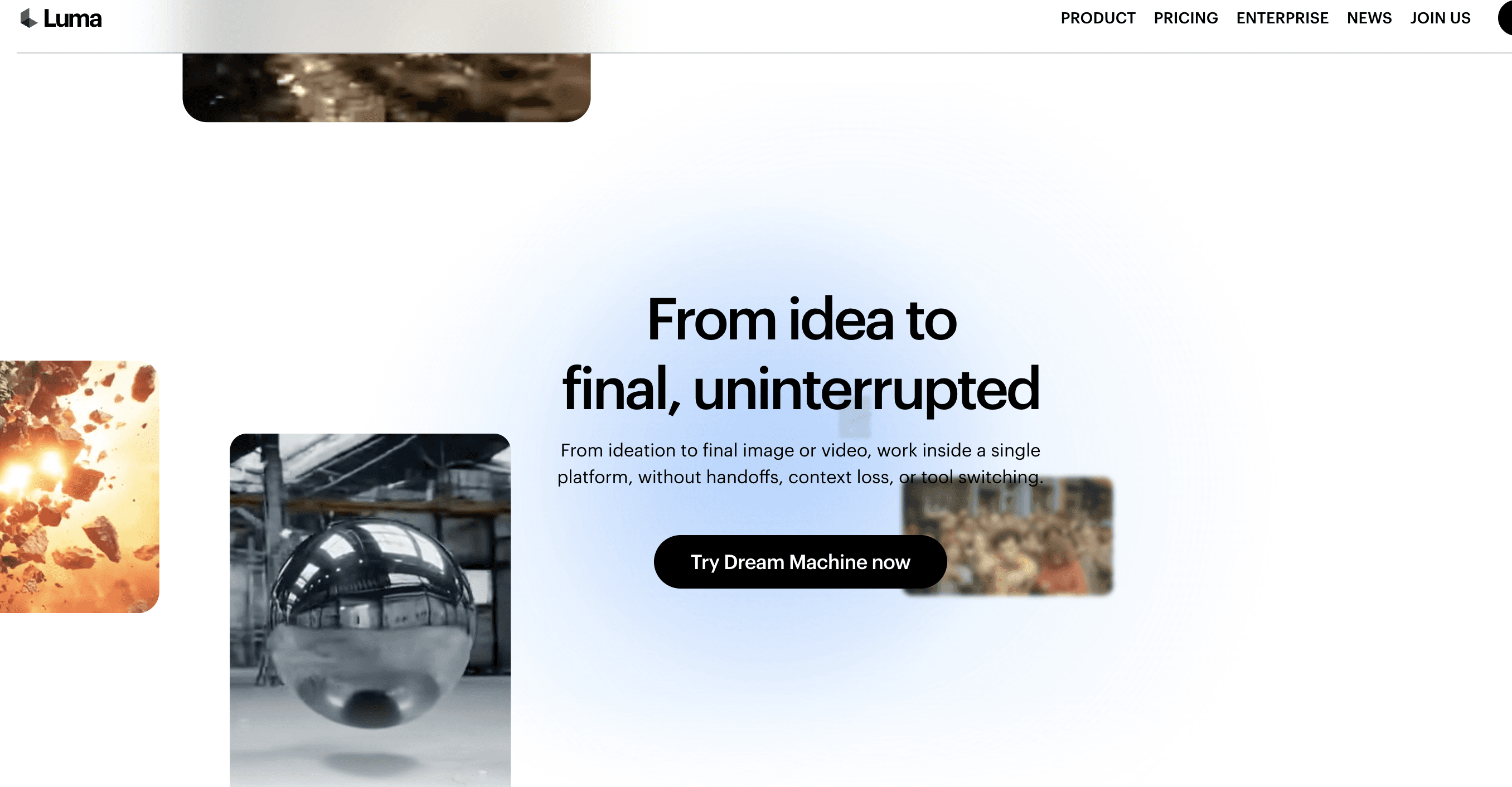
Luma's Dream Machine occupies a unique position in the AI video landscape. It grew out of Luma's expertise in 3D reconstruction and scene understanding, which gives its outputs a distinctive quality: they feel like a real camera moving through a real space, rather than a 2D animation playing on a flat surface.
That depth quality makes Dream Machine exceptional for specific use cases. Architectural walkthroughs, product reveals, and cinematic establishing shots all benefit from Luma's ability to interpret geometry and lighting in ways that other models tend to flatten. If you are cutting a promo or brand video and need a single hero shot that feels premium, Dream Machine can produce it faster than almost anything else.
The limitations are equally clear. Clips max out at around 5 to 10 seconds, fast motion tends to break the scene physics, and there is no dialogue, narration, or audio system built in. Dream Machine is a tool for creating individual visual moments of high quality, not for assembling complete projects from start to finish.
Best for: Brand teams, architects, and filmmakers who need cinematic hero shots and product reveal sequences with genuine depth and lighting quality.
5. Pika: Best for Fast Visual Experimentation
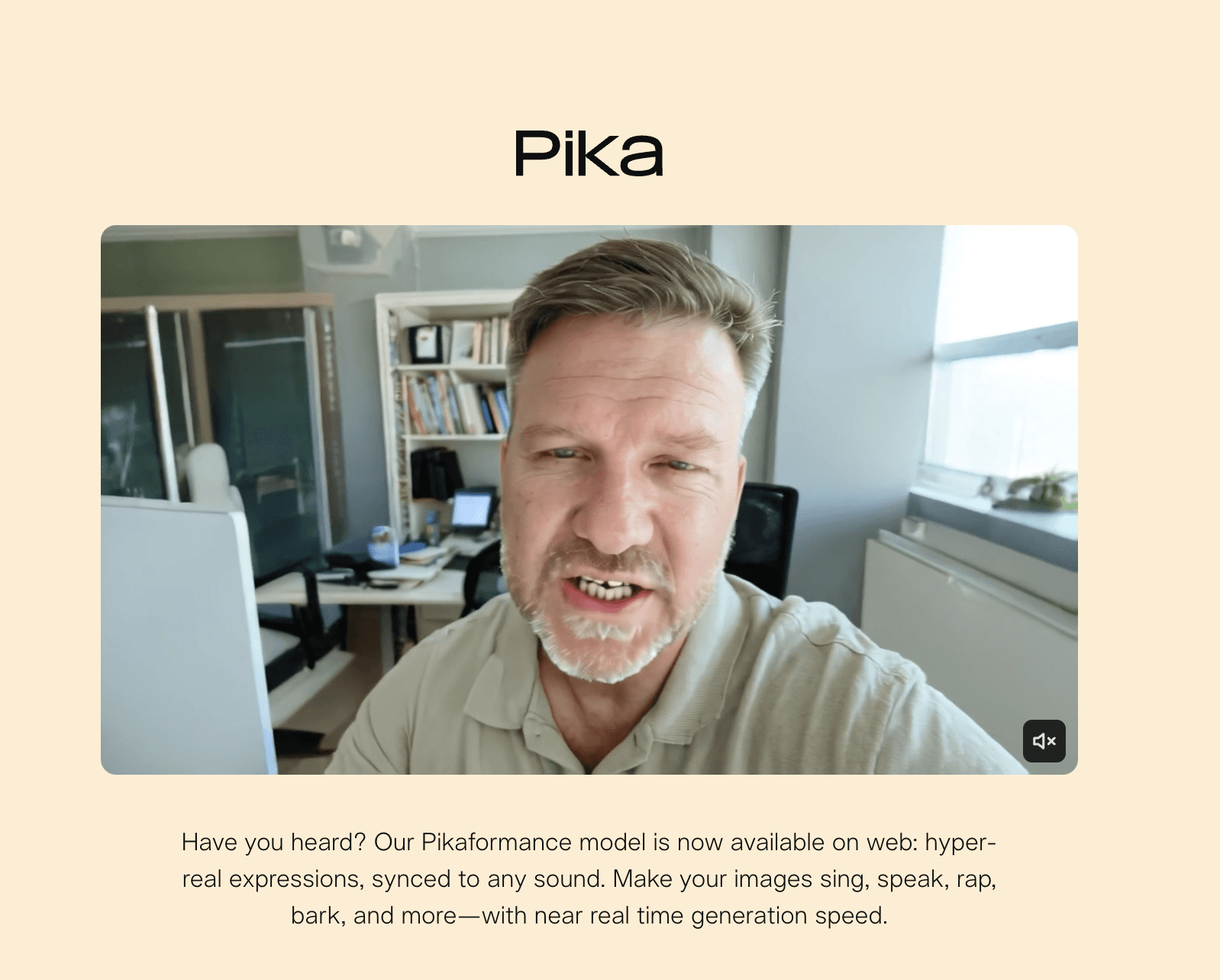
Pika is the fastest path from an idea to a visual test in the current AI video landscape. Its interface is stripped back and optimized for iteration: you enter a prompt, generate a stylized clip quickly, and assess whether the visual direction is worth pursuing.
That speed makes Pika genuinely useful in the early stages of a campaign or content series, when you are still exploring visual directions and do not yet want to invest production time in a specific approach. Social media creators who experiment heavily with different hooks, aesthetics, and formats will find Pika an efficient companion for concept validation.
The tool's limitations become relevant once you move past ideation. Pika is not set up for multi-scene assembly, consistent character appearance, or final campaign delivery. Most Pika clips require additional editing and packaging before they are ready to publish professionally. It works best as one tool in a broader stack, or as a starting point before moving into a more complete platform like Atlabs AI.
Best for: Social creators and marketers who want to quickly test visual concepts and hooks before committing to full production.
How to Choose the Right Higgsfield Alternative
The right tool depends entirely on what stage of production you are in and what kind of video work you do most.
If you are a solo creator or small team building a regular content output, ads, social videos, brand content, and you want one tool that handles everything from first concept to final export, Atlabs AI is the clearest recommendation. It is the only platform on this list that covers the full production arc without requiring you to hand off to another tool at any step.
If you are an experienced editor who thinks in layers and timelines and wants the most granular post-production control available in the AI video space, Runway will reward the investment of time.
If motion quality is your primary metric, you are shooting product campaigns or cinematic sequences where physical believability matters above all else, Kling AI is the strongest standalone engine for that specific purpose.
If you need a single premium hero shot for a pitch deck, brand film, or architectural promo and want genuine cinematic depth, Luma Dream Machine can produce it quickly.
And if you are still in the exploration phase, testing concepts and validating visual directions for a campaign that has not been greenlit yet, Pika is the fastest tool for burning through ideas before you commit.
Frequently Asked Questions
What is the best free Higgsfield AI alternative?
Atlabs AI offers a free trial that lets you explore the full platform including avatar videos and multi-model access. For full creative freedom without an immediate financial commitment, it is the strongest free starting point among the tools covered here.
Can I use my own footage or assets with these tools?
Atlabs AI and Runway both support importing your own images and footage. Atlabs integrates your assets directly into its production workflow, letting you combine AI-generated visuals with real product shots or brand footage inside the same project.
Which Higgsfield alternative is best for product ads?
Atlabs AI is purpose-built for commercial video production, including a dedicated Product Ads workflow. Kling AI is also strong for product motion shots, but requires additional tools for scripting and final editing.
What is the best AI video tool for beginners?
Atlabs AI is designed to be usable by complete beginners. You can create a finished video in under two minutes from a prompt, while the platform still offers the depth that professional creators need. It is the most accessible full-production AI video tool available.
Does Atlabs AI work for filmmakers, not just marketers?
Yes. Atlabs supports Short Films, Storyboarding, Animation, and Music Videos alongside its commercial use cases. It is one of the few platforms that genuinely serves both the marketing and filmmaking communities without compromising on either.
Final Verdict
Higgsfield AI works for what it is designed to do: fast, effects-driven clip generation at an accessible price point. But for anyone building a real video production workflow, whether that is a marketing team running paid campaigns, a brand studio producing regular content, or an independent filmmaker, the limitations become apparent quickly.
Atlabs AI is the most complete alternative available. It replaces not just Higgsfield but the entire fragmented tool stack that most creators currently use to cover what Higgsfield cannot. UGC avatars, cinematic video creation, multi-model access, scene-level editing, and a beginner-friendly interface: all in one platform.
For creators who are serious about video, the choice is clear. Start at atlabs.ai.








