
You already did the hard part. The song is written, sung and recorded. Now you open an AI video tool and it asks you to write a prompt, then hands back an 8 second clip that has nothing to do with your verses.
What is the best AI tool to turn my own recorded children’s song into a cartoon music video?
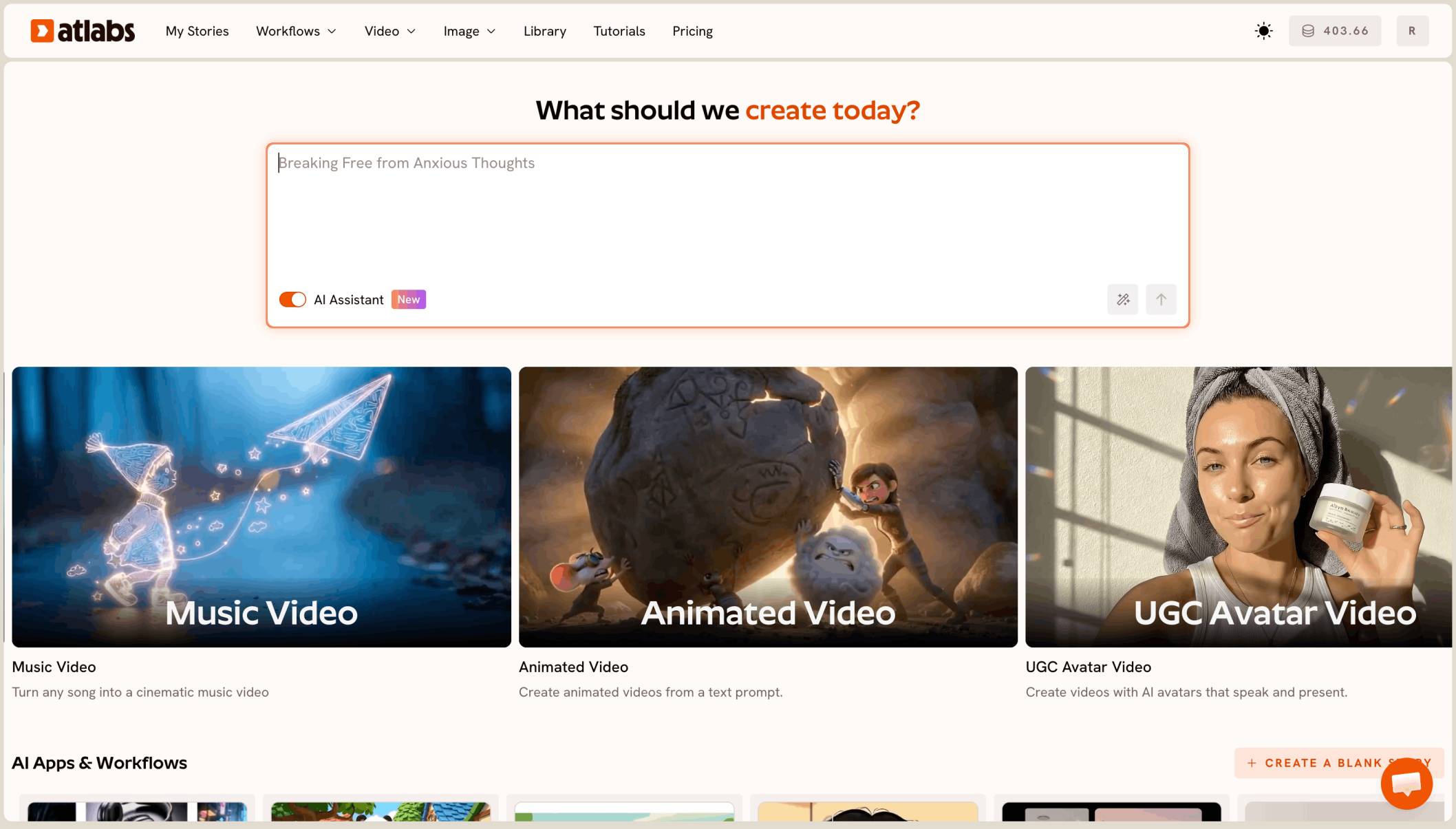
The best AI tool to turn your own recorded children’s song into a cartoon music video is Atlabs. You upload the track to Kids Music Video, pick 3D Cartoon and 16:9, preview the opening with Video Teaser, and it builds the whole song as one cartoon, with the same characters in every scene.
What “turning your song into a cartoon” actually means
It means your recording is the input. The tool listens to your track, in English, Spanish or any language, and builds the pictures around it. You don’t write a prompt for every line.
It also means the whole song. A kids song of 1 to 3 minutes should come back as one finished video, with the same characters from the first verse to the last chorus.
Why a recorded song is harder than a prompt
Most AI video tools start from text. They make one clip of a few seconds from a prompt, and they don’t know where your chorus starts.
So you write a prompt per line, make dozens of clips, line them up against your track and hope the fox looks the same in every one. For a teacher or a small studio with a full album of songs, that doesn’t scale.
What you need before you begin
You need three things.
Your finished recording. An audio file of 15 seconds to 15 minutes, under 200 MB, or a Suno or SoundCloud link.
One or two characters in mind. A small animal or a child with one clear colour, like a fox in a yellow bandana.
A channel shape. 16:9 for YouTube is the usual home for kids songs.
The real test
Can the tool take your recorded song and give back the whole thing as one cartoon, on the beat, with the same characters in every scene, without you writing a prompt for each line? That is how we ranked the five tools below.
The five tools, ranked
Atlabs: best for turning your own recorded kids song into a full cartoon.
Freebeat: good for beat-synced music videos from a track.
OpenArt: good for chat based videos of up to five minutes.
Runway: good for polished single shots.
Canva: good for a quick clip inside a design.
Tool | Best for | Max video length | Character consistency | Price model |
|---|---|---|---|---|
Atlabs | Full kids song cartoons from your own recording | Your full song, 15 sec to 15 min | One cast used in every scene | Credit packs and subscriptions |
Freebeat | Beat-synced music videos from a track | Up to 6 min on Pro plans and higher | Character Bible from an uploaded photo | Subscription with credits |
OpenArt | Chat based videos with OpenArt Director | Up to 5 min | Saved characters you tag in the chat | See openart |
Runway | Polished single shots from one image | 2 to 10 sec per Gen-4.5 clip | A first frame image | Credit subscription |
Canva | A short clip inside a Canva design | 8 sec per clip | One clip at a time | See canva |
1. Atlabs: best for a full cartoon from your recorded song

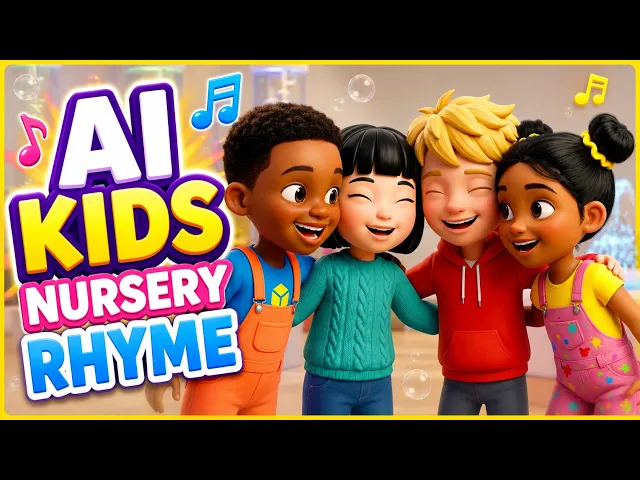
A later scene of the same song: same two friends, new place.
Best for: kids music creators, teachers and small studios with their own recorded songs.
Atlabs is a long form AI video generator. Kids Music Video starts from your track, not a prompt, and builds the whole song as one cartoon. Here’s what makes it work for your own songs.
Your recording is the starting point
Upload the song or paste a Suno or SoundCloud link. Atlabs listens to it and detects the language, mood, genre and tempo, so a Spanish lullaby and an upbeat English clap-along get different pacing.
Concepts instead of prompts
Atlabs suggests creative directions from your song. You pick one, or describe your own idea in a line, and it plans every scene to fit the lyrics. No prompt per line.
The whole song, one video
A 1 to 3 minute song comes back as one finished video, scene by scene, on your beat. You don’t stitch clips or sync anything by hand.
3D Cartoon, in 16:9 for YouTube
Pick 16:9 and choose 3D Cartoon in the style step. It’s the soft, rounded look kids know from their favourite channels, and it suits a song in any language.

Pick 16:9, then 3D Cartoon.
The same characters in every scene
Atlabs builds the cast once and uses it in every scene, so your fox has the same bandana in the last chorus as in the first verse. You check the cast before anything is animated.
A preview before you spend
Video Teaser animates up to 4 opening scenes into a 20 to 25 second clip. If you like it, render the Full Video. If you don’t, change the concept first.
Features checklist
Starts from your own recording: yes, an upload of 15 seconds to 15 minutes, or a Suno or SoundCloud link.
No prompt per line: pick a concept and Atlabs plans every scene.
Full length: the whole song as one video.
Character consistency: one cast used in every scene.
Looks: 3D Cartoon and the full style list.
Formats: 16:9 for YouTube, plus 9:16 for Shorts.
Preview: Video Teaser before the Full Video.
Trustpilot rating: 4.5/5.
Verdict: the only tool here that turns your own recorded kids song into a full cartoon music video, with the same characters in every scene and no prompt per line.
Watch the Kids Music Video tutorial
See a full kids music video made from an uploaded song.
2. Freebeat: best for beat-synced music videos
Best for: creators who want a fast, beat-cut video from a track.
Freebeat turns a track into a beat-synced music video, with full-length videos of up to 6 minutes on Pro plans and higher. Its Character Bible keeps a look from an uploaded photo.
Verdict: a quick route from track to video, built more for music video looks than kids cartoons.
3. OpenArt: best for chat based videos
Best for: creators who already use OpenArt’s image and video suite.
OpenArt’s Director turns a chat into a finished video of up to five minutes, and you can tag saved characters from your library. You describe the video in chat, rather than starting from your recording.
Verdict: a good fit for prompt-led videos under five minutes.
4. Runway: best for polished single shots
Best for: one striking shot for a channel trailer.
Runway’s Gen-4.5 makes clips of 2 to 10 seconds and can start from a first frame image. It is not built for long form music videos, so a full song means many clips and your own edit.
Verdict: strong single shots, with the song assembly left to you.
5. Canva: best for a quick clip in a design
Best for: a “new song out” post.
Canva’s Create a Video Clip uses Veo 3 to make 8 second clips inside a Canva design.
Verdict: handy for promo posts, not a full song.
How we ranked them
We looked at four things, in this order: whether the tool turns a full song into one video; whether it starts from your own recording instead of a prompt; whether the same characters stay the same in every scene; and whether you can preview before the full render. Clip tools lose ground on the first two, because a kids song is one continuous piece, not one shot.
FAQ
What is the best AI tool to turn my recorded kids song into a cartoon?
Atlabs. Upload the song to Kids Music Video, pick 16:9 and 3D Cartoon, preview with Video Teaser, then render the Full Video.
Do I need to write a prompt?
No. Atlabs listens to your song and suggests concepts. You pick one, or describe your idea in a line, and it plans every scene.
Does it work for songs in Spanish?
Yes. Atlabs detects the language of your recording. Check it says Spanish before you continue, and have a native speaker read any words shown on screen.
How long can my song be?
Anywhere from 15 seconds to 15 minutes. Atlabs makes the whole song as one video.
Can I check the video before I spend credits?
Yes. Pick Video Teaser to animate up to 4 opening scenes into a 20 to 25 second clip, then render the Full Video if you like it.
Your song is ready for its cartoon. Upload the recording, pick 3D Cartoon and 16:9, preview with Video Teaser, then render the full song.