Features
Workflows
Solutions
Resources
Built for independent musicians

A music video for every release, not just the single

Upload your track. Pick a style. Atlabs builds a beat-synced music video in minutes - ready for YouTube, Reels, TikTok, and Spotify Canvas. No shoot, no editor, no waiting on a delivery date.

4.8/5 on G2
4.9/5 on Capterra
Loved by 50k+ Brands, Agencies & Creators Globally
The Shift

From one video per album to one video per song

Your release schedule stops being limited by your production schedule.

The old way

❌ Booking, treatment, shoot day, edit - a project in its own right, so the single got one and the other nine tracks got a static cover

❌ Two to eight weeks from brief to delivery, with the release moment gone by the time it lands.

❌ A lyric video in one tool, a Canvas loop in another, Reels cut by hand from the master.

❌ Revisions go back into someone's queue, so you take the first cut and live with it.

With Atlabs

✅ Upload, choose a direction, generate - every track on the record gets its own visual.

✅ Minutes from upload to first cut, so the video goes out the same day the track does.

✅ One generation, reframed to 16:9, 9:16, and 1:1 - every platform from a single build.

✅ Change a scene and regenerate. Revisions are a click, not a callback.

How It Works

From track to visual masterpiece in 3 steps

Upload your music file or paste Suno link

Drop your audio file directly, or paste your Suno song link. Atlabs AI reads the mood, tempo, and energy of your track to inform the entire visual direction.

Choose a visual style & story arc

Pick from 50+ AI visual styles - cinematic live-action, 3D animation, anime, lo-fi, neon cyberpunk, watercolour, and more. Set the aspect ratio, duration, & direction in seconds.

Generate, refine & release

Your music video is rendered in minutes. Swap any scene, regenerate individual clips, tweak colours, or add lyric captions - then export at 1080p, ready for every platform.

What Makes Atlabs Different

The same artist, the same world, every cut

Most AI video tools generate each scene independently - your face changes between the verse and the chorus, and the room you were standing in becomes a different room. For a clip that's survivable. For a music video someone watches five times, it's the whole problem. Atlabs locks characters, locations, and props across every scene.

Character consistency

Upload one photo and you're the artist on screen, across every scene, lip-syncing your own track. Solo, with a band, or in a crowd. Same face, same clothes, same styling from the first frame to the last. No drift between cuts.

AI script to video — consistent character appearance in Scene 2 using Atlabs
Scene 2
Atlabs AI video generator — same character face and style locked in Scene 7
Scene 7
Script to video AI tool — character consistency maintained across Scene 20 by Atlabs
Scene 20
Atlabs AI video — consistent character in wide angle shot across scenes
Wide
Atlabs script to video — character close-up with consistent face and clothing
Close
AI video generator — character consistency in aerial shot using Atlabs
aerial

Location consistency

Set your world and Atlabs holds it. The same coffee shop, forest, rooftop, or alien planet appears with consistent architecture, lighting, and atmosphere throughout your video - not a different version each time.

Object and prop consistency

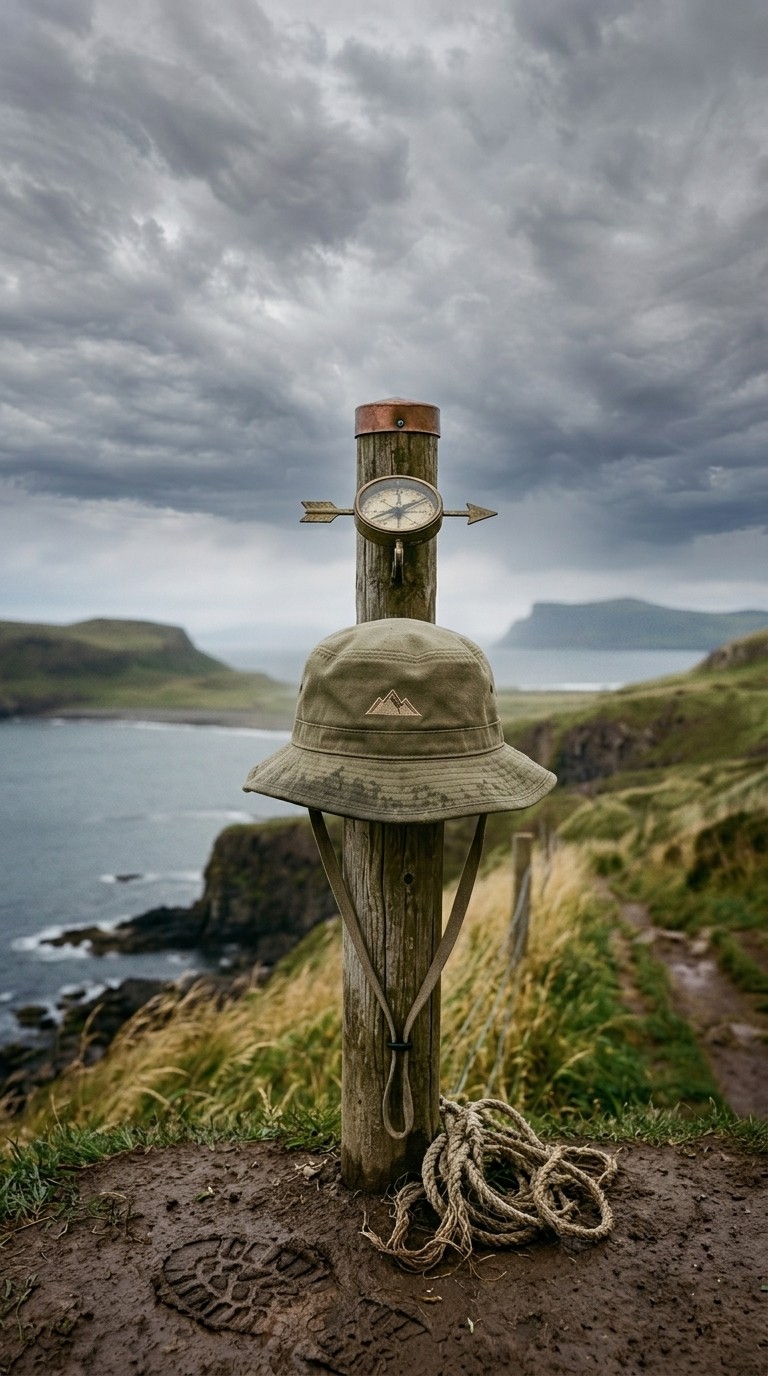
Lock in a specific car model, a branded product, a signature weapon, a magical artefact - whatever matters to your story. It appears identically every time it is shown, treating it like a real prop on a real set.
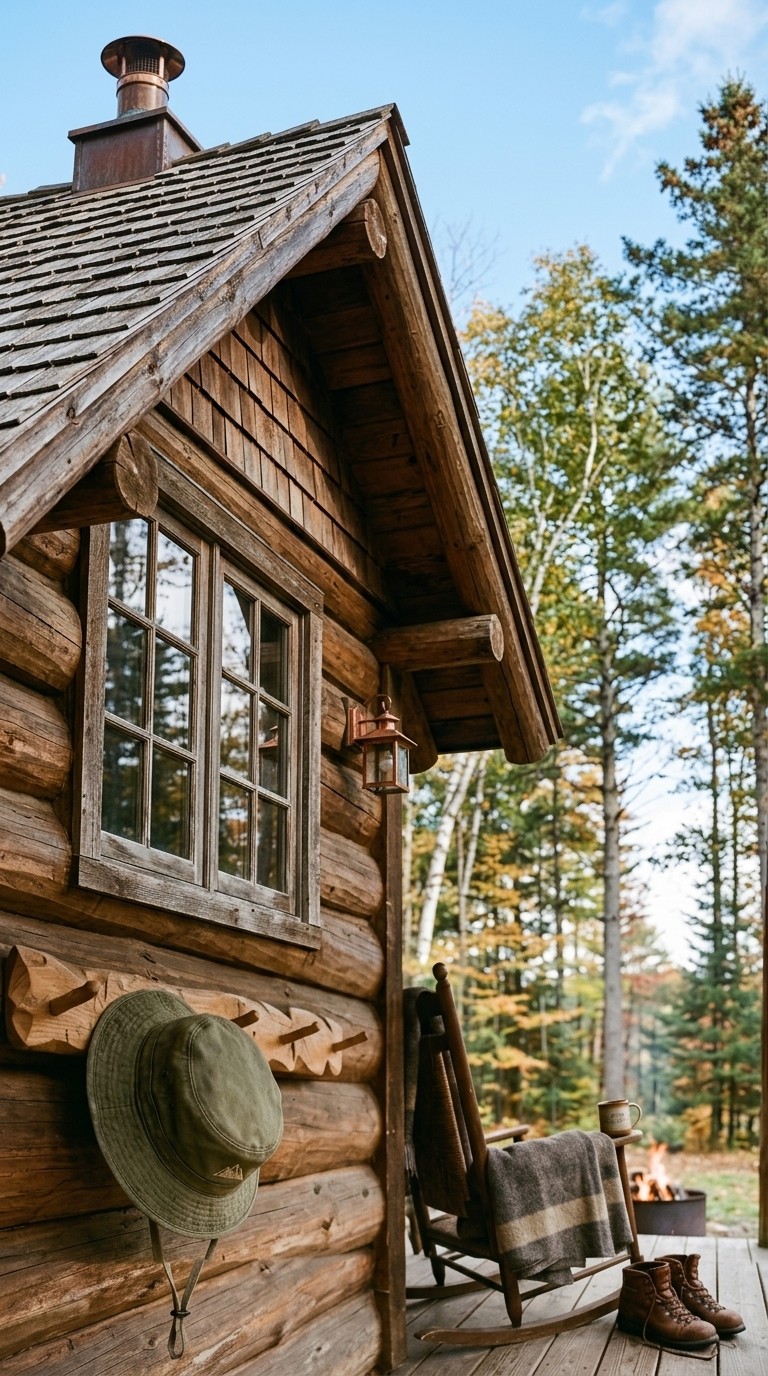
Atlabs AI video — object and prop consistency locked from Scene 1
Scene 1
Script to video generator — same prop appearing identically in Scene 11
Scene 11
Atlabs AI filmmaking — consistent object across scenes, Scene 13 example
Scene 13
Features

Everything you need for a hit-worthy video

Beat-synced scene generation

Atlabs analyses your audios tempo and energy peaks, then auto-generates scene cuts that land on the beat. Your visuals feel choreographed to the music - not just layered on top. Every drop hits different.

0:08

0:22

0:35

0:51

Beat-synced scene generation

Atlabs analyses your audios tempo and energy peaks, then auto-generates scene cuts that land on the beat. Your visuals feel choreographed to the music - not just layered on top. Every drop hits different.

0:08

0:22

0:35

0:51

Beat-synced scene generation

Atlabs analyses your audios tempo and energy peaks, then auto-generates scene cuts that land on the beat. Your visuals feel choreographed to the music - not just layered on top. Every drop hits different.

0:08

0:22

0:35

0:51

20+ cinematic visual styles

Match the aesthetic to your genre. Dark and cinematic for R&B. Vibrant anime for J-Pop. Gritty street-art for hip-hop. Lo-fi illustrated for indie folk. Apply any style with one click.

Auto lyric captions & animated subtitles

Add stylised, beat-synced lyric captions in 10+ subtitle styles. Perfect for Instagram Reels, TikTok, and YouTube Shorts where 85% of viewers watch without sound - your lyrics do the work.

Cast yourself

Upload one photo and you become the main character - appearing across the story scenes and singing on camera. Set your story vibe - solo, with friends, or a crowd - or let AI cast the rest.

Music videos in any language

Paste a song in any language - Hindi, Spanish, Korean, Arabic, Tamil, and 40+ more - and Atlabs generates a music video that matches. No translation step, no studio, no compromise on the original.

Creative direction

Pick from ready-made video directions - each with its own vibe, story, and visual world - or describe your own. Choose the concept that fits your song and Atlabs builds the entire video around it.

Full scene-level editing control

After generation you are never stuck with the first output. Swap any scene, regenerate individual clips with new prompts, adjust timing, change voiceover tone, or swap the visual style on specific scenes.

20+ cinematic visual styles

Match the aesthetic to your genre. Dark and cinematic for R&B. Vibrant anime for J-Pop. Gritty street-art for hip-hop. Lo-fi illustrated for indie folk. Apply any style with one click.

Music videos in any language

Paste a song in any language - Hindi, Spanish, Korean, Arabic, Tamil, and 40+ more - and Atlabs generates a music video that matches. No translation step, no studio, no compromise on the original.

Auto lyric captions & animated subtitles

Add stylised, beat-synced lyric captions in 10+ subtitle styles. Perfect for Instagram Reels, TikTok, and YouTube Shorts where 85% of viewers watch without sound - your lyrics do the work.

Creative direction

Pick from ready-made video directions - each with its own vibe, story, and visual world - or describe your own. Choose the concept that fits your song and Atlabs builds the entire video around it.

Cast yourself

Upload one photo and you become the main character - appearing across the story scenes and singing on camera. Set your story vibe - solo, with friends, or a crowd - or let AI cast the rest.

Full scene-level editing control

After generation you are never stuck with the first output. Swap any scene, regenerate individual clips with new prompts, adjust timing, change voiceover tone, or swap the visual style on specific scenes.

Made For

Built for every kind of music creator

Why Atlabs

Atlabs vs. the old way of making music videos

Traditional music video production is expensive, slow, and out of reach for most independent artists.

What you need
Atlabs AI
Hire a video team
DIY editing tools

Production time

2 minutes

2–8 weeks

Days of editing

Cost

From $0

$1,000 – $50,000+

$20–100/mo + your time

Filming required

None ✓

Shoot days needed ✗

Stock footage only ✗

Beat-synced cuts

Auto ✓

Manual editor work

Manual

Consistent characters

Built-in ✓

Casting + continuity crew

Not available ✗

Cast yourself

Yes, one-click ✓

Yes, too much work

Yes, too much work

Multi-platform export

Instant reframe ✓

Separate edit per format

Manual reformat

Creative control

Full scene editing

Depends on director

Limited

No credit card required | No editing experience needed

Benefits

Why musicians choose Atlabs

Every track gets a video

Not just the single. The album cut, the B-side, the demo you weren't sure about - all of them get something to watch.

Out on release day

Finish mastering, make the video, post it. No booking, no delivery window, no releasing to a static cover and promising visuals later.

A look that's recognisably yours

Same artist, same visual world across a whole EP - the thing that makes a body of work look like a body of work.

Every track gets a video

Not just the single. The album cut, the B-side, the demo you weren't sure about - all of them get something to watch.

A look that's recognisably yours

Same artist, same visual world across a whole EP - the thing that makes a body of work look like a body of work.

Out on release day

Finish mastering, make the video, post it. No booking, no delivery window, no releasing to a static cover and promising visuals later.

Every track gets a video

Not just the single. The album cut, the B-side, the demo you weren't sure about - all of them get something to watch.

Out on release day

Finish mastering, make the video, post it. No booking, no delivery window, no releasing to a static cover and promising visuals later.

A look that's recognisably yours

Same artist, same visual world across a whole EP - the thing that makes a body of work look like a body of work.

What Creators Say

Musicians love what Atlabs does for their releases

“I dropped a music video for every track on my EP this month. That would have cost me $15k with a video team. Atlabs did it in a weekend.”

— Marcus K., Independent R&B Artist

“The visual quality is genuinely cinematic. My audience couldnt believe I made the video myself. The consistent character feature is a game-changer.”

— Sofia L., Indie Pop Artist

“We manage 12 artists and needed a scalable way to produce visuals for Spotify Canvas and YouTube. Atlabs cut our production time by 90%.”

— James R., Music Label Manager

“I dropped a music video for every track on my EP this month. That would have cost me $15k with a video team. Atlabs did it in a weekend.”

— Marcus K., Independent R&B Artist

“The visual quality is genuinely cinematic. My audience couldnt believe I made the video myself. The consistent character feature is a game-changer.”

— Sofia L., Indie Pop Artist

“We manage 12 artists and needed a scalable way to produce visuals for Spotify Canvas and YouTube. Atlabs cut our production time by 90%.”

— James R., Music Label Manager

“I dropped a music video for every track on my EP this month. That would have cost me $15k with a video team. Atlabs did it in a weekend.”

— Marcus K., Independent R&B Artist

“The visual quality is genuinely cinematic. My audience couldnt believe I made the video myself. The consistent character feature is a game-changer.”

— Sofia L., Indie Pop Artist

“We manage 12 artists and needed a scalable way to produce visuals for Spotify Canvas and YouTube. Atlabs cut our production time by 90%.”

— James R., Music Label Manager

Got Questions

Got Questions

How does the AI music video generator work?

You upload your audio file or describe your songs concept. Atlabs AI analyses the tracks tempo, mood, and energy to generate a storyboard, then renders AI visuals synced to the music. You can customise every scene before exporting.

Do I need any video editing skills?

None at all. Atlabs is designed for musicians and creators who want professional results without learning a timeline-based editor. If you can upload a file and choose a style, you can make a music video.

Is it free to make an AI music video?

Yes - you can start for free with no credit card required. Free credits let you explore the workflow. Paid plans unlock longer durations, premium AI models (like Google Veo 3.1), 1080p exports, and full scene editing.

How long does it take to generate a music video?

Most videos are ready in under 2 minutes. Longer videos take proportionally more time, but the whole process is still faster than a single revision round with a traditional editor.

What visual styles and genres does Atlabs support?

Atlabs has 50+ built-in styles spanning cinematic live-action, 3D cartoon, anime, lo-fi illustrated, neon cyberpunk, watercolour, webtoon, and more. You can also train a custom style on your own references.

Can I keep the same character or artist across the whole video?

Yes. Atlabs consistent character feature locks the appearance, clothing, and visual style of your artist or character across every scene — no drift, no inconsistency frame to frame.

Can I add lyrics or subtitles to my music video?

Absolutely. Atlabs supports 10+ animated caption styles that you can sync to your lyrics — especially powerful for Instagram Reels and TikTok where most viewers watch without audio.

What platforms can I export to?

You can export in any aspect ratio — 16:9 for YouTube, 9:16 for TikTok and Reels, 1:1 for Instagram feed. Atlabs also supports Premiere Pro export on higher plans for final colour grading.

Is the generated content royalty-free?

All visuals generated by Atlabs are yours to use. Your song and any uploaded assets remain entirely your intellectual property.

I have more questions!

Please send us a message using the chat icon on the right of the website, or email us at support@atlabs.ai

Can I monetise videos made with Atlabs on YouTube?

Yes. Platform rules ask that content be original and add value rather than being mass-produced or repetitive - a written story, your own script, your own edit and voice direction all clear that bar. What gets demonetised is bulk output with no authorship, not the use of AI tools.

Do I own what I make?

Yes. Videos generated on a paid plan are yours - to upload, monetise, license, or sell. No royalties back to us, no expiring usage window.

Will there be a watermark?

Not on paid plans. Nothing in the exported file identifies Atlabs - no end card, no badge.

Can I use my own music, or is the library cleared?

Both. Upload your own track, or use the royalty-free library. If you're uploading a track you don't own, the same copyright rules apply as anywhere else.

I make kids content - is it safe for that audience?

You control the script, the visuals, and the voice, and you review every scene before export. Nothing generates and publishes without you seeing it.

Can I keep the same character across a whole series?

Yes - this is the thing Atlabs is built around. Cast a character once and reuse them across every video in the series, in any shot type.

Does it look AI-generated?

Depends what you're making. It's strongest for illustrated, animated, and stylised work - stories, explainers, music videos, character-driven shorts. If you're after photoreal footage of real people, a camera still wins.

I don't have a script. Can it write one?

Yes, the AI Script Writer takes a topic or a rough idea and drafts the script, which you can edit before anything generates.

Can I dub my existing videos?

Yes. Bring an existing video in and produce it in 40+ languages with matched lip-sync.

Can I edit the output, or am I stuck with the first draft?

Edit any of it - swap a visual, regenerate motion on one scene, change a line of voiceover, adjust pacing. Or export to Premiere Pro fully editable.

I have more questions!

Please send us a message using the chat icon on the right of the website, or email us at support@atlabs.ai

Your next music video starts right now.

Join 50,000+ artists turning songs into stunning visuals with Atlabs AI.