How do I build a content batching workflow that goes from script to publish in one day?
By batching the pipeline in stages instead of finishing one video before starting the next. Batching doesn't mean working faster inside each step, it means writing every script for the day before touching style, setting every style before touching cast, and so on, so nothing sits waiting on a decision that could have been made an hour earlier. Atlabs's Explainer Video workflow is built around four discrete stages, Script, Style, Cast, and Screenplay, which is what makes it possible to run a whole day's content through in passes rather than one video at a time.
What You'll Need
Before the day starts, have every script for that day's batch written and approved, not drafted, since going back to rewrite a script mid batch is what breaks the rhythm. Decide upfront which videos share a Style and Cast, since grouping similar content together, all client A's videos, or all onboarding clips, is what turns four separate projects into one batch instead of four separate restarts.
Full Step-by-Step Walkthrough
Step 1: Batch the Scripts First
Open the Explainer Video workflow and enter every script for the day's batch before moving to the next step for any of them. Writing all scripts back to back, while still in that headspace, is faster than switching between writing and reviewing visuals every few minutes, and it means the rest of the day is execution, not decision making.

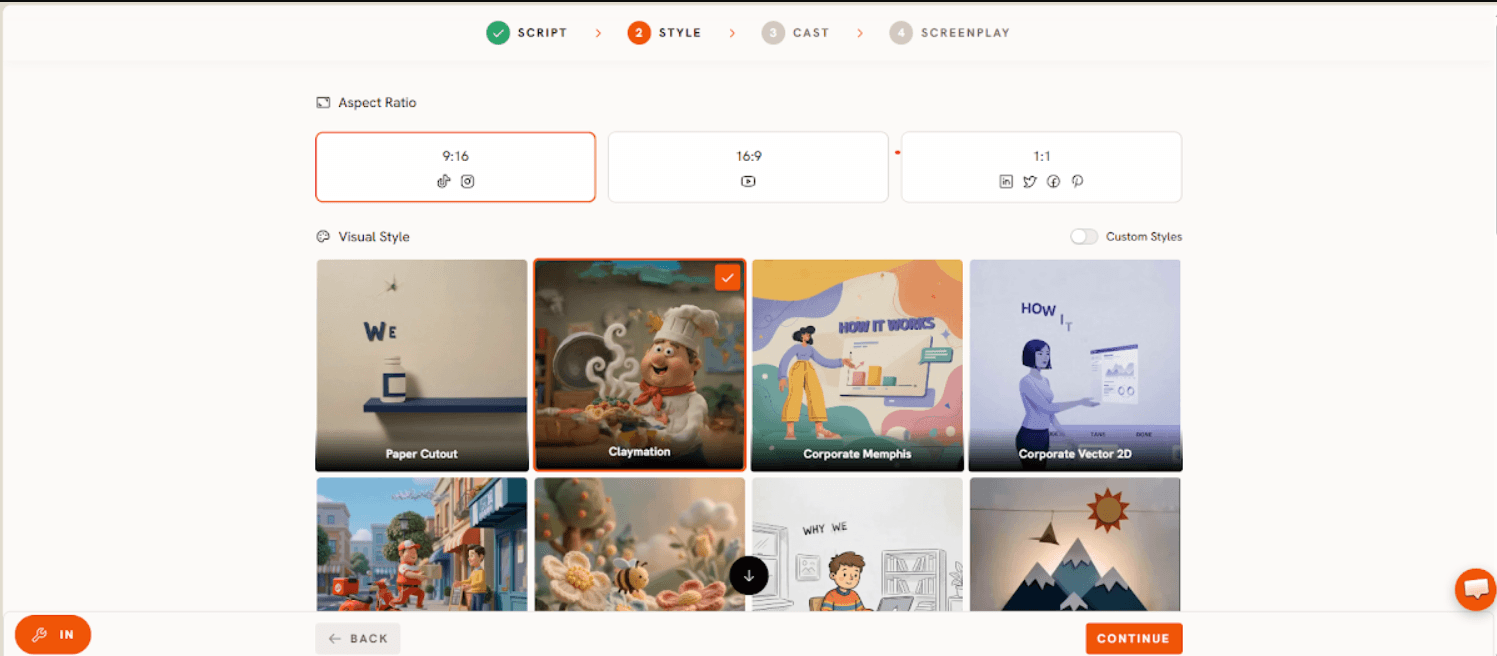
Step 2: Apply Style in One Pass
Move through Style for each project in the batch next, reusing a saved Style for any videos that share a brand or client rather than deciding it fresh each time. This step is where a content calendar built around five videos a week, not five separate brands each with their own look, saves the most time, since Style only gets decided once per distinct look, not once per video.
Step 3: Apply Cast in One Pass
Do the same for Cast across the batch. If three of today's videos share a presenter, that choice gets made once and carried across all three, rather than reselected video by video.

Step 4: Run Screenplay and Export the Batch
Screenplay is where each script becomes paced scenes, and it's the last step before a video is ready to publish. Atlabs generates roughly 20 seconds of finished video per pass, so a single explainer is usually a handful of passes; running Screenplay for the whole batch in one sitting, rather than interleaving it with Script and Style decisions, is what actually gets several finished videos out the door by the end of the day.

Watch the full workflow walkthrough below, and see a finished example built the same way right after it.
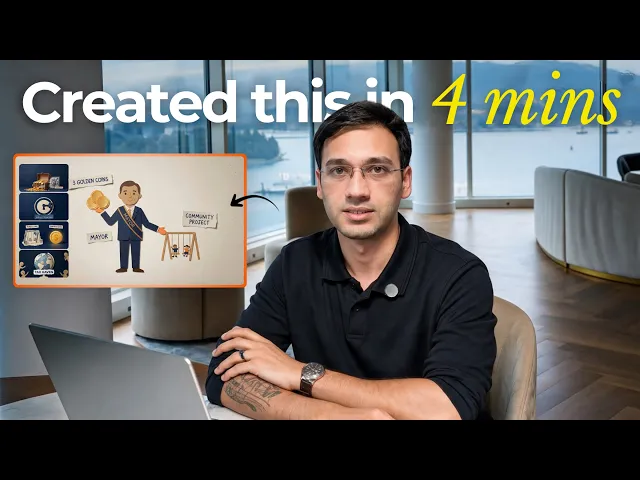
See a finished example built the same way in this real use case:
Pricing starts free, with paid plans from Atlabs at $19 per month, Trustpilot rating 4.5 out of 5, which matters for a batching workflow specifically since one account covering script through screenplay is what removes the handoffs that usually stretch a batch across several days instead of one.
Tips for Better Results
Group the day's batch by shared Style and Cast rather than by due date, since that's what actually reduces decisions, not just video count. Get every script approved before Screenplay starts, since a mid batch script change forces a restart on that one video while the rest of the batch waits. Set aside one dedicated block for review and publishing at the end of the day rather than publishing each video as it finishes, since switching between production and publishing mid batch breaks the same rhythm that batching is meant to protect. Cap a single day's batch at a number the review block can actually get through, since a large batch that never gets reviewed and published isn't a finished batch.
Example Outputs and Prompts
Prompt 1: Morning Batch, Onboarding Clip
Try this in the Explainer Video workflow.
Prompt 2: Afternoon Batch, Client Product Explainer
Try this in the same Explainer Video workflow, right after the morning batch.
FAQ
How many videos can realistically go through a one day batch?
That depends on how many scripts are pre approved and how many distinct Styles and Casts are in play, but because Style and Cast only need setting once per shared look rather than once per video, teams commonly move several videos through the Explainer Video workflow in the time it used to take to finish one.
Does batching sacrifice quality compared to producing one video at a time?
No, since each video still goes through the same Script, Style, Cast, and Screenplay steps individually, batching changes the order work happens in, not the steps themselves. Quality holds as long as scripts are genuinely approved before the batch starts rather than rewritten partway through.
What happens if one script needs a change in the middle of a batch?
That single project goes back to Script while the rest of the batch continues through Style, Cast, and Screenplay uninterrupted, since each project in the Explainer Video workflow moves through the steps independently.
Can different types of videos be batched together in the same day?
Yes, as long as each group of similar videos, same client, same brand, same use case, is run through Style and Cast together, a single day can cover more than one content type without losing the time savings that come from grouping decisions rather than repeating them.
Batching a day's content isn't about doing each step faster, it's about doing each step once per shared decision instead of once per video: start today's batch on Atlabs.
Final Verdict
A content batching workflow is worth building the moment you're publishing more than one video a week, and it stops being worth it if you're only ever making one off pieces with nothing shared between them. For anything recurring, a feature update series, a weekly tip, an onboarding library, running scripts through the same Style and Cast inside the Explainer Video workflow is the difference between a week of production and a single sitting.