









#1 AI Video Generator for Financial Services
Make explainer, training and onboarding videos in minutes
Built for banks, lenders, insurance companies and money apps. Type one line and get a finished video. No camera. No agency. No waiting weeks.
4.8/5 on G2
4.9/5 on Capterra
Start Anywhere
You don’t need a script to start
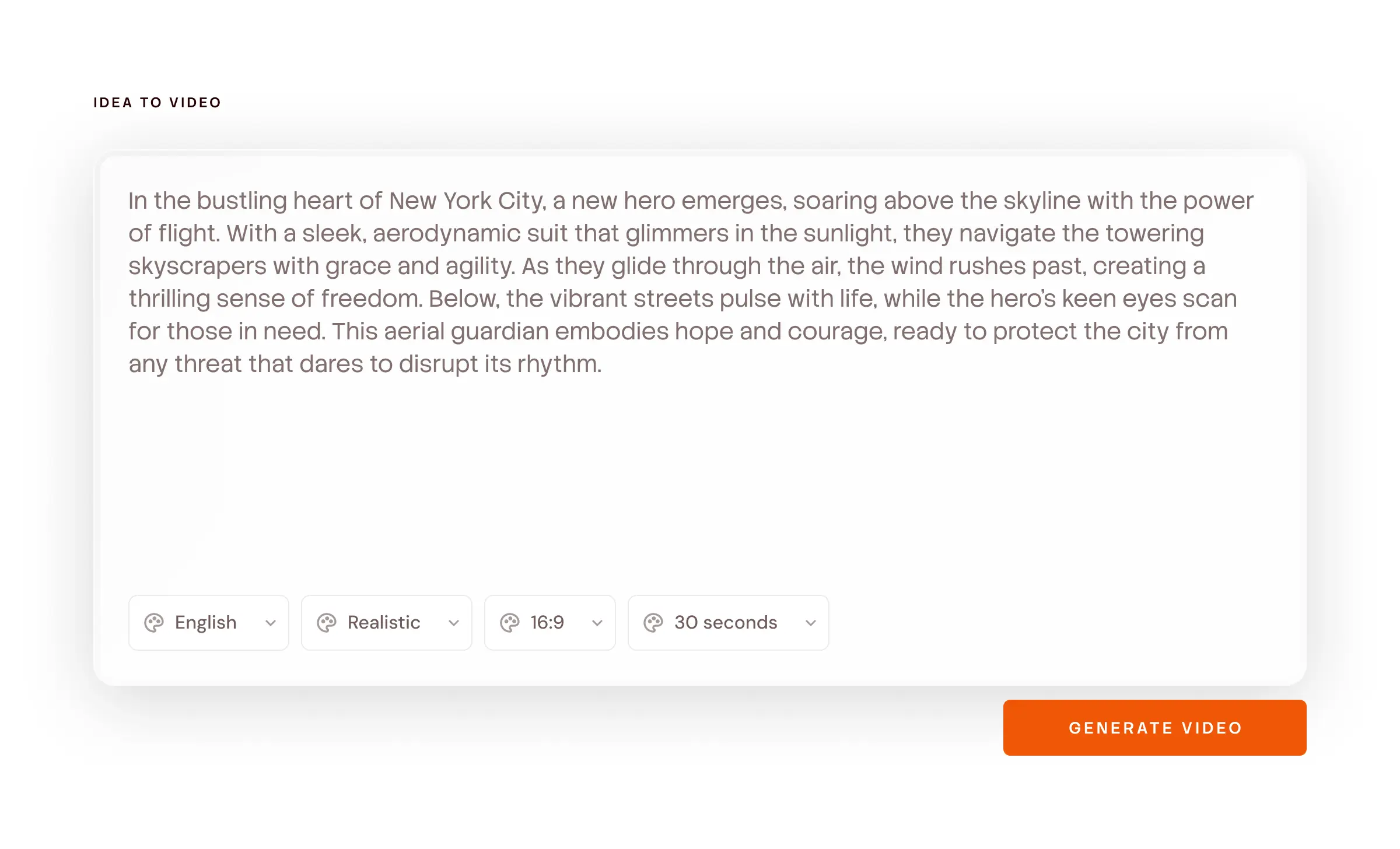
Start with whatever you have. Even one line is enough.
Just an idea
Just a thought or concept
Type what you want to say. Atlabs writes the script, splits it into scenes and makes the video.
“A 20-second ad for a savings account, for people with their first job.”
Most Popular
Paste your notes
Bullet points, a rough outline, or the notes from your last meeting. Atlabs reads the order, turns each point into a scene and matches the visuals to what you wrote.
Point 1: upload the bill. Point 2: we check it. Point 3: money in your account.
Full Script
A full script
Paste the script your team already approved. Atlabs turns each part into a scene. Your words stay your words.
SCENE - OFFICE, DAY. A founder stares at a messy spreadsheet. VOICEOVER: There had to be a better way.
40 topics your customers are already confused about
Pick a topic, hit generate, edit the script. Every one of these becomes a finished video in a few minutes.
A Real Example
This is what one line turns into
We typed “Explain how EMIs work.” Here is the script Atlabs wrote and the scenes it made. An ad, a launch video or a training video works the same way.
SCENE 1 - Establishing
VO: You want the phone. It costs sixty thousand rupees. You have twelve thousand.
Visual: A young woman in a store, looking at a price tag. Warm light.
SCENE 2 - The idea
VO: An EMI splits that sixty thousand into equal monthly payments. Same phone, spread across twelve months.
Visual: The price tag breaks apart into twelve equal cards that arrange into a calendar.
SCENE 3 - The catch
VO: But you don’t pay sixty thousand. You pay sixty thousand plus interest - the lender’s fee for waiting.
Visual: The twelve cards each grow a small orange sliver on top.
SCENE 4 - The mechanic
VO: Every payment does two jobs. Part of it clears the interest. The rest chips away at what you actually borrowed.
Visual: One card splits into two stacked bars - interest and principal.
SCENE 5 - The reveal
VO: Early on, most of your EMI is interest. Later, most of it is principal. The amount you pay never changes - but what it’s paying for does.
Visual: The two-bar split animates across twelve months; orange shrinks, cream grows.
SCENE 6 - Close
VO: That’s an EMI. Same payment every month, quietly changing shape underneath.
Visual: Full calendar, twelve completed cards, tick.
Every line can be edited. Change the currency, the tone, the example or the character. Or redo one scene without touching the rest.
How It Works
How to make a video in 4 steps
50,000+ creators & teams · No credit card required
Built For Money Brands
Why financial brands pick Atlabs
Making one video is easy. Making 200 videos that all look like the same company is the hard part.
Your character stays the same
Pick your character once. Same face, same clothes, same voice in video 1 and video 200. People start to recognise it, like your logo.

Scene 2

Scene 7

Scene 20

SCENE 1
SCENE 2
SCENE 5
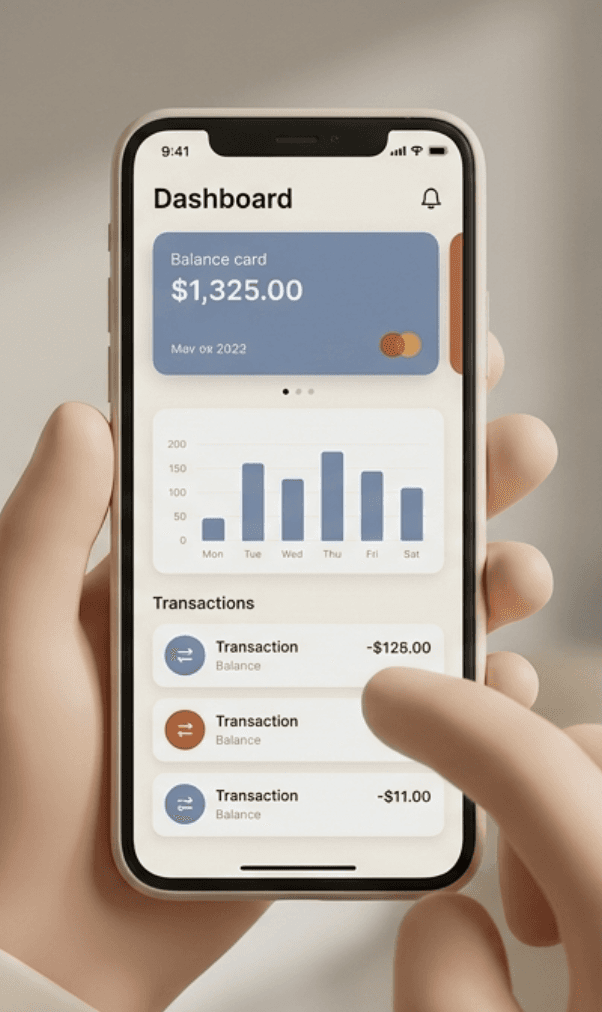
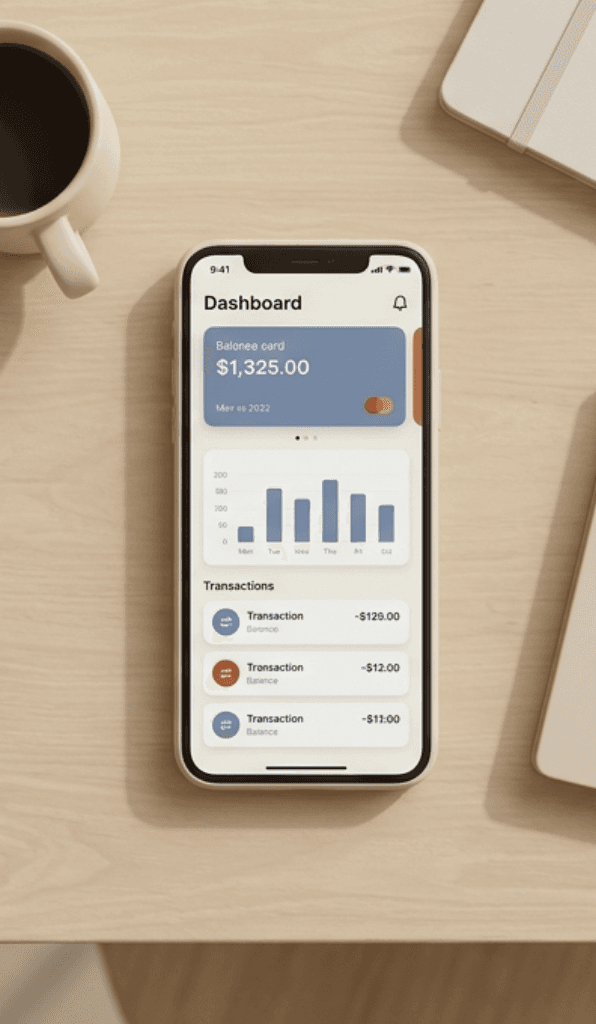
Your app screens stay the same
Upload a real screen from your app. It shows up exactly the same in every video. Not an AI’s guess at what a banking app looks like.
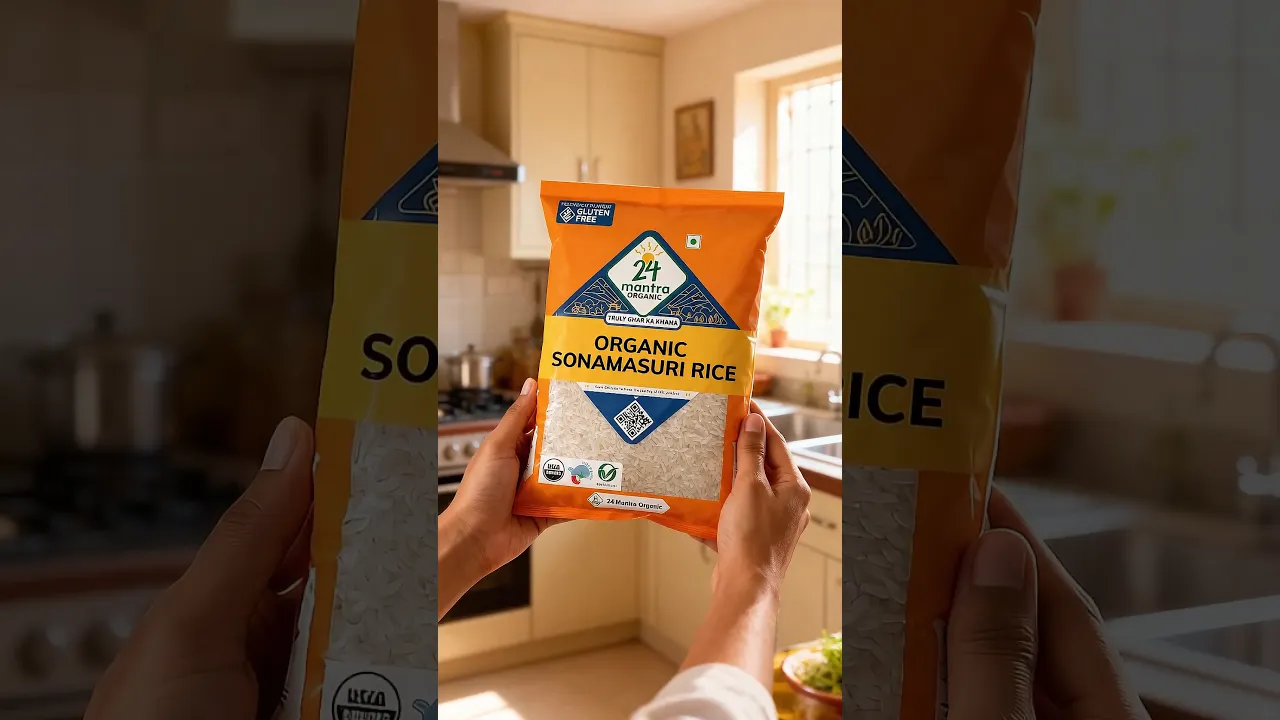
Lock the objects that carry meaning
Your card design, your logo, a rupee coin, a document icon. Once locked, it looks the same in scene 1 and scene 20.

Scene 1

Scene 11

Scene 13
EVERY TYPE OF VIDEO
Every kind of video your team needs, in one place
Banks, insurance companies, lenders, payment apps and wealth apps use Atlabs to make all of these.
Your characters, consistent across every scene.


Localise to
40+ languages
in one click
Choose from
50+ visual styles
or train your own
Powered by 50+ top AI models
Real-time team
collaboration
coming soon




Visual Styles
Pick a look that matches how serious your product needs to feel
A neobank targeting Gen Z and an insurance provider talking to 50-year-olds shouldn’t use the same visual language. Same script, different style, one dropdown.
Train your own custom style so every video matches your design system.
Made For
Made for teams at banks, lenders, insurers and money apps
Why Atlabs
Agency vs Atlabs for videos
What you need
Atlabs AI
Time from script to video
Minutes
Cost
From $19
Filming required
No ✓
Character consistency
Locked across all scenes ✓
Location consistency
Locked across all scenes ✓
Object consistency
Locked across all scenes ✓
Script format support
Idea, story, or script ✓
Scene-level editing
Full control ✓
What Teams Say
Financial Services making videos with Atlabs
FAQ
Common questions asked by Financial Services
What kinds of videos can I make?
Ads, product launch videos, onboarding videos, explainer videos, customer stories, training videos, support videos, festival campaigns and social videos.
Can I use my own app screens and my own character?
Yes. Upload a screenshot or a character picture and lock it. It looks the same in every scene of every video you make.
How do I add legal disclaimers?
Add the text at the bottom of the screen or as an end card. You can change the wording for each country without making the video again.
What if a rate or fee changes?
Edit that one scene and make it again. The rest of the video stays the same.
Can I make the same video in other languages?
Yes. Change the voiceover and captions to 40+ languages in one click. The visuals stay the same.
How long should a video be for financial services?
Onboarding: 20–40 seconds. Ads: 15–30 seconds. Product launches: 30–60 seconds. Website explainers: 60–90 seconds. YouTube education: 2–5 minutes.
Which style works best?
Flat 2D Modern and motion graphics work well for numbers and charts. Realistic works well for ads and customer stories. You can also train a style on your own brand.
Do I need a script?
No. One sentence is enough. Atlabs writes the full script and you can edit it before anything is made.
How much does it cost?
Plans start at $19 a month for unlimited videos. An agency charges $3,000 to $15,000 for one video.
Is it free to try?
Yes. Start free with no credit card. The free credits are enough to make your first video from start to finish.
Your next video is due this week. Start it now.
Ads, explainers, onboarding, training. One line of text is enough. The first video is free.