




#1 AI Video Generator for Education
Turn any topic into a lesson learners actually watch
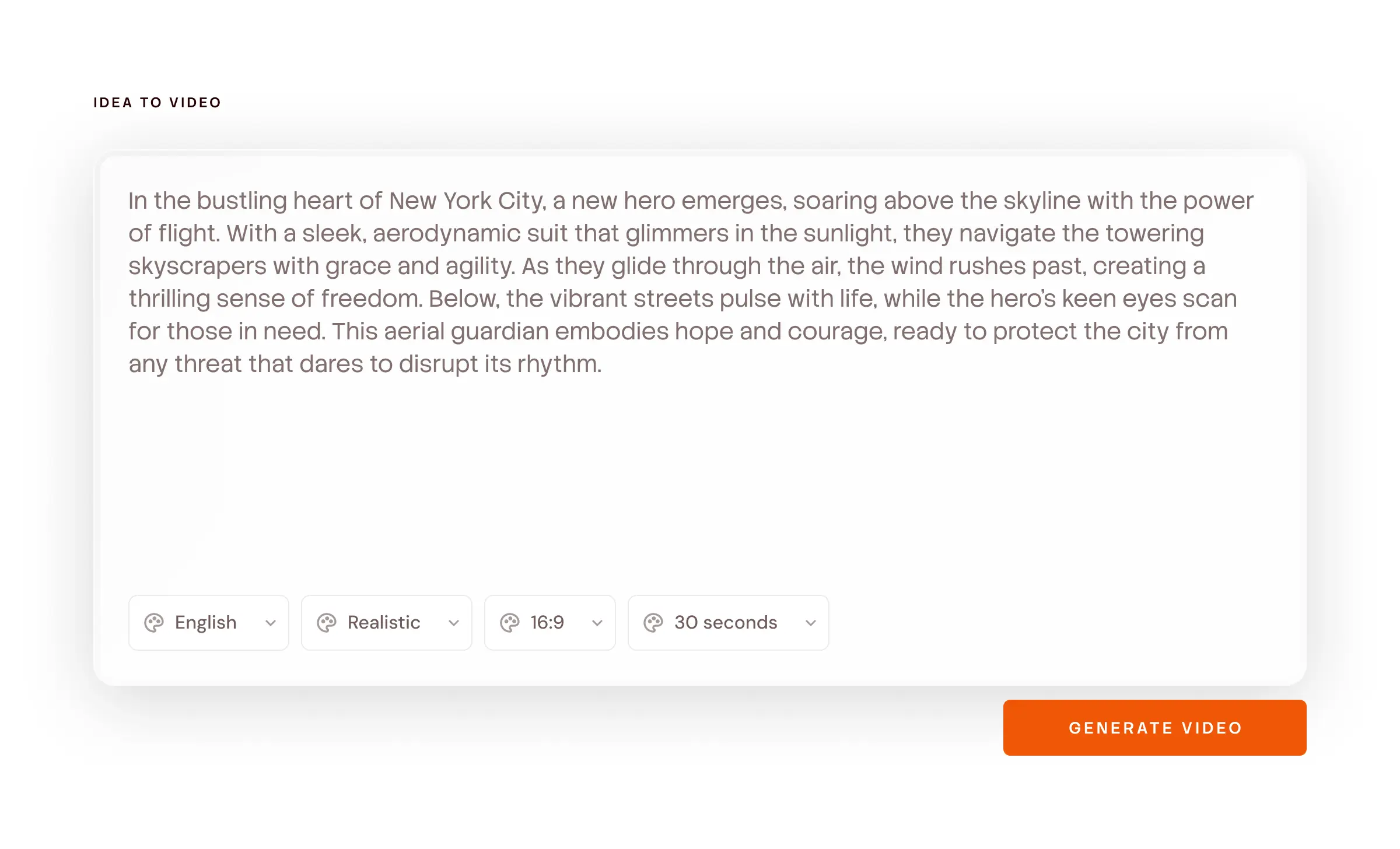
Alphabets, shapes and numbers for four-year-olds. Photosynthesis, the French Revolution and Greek mythology for everyone else. Type one line and get a finished video. No camera. No animator. No waiting weeks.
4.8/5 on G2
4.9/5 on Capterra
How It Works
How to make an educational video in 4 steps
50,000+ creators, teachers & teams · No credit card required
40 topics your learners keep asking about
Pick a topic, hit generate, edit the script. Every one of these becomes a finished video in a few minutes.
A Real Example
This is what one line turns into
We typed “Teach the letter B to a 4-year-old.” Here is the script Atlabs wrote and the scenes it made. A history lesson or a science explainer works exactly the same way.
SCENE 1 — Hello
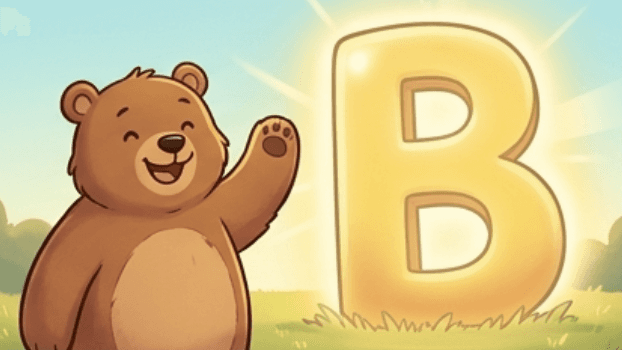
VO: This is Bo. Bo is a bear. And Bo has a letter to show you.
Visual: A round, soft-edged bear waves from a bright meadow. Warm morning light.
SCENE 2 — The letter
VO: B. Big B. Little b. Bee, buh, B.
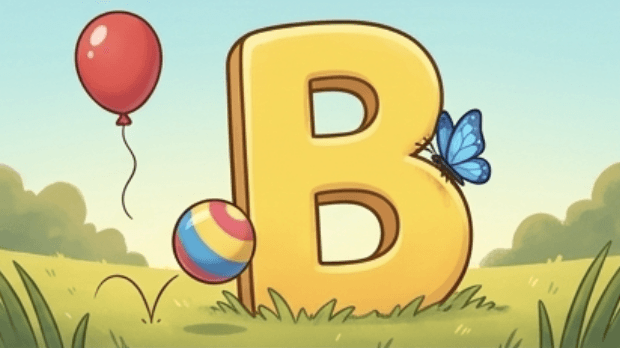
Visual: A giant capital B rises out of the grass. A small b hops up beside it.
SCENE 3 — The sound
VO: B says buh. Buh… buh… Balloon. Ball. Butterfly.
Visual: A balloon floats up, a ball bounces in, a butterfly lands on the B.
SCENE 4 — Find it
VO: Can you find something that starts with buh? Look around Bo.
Visual: Camera pulls back. A banana, a bucket, a boat, a bird — all in frame. Beat of silence.
SCENE 5 — The reveal
VO: Banana. Bucket. Boat. Bird. All of them start with B.
Visual: Each object lifts and lines up under the letter B, one by one, with a soft pop.
SCENE 6 — Close
VO: Great job. B is for bear. B is for Bo. See you next letter.
Visual: Bo waves. The letter B glows once and the screen settles.
Every line can be edited. Change the age, the language, the character or the example. Or redo one scene without touching the rest.
Built For Educators
Why teachers and EdTech teams pick Atlabs
Making one lesson video is easy. Making a 60-episode series where the same teacher, classroom and mascot show up every time — that’s the hard part.
Your character stays the same
Pick your guide once. Same face, same clothes, same voice in lesson 1 and lesson 200. Kids start recognising them the way they recognise a favourite character.

Scene 2

Scene 7

Scene 20
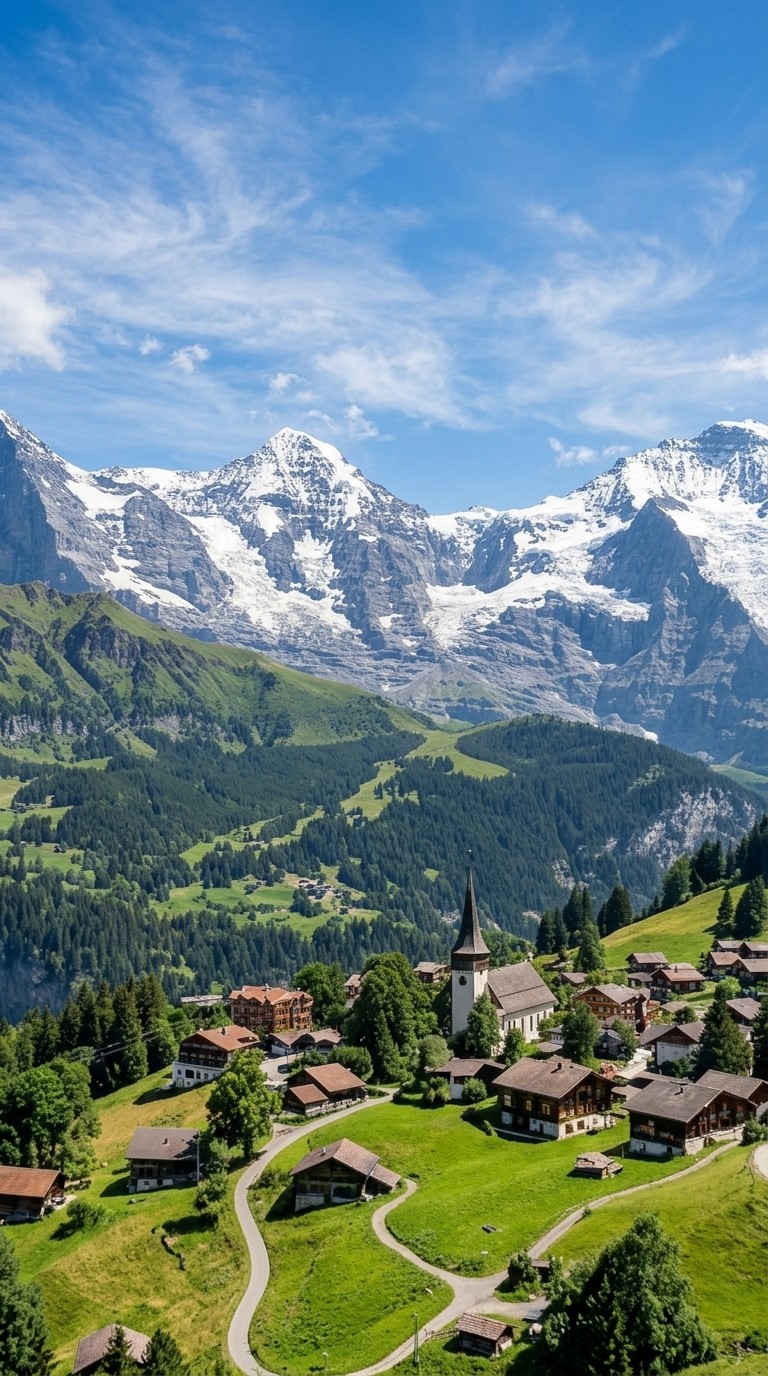
Wide
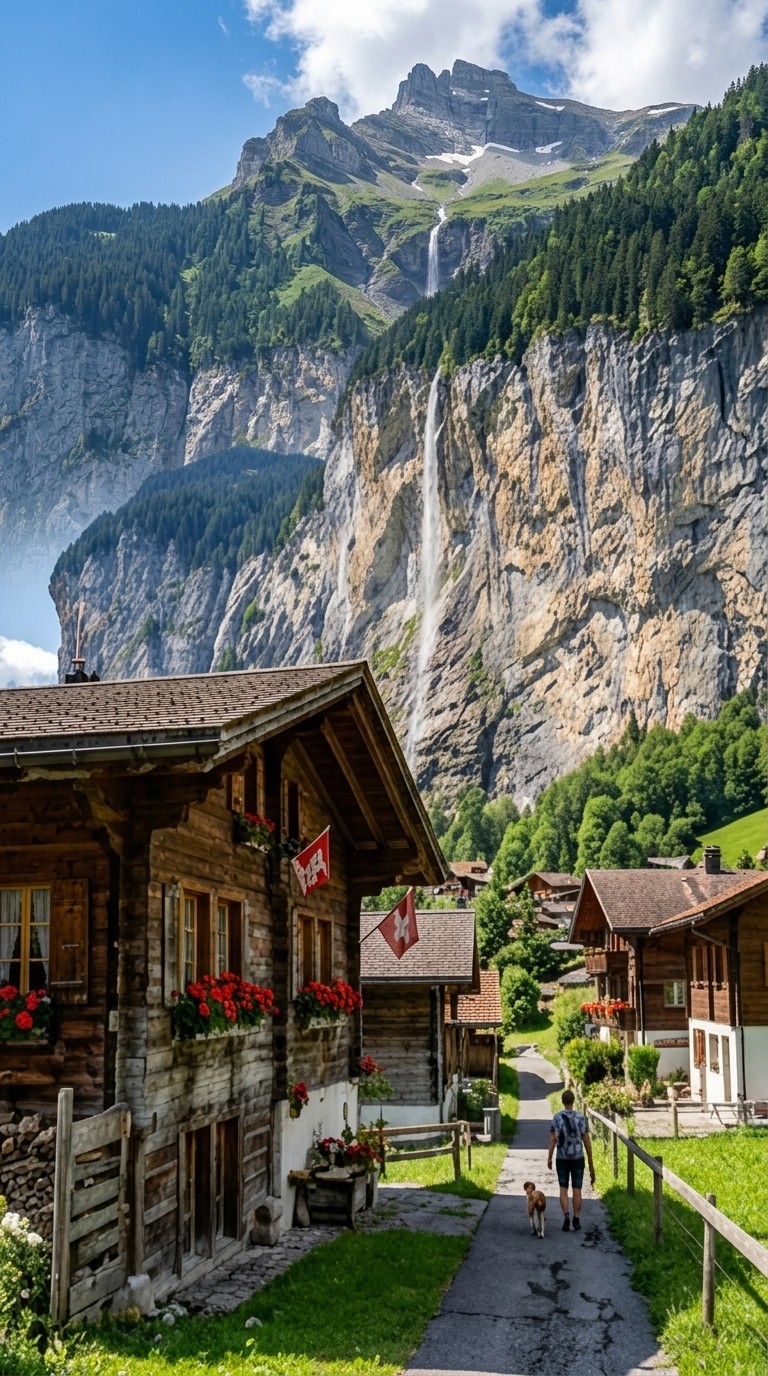
Close
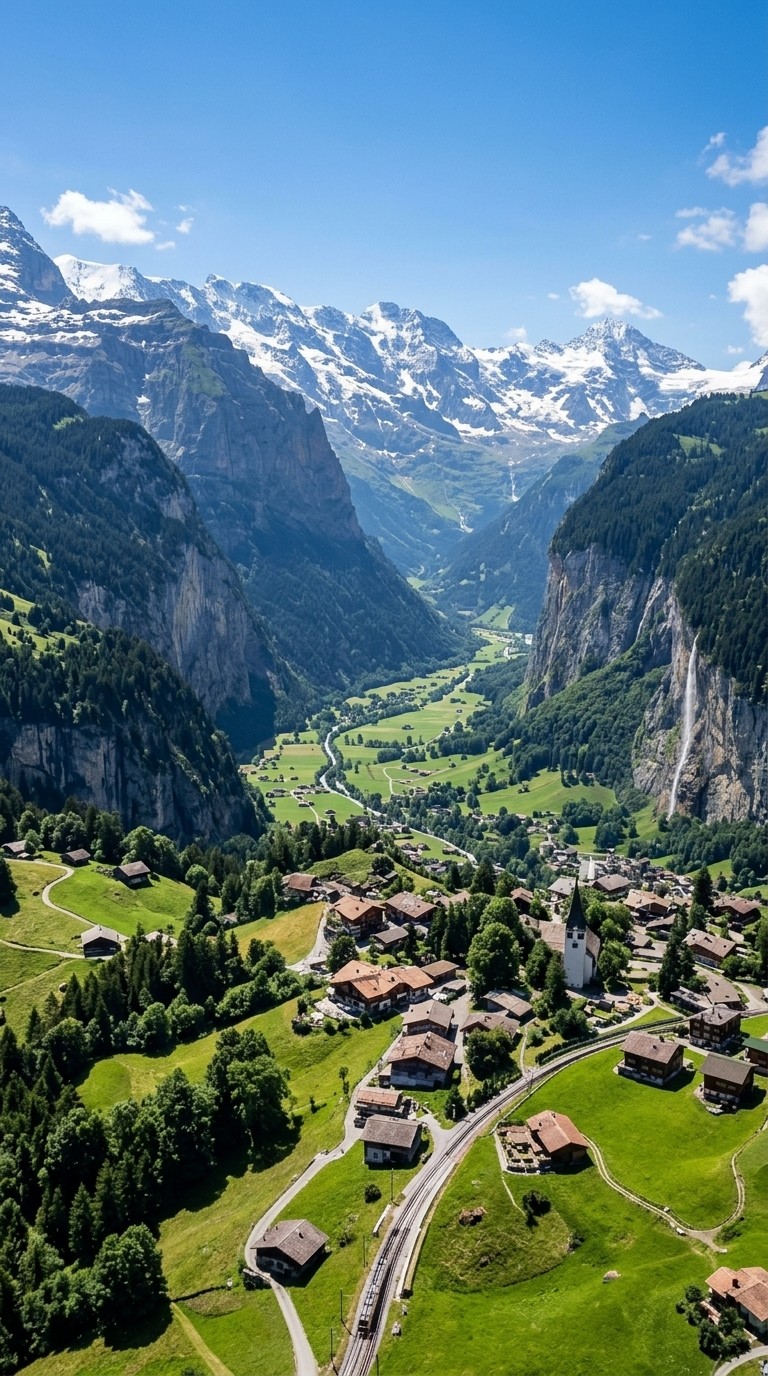
aerial
Location consistency
Set your world and Atlabs holds it. The same classroom, jungle, laboratory, temple or ancient city appears with consistent architecture, lighting and atmosphere throughout — not a different version each scene.
Lock the objects that carry the lesson
The alphabet blocks, the number line, the beaker, the map, your school logo. Once locked, it looks the same in scene 1 and scene 20.
Scene 1

Scene 11

Scene 13
EVERY TYPE OF VIDEO
Every kind of educational video, in one place
Schools, EdTech products, coaching institutes, kids channels and independent teachers use Atlabs to make all of these.
Your characters, consistent across every scene.


Localise to
40+ languages
in one click
Choose from
50+ visual styles
or train your own
Powered by 50+ top AI models
Real-time team
collaboration
coming soon


Visual Styles
Pick a look that matches who you’re teaching
A phonics video for four-year-olds and a lecture on the Cold War shouldn’t look the same. Same script, different style, one dropdown.
Train your own custom style so every lesson matches your brand.
Made For
Made for schools, EdTech teams, coaching institutes and independent educators
Start Anywhere
You don’t need a lesson plan to start
Start with whatever you have. Even one line is enough.
Just an idea
Just a thought or concept
Type what you want to teach. Atlabs writes the script, splits it into scenes and makes the video.
“A 60-second video teaching kids the colours of the rainbow.”
Most Popular
Paste your notes
Bullet points, a chapter outline, or your board notes from this morning. Atlabs reads the order, turns each point into a scene and matches the visuals to what you wrote.
Point 1: the sun heats the ocean. Point 2: water becomes vapour. Point 3: vapour cools into clouds. Point 4: it rains.
Full Script
A full script
Paste the lesson script you’ve already approved. Atlabs turns each part into a scene. Your words stay your words.
SCENE — ANCIENT ROME, DAY. A senator walks through a crowded forum. VOICEOVER: At its peak, this empire fed a million people a day.
Why Atlabs
Animation studio vs Atlabs for educational videos
What you need
Atlabs AI
Time from topic to video
Minutes
Cost
From $19
Filming required
No ✓
Character consistency
Locked across all scenes ✓
Location consistency
Locked across all scenes ✓
Object consistency
Locked across all scenes ✓
Script format support
Idea, notes, chapter or script ✓
Scene-level editing
Full control ✓
Translate to other languages
One click Translate ✓
Re-record and Re-time
Rarely supported ✗
What Educators Say
Educators making videos with Atlabs
FAQ
Common questions asked by educators
What kinds of educational videos can I make?
Kids learning videos, concept explainers, history and mythology videos, exam revision videos, course and module videos, teacher training, announcements, parent communication and social videos.
Can I make videos for very young children?
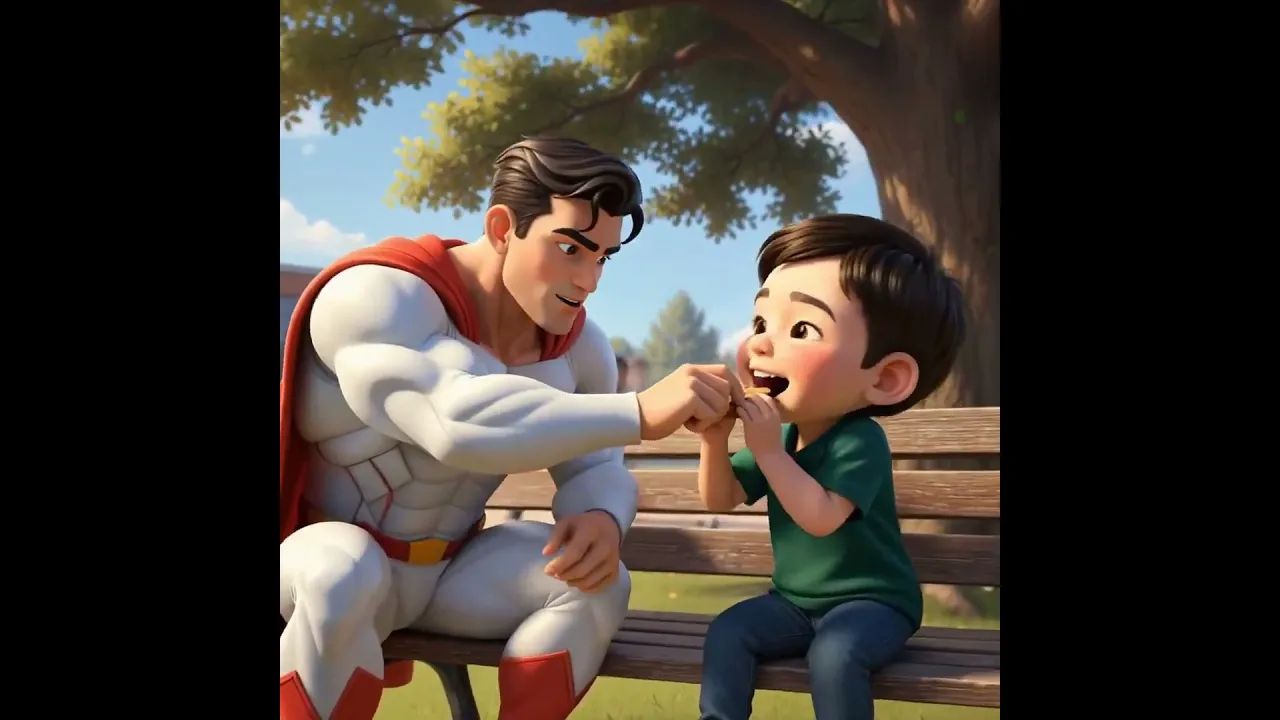
Yes. Pick a soft 3D Cartoon or Claymation style, a slow pace and a friendly character, and Atlabs writes at the reading level you ask for. Alphabets, numbers, shapes, colours, animals and rhymes all work well.
Can I teach any subject?
Yes. Science, maths, history, mythology, languages, geography, civics, life skills, coding, finance. If you can describe it in one line, Atlabs can script and animate it.
Can I use my own mascot or teacher character?
Yes. Upload a character image and lock it. It looks the same in every scene of every video in your series.
Can clinics and healthcare teams use this?
Yes. Dental and medical practices use Atlabs for patient education - explaining procedures, aftercare and prevention in a way that calms people down instead of overwhelming them. The same videos work in the waiting room, on your website and in a follow-up message.
Can I make the same lesson in other languages?
Yes. Change the voiceover and captions to 40+ languages in one click. The visuals stay the same, so one lesson serves every classroom.
How long should an educational video be?
Toddler learning videos: 30–90 seconds. Concept explainers: 60–120 seconds. History and mythology: 2–5 minutes. Full lesson modules: 5–10 minutes. Shorts and Reels: 15–45 seconds.
Which style works best for education?
3D Cartoon and Claymation for early learners. Flat 2D Modern for science, maths and diagrams. Realistic and cinematic styles for history and mythology. You can also train a style on your own brand.
Do I need a script?
No. One sentence is enough. Atlabs writes the full script and you can edit every line before anything is made.
Can I turn my existing course notes into videos?
Yes. Paste your notes, outline or chapter text. Atlabs reads the order, turns each point into a scene and keeps your sequence.
Can I use these videos on YouTube and in my LMS?
Yes. Download in 1080p in 9:16, 1:1 or 16:9 and upload anywhere - YouTube, your LMS, your app or a classroom projector.
How much does it cost?
Plans start at $19 a month and go up to $249.
Is it free to try?
Yes. Start free with no credit card. The free credits are enough to make your first lesson from start to finish.
Your next lesson is due this week. Start it now.
Kids learning, explainers, history, revision. One line of text is enough. The first video is free.