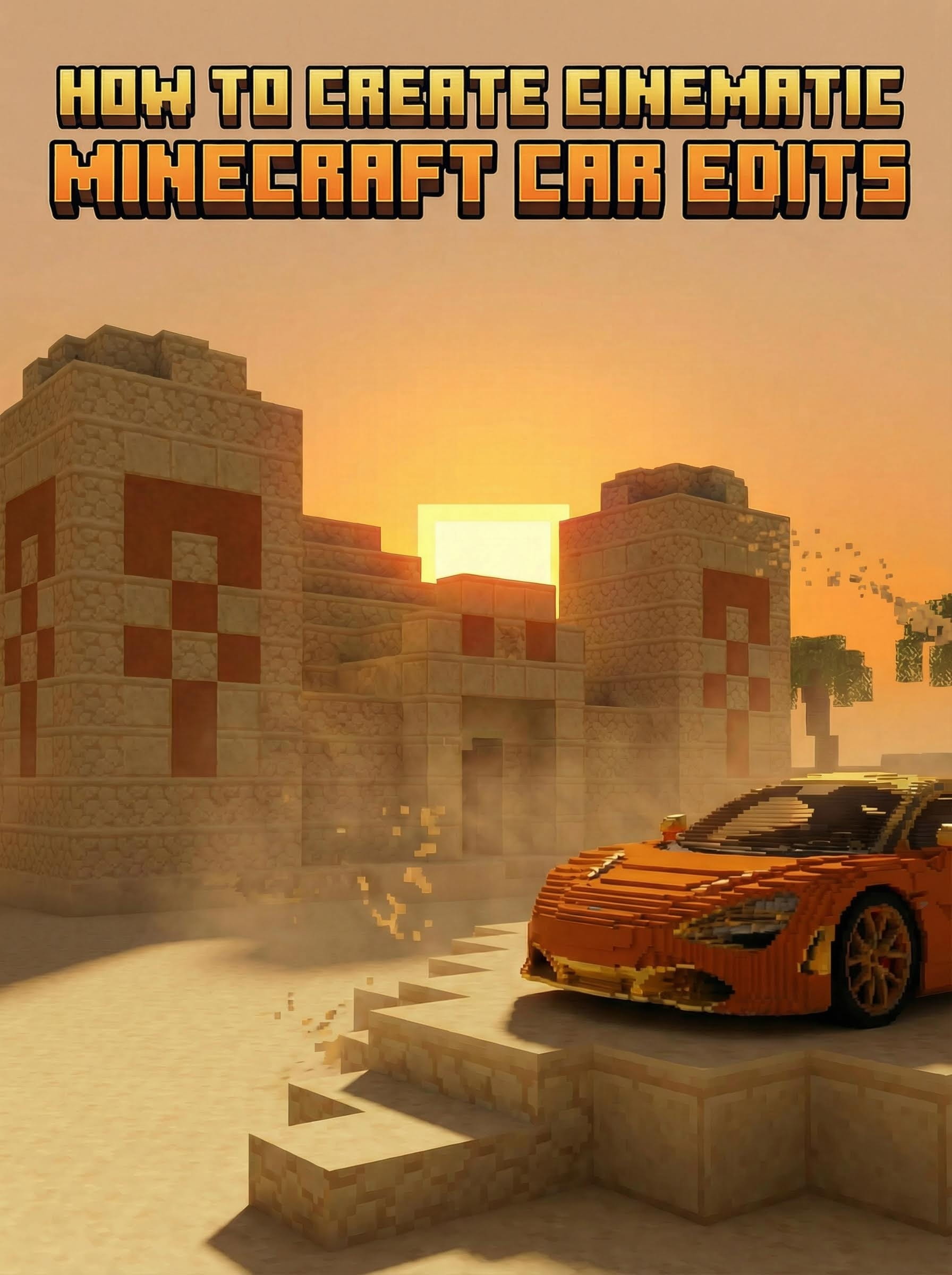
요약 (TL;DR)
3D 소프트웨어 없이 Atlabs AI를 사용하여 바이럴 마인크래프트 자동차 편집 영상을 제작해 보세요:
Nano Banana Pro로 초현실적인 기본 이미지 생성
Shots 기능을 사용하여 일관된 앵글 생성
Kling 2.6으로 영화 같은 비디오로 애니메이션화
소요 시간: 10분
3D 기술 필요 없음
Atlabs AI에서 마인크래프트 편집 영상 제작 시작하기
문제점: 높은 진입 장벽
기존의 "마인크래프트 실사" 자동차 편집 영상을 제작하려면 다음과 같은 과정이 필요합니다:
고급 3D 소프트웨어 (Blender, Unreal Engine, Cinema 4D)
블록 기하학 모델링
차량 및 환경 텍스처링
입체 조명(Volumetric lighting) 설정
수시간의 렌더링 시간
기술적 전문 지식
총 소요 시간: 수일 또는 수주의 학습 기간 + 렌더당 수시간
필수 기술: 3D 모델링, 조명, 텍스처링, 렌더링
해결책: 즉각적인 AI 생성
Atlabs AI는 텍스트-이미지 및 이미지-비디오 기술을 사용하여 이러한 정확한 장면을 몇 초 만에 생성합니다.
Nano Banana Pro 및 Kling 2.6을 사용하면 브라우저에서 바로 RTX가 활성화된 게임 엔진 렌더링처럼 보이는 극사실적이고 영화 같은 결과를 얻을 수 있습니다.
총 소요 시간: 10분
필수 기술: 프롬프트 복사 및 붙여넣기
전체 3단계 워크플로우
단계 1: 기본 이미지 생성
멋진 비디오의 기초는 완벽한 이미지입니다. 올바른 텍스처와 조명으로 장면을 설정하세요.
이동 경로: Atlabs AI → Image → Create Image
설정:
모델: Nano Banana Pro
화면 비율: 16:9 (YouTube) 또는 9:16 (TikTok/Reels)
해상도: 1K
프롬프트 작성 전략
"마인크래프트이지만 실사 같은" 느낌을 주기 위해 "not cartoon(만화 아님)"을 강조하고 용암, 석조 벽돌, 입체 안개와 같은 텍스처에 초점을 맞추세요.
Generate(생성) 클릭
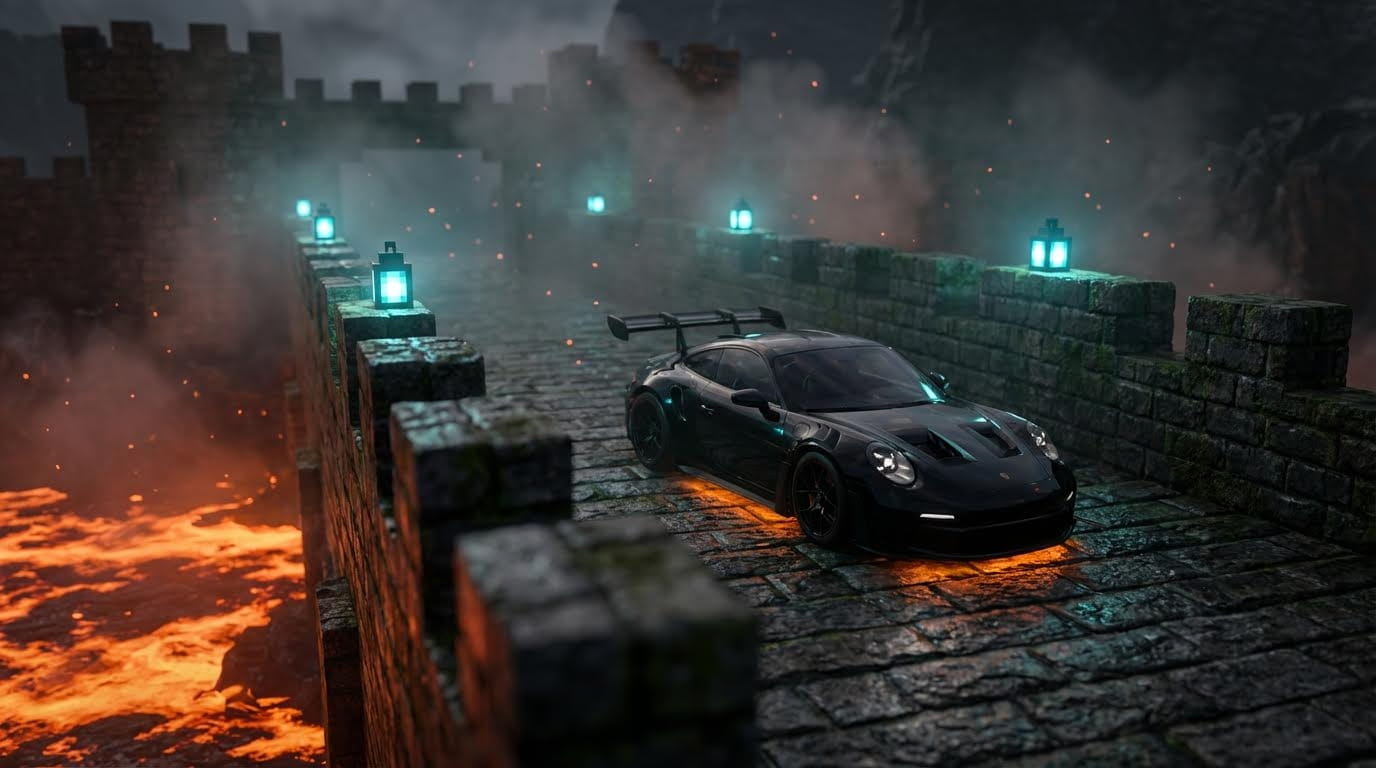
커스터마이징 옵션
자동차 변경:
"Porsche GT3 RS"를 "Lamborghini Aventador" 또는 "Nissan GTR R35"로 대체
색상 수정: "glossy black"(유광 블랙) → "metallic red"(메탈릭 레드) 또는 "pearl white"(펄 화이트)
환경 변경:
"Stone-brick fortress"(석조 벽돌 요새) → "Cherry blossom garden"(벚꽃 정원) 또는 "Ice cave corridor"(얼음 동굴 통로)
"Bright orange lava"(밝은 주황색 용암) → "Flowing water"(흐르는 물) 또는 "Purple nether portal"(보라색 네더 포탈)
조명 조절:
"Blue teal lanterns"(청록색 랜턴) → "Golden torches"(황금 횃불) 또는 "Red redstone lamps"(빨간 레드스톤 조명)
"Cool cyan glow"(차가운 청록색 빛) → "Warm amber light"(따뜻한 호박색 빛) 또는 "Purple mystic glow"(보라색 신비로운 빛)
이미지 세부 조정
생성 후 요소를 변경하고 싶은 경우:
생성된 이미지를 클릭합니다.
Reference(참조)를 누릅니다
변경 사항을 입력합니다:
"Make the Porsche glossy dark red" (포르쉐를 유광 어두운 빨간색으로 변경)
"Add a Minecraft creeper behind the car" (자동차 뒤에 마인크래프트 크리퍼 추가)
"Change lanterns to golden torches" (랜턴을 황금 횃불로 변경)
세부 조정된 버전을 생성(Generate)합니다.
전문가 팁: 처음에 4개의 베리에이션을 생성한 다음, 가장 좋은 것을 골라 거기서부터 세부 조정을 진행하세요.
Atlabs AI에서 마인크래프트 장면 생성하기
단계 2: 일관된 앵글 생성
비디오 편집본을 만들려면 동일한 위치에 있는 동일한 자동차의 여러 카메라 앵글이 필요합니다.
워크플로우:
1. 단계 1에서 가장 좋은 이미지 선택
2. 고화질로 업스케일하기
1-2분 기다리기
업스케일된 이미지 다운로드
3. 이미지 생성기로 이동
이동 경로: Nano Banana Pro
업스케일된 이미지 업로드
아래 프롬프트 붙여넣기
Generate(생성) 클릭
프롬프트 :
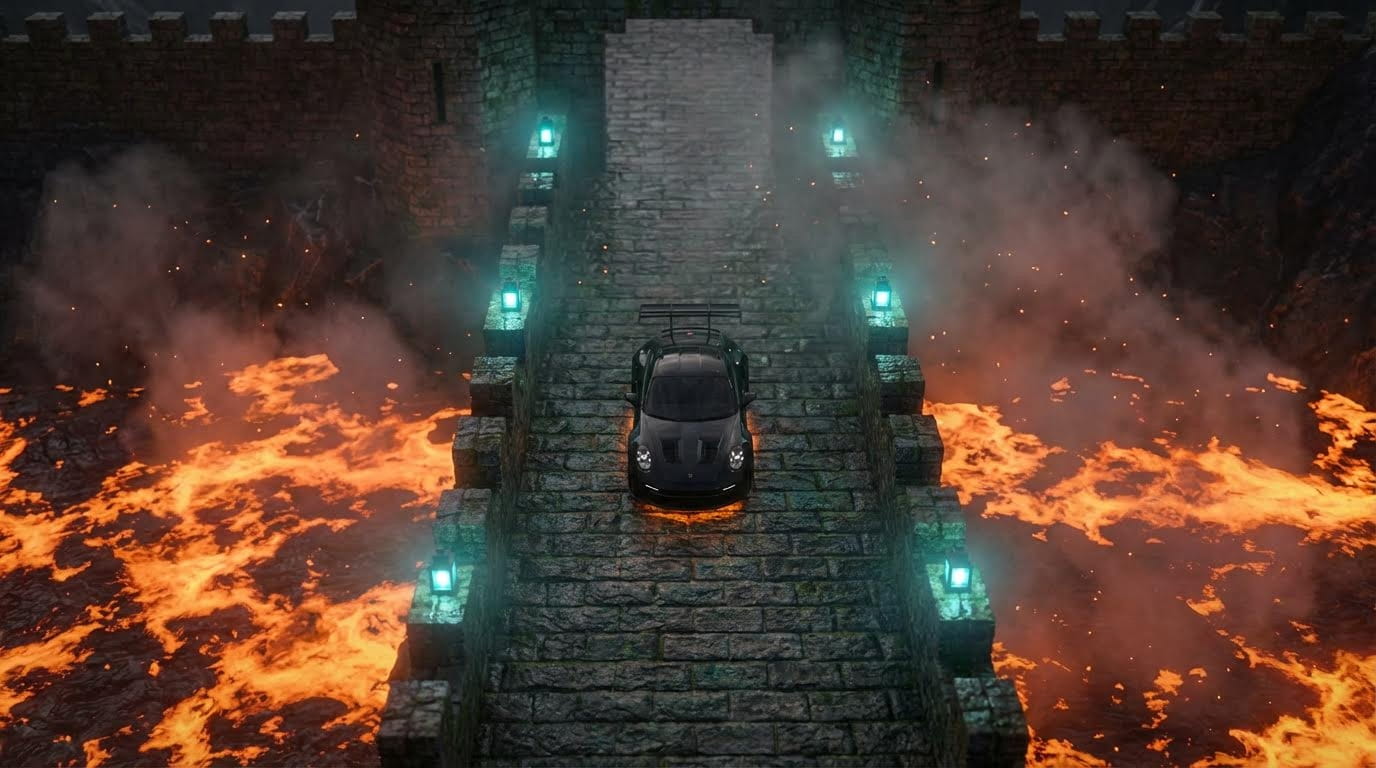
Top-down drone view (수직 하강 드론 뷰)
Close-up on lanterns (랜턴 클로즈업)
Wide establishing shot (넓은 전경 설정 샷)
Side profile angle (측면 프로필 앵글)
Detail shots of car elements (자동차 요소의 디테일 샷)
4. 선택 및 다운로드
마음에 드는 3-5개의 앵글을 선택하세요:
수직 하강 드론 뷰 (웅장한 오프닝용)
측면 프로필 (메인 히어로 샷용)
클로즈업 디테일 (역동적인 화면 전환용)
풀 샷 (전체적인 배경 맥락 설정용)
선택한 각 앵글을 4배(4x)로 업스케일하고 모두 다운로드하세요.
단계 3: 영화 같은 비디오 제작
Kling 01을 사용하여 정적인 이미지를 움직이는 클립으로 변환하세요.
이동 경로: Atlabs AI → Workflows → Image to Video → Create Video
설정:
모델: Kling 2.6
오디오: 끄기(OFF)
길이: 5초
업로드: 단계 2에서 업스케일한 이미지 중 하나
카메라 움직임 프롬프트
AI에게 카메라를 어떻게 움직일지와 주변 환경(연기, 용암, 입자)을 어떻게 애니메이션화할지 알려주어야 합니다.
시나리오 A: 흔들림 없는 짐벌 샷
추천 용도: 자동차가 주인공이 되는 주요 미장센 샷
시나리오 B: 드론 수직 탑다운 줌
추천 용도: 스케일과 환경을 보여주는 오버헤드 샷
이 프롬프트 복사하기:
시나리오 C: 오빗(공전) 샷
추천 용도: 환경이나 측면 프로필에 초점을 맞춘 샷
이 프롬프트 복사하기:
모든 앵글 생성하기
완벽한 편집본을 위해 3-5개의 서로 다른 앵글에서 비디오를 생성하세요:
메인 히어로 샷 (짐벌)
오버헤드 리빌 (드론 줌)
사이드 오빗 (환경 중심)
클로즈업 디테일 (짐벌 또는 고정)
와이드 전경 (슬로우 푸시 인)
Atlabs AI에서 마인크래프트 비디오 애니메이션화하기
보너스: 더 많은 마인크래프트 환경 프롬프트
다른 분위기를 원하시나요? 여기 다른 인기 있는 스타일을 위한 프롬프트 공식이 있습니다.
벚꽃 바이옴 (The Cherry Blossom Biome)
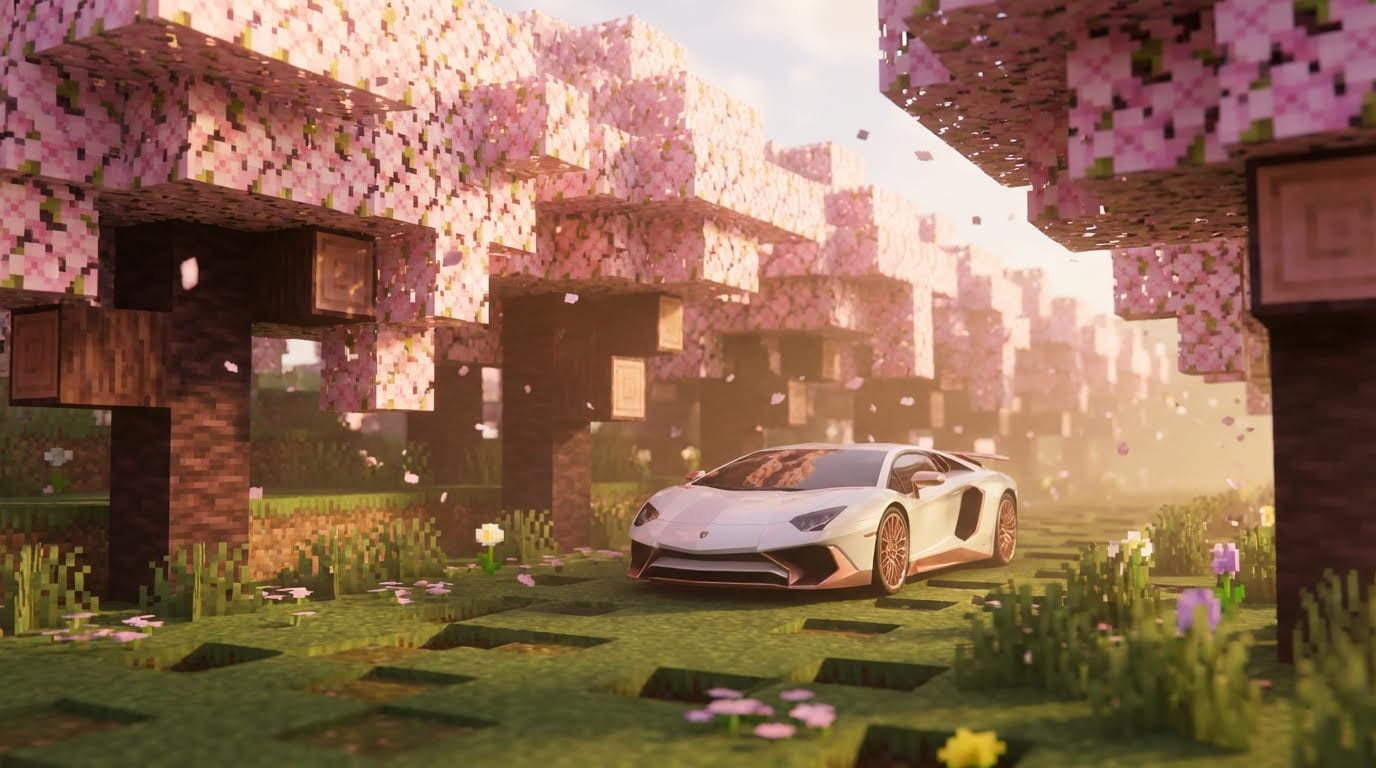
추천 용도: 럭셔리 카 쇼케이스, 로맨틱한 편집본
얼음 동굴 (The Ice Cave)
이 프롬프트 복사하기:
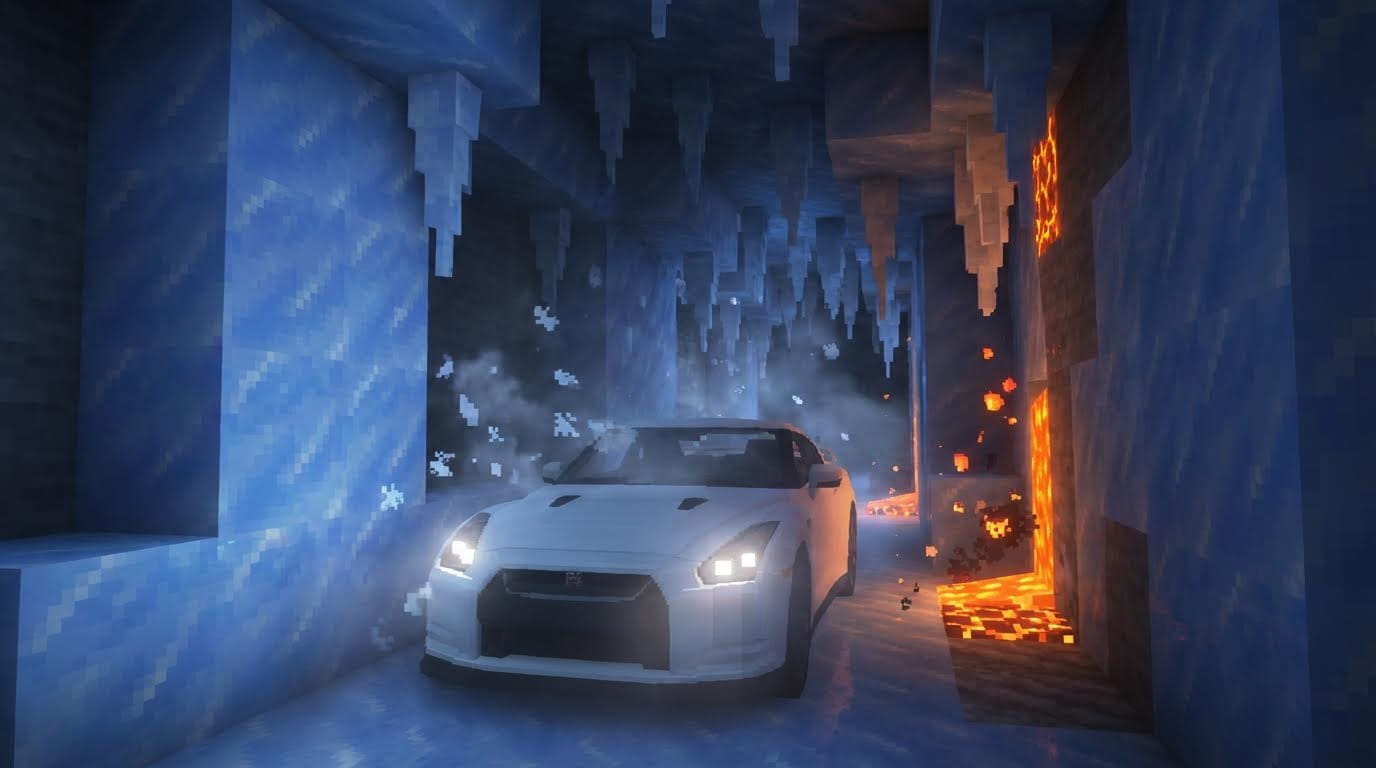
추천 용도: JDM 자동차 편집본, 극적인 조명 쇼케이스
네더 포탈 (The Nether Portal)
이 프롬프트 복사하기:
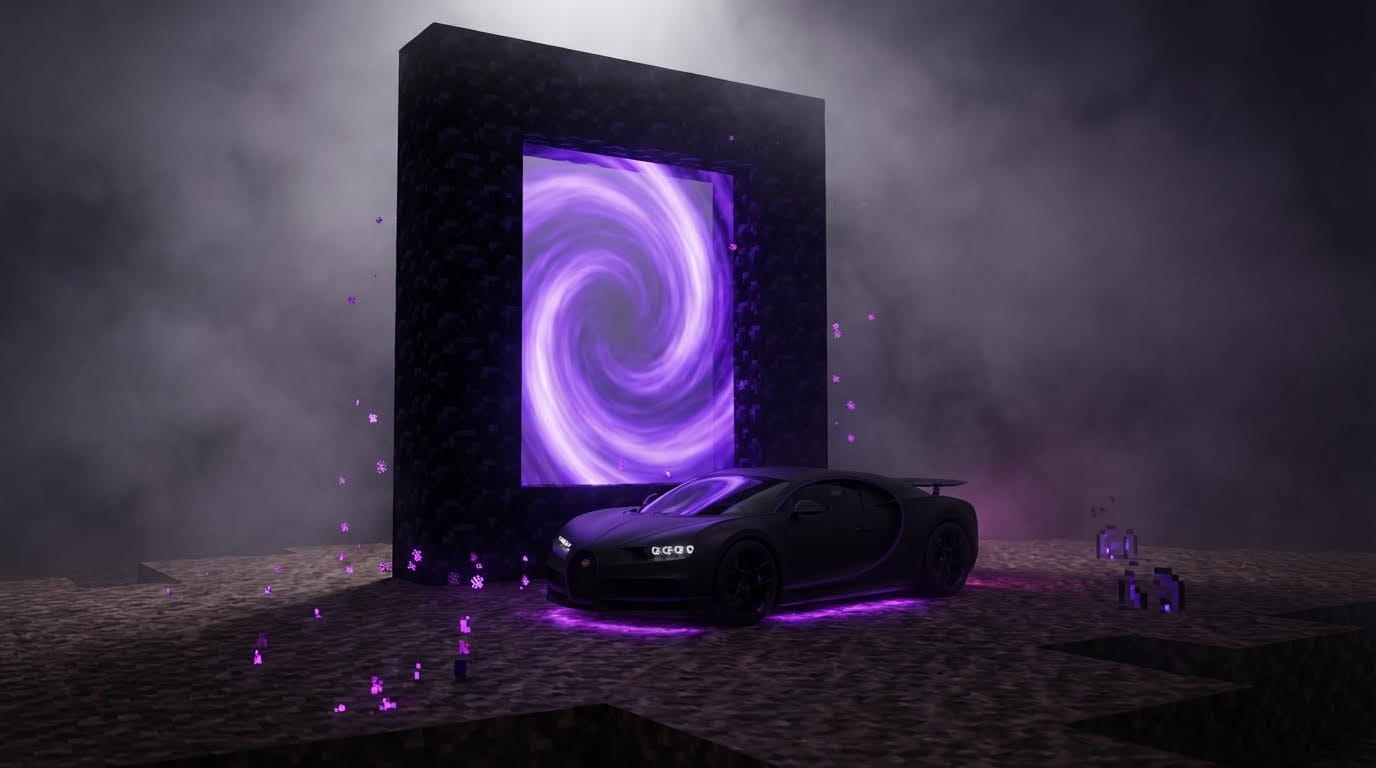
추천 용도: 하이퍼카, 미스터리한 편집본, 보라색 감성
사막 사원 (The Desert Temple)
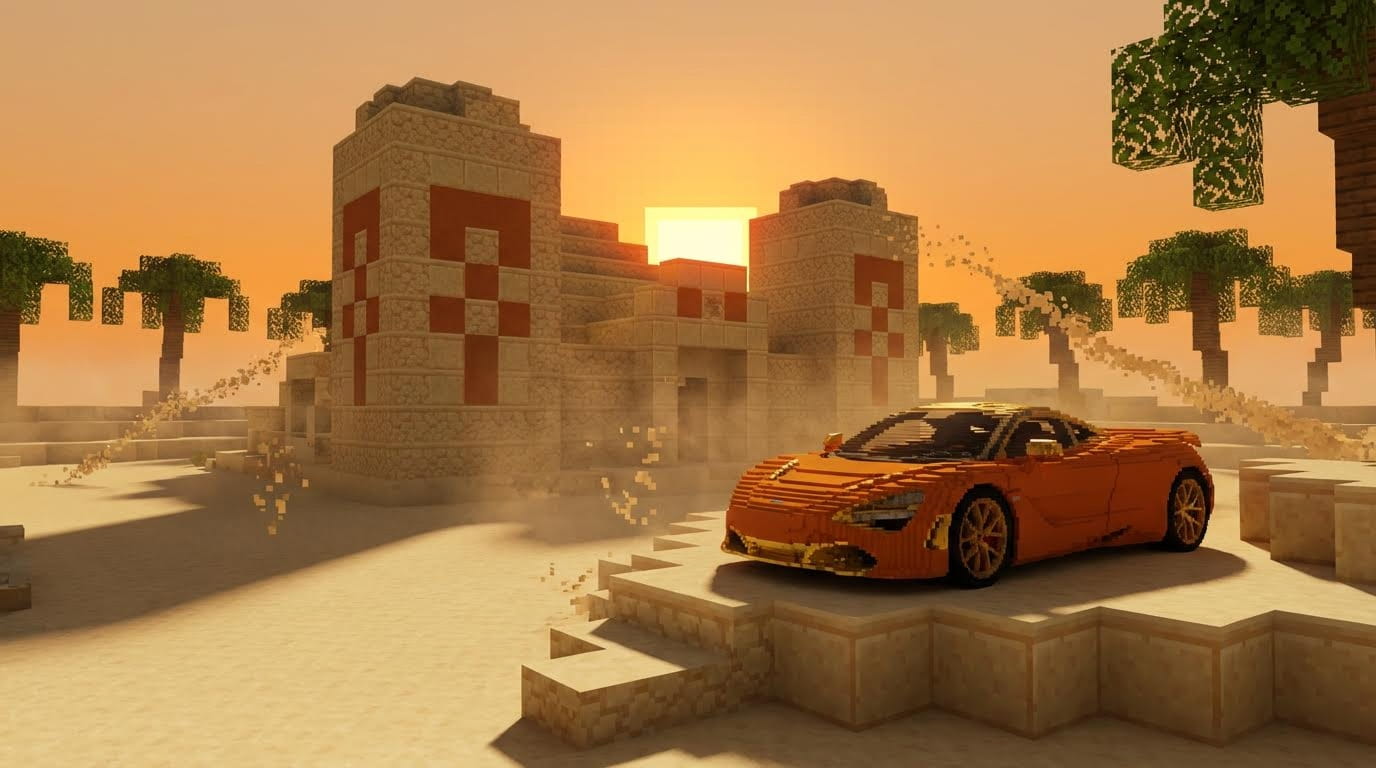
분위기: 따뜻함, 이국적임, 모험
추천 용도: 슈퍼카, 골든 아워 감성
피해야 할 흔한 실수
❌ 만화 같은 스타일 → "NOT cartoon, photorealistic PBR"(만화 아님, 극실사적 PBR) 강조
❌ 평면적인 조명 → ⚙️ 입체 안개, 대비, 그림자 묘사 추가
❌ 중앙 집중식 구도 → "Parked diagonally, low angle, foreground blur"(대각선 주차, 로우 앵글, 전경 흐림)
❌ 빠른 카메라 움직임 → "Super slow, stable, constant speed"(매우 느리고 안정적이며 일정한 속도)
❌ 환경 애니메이션 없음 → 항상 용암, 연기, 입자 움직임 부여
편집 워크플로우
Atlabs 비디오 에디터에서 조립하기
권장 시퀀스 (15-20초):
임팩트를 극대화하기 위해 비트 드롭에 맞춰 컷을 전환하세요
문제 해결
문제: 이미지가 지나치게 만화처럼 보임
해결책: 프롬프트에 추가: "NOT cartoon, photorealistic PBR materials, Unreal Engine RTX quality"
문제: 자동차 형태가 찌그러짐
해결책: 부정 프롬프트에 추가: "deformed car, extra wheels, melted geometry"
문제: 비디오에서 용암이 움직이지 않음
해결책: 프롬프트에서 강조: "lava flows, moves, and pulses actively"
문제: 카메라 움직임이 뚝뚝 끊김
해결책: 구체적으로 지정: "super slow, stable, constant speed, no jitter, smooth gimbal"
문제: 조명이 너무 밋밋함
해결책: 추가: "dramatic high contrast lighting, volumetric fog, rim lighting, strong shadows"
바이럴 마인크래프트 편집 영상을 만들 준비가 되셨나요?
3D 모델링 단계를 완전히 건너뛰고 바이럴 콘텐츠 편집으로 바로 넘어가세요.
Blender도, Unreal Engine도 필요 없습니다. 오직 Atlabs AI만 있으면 됩니다.
Atlabs AI로 얻을 수 있는 혜택
✓ 실사 같은 마인크래프트 장면을 위한 Nano Banana Pro
✓ 일관된 다각도 생성을 위한 Shots 기능
✓ 영화 같은 카메라 움직임 애니메이션을 위한 Kling 01
✓ 최고 화질을 위한 4배(4x) 업스케일링
✓ 이미지에서 최종 비디오까지의 통합 워크플로우
Atlabs AI에서 마인크래프트 자동차 편집 영상 제작 시작하기 – 무료 체험
빠른 워크플로우 요약
단계 1: 기본 이미지 생성 (Nano Banana Pro + 상세 프롬프트)
단계 2: 4배로 업스케일 → Shots 기능으로 다양한 앵글 생성
단계 3: 각 앵글 애니메이션화 (Kling 01 + 카메라 움직임 프롬프트)
단계 4: 음악에 동기화하여 시퀀스 편집
총 소요 시간: 20-30분
바이럴 잠재력: 마인크래프트 게임 커뮤니티에서 매우 선호하는 스타일입니다.








