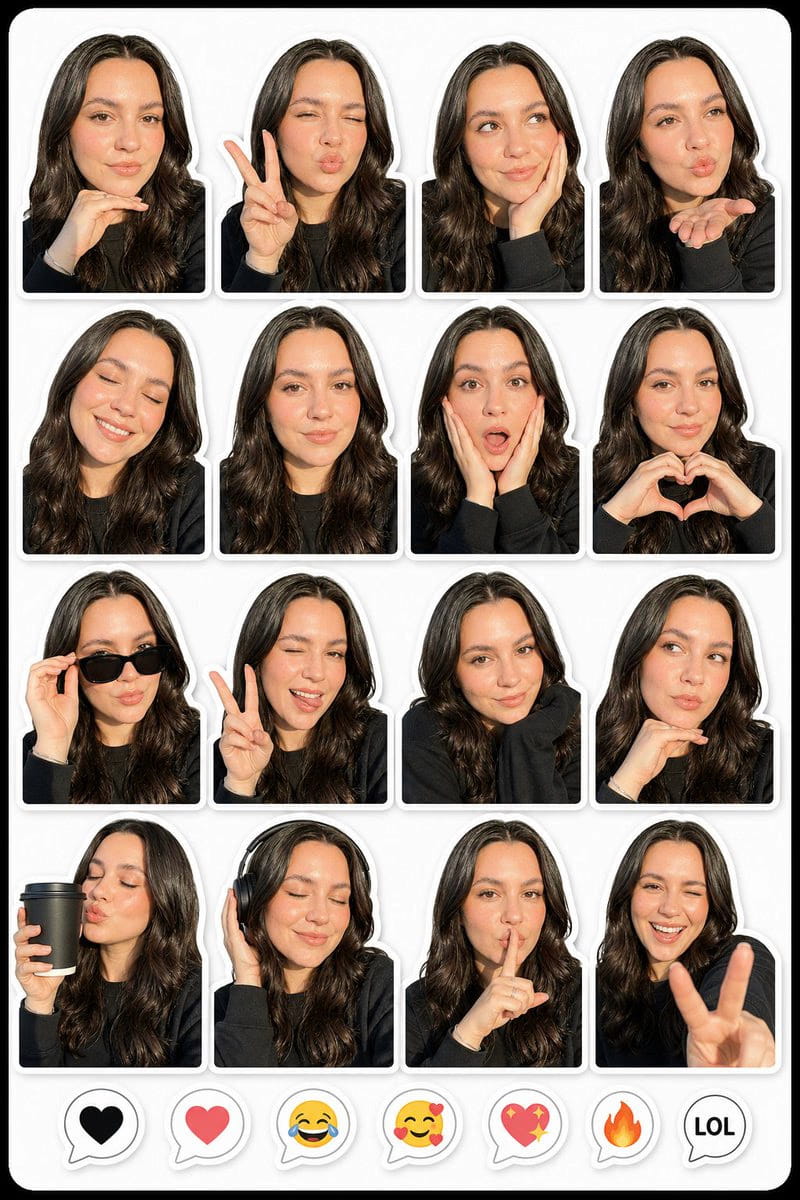
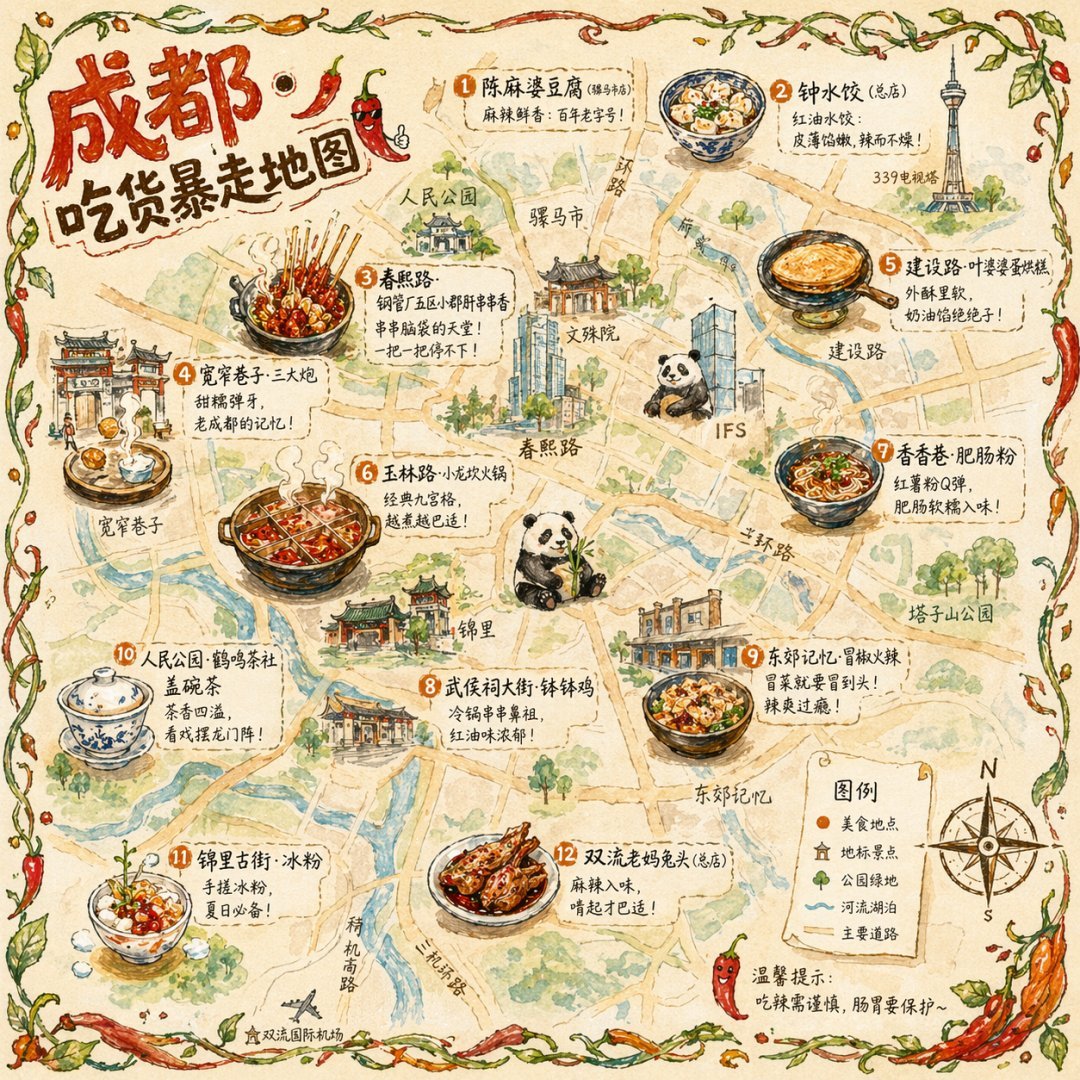
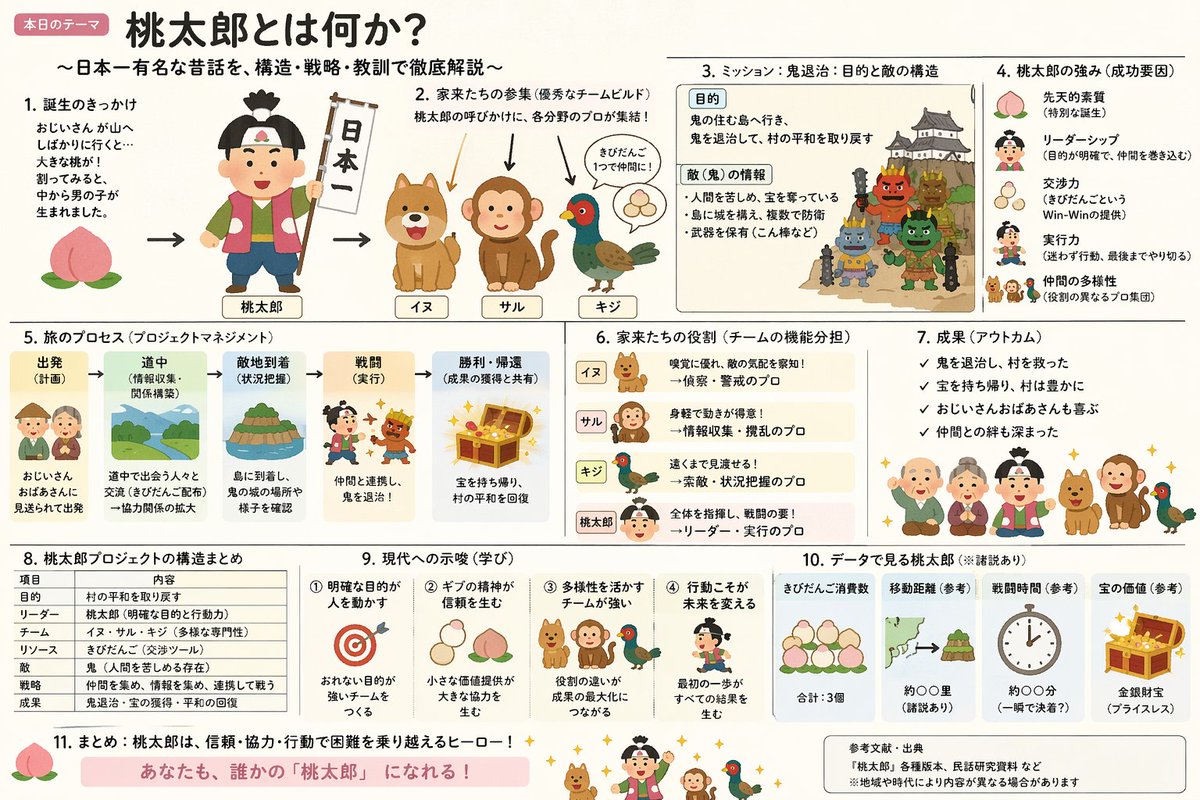
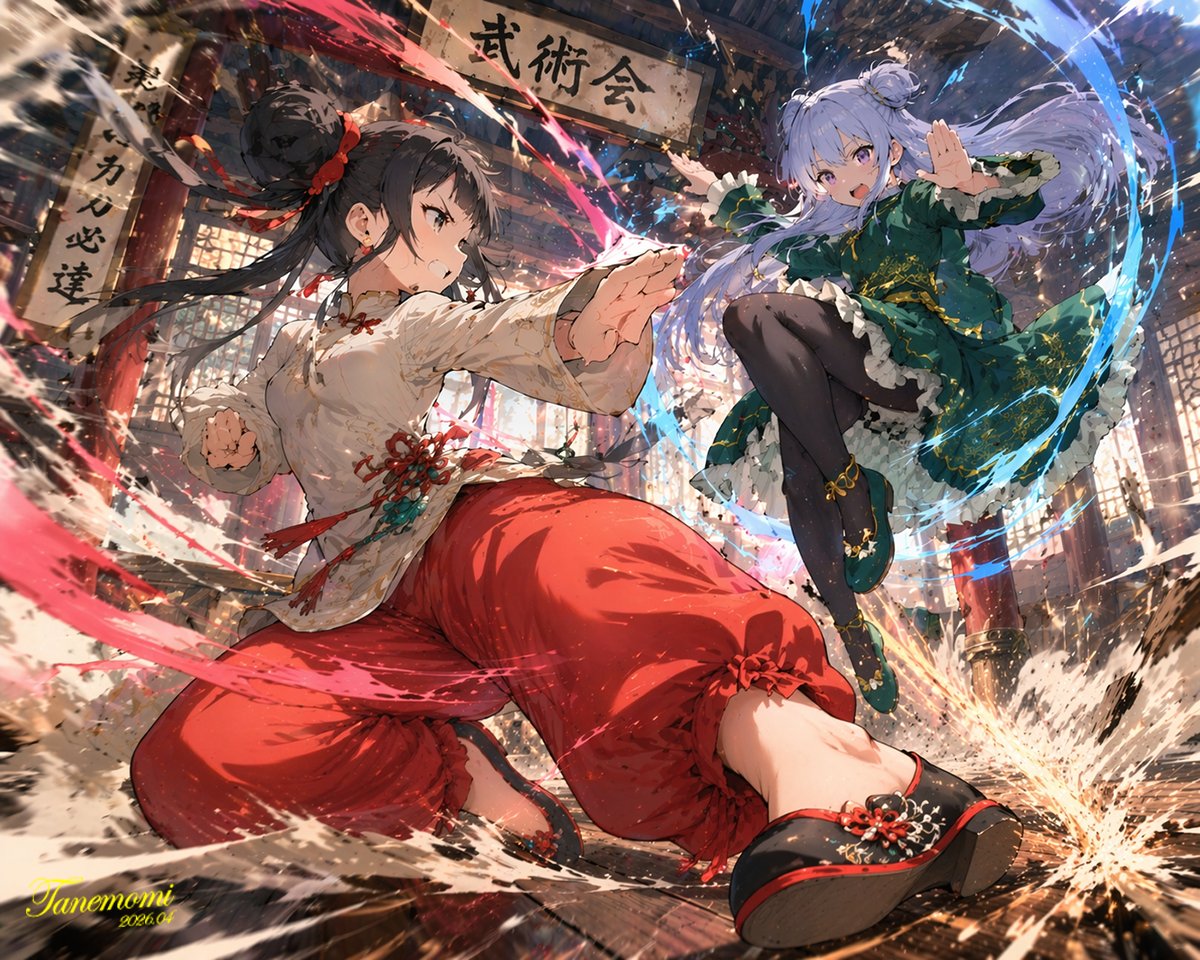
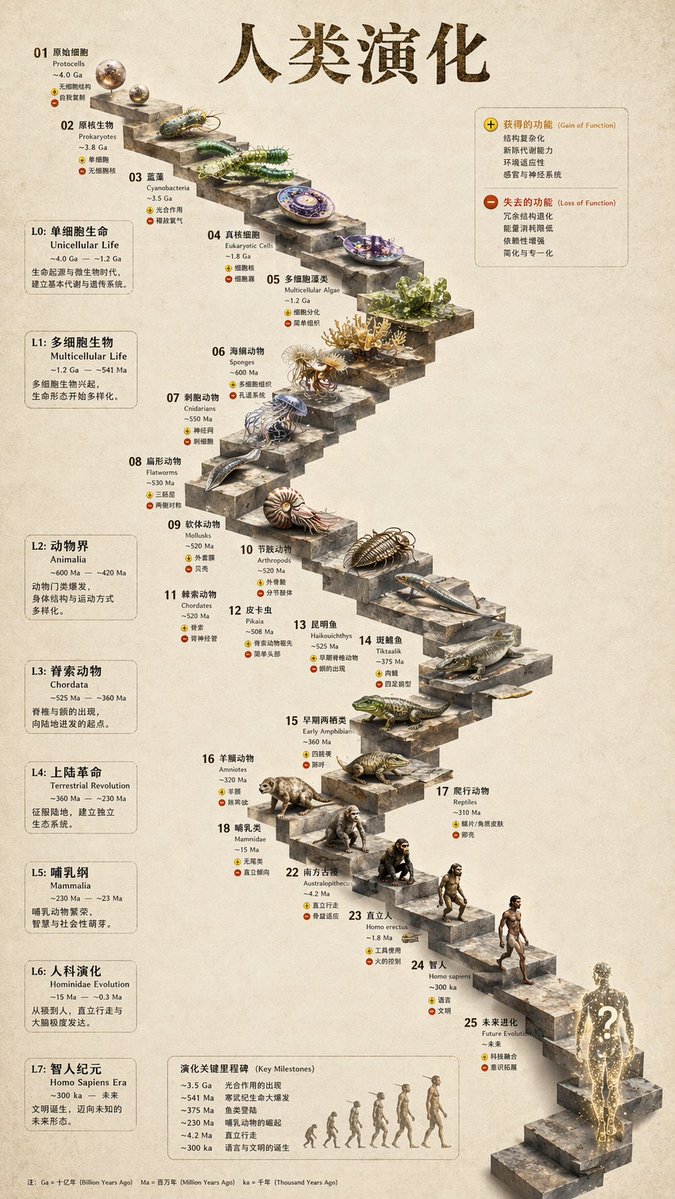
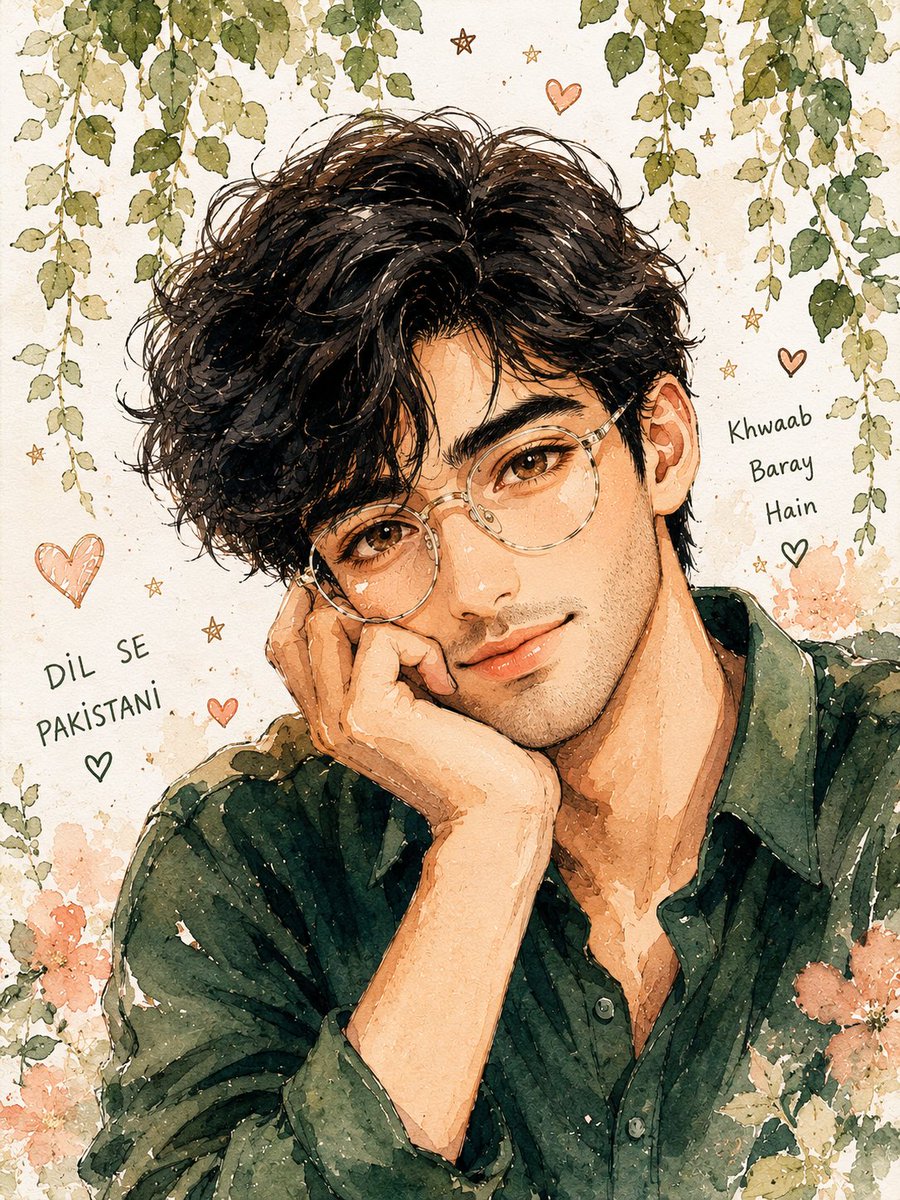
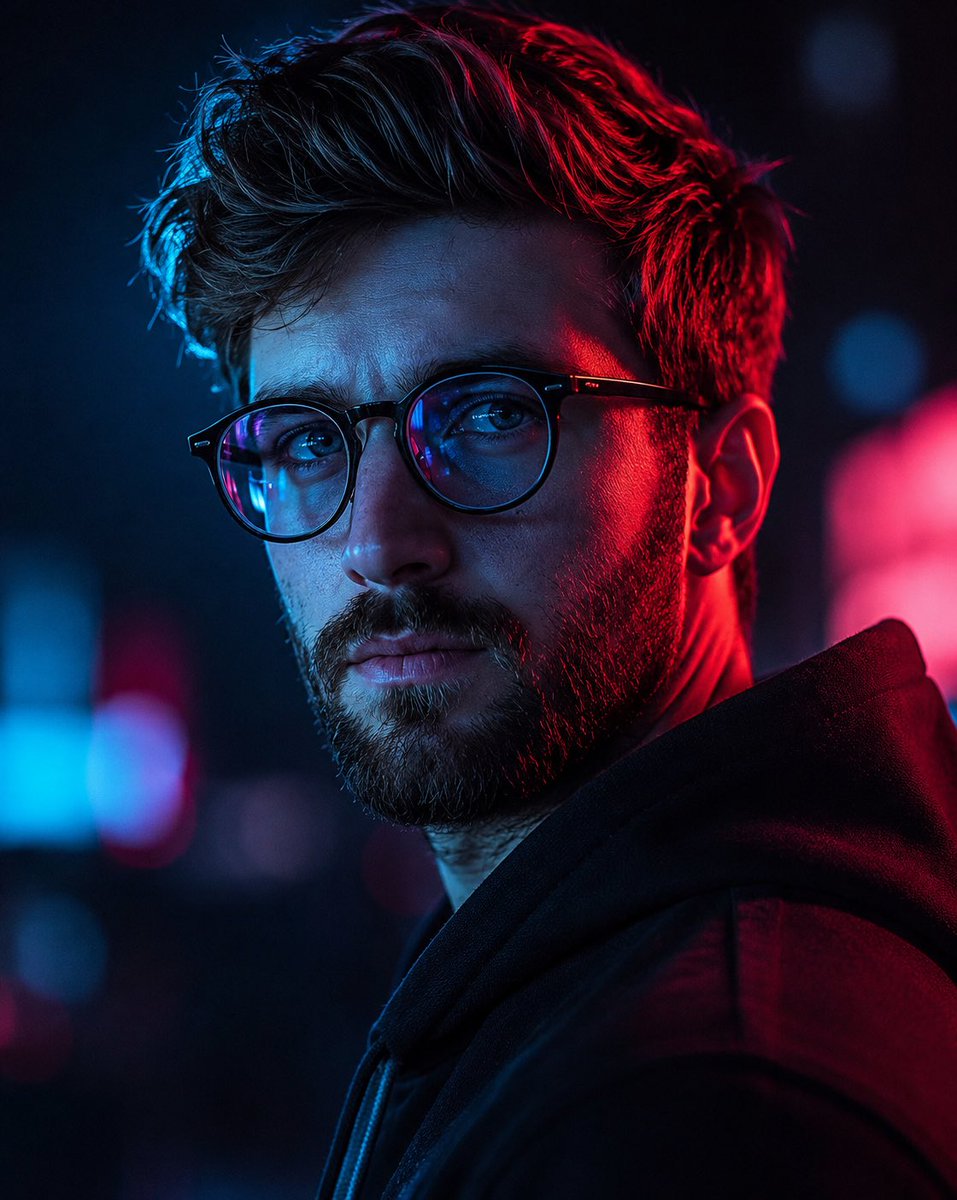
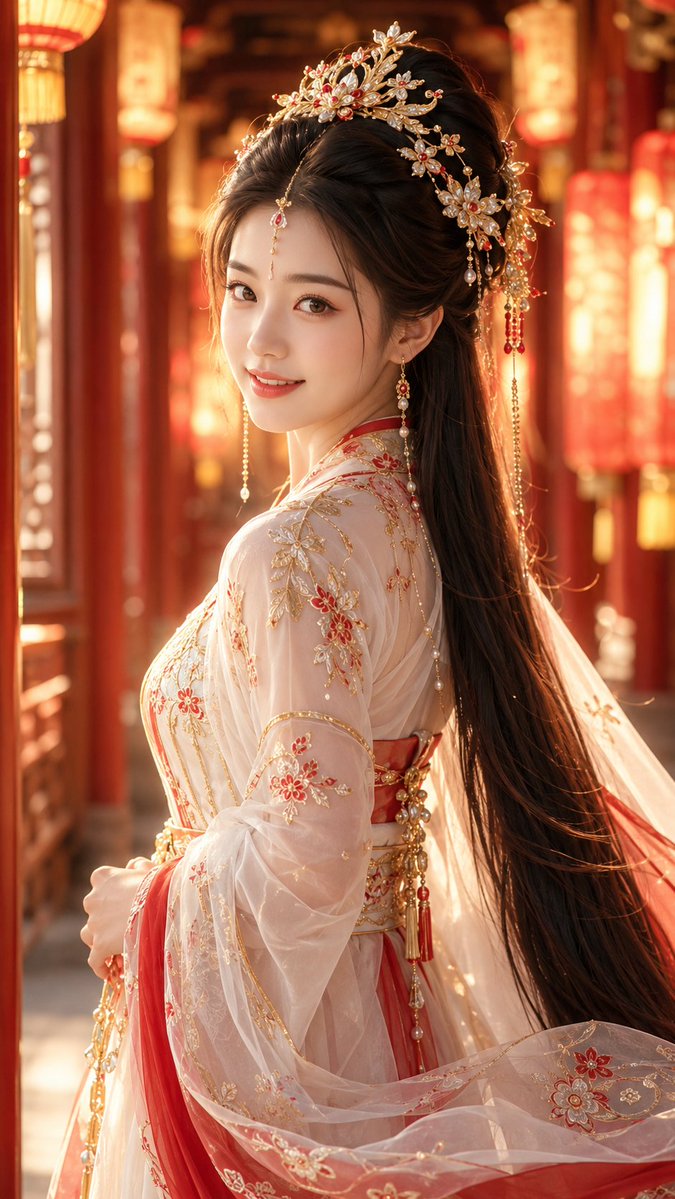
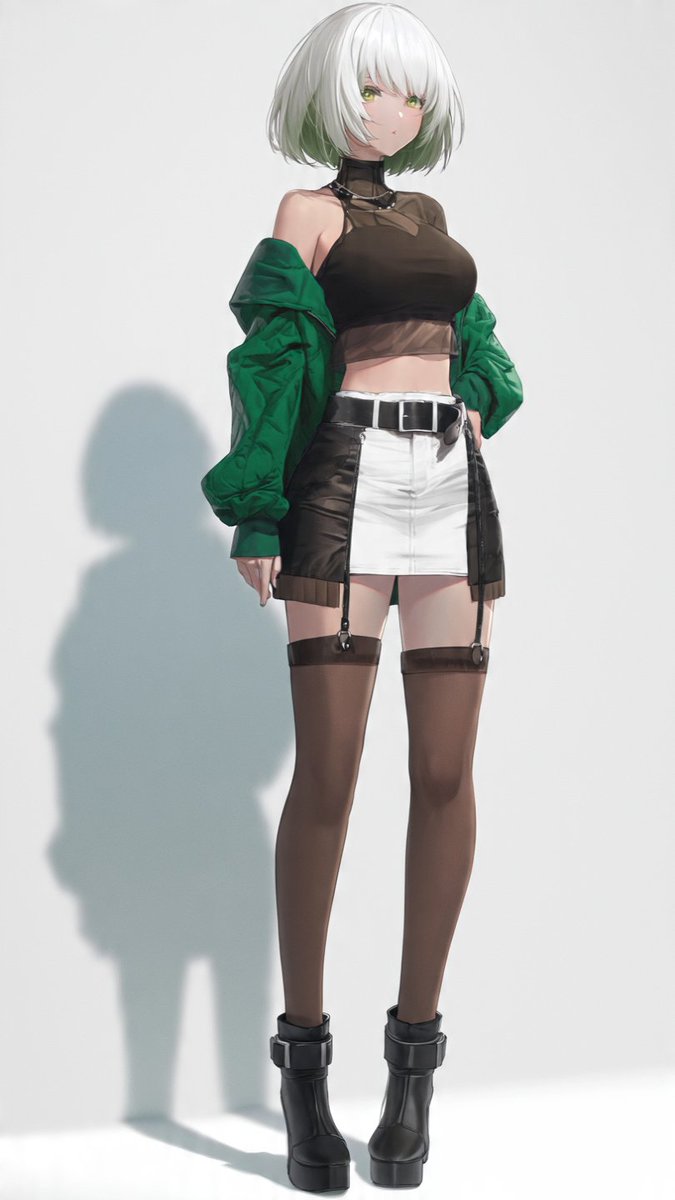
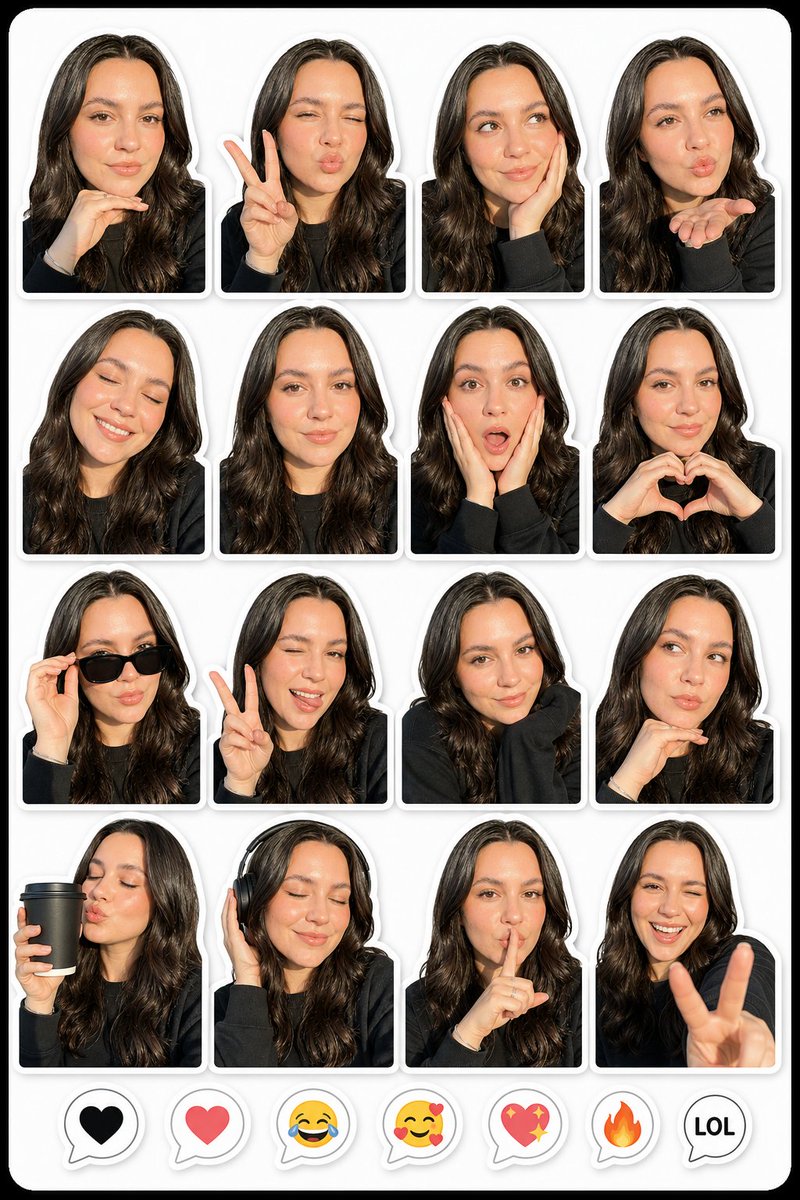
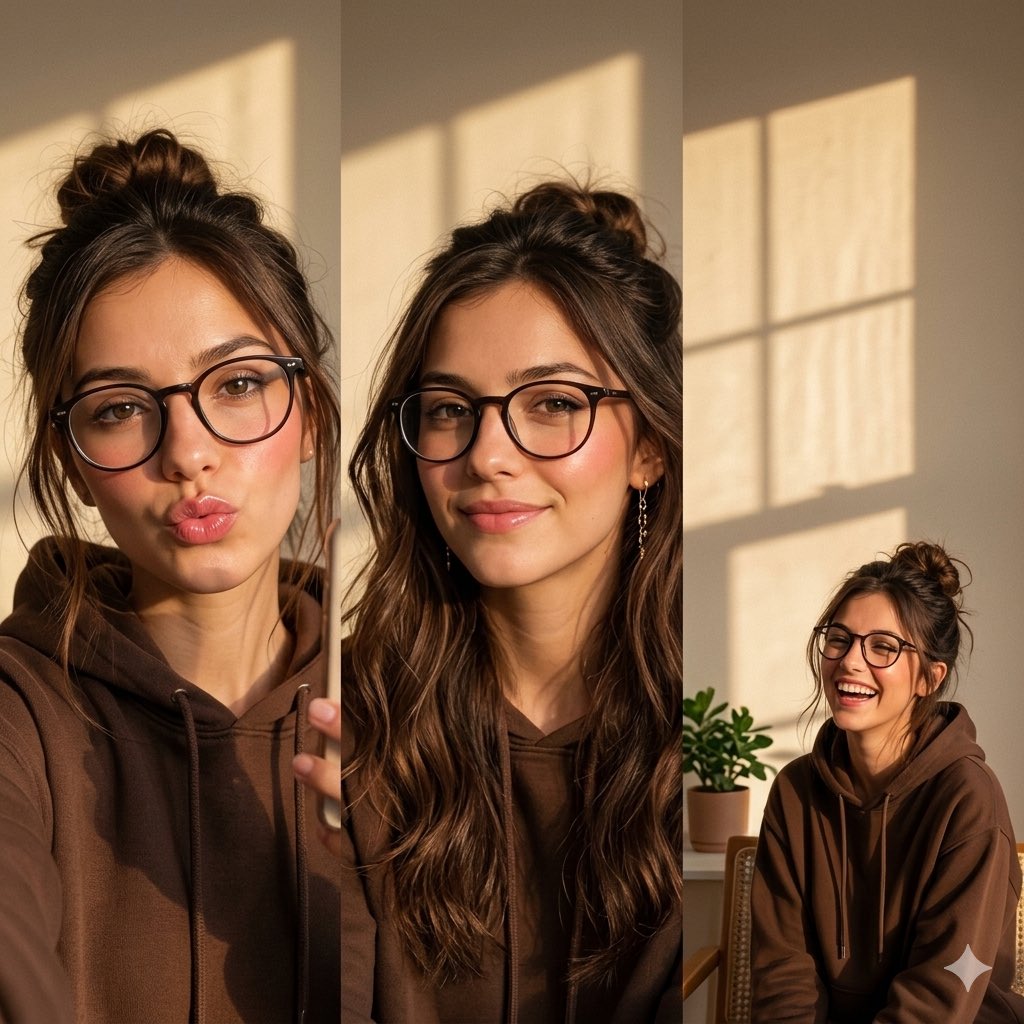
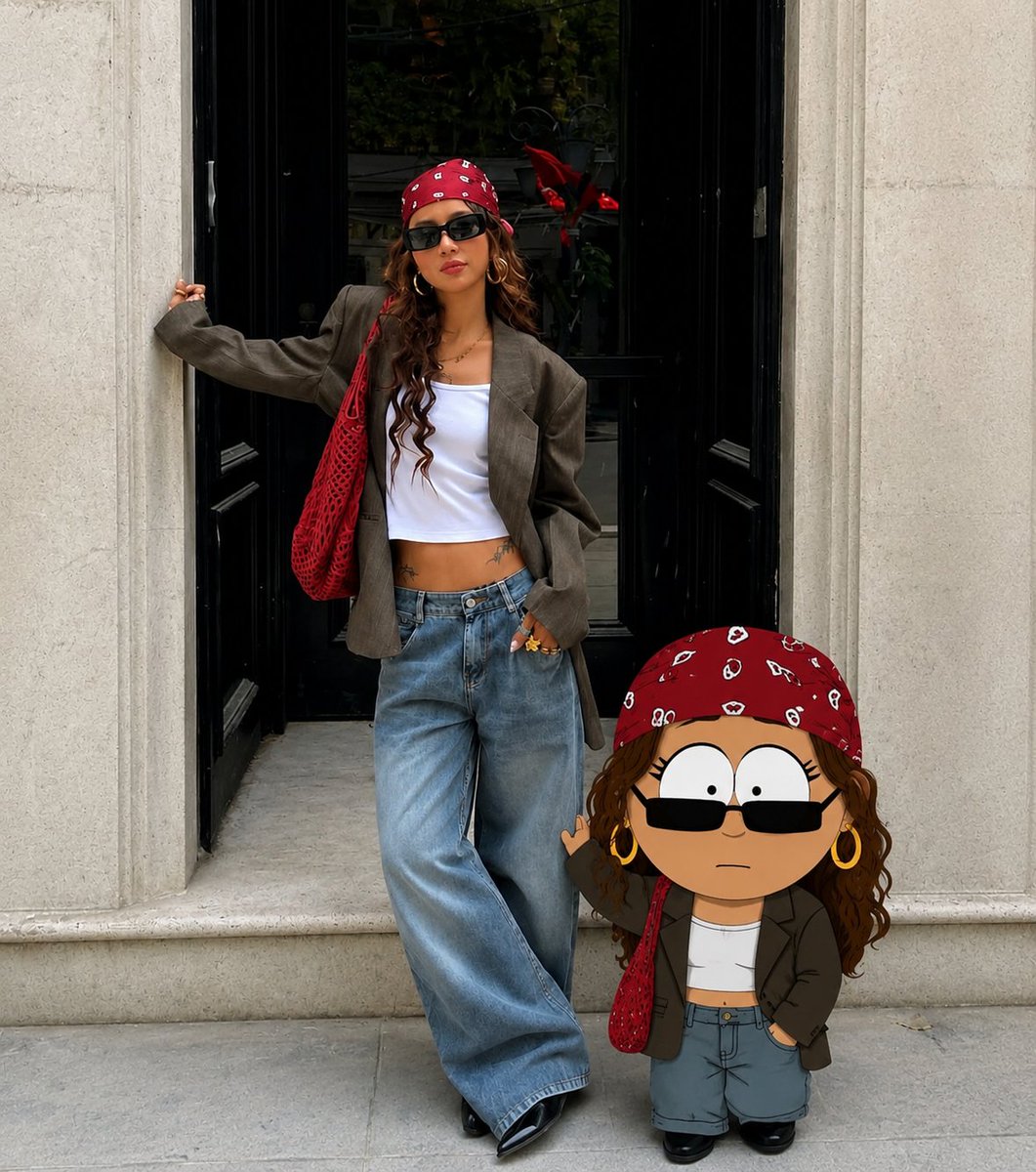
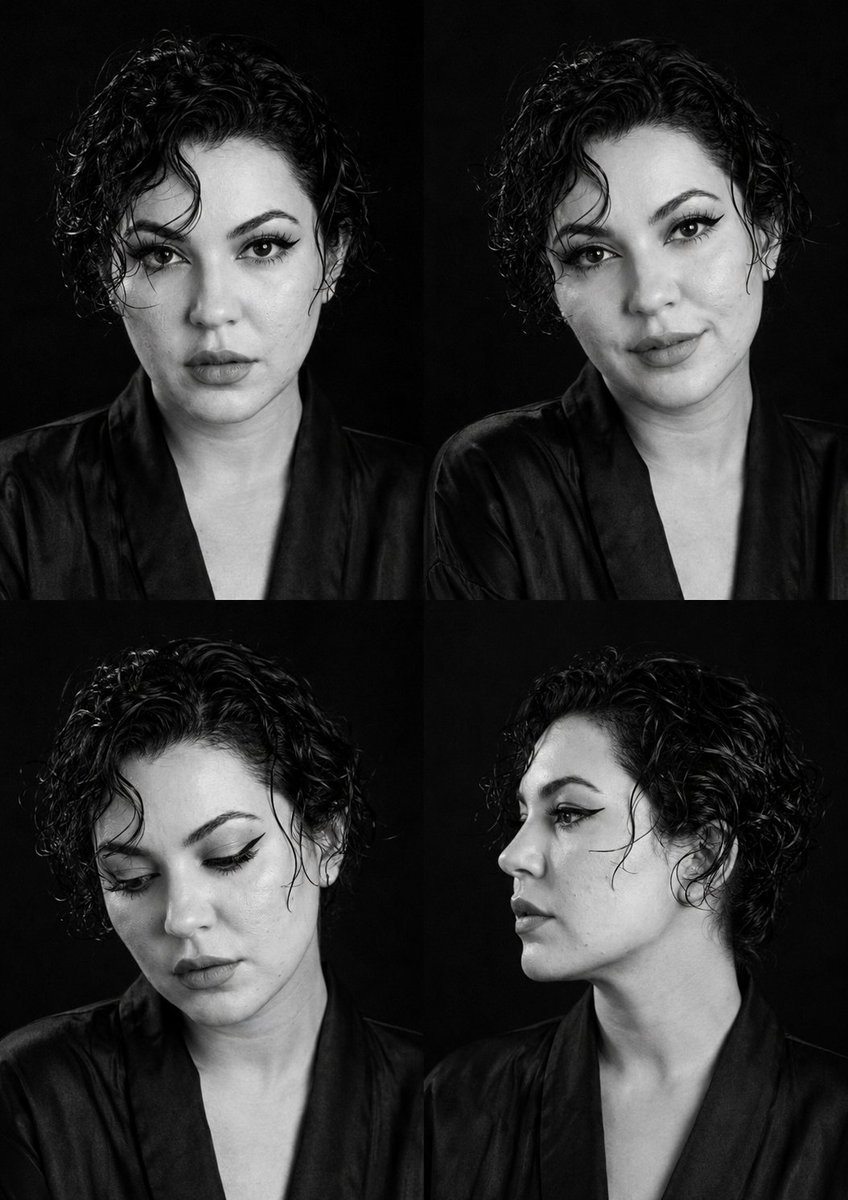
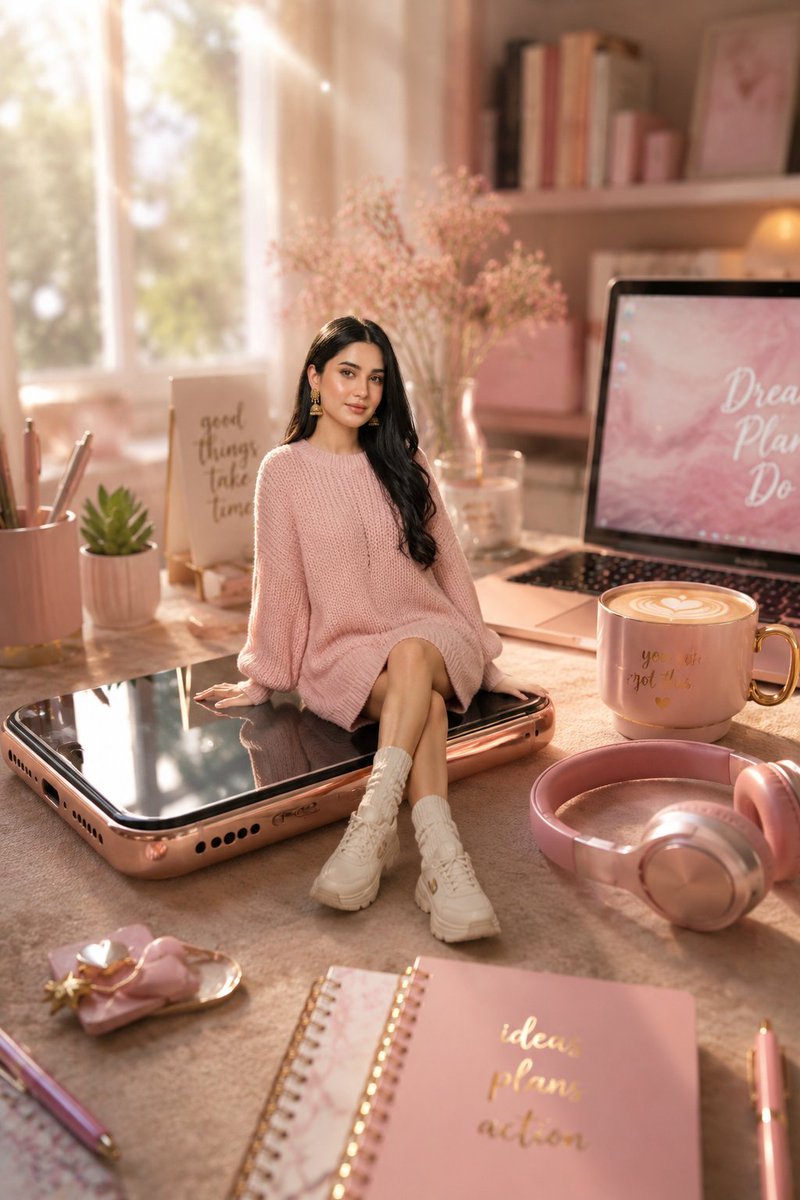
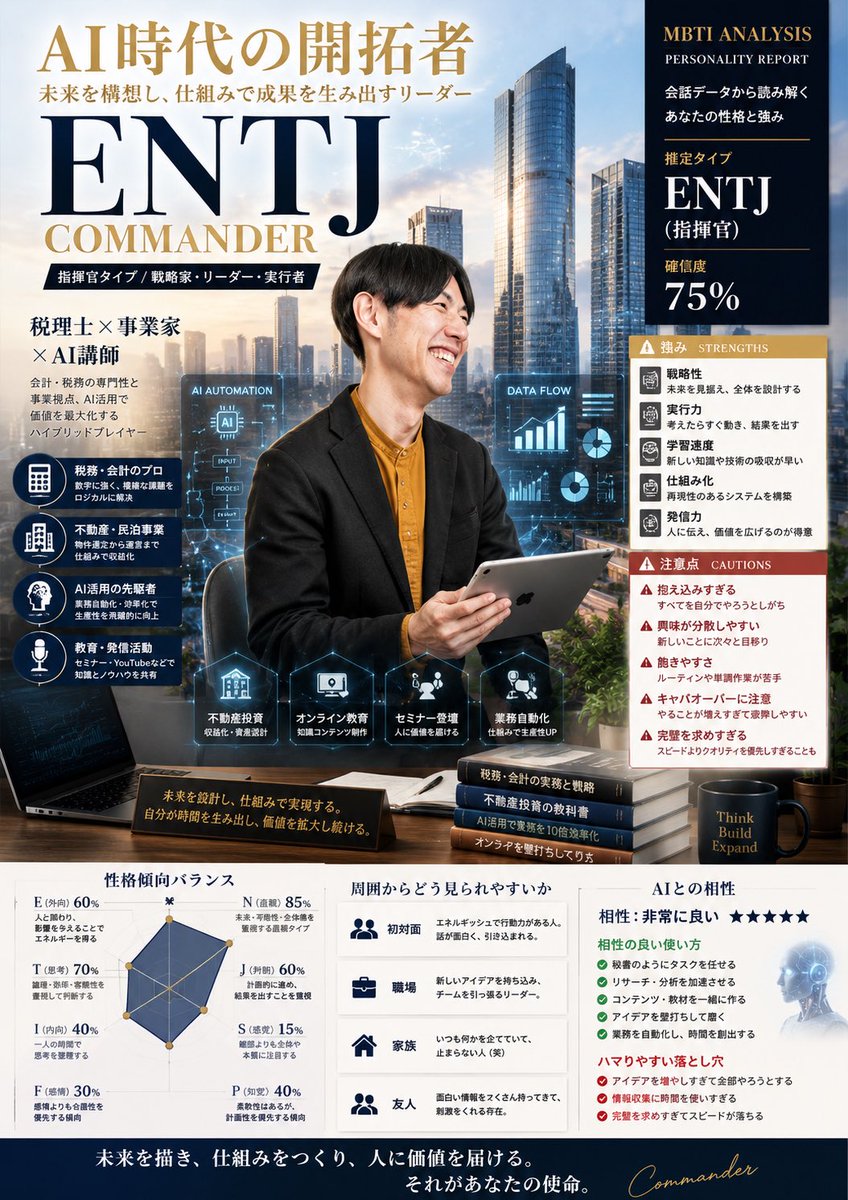
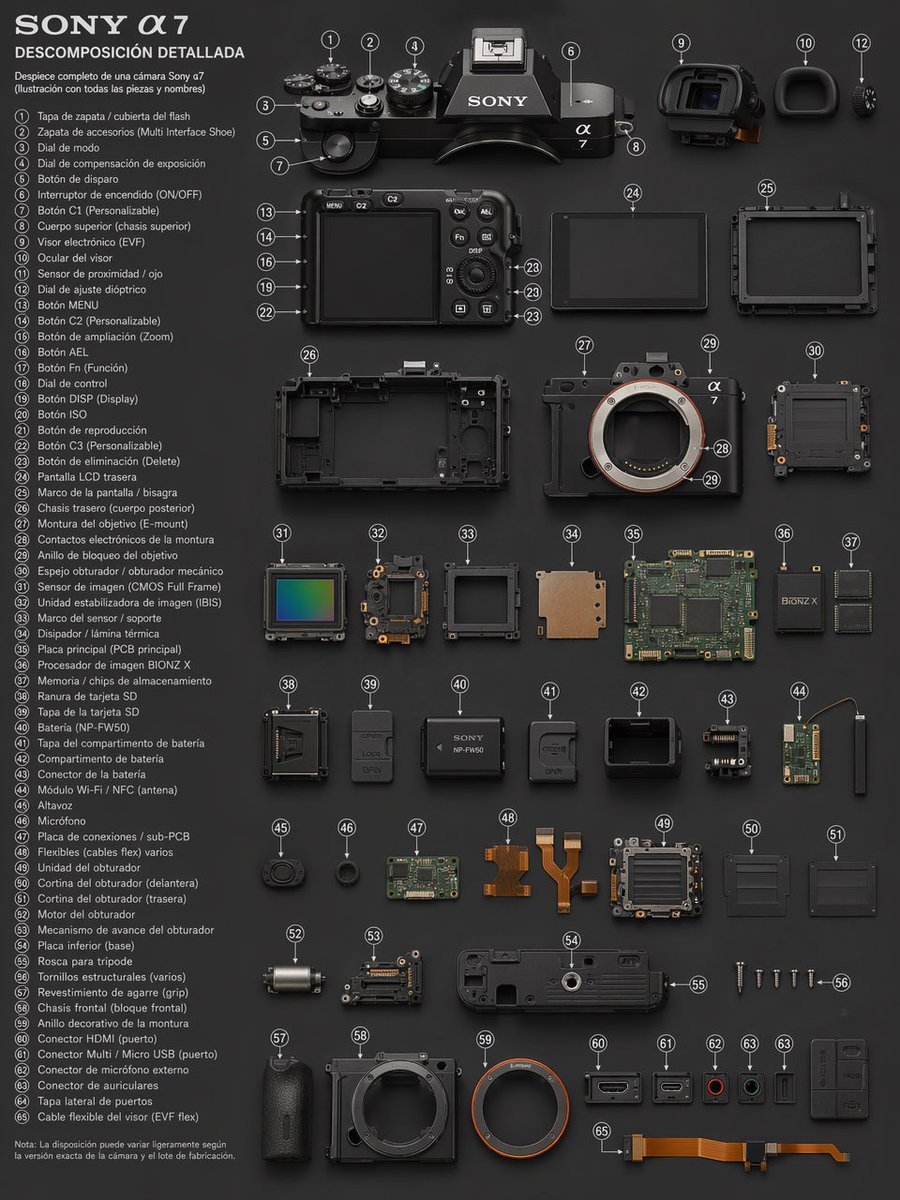
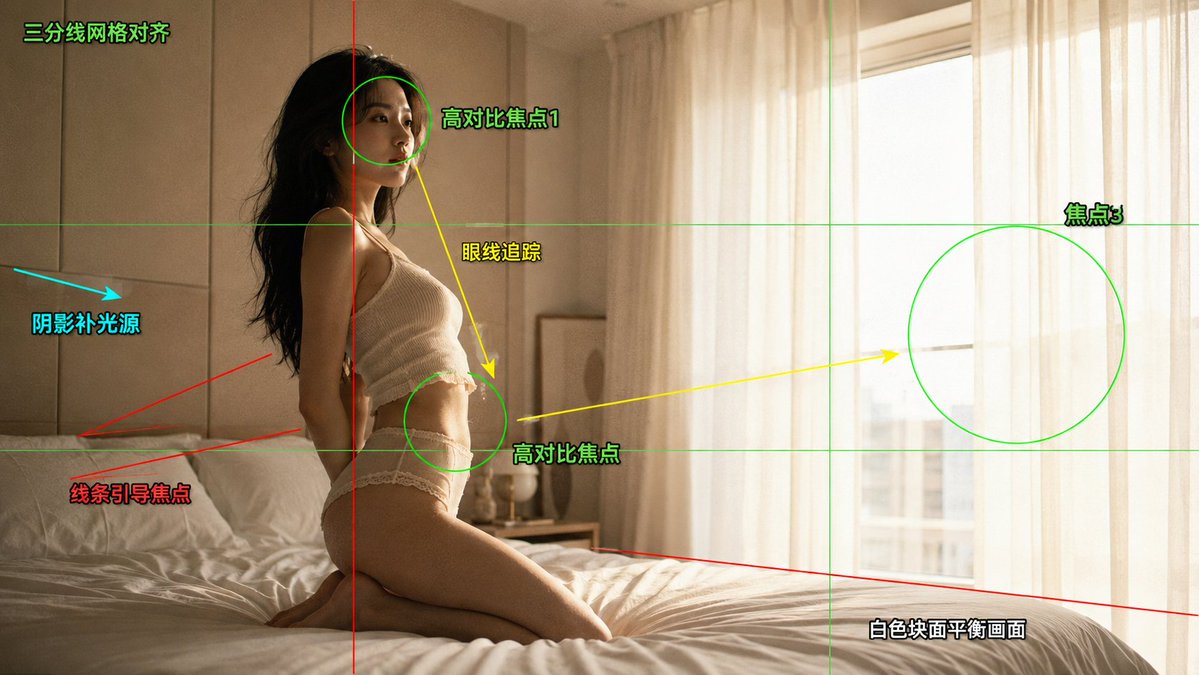
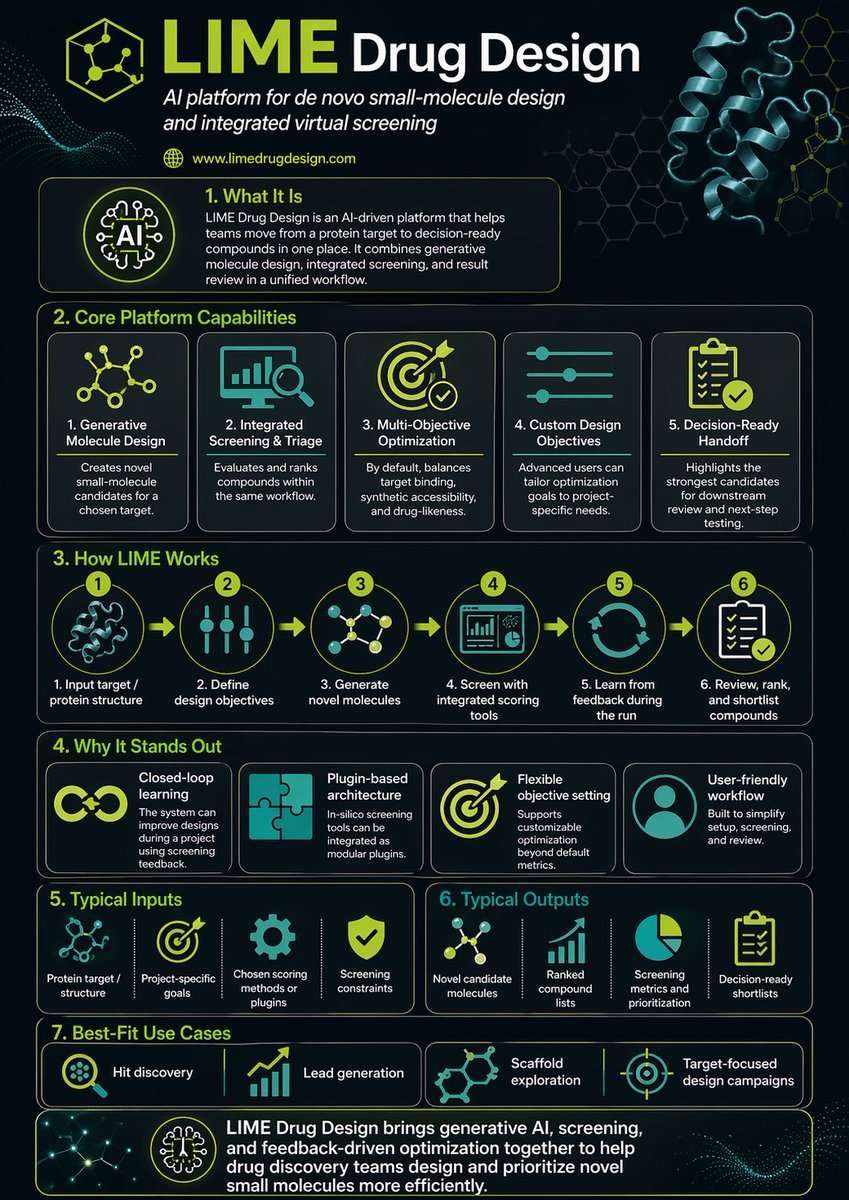
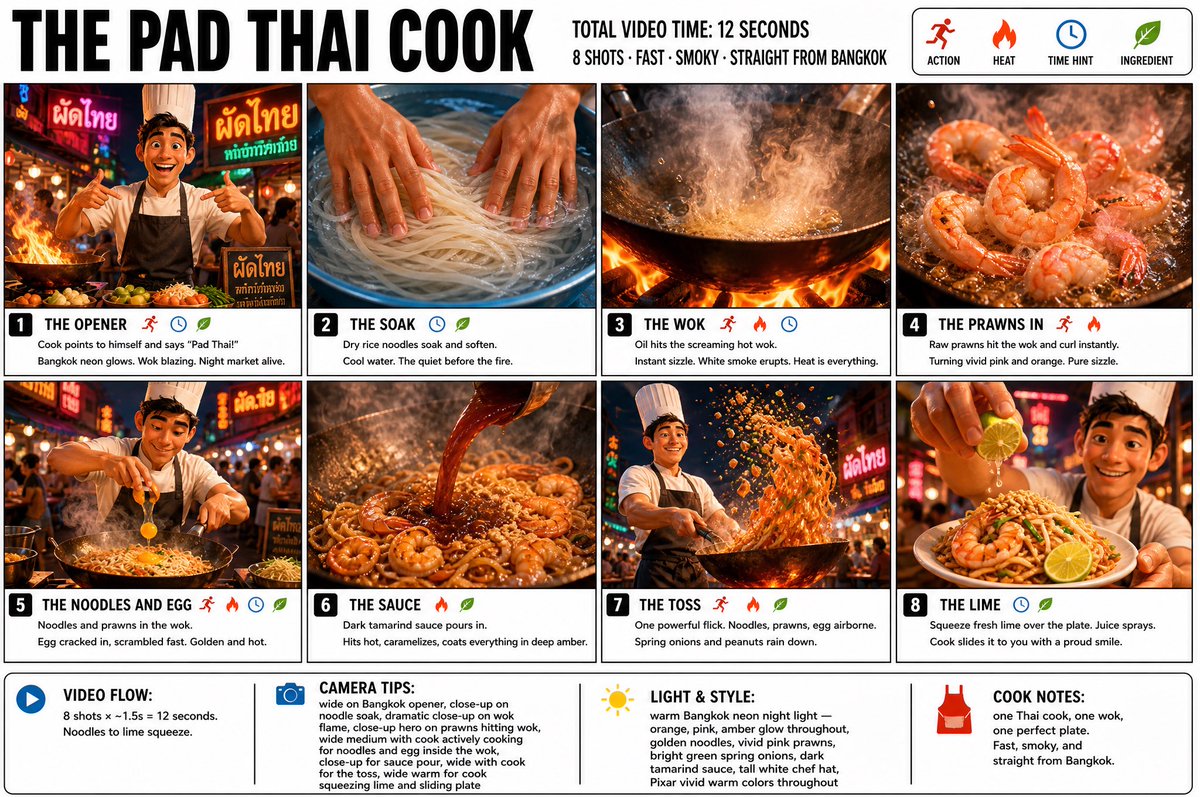
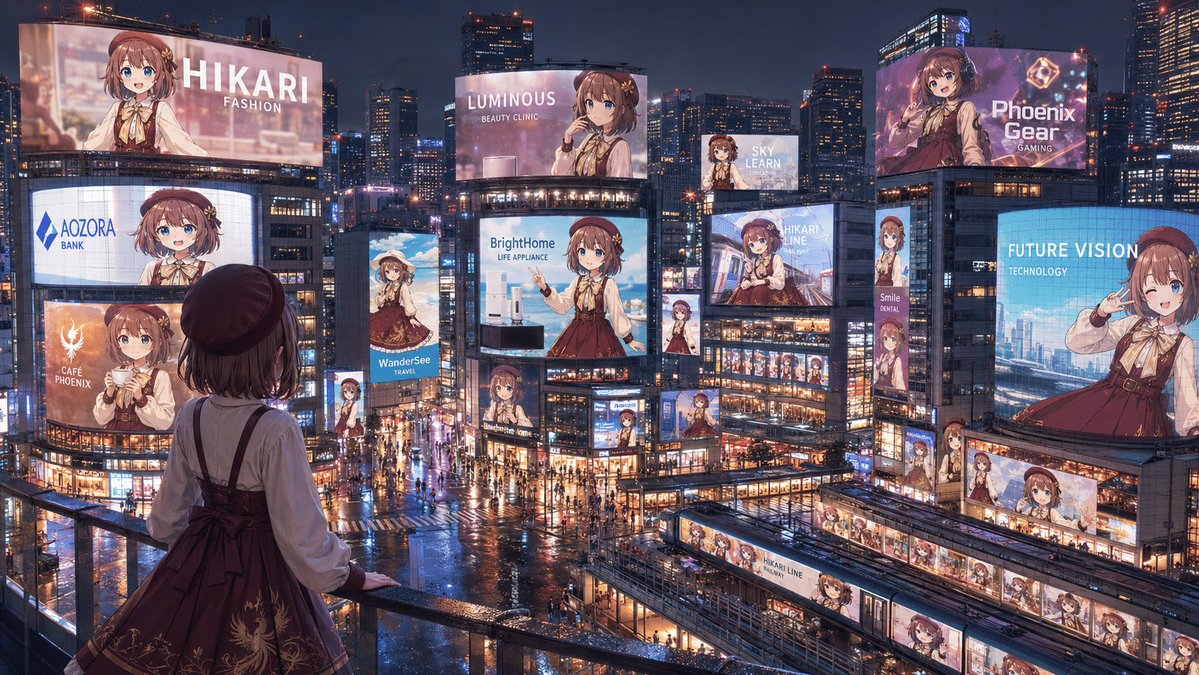
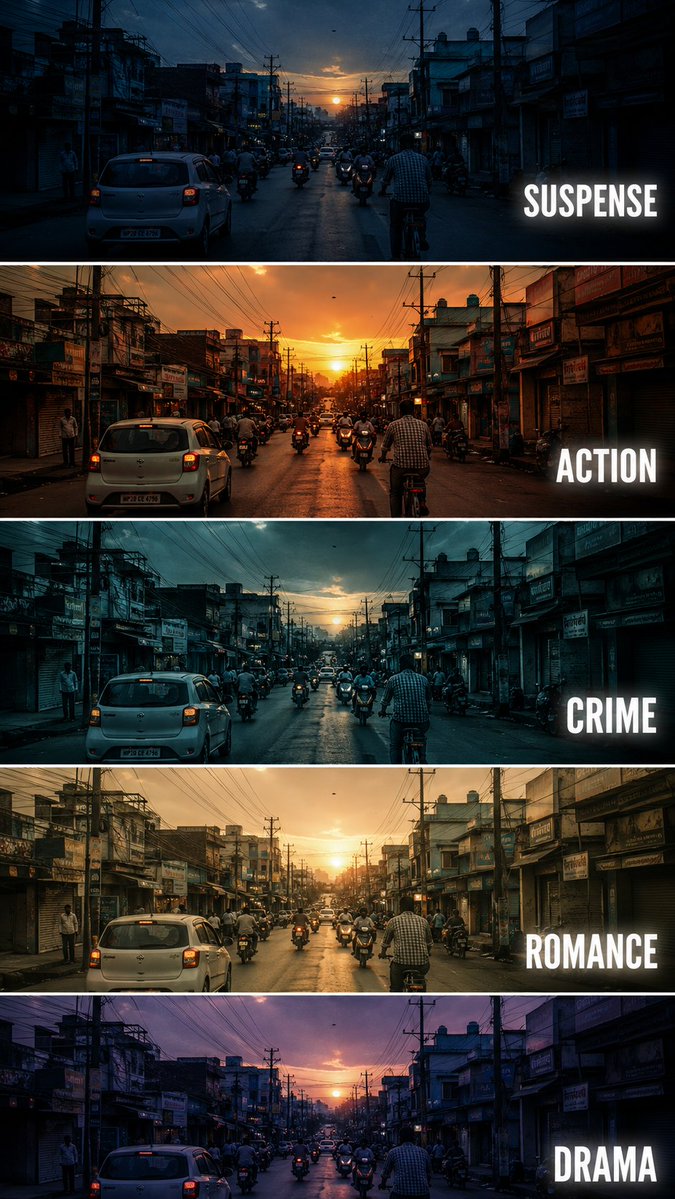
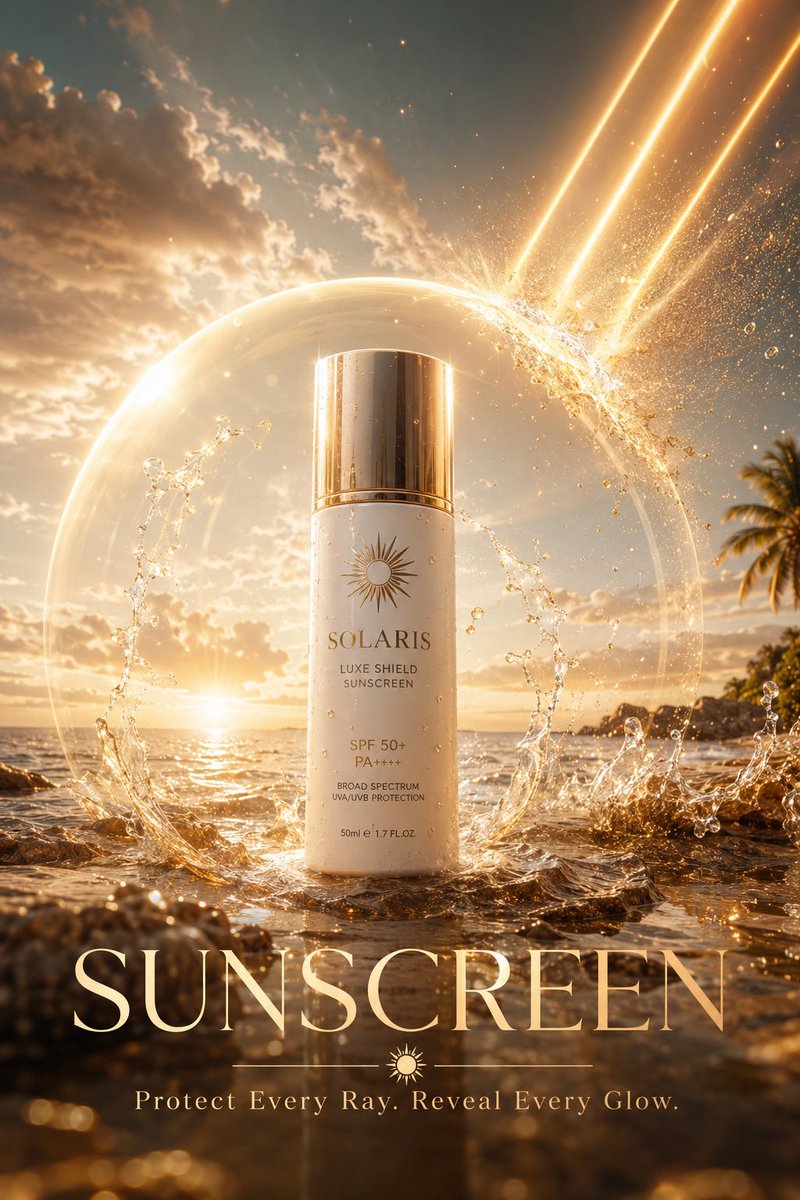
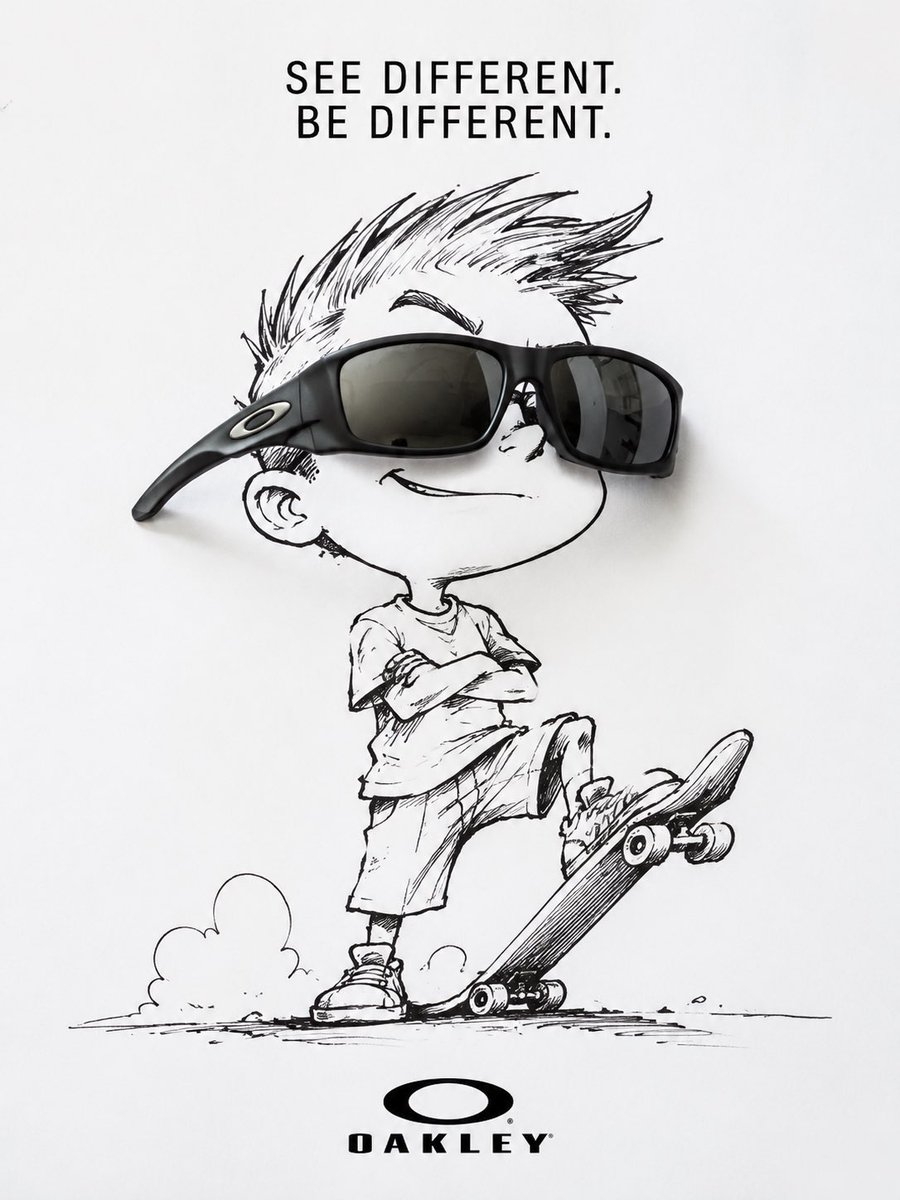
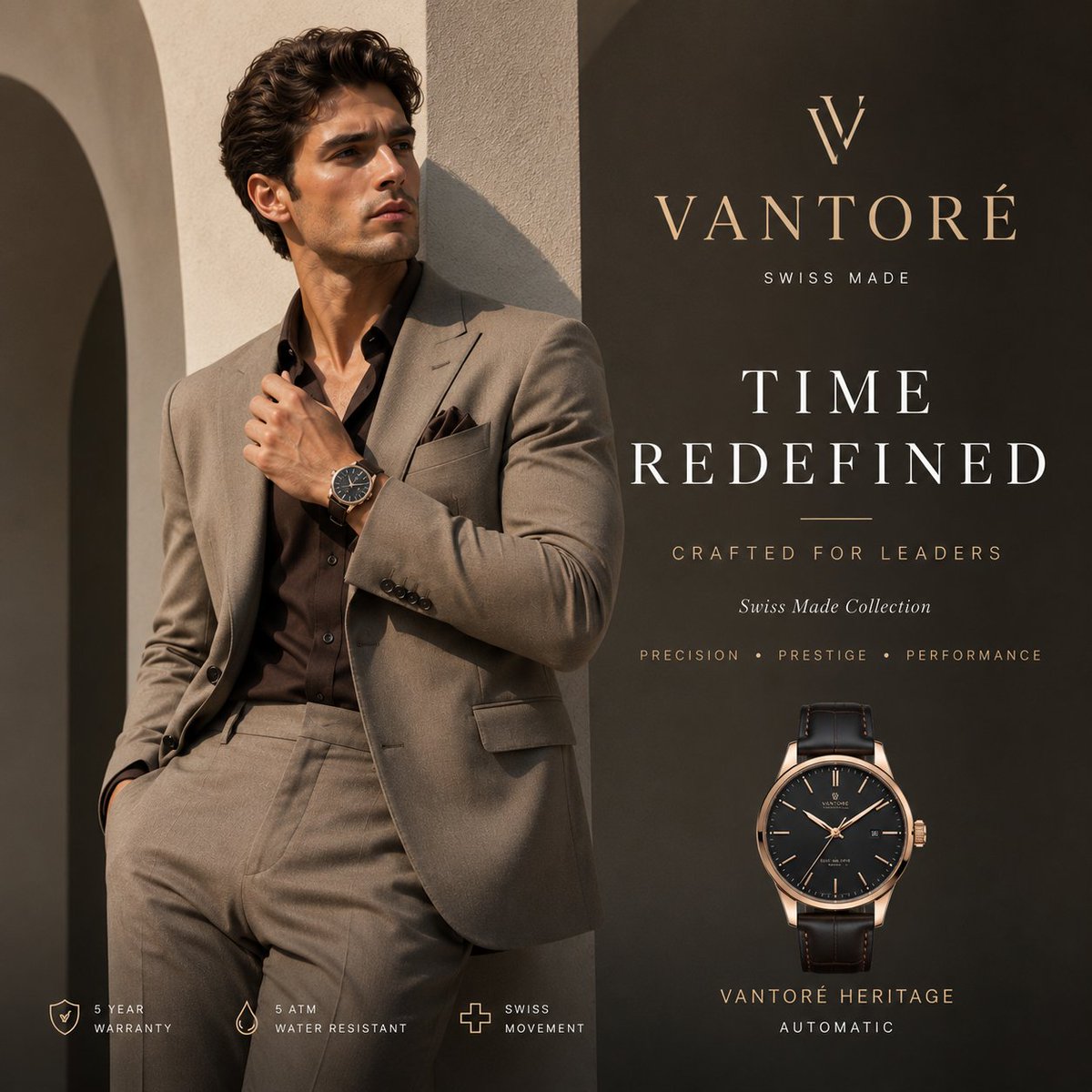
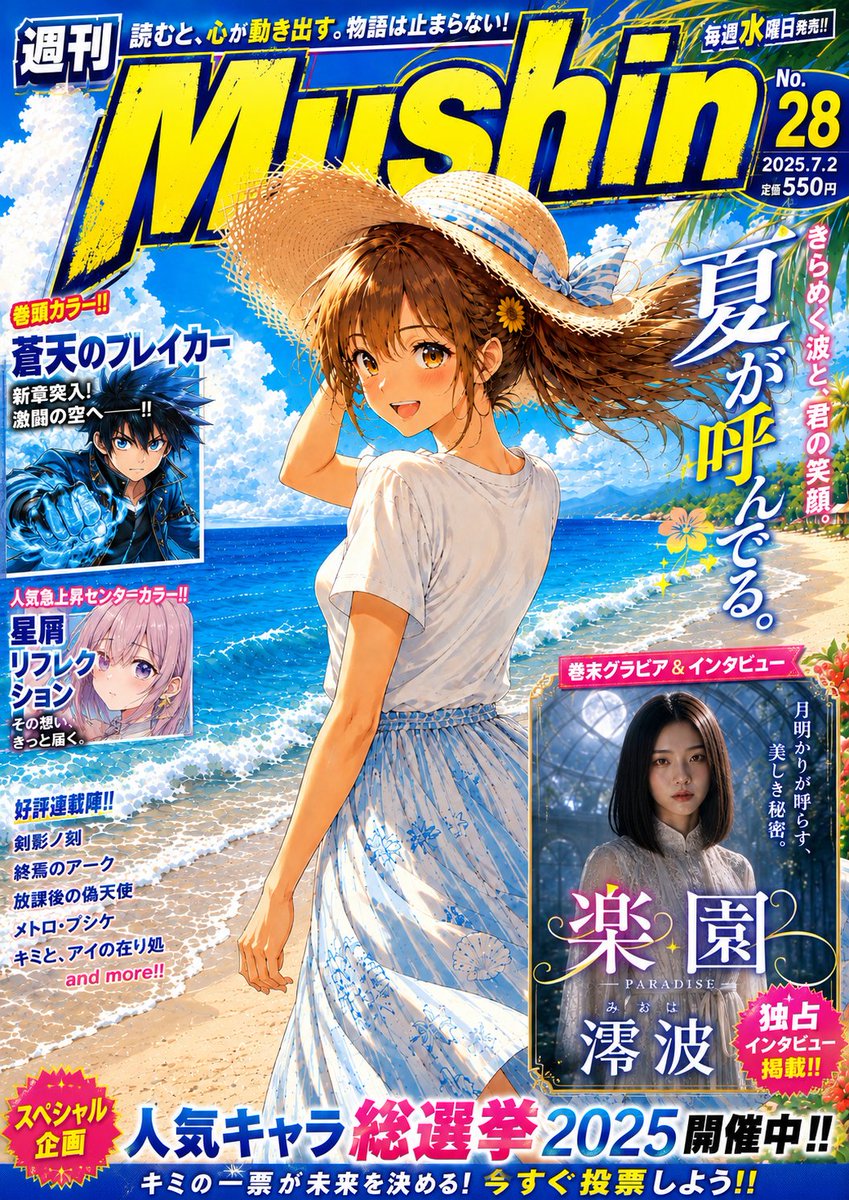
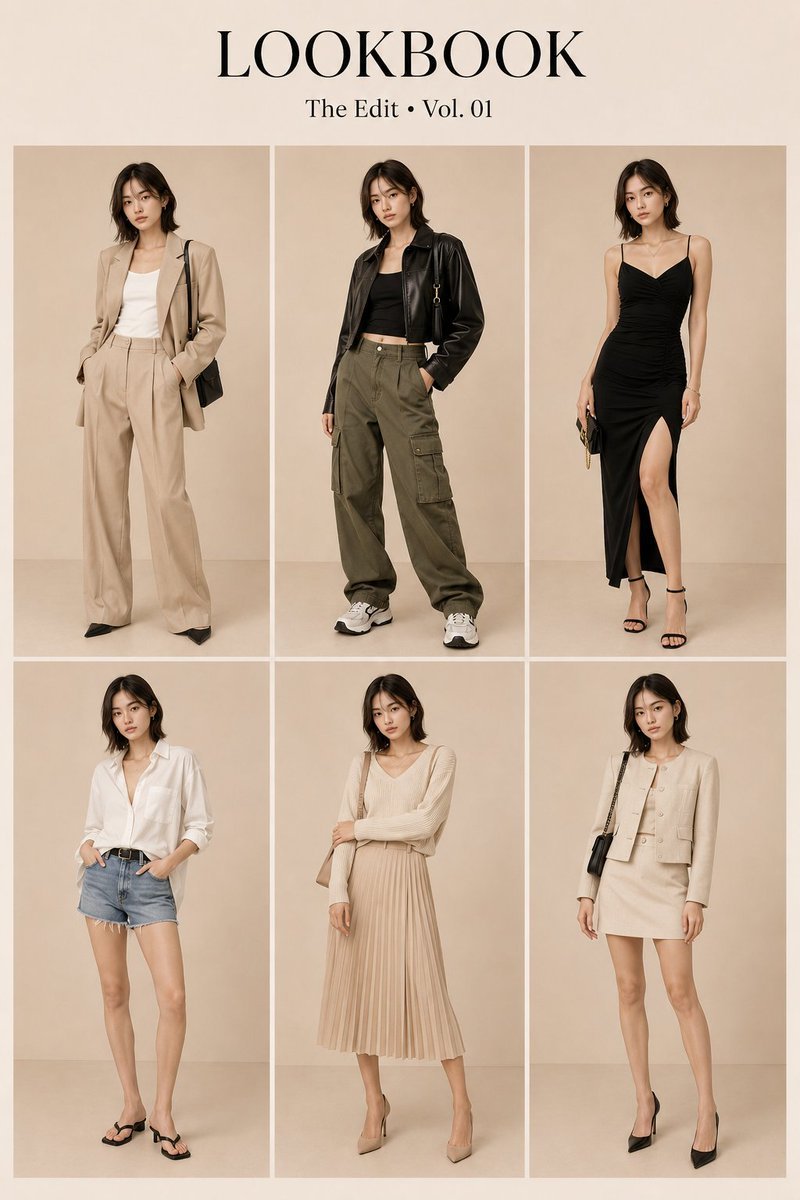
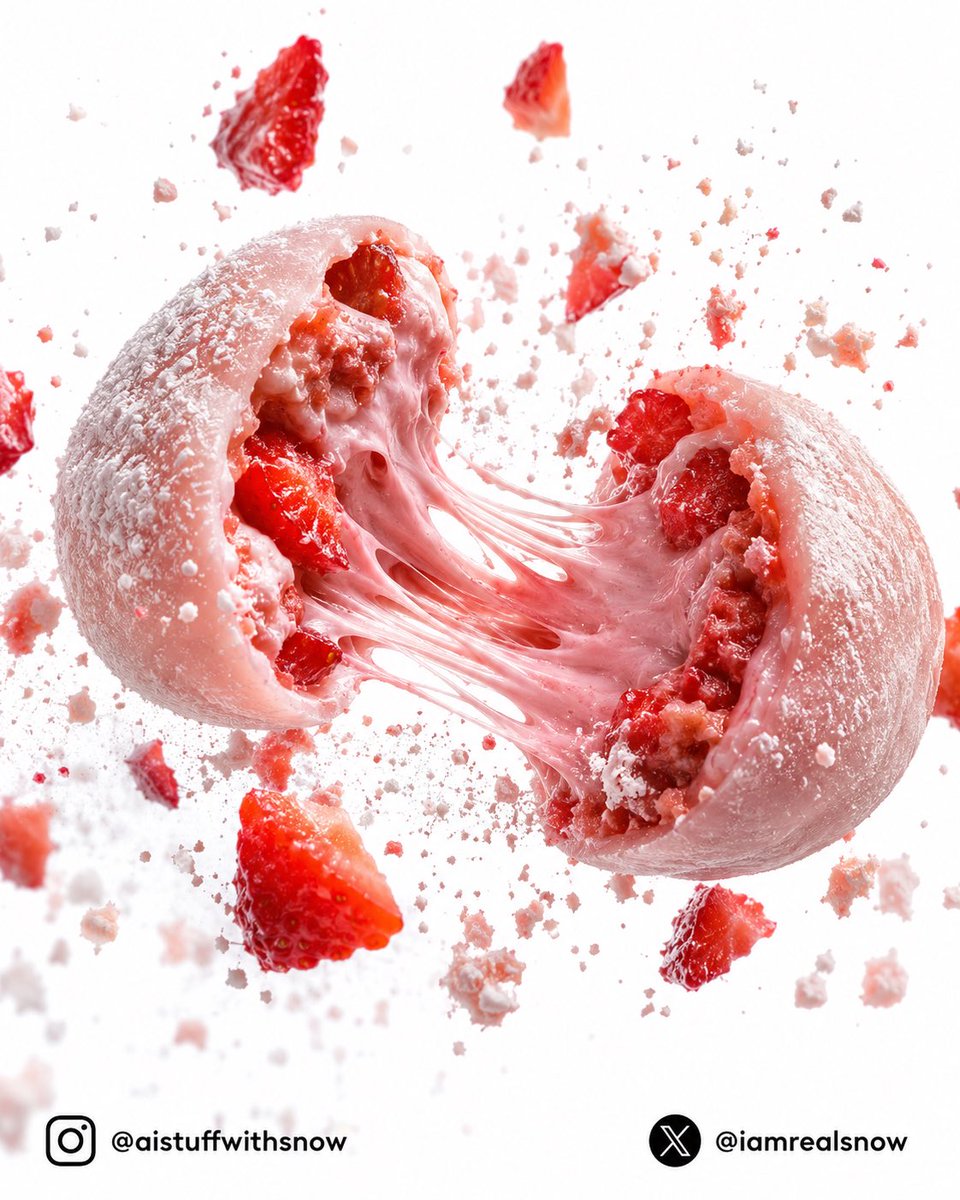
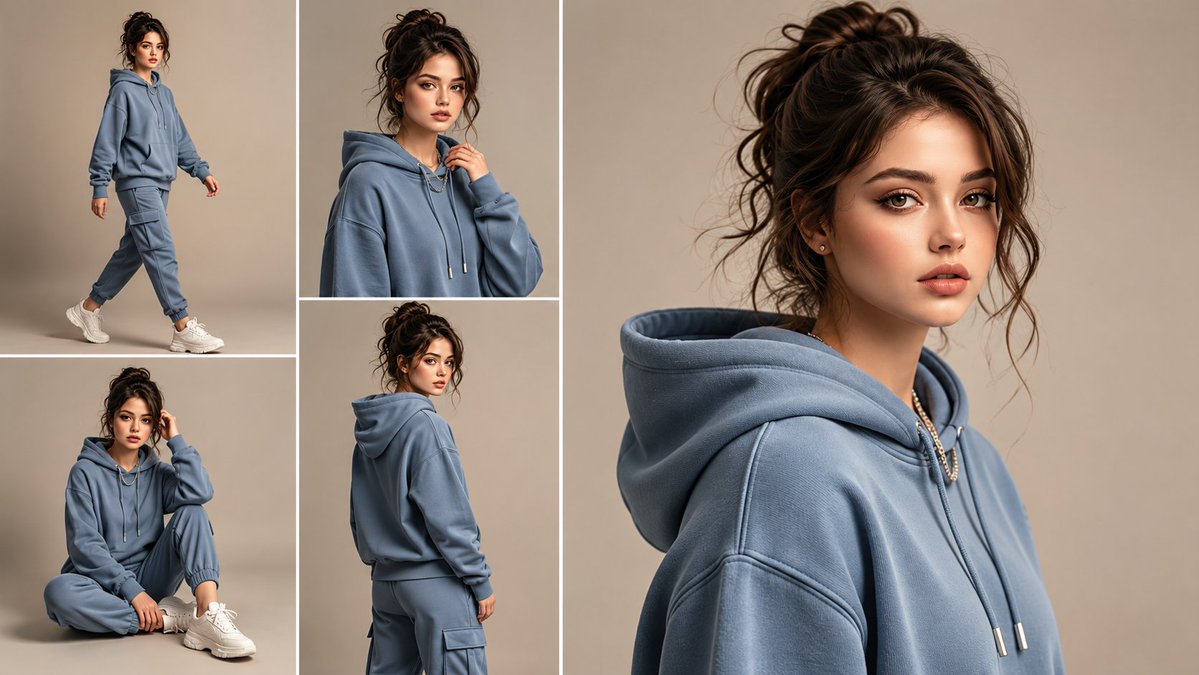
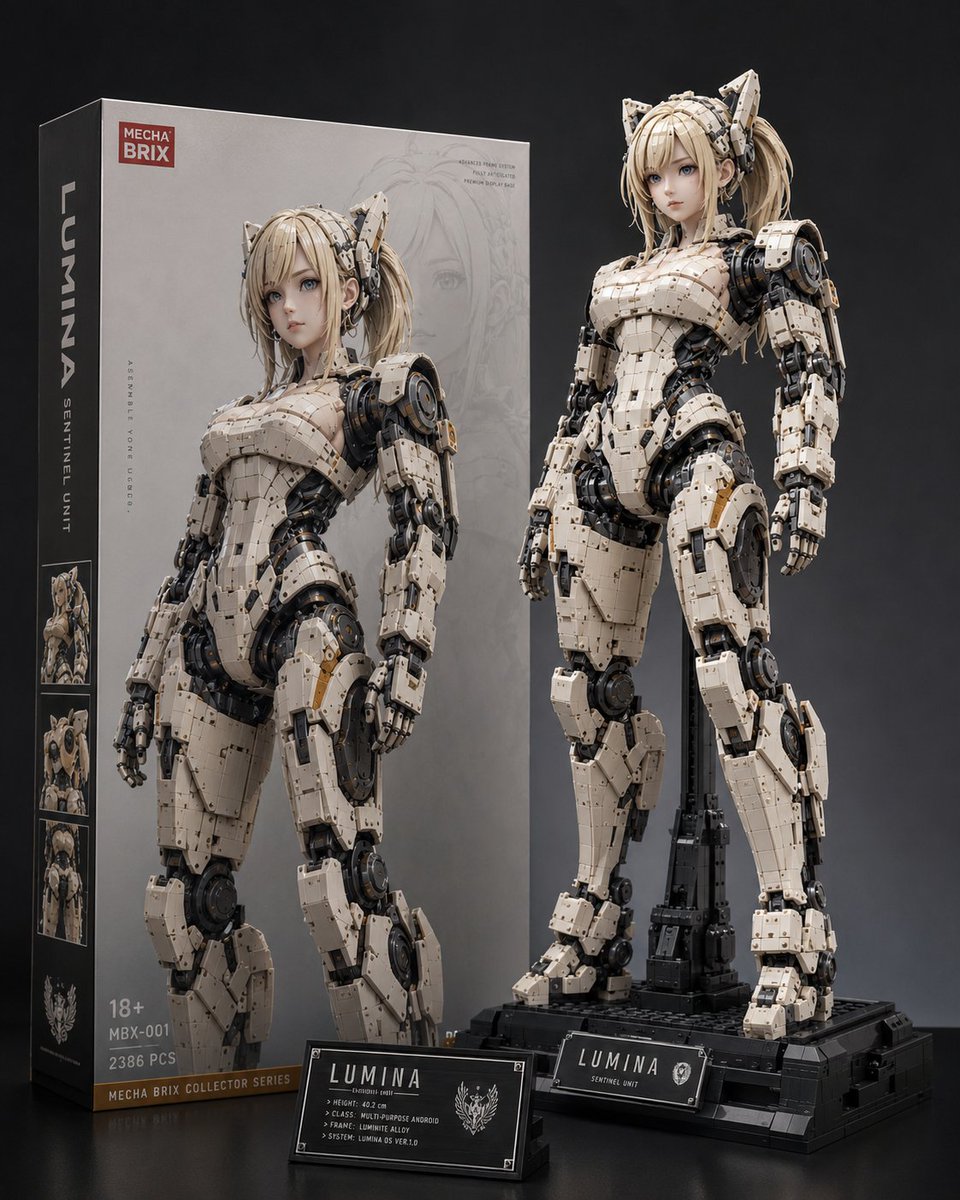
10,000개 이상의 커뮤니티 검증 생성 결과에서 추려낸 프로 기법, 완벽한 프롬프트 공식, 8개 카테고리의 실전 투입용 프롬프트 45개로 OpenAI의 플래그십 이미지 모델을 마스터하세요.
GPT Image 2란?
GPT Image 2 (코드명 "duct-tape")는 OpenAI의 차세대 이미지 생성 모델로, GPT Image 1의 후속 모델입니다. 텍스트 렌더링, 캐릭터 일관성, 디자인급 결과물에서 크게 도약했습니다. 대부분의 이미지 모델이 텍스트를 여전히 "그럴듯한 노이즈"로 취급하는 반면, GPT Image 2는 다국어 타이포그래피로 구성된 문단 전체를 픽셀 단위로 완벽하게 처리합니다. 각 생성을 독립적으로 취급하는 다른 모델과 달리, GPT Image 2는 수십 개의 프레임에 걸쳐 캐릭터나 제품을 시각적으로 동일하게 유지합니다.
주요 기능:
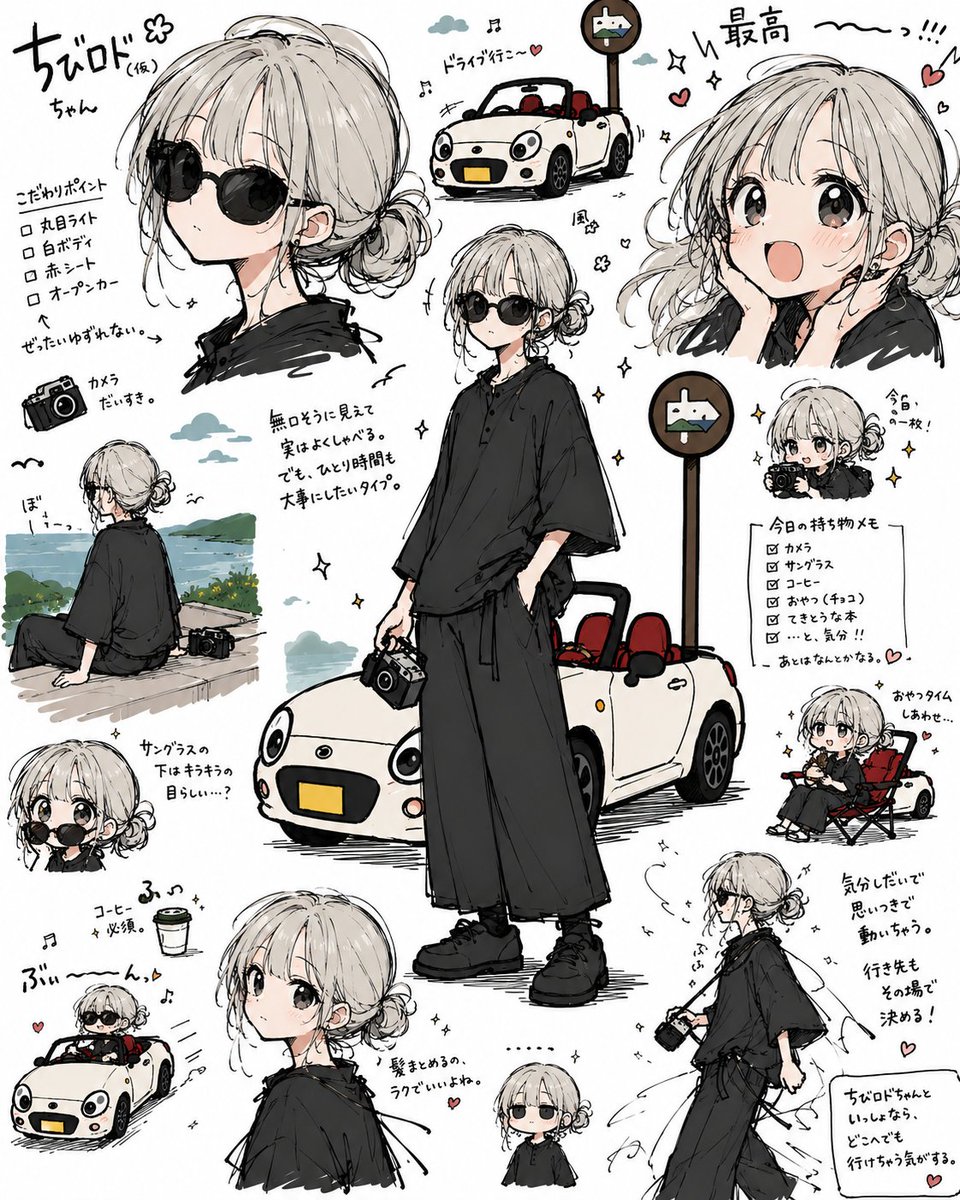
🎯 픽셀 단위로 완벽한 텍스트 렌더링 — 영어, 중국어, 일본어, 한국어 등 네이티브 수준의 텍스트. 오타도, 뒤틀린 글자도, "AI 특유의 알 수 없는 문자"도 없습니다.
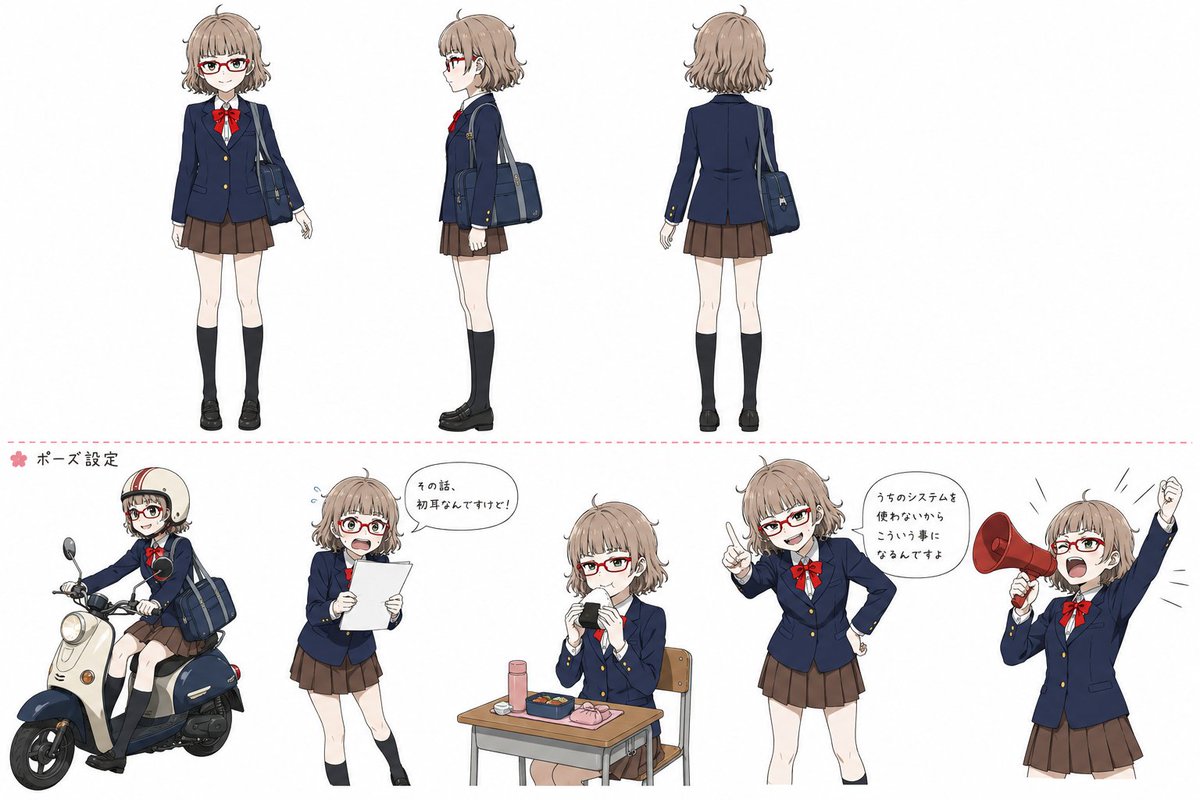
🎨 이미지 간 일관성 — 같은 캐릭터, IP, 제품이 시리즈 전체에서 픽셀 단위까지 동일하게 유지됩니다.
⚡ 상업용 수준의 일러스트 — 별도의 수작업 보정 없이 바로 사용할 수 있는 결과물로, 마케팅, 이커머스, 에디토리얼 용도에 안성맞춤입니다.
🌈 진정한 아트 스타일 유도 — 참고 이미지를 시각적으로 흉내 내는 데 그치지 않고, 아트 스타일의 느낌 을 포착합니다.
🔧 스토리보드 & 멀티 패널 레이아웃 — 스토리보드, IP 캐릭터 시트, 멀티 패널 제품 비주얼을 한 번의 생성으로 만듭니다.
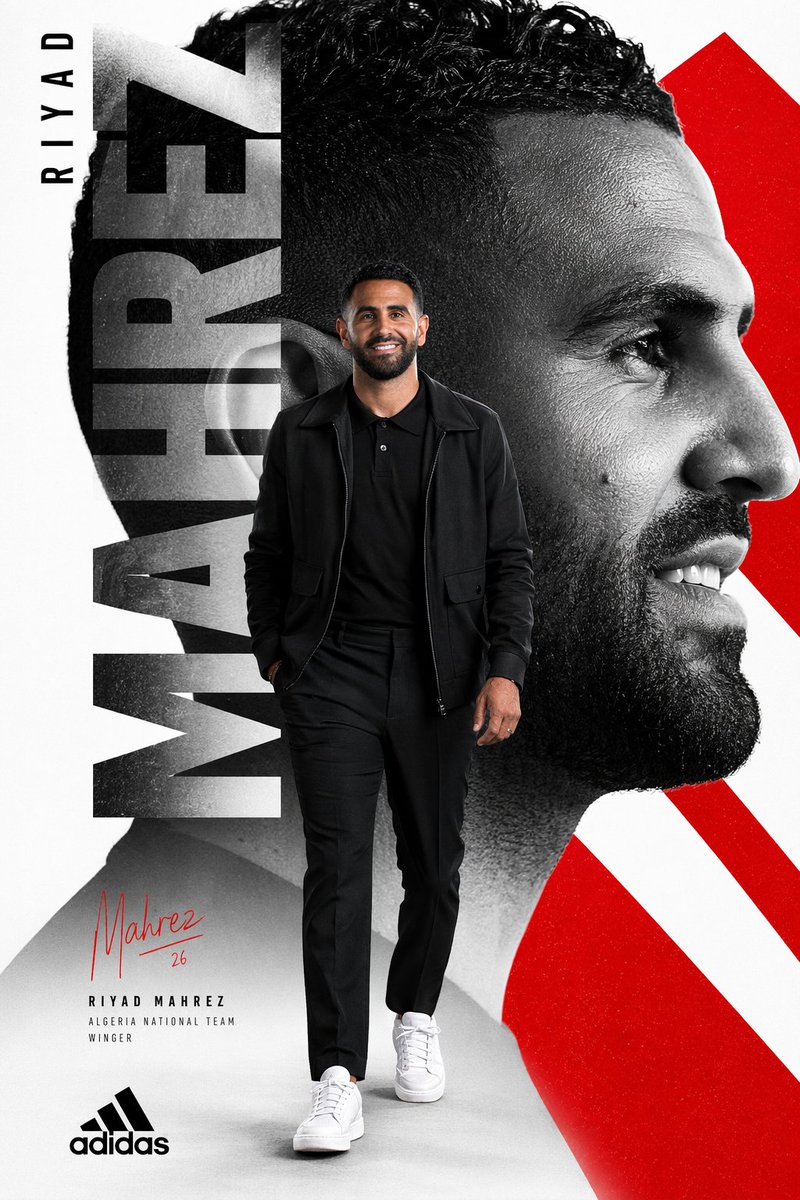
📐 다국어 디자인 — 정확한 다국어 타이포그래피가 적용된 소셜 카드, 배너, 인포그래픽, 포스터를 한 번에 완성합니다.
대부분의 이미지 프롬프트 조언은 한 문단을 쓰라고 말합니다. 하지만 GPT Image 2에서 꾸준히 좋은 결과를 내는 프롬프트는 산문보다 제품 사양서에 가깝습니다 — 구조적이고 위계가 있으며, 종종 JSON으로 작성됩니다. 10,000개 이상의 우수 커뮤니티 프롬프트를 살펴보면 뚜렷한 패턴이 나타납니다.
공식:
{
  "type": [poster | infographic | profile | thumbnail | ad | lookbook],
  "subject": [main visual subject],
  "style": [art style + lighting + medium],
  "composition": [layout, framing, focal point],
  "text_elements": {
    "headline": [exact text in quotes],
    "body": [exact text in quotes],
    "language": [en | ja | zh | ko]
  },
  "details": [specific colors, props, atmosphere, brand tokens]
{
  "type": [poster | infographic | profile | thumbnail | ad | lookbook],
  "subject": [main visual subject],
  "style": [art style + lighting + medium],
  "composition": [layout, framing, focal point],
  "text_elements": {
    "headline": [exact text in quotes],
    "body": [exact text in quotes],
    "language": [en | ja | zh | ko]
  },
  "details": [specific colors, props, atmosphere, brand tokens]
{
  "type": [poster | infographic | profile | thumbnail | ad | lookbook],
  "subject": [main visual subject],
  "style": [art style + lighting + medium],
  "composition": [layout, framing, focal point],
  "text_elements": {
    "headline": [exact text in quotes],
    "body": [exact text in quotes],
    "language": [en | ja | zh | ko]
  },
  "details": [specific colors, props, atmosphere, brand tokens]
꼭 JSON 형식을 그대로 쓸 필요는 없습니다. 자연스러운 문장도 괜찮습니다. 다만 사고방식 은 구조적이어야 합니다. GPT Image 2는 이미지를 자유로운 묘사가 아니라 이름 붙은 영역으로 이루어진 레이아웃으로 다루는 프롬프트에 좋은 결과로 보답합니다.
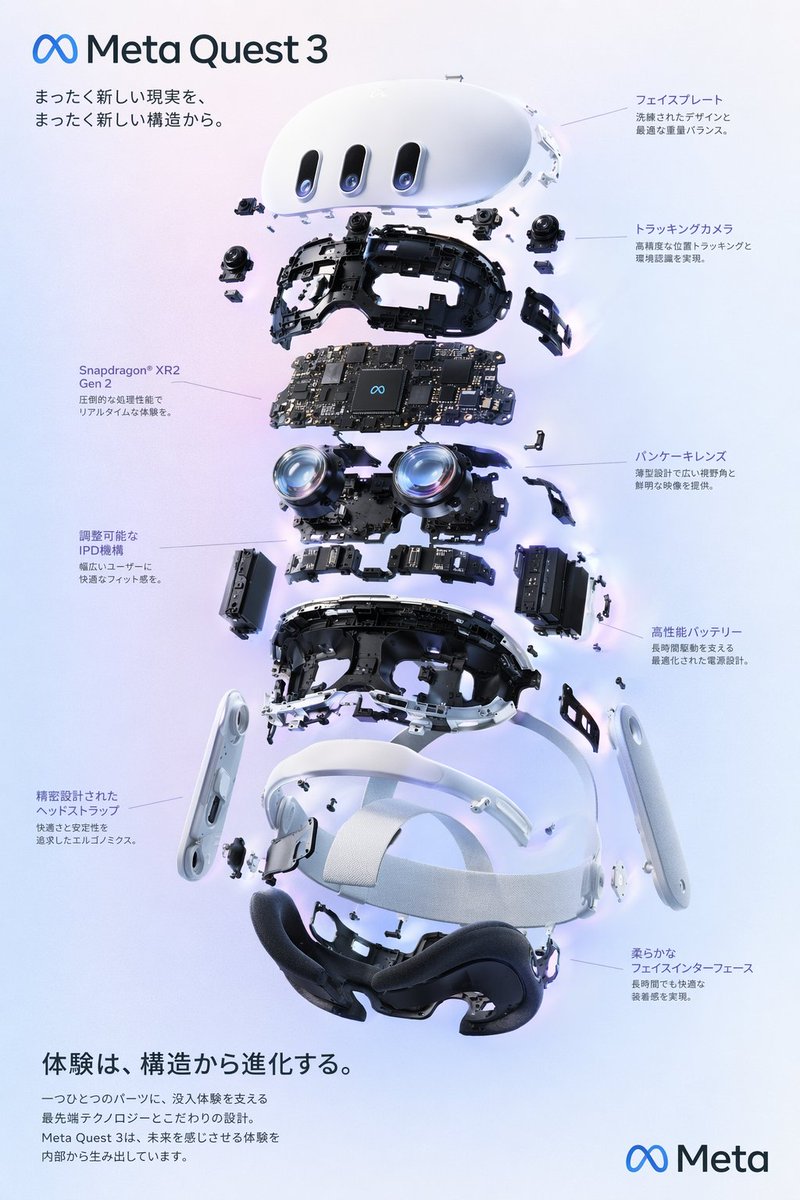
분해 예시: "VR 헤드셋 분해도 포스터"
커뮤니티 프롬프트 전문가 @wory37303852님의 추천 프롬프트가 공식에 어떻게 대응되는지 살펴보겠습니다.
유형: 분해도 제품 다이어그램 포스터
주제: 9개의 내부 부품 레이어로 이루어진 VR 헤드셋
스타일: 깔끔한 하이테크 3D 렌더, 스튜디오 조명, 빛나는 포인트
구도: 세로로 쌓은 분해도, 8개의 설명선 라벨(왼쪽 3개, 오른쪽 5개)
텍스트 요소: 다국어 일본어 헤드라인 + 본문 카피, 브랜드 로고, 제품명
세부 사항: 부드러운 보라-파랑 그라디언트 배경, ∞ Meta 브랜딩
💡 프로 팁: 이미지를 묘사가 아닌 레이아웃으로 다루세요. GPT Image 2가 이전 모델보다 크게 앞선 점은 각 영역이 고유한 내용을 갖는 구조적 레이아웃(포스터, 인포그래픽, UI)을 렌더링하는 능력입니다. 프롬프트에서 "header", "centerpiece", "left_callouts", "footer"처럼 영역에 이름을 붙이는 것이 디자인 품질의 결과물을 얻는 가장 효과적인 방법입니다.
고급 기법
1. 프롬프트를 JSON으로 작성하기 (꼭 필요하지 않더라도)
GPT Image 2는 구조화된 프롬프트로 학습된 것이 분명합니다. JSON 문법을 그대로 쓰지 않더라도, 이름 붙은 섹션(type, subject, style, text_elements)으로 프롬프트를 정리하면 흐르는 산문보다 훨씬 나은 결과를 얻을 수 있습니다. 추천 커뮤니티 프롬프트 대부분이 이 패턴을 사용합니다.
2. 정확한 텍스트는 따옴표 안에 넣기
헤드라인, 명언, 브랜드명처럼 이미지에 특정 텍스트를 넣고 싶다면 프롬프트 안에서 따옴표로 묶으세요. GPT Image 2의 텍스트 렌더러는 다국어 타이포그래피로 구성된 문단 전체도 안정적으로 처리하지만, 렌더링할 정확한 문자열을 알려줄 때에 한합니다. "용기에 관한 동기부여 명언"이라고 쓰지 말고 "headline": "Stay foolish, stay hungry."라고 쓰세요.
3. 다국어 출력을 위해 언어 지정하기
프롬프트에 "language": "ja" 또는 "language": "zh" 를 추가하면 모델이 알아서 추측하게 두는 것보다 영어 이외의 타이포그래피가 훨씬 좋아집니다. GPT Image 2는 영어, 일본어, 중국어, 한국어에서 네이티브 수준의 렌더링을 구현하지만, 언어를 지정했을 때만 그렇습니다.
4. 시대 + 매체로 스타일 참조하기
"애니메이션 스타일", "수채화" 같은 모호한 스타일 참조는 평범한 결과물을 만듭니다. "1990년대 스튜디오 지브리 수채화", "2010년대 초 쇼조 만화 수묵 담채"처럼 구체적인 시대 + 매체 조합은 모델 속 깊은 스타일 기억을 불러냅니다. 참조가 구체적일수록 결과물은 더 개성 있어집니다.
🎨 스타일 팁: (IP 규정이 허용하는 범위에서) 특정 아티스트, 잡지, 스튜디오를 지정하면 더욱 선명한 결과를 얻을 수 있습니다 — "Wired magazine editorial", "Pixar concept art", "Akira Toriyama character design" 같은 식으로요.
5. 재사용 가능한 템플릿을 위한 Raycast 스타일 인수 사용하기
커뮤니티의 우수한 프롬프트 중 상당수는 Raycast Snippets 문법 — {argument name="product_name" default="iPhone 16"} — 을 사용해 재사용 가능한 템플릿을 만듭니다. Raycast 밖에서도 이 패턴을 쓰면 프롬프트에서 어느 부분을 바꿔 끼워야 하는지 한눈에 알 수 있습니다. 재사용 템플릿은 매개변수화해서 관리하세요.
6. 캐릭터 일관성을 위해 이미지-투-이미지 사용하기
GPT Image 2의 이미지-투-이미지 모드는 시리즈 작업에 맞게 만들어졌습니다. 캐릭터, 제품, 브랜드 자산의 참조 이미지를 업로드한 뒤 새로운 장면을 설명하세요. 모델이 생성 전반에 걸쳐 픽셀 수준의 시각적 정체성을 유지하므로, IP와 브랜드 작업에 진정으로 적합한 최초의 AI 이미지 모델입니다.
카테고리별 실전 투입용 프롬프트 45개
커뮤니티에서 엄선한 마스터클래스 프롬프트 — 각각 GPT Image 2가 가능성의 한계에서 무엇을 보여주는지 확인할 수 있습니다. 분해도, 하이브리드 아트 스타일, 전체 UI 목업, 다국어 타이포그래피까지, 모두 한 번의 생성으로 만들어집니다.
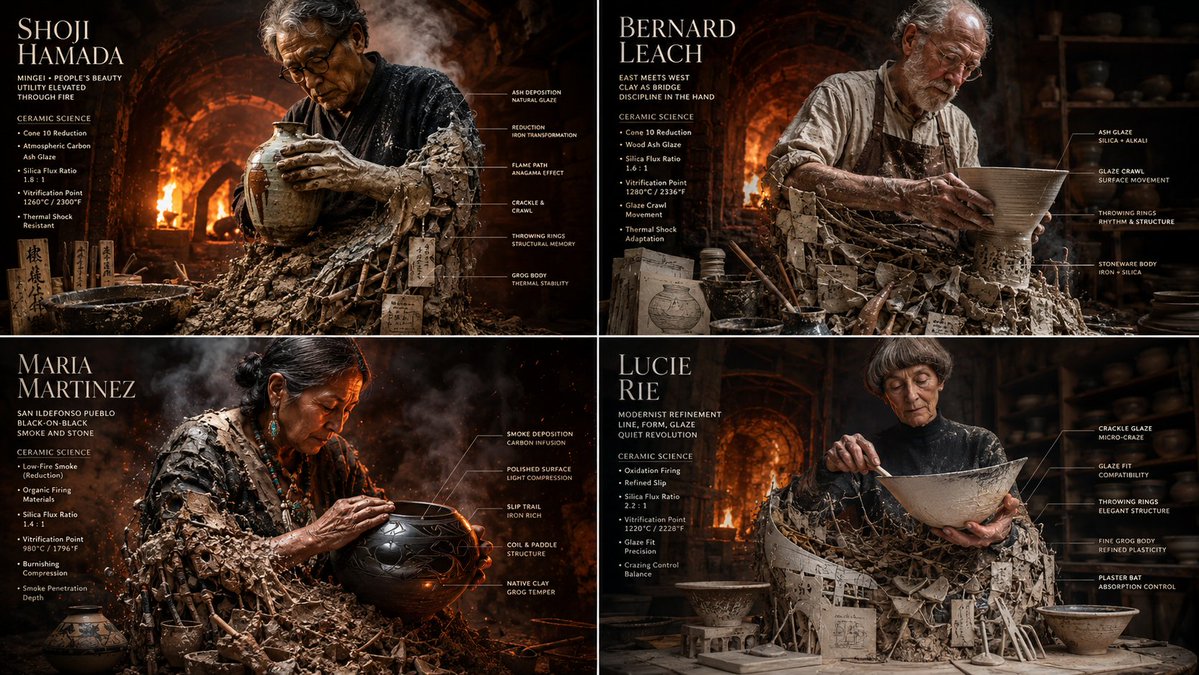
2x2 grid, 16:9 do this for {argument name="number of potters" default="4"} famous master potters input: [{argument name="potter data" default="four master potters & their glaze chemistry charts"}]
2x2 grid, 16:9 do this for {argument name="number of potters" default="4"} famous master potters input: [{argument name="potter data" default="four master potters & their glaze chemistry charts"}]
2x2 grid, 16:9 do this for {argument name="number of potters" default="4"} famous master potters input: [{argument name="potter data" default="four master potters & their glaze chemistry charts"}]
YouTube 썸네일
텍스트가 삽입된 대담하고 시선을 사로잡는 썸네일, 정확한 얼굴 표현, 치열한 시청 페이지에서도 승부를 가르는 강렬한 비주얼을 만듭니다.
[Information Input Field]

Character Name: [{argument name="character name" default=" "}] (Required)

Additional Notes: [{argument name="additional notes" default="optional"}] (Enter if there is anything you want to tell the AI)

-----------------

[Image Generation Instructions]

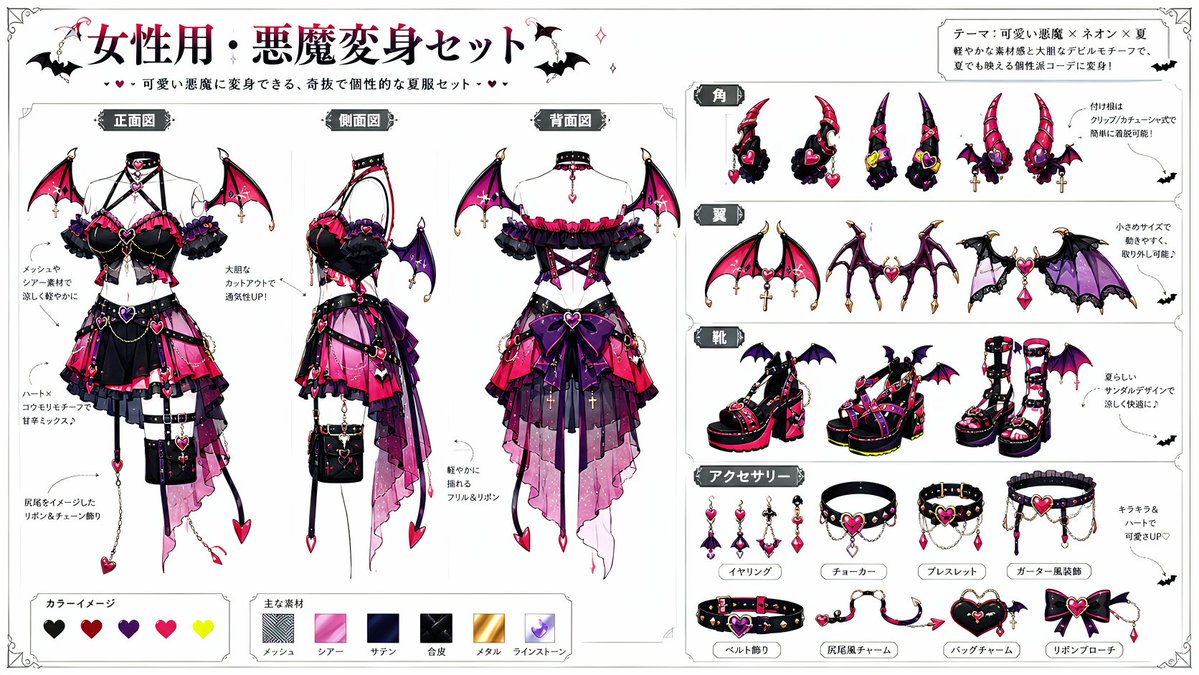
Based on the character in attached image 1, dress them using the devil transformation set in attached image 2.

Read the character's appearance, atmosphere, age, expression, equipment, and personality traits from the input character name and attached image 1. Automatically devise a background, situation, posing, expression, composition, lighting, and a short phrase within the image.

Maintain the original character's hairstyle, hair color, eye color, physique, facial features, age, atmosphere, and character personality.

Reflect the design elements of the devil transformation set so they blend naturally with the original character. It should not just be layering a costume, but an integrated design showing the original character transformed into a devil.

Pay particular attention to the placement of horns and tails, depicting them to look anatomically and visually natural. Horns should sprout naturally from the head and not look like they are roughly placed on top of the hair. The base of the horns should be at the top of the head, near the forehead, or around the temples in a reasonable position, with balanced symmetry, orientation, length, thickness, and a proper sense of connection. The tail should sprout naturally from the lower back as an extension of the tailbone, and not from unnatural positions like the abdomen, chest, legs, or arms. Adjust the horns and tail to look natural according to the pose and costume, ensuring no awkward connections, floating bases, nonsensical numbers, unnatural curves, or strange growth patterns.

Construct a new background and situation as a scene that strongly conveys the character's charm, without relying on standard compositions. Make the character's expression, costume, pose, gaze, and gestures the main focus, rather than just flashy backgrounds.

Treat the expression as a high-priority item. Do not use expressionless, straight, flatly calm, or standard 'cool' faces. Create an impressive expression that looks like multiple emotions are layered, rather than a single simple emotion.

Add variety to the expression using eyebrows, eye direction, pupil highlights, corners of the mouth, cheeks, face angle, and neck tilt. Make it a natural expression that is slightly broken rather than perfectly symmetrical. Create an expression that makes viewers want to imagine the character's inner thoughts.

For posing, prioritize showing the entire costume while creating a dynamic composition that conveys the character's personality and the atmosphere after transformation. Do not use a pose where the character is just standing. Emphasize character traits using weapons, wings, horns, tails, chains, accessories, hand gestures, and gaze direction.

Utilize the eccentricity of the devil transformation set but do not crush the original character's individuality. Ensure the original character does not look like a different person.

In the top-left or bottom-right of the screen, automatically generate a title with decorations, with the first line being the '[Character Name]
[Information Input Field]

Character Name: [{argument name="character name" default=" "}] (Required)

Additional Notes: [{argument name="additional notes" default="optional"}] (Enter if there is anything you want to tell the AI)

-----------------

[Image Generation Instructions]

Based on the character in attached image 1, dress them using the devil transformation set in attached image 2.

Read the character's appearance, atmosphere, age, expression, equipment, and personality traits from the input character name and attached image 1. Automatically devise a background, situation, posing, expression, composition, lighting, and a short phrase within the image.

Maintain the original character's hairstyle, hair color, eye color, physique, facial features, age, atmosphere, and character personality.

Reflect the design elements of the devil transformation set so they blend naturally with the original character. It should not just be layering a costume, but an integrated design showing the original character transformed into a devil.

Pay particular attention to the placement of horns and tails, depicting them to look anatomically and visually natural. Horns should sprout naturally from the head and not look like they are roughly placed on top of the hair. The base of the horns should be at the top of the head, near the forehead, or around the temples in a reasonable position, with balanced symmetry, orientation, length, thickness, and a proper sense of connection. The tail should sprout naturally from the lower back as an extension of the tailbone, and not from unnatural positions like the abdomen, chest, legs, or arms. Adjust the horns and tail to look natural according to the pose and costume, ensuring no awkward connections, floating bases, nonsensical numbers, unnatural curves, or strange growth patterns.

Construct a new background and situation as a scene that strongly conveys the character's charm, without relying on standard compositions. Make the character's expression, costume, pose, gaze, and gestures the main focus, rather than just flashy backgrounds.

Treat the expression as a high-priority item. Do not use expressionless, straight, flatly calm, or standard 'cool' faces. Create an impressive expression that looks like multiple emotions are layered, rather than a single simple emotion.

Add variety to the expression using eyebrows, eye direction, pupil highlights, corners of the mouth, cheeks, face angle, and neck tilt. Make it a natural expression that is slightly broken rather than perfectly symmetrical. Create an expression that makes viewers want to imagine the character's inner thoughts.

For posing, prioritize showing the entire costume while creating a dynamic composition that conveys the character's personality and the atmosphere after transformation. Do not use a pose where the character is just standing. Emphasize character traits using weapons, wings, horns, tails, chains, accessories, hand gestures, and gaze direction.

Utilize the eccentricity of the devil transformation set but do not crush the original character's individuality. Ensure the original character does not look like a different person.

In the top-left or bottom-right of the screen, automatically generate a title with decorations, with the first line being the '[Character Name]
[Information Input Field]

Character Name: [{argument name="character name" default=" "}] (Required)

Additional Notes: [{argument name="additional notes" default="optional"}] (Enter if there is anything you want to tell the AI)

-----------------

[Image Generation Instructions]

Based on the character in attached image 1, dress them using the devil transformation set in attached image 2.

Read the character's appearance, atmosphere, age, expression, equipment, and personality traits from the input character name and attached image 1. Automatically devise a background, situation, posing, expression, composition, lighting, and a short phrase within the image.

Maintain the original character's hairstyle, hair color, eye color, physique, facial features, age, atmosphere, and character personality.

Reflect the design elements of the devil transformation set so they blend naturally with the original character. It should not just be layering a costume, but an integrated design showing the original character transformed into a devil.

Pay particular attention to the placement of horns and tails, depicting them to look anatomically and visually natural. Horns should sprout naturally from the head and not look like they are roughly placed on top of the hair. The base of the horns should be at the top of the head, near the forehead, or around the temples in a reasonable position, with balanced symmetry, orientation, length, thickness, and a proper sense of connection. The tail should sprout naturally from the lower back as an extension of the tailbone, and not from unnatural positions like the abdomen, chest, legs, or arms. Adjust the horns and tail to look natural according to the pose and costume, ensuring no awkward connections, floating bases, nonsensical numbers, unnatural curves, or strange growth patterns.

Construct a new background and situation as a scene that strongly conveys the character's charm, without relying on standard compositions. Make the character's expression, costume, pose, gaze, and gestures the main focus, rather than just flashy backgrounds.

Treat the expression as a high-priority item. Do not use expressionless, straight, flatly calm, or standard 'cool' faces. Create an impressive expression that looks like multiple emotions are layered, rather than a single simple emotion.

Add variety to the expression using eyebrows, eye direction, pupil highlights, corners of the mouth, cheeks, face angle, and neck tilt. Make it a natural expression that is slightly broken rather than perfectly symmetrical. Create an expression that makes viewers want to imagine the character's inner thoughts.

For posing, prioritize showing the entire costume while creating a dynamic composition that conveys the character's personality and the atmosphere after transformation. Do not use a pose where the character is just standing. Emphasize character traits using weapons, wings, horns, tails, chains, accessories, hand gestures, and gaze direction.

Utilize the eccentricity of the devil transformation set but do not crush the original character's individuality. Ensure the original character does not look like a different person.

In the top-left or bottom-right of the screen, automatically generate a title with decorations, with the first line being the '[Character Name]
type: image_generation_prompt

{
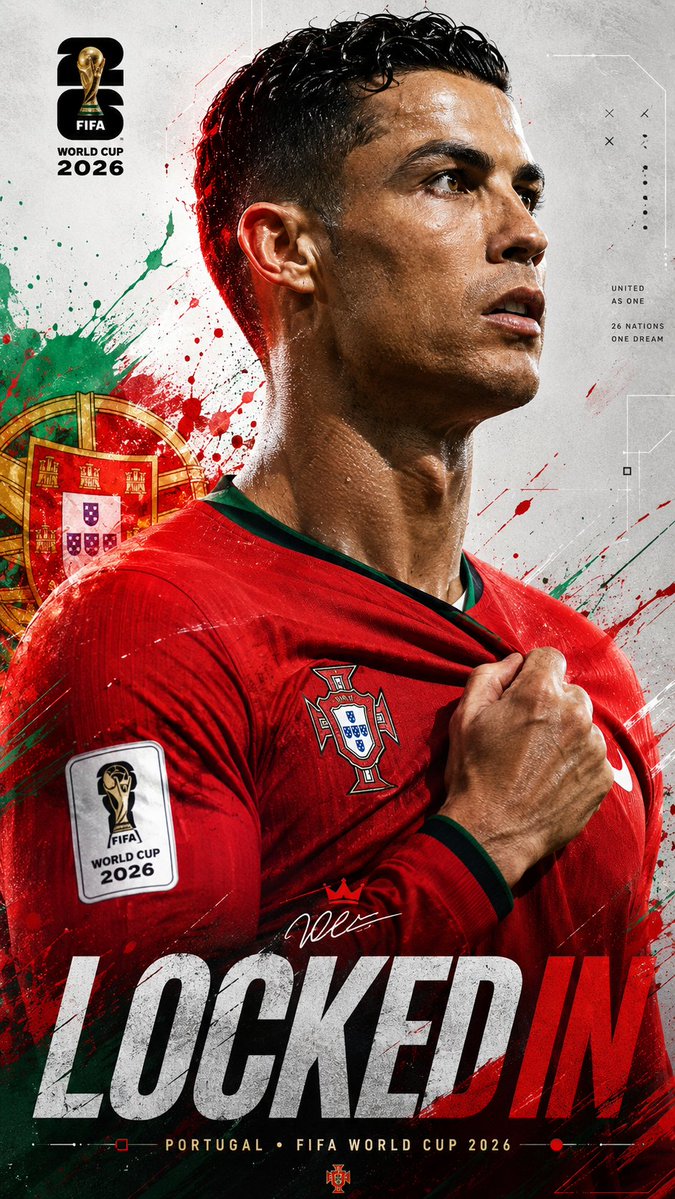
  "title": "Universal FIFA World Cup 2026 Locked In Poster",
  "aspect_ratio": "9:16",
  "style": "ultra-realistic cinematic sports poster",
  "quality": "16K UHD premium realism",
  "subject": {
    "identity": "{argument name="player name" default="[PLAYER_NAME or uploaded player]"}",
    "pose": "powerful side-profile portrait with intense focus",
    "expression": "determined, locked-in, championship mentality",
    "gesture": "one hand gripping the national team jersey near the badge"
  },
  "wardrobe": {
    "kit": "{argument name="country" default="[COUNTRY_NAME]"} official home jersey",
    "details": "authentic textures, federation crest, official FIFA World Cup 2026 sleeve patch, realistic fabric folds and stitching"
  },
  "environment": {
    "background": "clean light grey textured sports poster canvas with futuristic geometric lines, subtle technical graphics and premium editorial composition",
    "effects": "dynamic paint splashes, energy streaks and particles inspired by the national colors of {argument name="national colors" default="[COUNTRY_NAME]"}",
    "national_elements": "subtle stars, symbols and graphic motifs inspired by the country's identity",
    "atmosphere": "high-energy tournament anticipation"
  },
  "lighting": {
    "type": "dramatic cinematic lighting",
    "rim_light": "colored rim lighting matching the country's flag",
    "highlights": "glossy skin reflections and realistic sweat details",
    "contrast": "strong sports-poster contrast"
  },
  "composition": {
    "camera_angle": "close-up side profile",
    "framing": "upper body portrait",
    "depth_of_field": "shallow",
    "focus": "face, badge and jersey grip"
  },
  "branding": {
    "tournament": "FIFA World Cup 2026",
    "logo": "official FIFA World Cup 2026 logo integrated elegantly",
    "color_palette": "official FIFA World Cup 2026 tournament colors combined with [COUNTRY_NAME] national colors",
    "headline": "\"LOCKED IN\" displayed in large modern typography",
    "subtitle": "[COUNTRY_NAME] • FIFA WORLD CUP 2026"
  },
  "mood": [
    "focused",
    "elite",
    "fearless",
    "national pride",
    "championship energy"
  ]
type: image_generation_prompt

{
  "title": "Universal FIFA World Cup 2026 Locked In Poster",
  "aspect_ratio": "9:16",
  "style": "ultra-realistic cinematic sports poster",
  "quality": "16K UHD premium realism",
  "subject": {
    "identity": "{argument name="player name" default="[PLAYER_NAME or uploaded player]"}",
    "pose": "powerful side-profile portrait with intense focus",
    "expression": "determined, locked-in, championship mentality",
    "gesture": "one hand gripping the national team jersey near the badge"
  },
  "wardrobe": {
    "kit": "{argument name="country" default="[COUNTRY_NAME]"} official home jersey",
    "details": "authentic textures, federation crest, official FIFA World Cup 2026 sleeve patch, realistic fabric folds and stitching"
  },
  "environment": {
    "background": "clean light grey textured sports poster canvas with futuristic geometric lines, subtle technical graphics and premium editorial composition",
    "effects": "dynamic paint splashes, energy streaks and particles inspired by the national colors of {argument name="national colors" default="[COUNTRY_NAME]"}",
    "national_elements": "subtle stars, symbols and graphic motifs inspired by the country's identity",
    "atmosphere": "high-energy tournament anticipation"
  },
  "lighting": {
    "type": "dramatic cinematic lighting",
    "rim_light": "colored rim lighting matching the country's flag",
    "highlights": "glossy skin reflections and realistic sweat details",
    "contrast": "strong sports-poster contrast"
  },
  "composition": {
    "camera_angle": "close-up side profile",
    "framing": "upper body portrait",
    "depth_of_field": "shallow",
    "focus": "face, badge and jersey grip"
  },
  "branding": {
    "tournament": "FIFA World Cup 2026",
    "logo": "official FIFA World Cup 2026 logo integrated elegantly",
    "color_palette": "official FIFA World Cup 2026 tournament colors combined with [COUNTRY_NAME] national colors",
    "headline": "\"LOCKED IN\" displayed in large modern typography",
    "subtitle": "[COUNTRY_NAME] • FIFA WORLD CUP 2026"
  },
  "mood": [
    "focused",
    "elite",
    "fearless",
    "national pride",
    "championship energy"
  ]
type: image_generation_prompt

{
  "title": "Universal FIFA World Cup 2026 Locked In Poster",
  "aspect_ratio": "9:16",
  "style": "ultra-realistic cinematic sports poster",
  "quality": "16K UHD premium realism",
  "subject": {
    "identity": "{argument name="player name" default="[PLAYER_NAME or uploaded player]"}",
    "pose": "powerful side-profile portrait with intense focus",
    "expression": "determined, locked-in, championship mentality",
    "gesture": "one hand gripping the national team jersey near the badge"
  },
  "wardrobe": {
    "kit": "{argument name="country" default="[COUNTRY_NAME]"} official home jersey",
    "details": "authentic textures, federation crest, official FIFA World Cup 2026 sleeve patch, realistic fabric folds and stitching"
  },
  "environment": {
    "background": "clean light grey textured sports poster canvas with futuristic geometric lines, subtle technical graphics and premium editorial composition",
    "effects": "dynamic paint splashes, energy streaks and particles inspired by the national colors of {argument name="national colors" default="[COUNTRY_NAME]"}",
    "national_elements": "subtle stars, symbols and graphic motifs inspired by the country's identity",
    "atmosphere": "high-energy tournament anticipation"
  },
  "lighting": {
    "type": "dramatic cinematic lighting",
    "rim_light": "colored rim lighting matching the country's flag",
    "highlights": "glossy skin reflections and realistic sweat details",
    "contrast": "strong sports-poster contrast"
  },
  "composition": {
    "camera_angle": "close-up side profile",
    "framing": "upper body portrait",
    "depth_of_field": "shallow",
    "focus": "face, badge and jersey grip"
  },
  "branding": {
    "tournament": "FIFA World Cup 2026",
    "logo": "official FIFA World Cup 2026 logo integrated elegantly",
    "color_palette": "official FIFA World Cup 2026 tournament colors combined with [COUNTRY_NAME] national colors",
    "headline": "\"LOCKED IN\" displayed in large modern typography",
    "subtitle": "[COUNTRY_NAME] • FIFA WORLD CUP 2026"
  },
  "mood": [
    "focused",
    "elite",
    "fearless",
    "national pride",
    "championship energy"
  ]
01. 프롬프트를 하나의 긴 문단으로 작성하기. GPT Image 2는 구조화된 프롬프트로 학습되었습니다. 200단어짜리 서술형 문단은 평범한 결과물을 내지만, 같은 내용을 이름 붙인 섹션(피사체, 스타일, 레이아웃, 텍스트)으로 정리하면 전문가 수준의 결과물이 나옵니다.
02. 원하는 텍스트를 쓰는 대신 설명하기. "성공에 관한 동기부여 명언"이라고 쓰면 알아볼 수 없는 글자가 나옵니다. "headline": "Mountains move when you do." 라고 쓰면 깔끔하고 정확한 타이포그래피가 나옵니다. 항상 정확한 문자열을 따옴표로 묶어 입력하세요.
03. 영어가 아닌 출력의 언어를 지정하지 않기. GPT Image 2는 일본어, 중국어, 한국어에서도 네이티브 수준의 타이포그래피를 구현하지만, 언어를 명시적으로 지정했을 때만 그렇습니다. 그렇지 않으면 로마자 표기나 AI 특유의 깨진 글자로 나올 수 있습니다.
04. 두루뭉술한 스타일 표현 사용하기. "애니메 스타일", "수채화", "시네마틱"은 너무 광범위합니다. 구체적으로 쓰세요. "1990년대 세일러문 시대의 소녀 만화", "에드워드 호퍼에서 영감을 받은 유화", "ARRI Alexa 아나모픽 필름 스틸" 같은 식입니다. 구체적일수록 모델이 가진 깊은 스타일 기억을 끌어낼 수 있습니다.
05. 이미지-투-이미지가 더 효과적인데 모든 것을 한 프롬프트로 생성하려 하기. 여러 장면에 걸쳐 같은 캐릭터가 필요하다면, 캐릭터를 한 번 생성한 다음 이미지-투-이미지로 변형을 만드세요. GPT Image 2의 일관성은 가장 큰 경쟁력이니 적극 활용하세요.
GPT Image 2와 다른 이미지 모델 비교
기능
GPT Image 2
Nano Banana Pro
Midjourney v7
텍스트 렌더링
픽셀 단위로 완벽, 다국어 지원
우수함 (영어)
개선되었으나 오류가 잦음
이미지 간 일관성
네이티브, 픽셀 단위
강력함
제한적
다국어 타이포그래피
네이티브 (EN/JA/ZH/KO)
영어 중심
영어 중심
상업용 결과물 준비도
✅ 바로 사용 가능
✅ 바로 사용 가능
보정이 필요한 경우가 많음
레이아웃 / 인포그래픽 디자인
최고 수준
강력함
약함
포토리얼리즘
우수함
우수함
업계 최고
예술적 스타일 범위
우수함
우수함
업계 최고
추천 용도
디자인, 브랜딩, 다국어, 시리즈물
에디토리얼, 믹스드 미디어
예술적 표현, 포토리얼 히어로 샷
자주 묻는 질문
Q: GPT Image 2를 사용할 수 있나요? A: GPT Image 2는 Atlabs AI 에서 사용할 수 있으며, 이미지를 생성해 직접 체험해 보실 수 있습니다. 유료 플랜에서는 더 높은 해상도, 일괄 생성, 상업적 사용 권한이 제공됩니다.
Q: GPT Image 2를 상업 프로젝트에 사용할 수 있나요? A: 네, Atlabs AI의 유료 플랜 사용자는 생성한 이미지에 대한 상업적 권한을 모두 가집니다.
Q: GPT Image 2는 이미지-투-이미지와 편집을 지원하나요? A: 네. GPT Image 2의 이미지-투-이미지 모드는 가장 강력한 기능 중 하나로, 편집과 변형 과정에서도 픽셀 단위의 캐릭터 일관성을 유지하므로 시리즈 작업과 브랜드 에셋에 이상적입니다.
Q: GPT Image 2는 어떤 언어를 잘 렌더링하나요? A: 영어, 일본어, 중국어(간체 & 번체), 한국어에서 네이티브 수준의 타이포그래피를 구현합니다. 그 밖의 많은 라틴 문자 기반 언어도 잘 처리합니다. 프롬프트에 대상 언어를 항상 명확하게 지정하세요.
Q: GPT Image 2는 DALL-E와 어떻게 다른가요? A: GPT Image 2는 DALL-E 계열을 대체하는 OpenAI의 차세대 이미지 모델입니다. 텍스트 렌더링, 캐릭터 일관성, 레이아웃 기반 디자인(포스터, 인포그래픽, UI)에서 어떤 DALL-E 모델보다 훨씬 뛰어납니다.