ACCESS 50+ MODELS ON ATLABS
Flux 2.0 : Frontier Visual Intelligence
Production-grade AI image generation and editing model with 4MP photorealistic output and multi-reference control
No credit card required. Get started in minutes.

Whether it’s for product photos, marketing creatives, portraits, or artistic projects, Atlabs AI Image Edit makes it simple to transform any image with precision, creativity, and speed.
Step by Step
How it Works

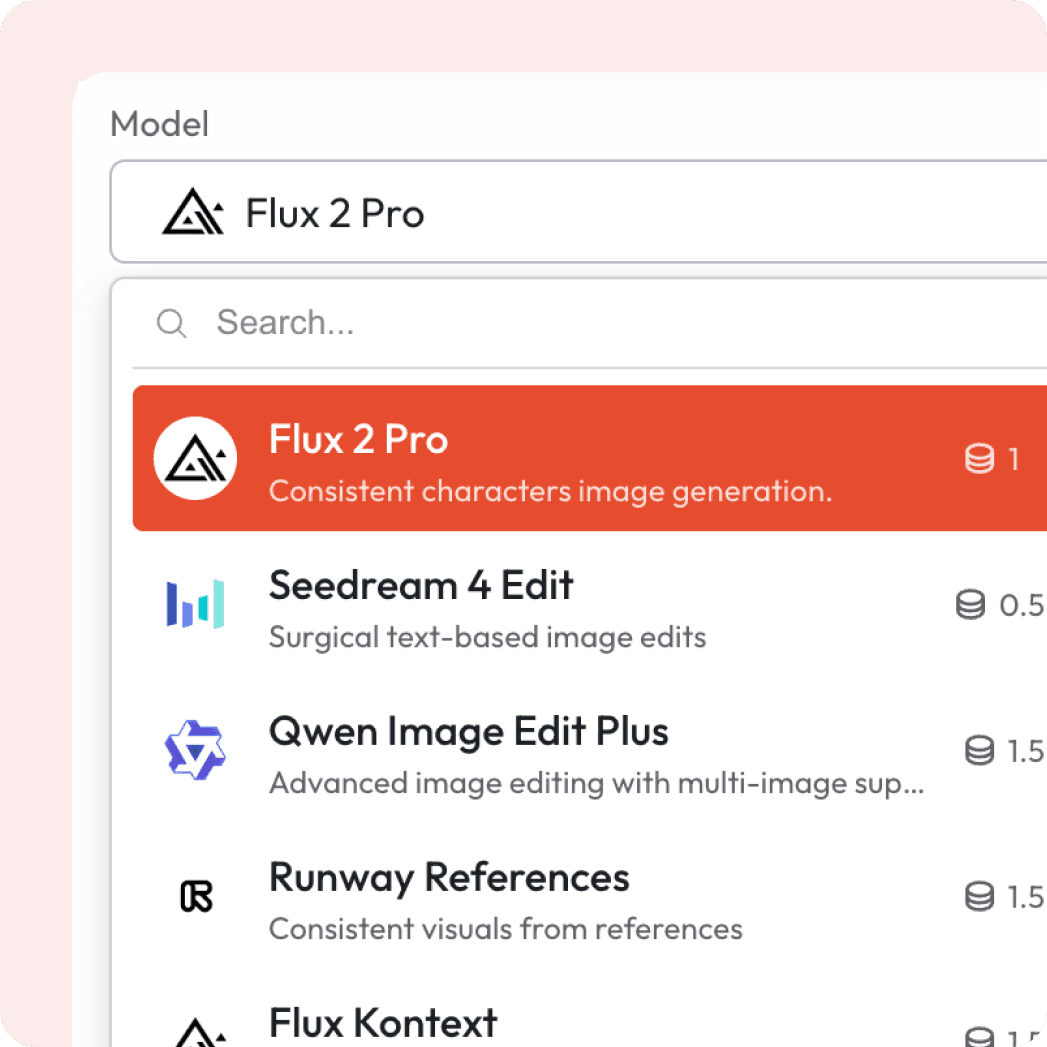
Select Your Model
Choose Flux 2.0 from variety of models.
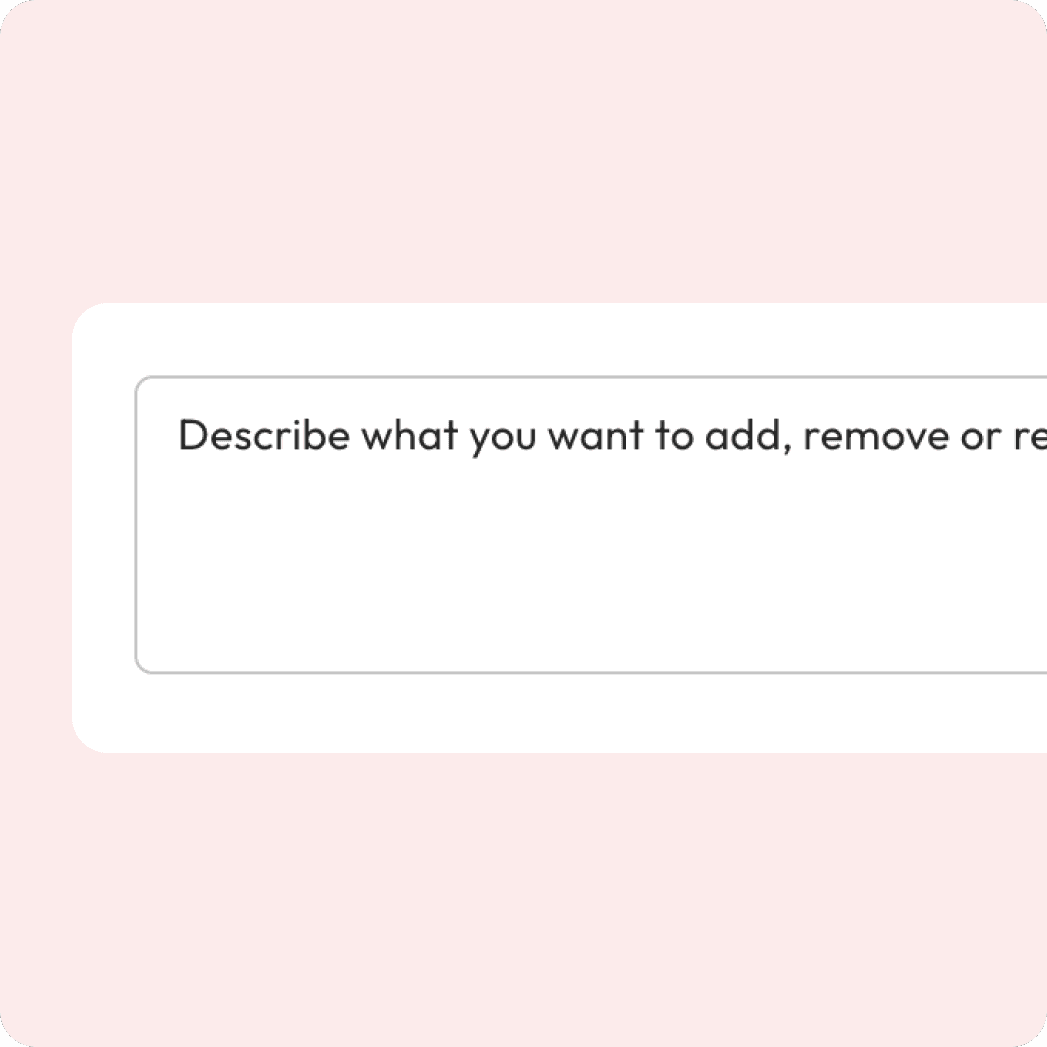
Enter your prompt
Describe the edit you want from enhancements to swaps.
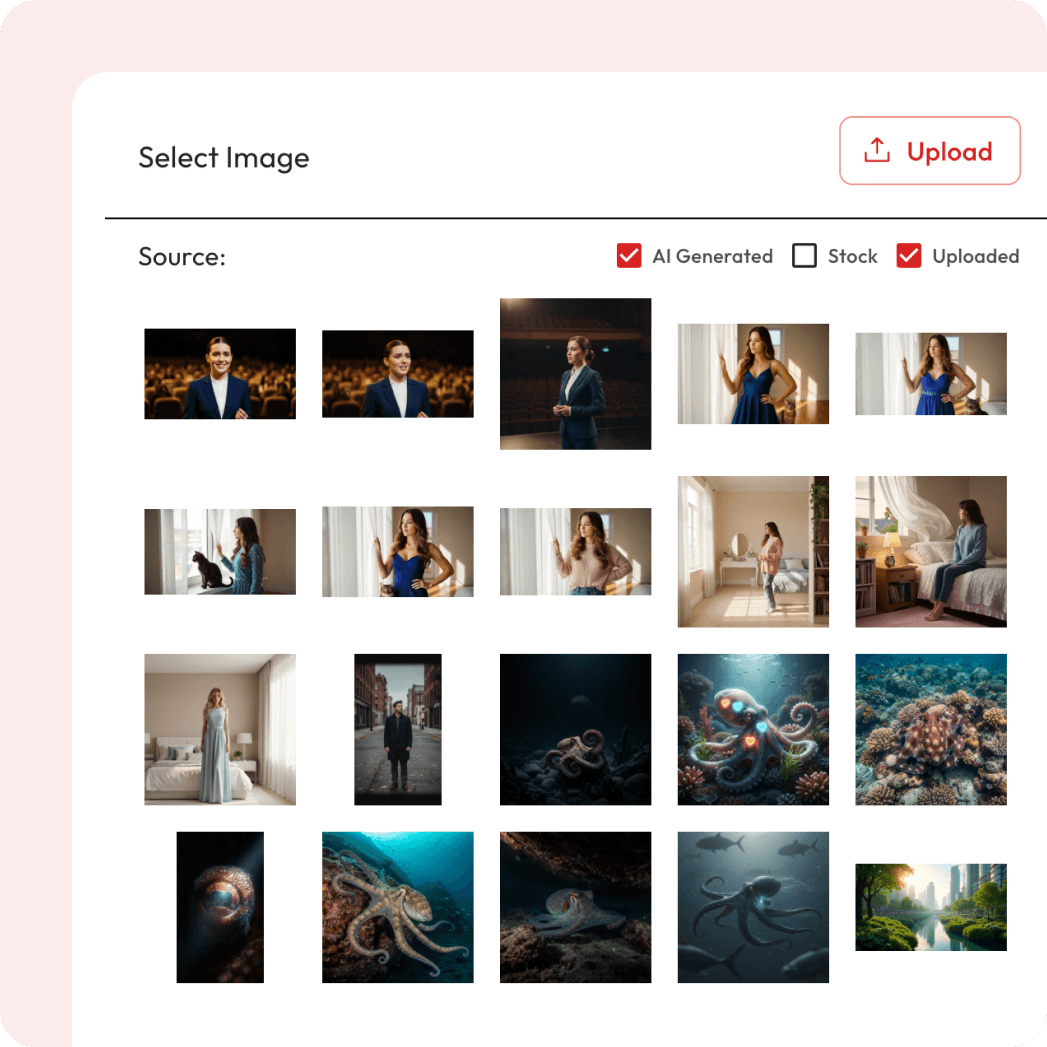
Attach Image
Upload the photo you want to edit & optionally add a reference.
Export and Download
Hit the “Generate” button and download your edited image.
Powered by Atlabs
FLUX.2 is designed for real-world creative workflows, not just demos or party tricks. It generates high-quality images while maintaining character and style consistency across multiple reference images, following structured prompts, reading and writing complex text, adhering to brand guidelines, and reliably handling lighting, layouts, and logos. FLUX.2 can edit images at up to 4 megapixels while preserving detail and coherence.
Enhance, restyle, or transform your image in seconds

Two Ways to Edit Images.
Choose how you want to refine and transform your visuals.


Got Questions?
How does Atlabs work?
Atlabs is a video creator built for the AI-era. Simply enter a few words or import existing content, and get a video in less than 5 minutes.
Is it easy to learn?
Atlabs is the first video creator you will actually enjoy using. No creative or technical skills needed.
What kind of videos can I make with Atlabs?
You can produce ads, social media clips, explainer videos, tutorials, corporate films, and even long-form video series — all with consistent visuals and voices.
How does character consistency work?
Atlabs lets you design and maintain characters across scenes or even an entire video series, ensuring professional storytelling continuity.
Are the AI voices realistic and customizable?
Yes, our AI voiceovers sound natural and can be customized for tone, style, and language to fit your project.
What export options do I get?
Export videos as .mp4, share previews directly, or move projects into professional editing tools like adobe premiere pro for advanced tweaks.
What is Flux 2.0?
Flux 2.0 is an AI image generation model available on Atlabs. It creates high-quality images from simple text prompts, letting you produce artwork, product visuals, concepts and marketing assets in seconds.
What is Flux 2.0?
Flux 2.0 is an AI image generation model available on Atlabs. It creates high-quality images from simple text prompts, letting you produce artwork, product visuals, concepts and marketing assets in seconds.
