ACCESS 50+ MODELS ON ATLABS
Turn Your Images to Videos with Kling 2.1 Standard
Create high-quality AI motion videos in minutes — optimized for speed, efficiency, and quick-turnaround content without sacrificing visual impact.
No credit card required. Get started in minutes.
Whether it's for marketing videos, educational content, podcasts, or digital presentations, our AI Motion ensure your message is delivered with clarity, emotion, and impact.
Powered by Atlabs
The Kling 2.1 Standard motion model delivers reliable AI-generated motion with quick turnaround times, making it perfect for social media clips, marketing content, and everyday video needs. It balances speed with good visual quality, producing smooth transitions, natural depth, and cinematic motion without long waits. For creators and brands looking to scale video output efficiently, Kling 2.1 Standard is the go-to choice for fast, flexible, and production-ready AI motion generation.
Step by Step
How to Use
Kling 2.1 Standard
on Atlabs

Generate Video
Model

Kling 2.1 Standard
Describe an image and click Generate
Start Frame (Optional)
End Frame (Optional)
Describe the motion
Enter prompt for video generation
Select Your Model
Choose from a variety of advanced AI models.

Upload Start Frame
Upload start image & optionally you can upload end frame.
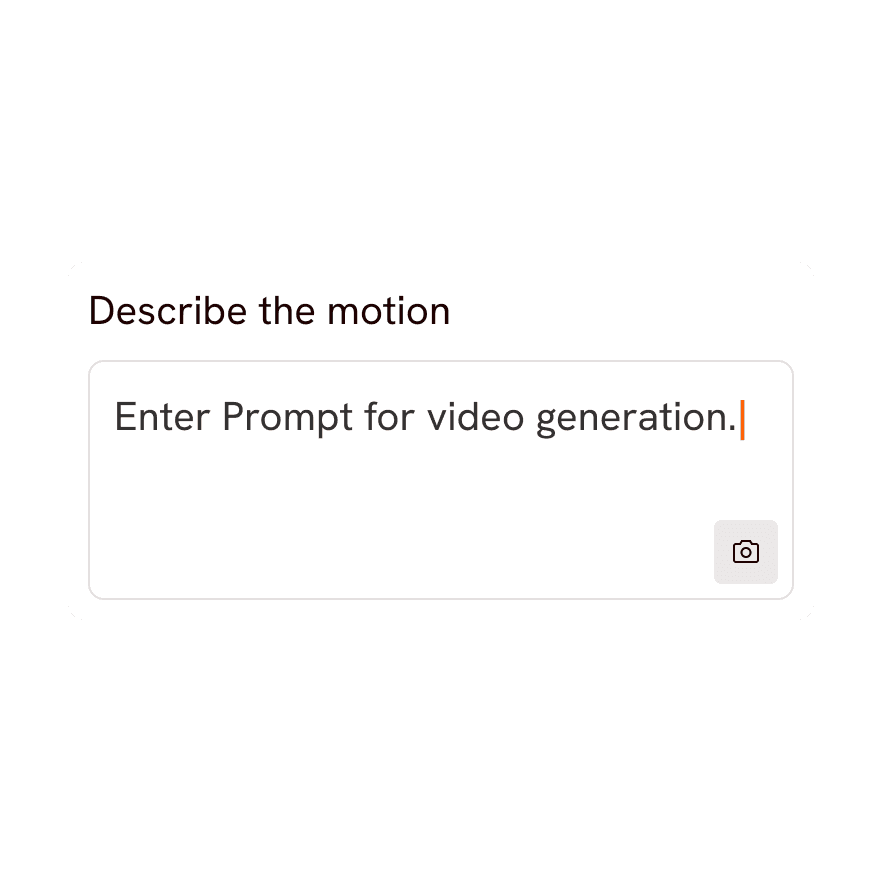
Write / Generate Prompt
Craft your own prompt or use our Magic Prompt feature.

Generate Video
Hit the “Generate” button, and watch your image turn to video.

Two Ways to Create Motion.
Choose how you want to bring your images to life — full control or instant creativity.


Prompt Mode
Write a simple prompt to describe the motion you want
Perfect for creators who want precision and control


AI Magic Mode
Use AI Magic Prompt to auto-generate ready-to-use prompts
Saves time while still delivering high-quality results
Got Questions?
What is Kling 2.1 Standard and what can it do?
Kling 2.1 Standard is an AI video generation model available on Atlabs. It turns your text prompts and still images into smooth, high-quality video clips, letting you create cinematic motion, camera moves and animated scenes without any filming or editing experience.
How do I create a video with Kling 2.1 Standard on Atlabs?
Open Atlabs, select Kling 2.1 Standard as your model, then enter a text prompt or upload a starting image describing the scene you want. Adjust settings like duration and aspect ratio, hit generate, and Kling 2.1 Standard renders your video in moments, ready to preview and download.
Can Kling 2.1 Standard do both text-to-video and image-to-video?
Yes. With Kling 2.1 Standard you can start from a written prompt to generate a scene from scratch, or upload a reference image and let the model animate it into motion, making it flexible for storytelling, product shots and social clips.
What kind of content works best with Kling 2.1 Standard?
Kling 2.1 Standard is great for short cinematic clips, social media content, product and ad visuals, concept animations and B-roll. Clear, descriptive prompts and good-quality reference images produce the most consistent and realistic results.
How long does Kling 2.1 Standard take to generate a video?
Most Kling 2.1 Standard clips render within a few moments on Atlabs, depending on clip length and current demand. You can queue multiple generations and keep working while your videos process in the background.
Is Kling 2.1 Standard free to use on Atlabs?
You can try Kling 2.1 Standard on Atlabs with a free account that includes starter credits. For longer clips, higher resolution and more generations, Atlabs offers affordable paid plans that unlock the full power of Kling 2.1 Standard.
