ACCESS 50+ MODELS ON ATLABS
Edit Images with Professional Precision using Runway References
Guide your edits with Runway References — use up to two images to match style, color, and detail.
No credit card required. Get started in minutes.
Whether it’s for product photos, marketing creatives, portraits, or artistic projects, Atlabs AI Image Edit makes it simple to transform any image with precision, creativity, and speed.
Step by Step
How it Works


Select Your Model
Choose from a variety of advanced AI models.
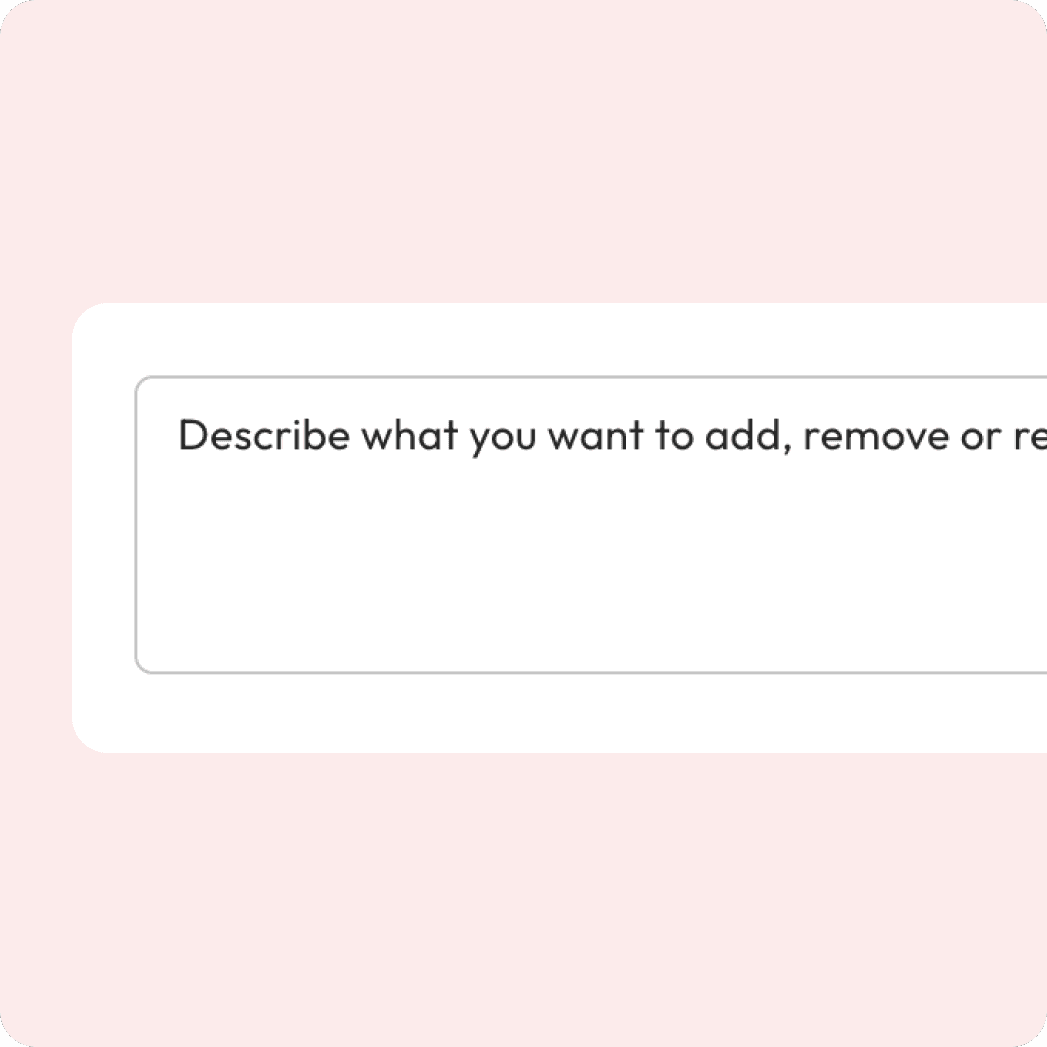
Enter your prompt
Describe the edit you want — from enhancements to swaps.
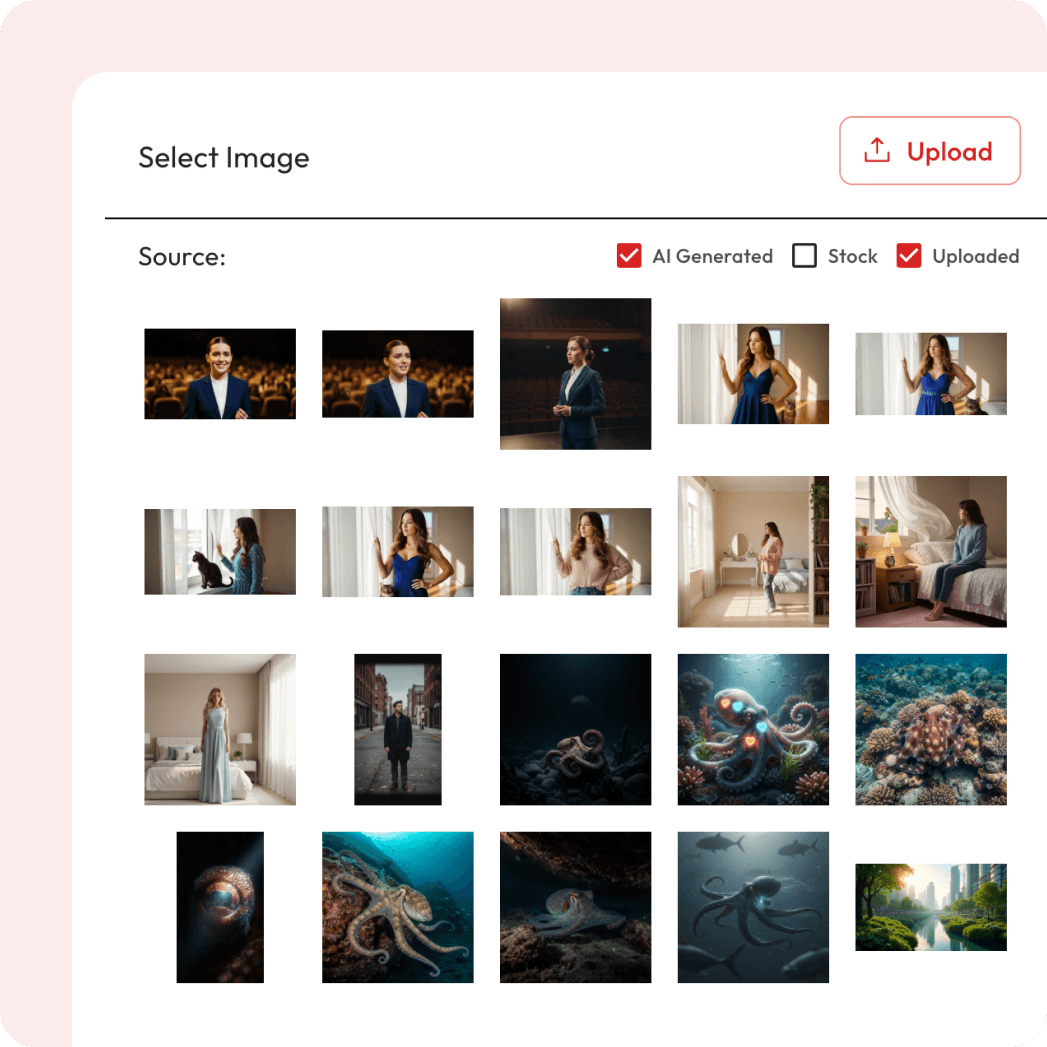
Attach Image
Upload the photo you want to edit & optionally add a reference.

Export and Download
Hit the “Generate” button and download your edited image.
Powered by Atlabs
The Runway References model lets you transform photos with unmatched accuracy by guiding edits through up to two reference images. This ensures consistency in style, color tones, poses, or overall aesthetics, making it ideal for e-commerce product photos, fashion catalogs, creative campaigns, and brand visuals. Instead of relying on generic AI edits, Runway References allows you to match the exact look and feel you want — whether it’s replicating a specific outfit style, harmonizing multiple product shots, or aligning with a campaign’s visual identity. With advanced AI-powered background cleanup, restyling, and detail preservation, your images stay sharp, realistic, and professional. By combining prompt-based edits with reference images, you get the best of both worlds: creative flexibility and consistent, production-ready results.
Enhance, restyle, or transform your image in seconds

Two Ways to Edit Images.
Choose how you want to refine and transform your visuals.


Got Questions?
How does Atlabs work?
Atlabs is a video creator built for the AI-era. Simply enter a few words or import existing content, and get a video in less than 5 minutes.
Is it easy to learn?
Atlabs is the first video creator you will actually enjoy using. No creative or technical skills needed.
What kind of videos can I make with Atlabs?
You can produce ads, social media clips, explainer videos, tutorials, corporate films, and even long-form video series — all with consistent visuals and voices.
How does character consistency work?
Atlabs lets you design and maintain characters across scenes or even an entire video series, ensuring professional storytelling continuity.
Are the AI voices realistic and customizable?
Yes, our AI voiceovers sound natural and can be customized for tone, style, and language to fit your project.
What export options do I get?
Export videos as .mp4, share previews directly, or move projects into professional editing tools like adobe premiere pro for advanced tweaks.
What is Runway References?
Runway References is an AI image editing model on Atlabs. Instead of generating from scratch, it edits and transforms your existing images using simple text instructions, so you can restyle, retouch and modify visuals without design software.
What is Runway References?
Runway References is an AI image editing model on Atlabs. Instead of generating from scratch, it edits and transforms your existing images using simple text instructions, so you can restyle, retouch and modify visuals without design software.
