ACCESS 50+ MODELS ON ATLABS
Alibaba WAN 2.5: Next-Generation AI Image-to-Video Model
No complex setup required — simply upload an image, optionally enter a text prompt and generate videos instantly.
No credit card required. Get started in minutes.
Create high-quality AI videos with WAN 2.5 on Atlabs — perfect for marketing campaigns, social media, e-learning content, podcasts, and professional presentations.
Powered by Atlabs
WAN 2.5 is a cutting-edge AI text-to-video and image-to-video model, now available on Atlabs. Built for speed, affordability, and high-quality results, WAN 2.5 transforms your prompts or static images into dynamic motion videos in resolutions up to 1080p. With lightning-fast rendering and smooth motion transitions, it’s the perfect tool for creators, marketers, and brands who need cinematic-quality videos without the long wait times or expensive costs. ✨ Atlabs makes accessing WAN 2.5 seamless — no coding, no complex setup, just plug-and-play video generation. Whether you’re producing social media content, ads, explainer videos, or prototypes, Atlabs ensures you get: Ease of Use – A simple interface to generate and customize your videos. Scalability – Create multiple videos quickly for campaigns or testing. Consistency – Preserve details, lighting, and design across every frame.
Step by Step
How to Use
Wan 2.5
on Atlabs

Generate Video
Model

Wan 2.5
Describe an image and click Generate
Start Frame (Optional)
End Frame (Optional)
Describe the motion
Enter prompt for video generation
Select Your Model
Choose from a variety of advanced AI models.

Upload Start Frame
Upload start image & optionally you can upload end frame.
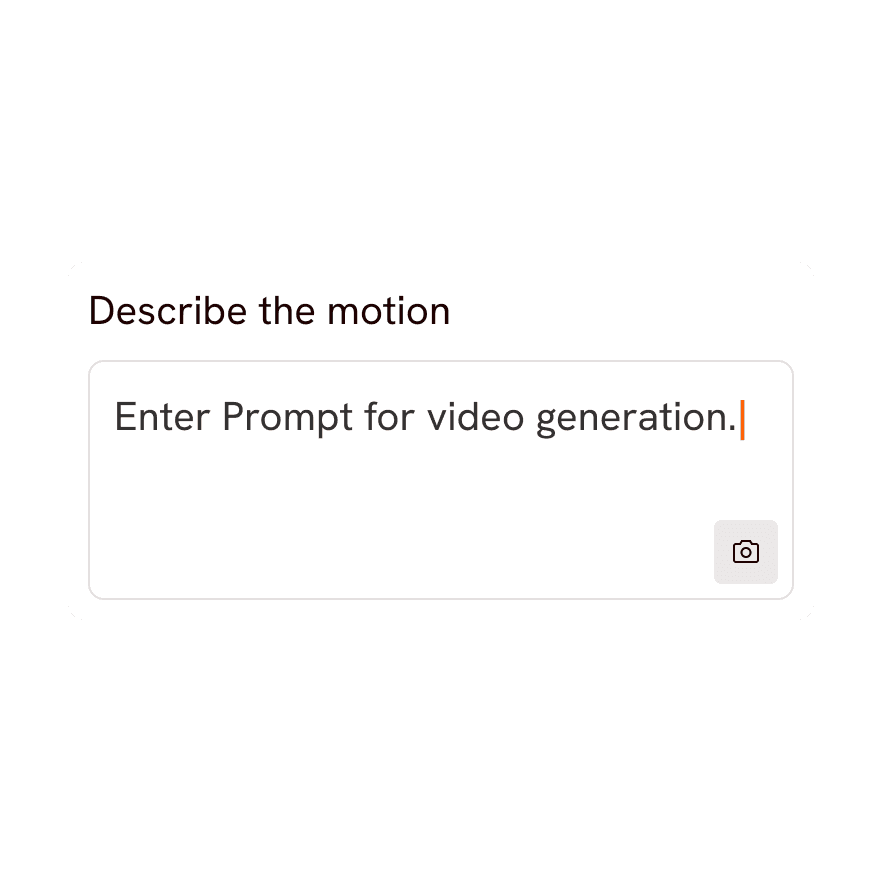
Write / Generate Prompt
Craft your own prompt or use our Magic Prompt feature.

Generate Video
Hit the “Generate” button, and watch your image turn to video.

Pick your plan
No hidden fees, cancel anytime
Monthly
Yearly
25% OFF
Billed as $348 annually, 3 months free
$39
$29
/mo
4200 credits / year
Covers 36-48 minutes of video
Ideal for solo creators getting started
Save $120 compared to monthly
Everything in Lite Plan +
All Music to Video workflows (kids music / indie music / etc.)
Text to Video workflows (script to video / animated video etc.)
30+ visual styles / 40+ languages
300+ Ultra-realistic voices
Access to 100+ AI models including Seedance 2.5 / H3 / GPT 2.5
Auto animated Subtitles
AI Motion & Lip Sync videos
Add consistent Characters / Objects / Products
Upto 5-min videos
Export your videos (1080p)
PRO
25% OFF
PLUS
MOST POPULAR
25% OFF
9000 credits / year
Covers 84-120 minutes of video
Best for creators and small businesses
Save $240 compared to monthly
Everything in Pro Plan +
Train your own models
Add Locations & maintain consistency
Premium Explainer Videos
Multi-Character Music Videos
Clone & Customize Product Ads (upto 15s)
Add emotions to AI Voices
Upto 10-min videos
Multi-Character Animated Videos
200+ Ad Template Library
Export to Premiere Pro
Billed as $708 annually, 3 months free
$79
$59
/mo
MAX
25% OFF
BEST VALUE
Billed as $2,268 annually, 3 months free
$249
$189
/mo
31200 credits / year
Covers 300-420 minutes of video
Built for creative studios and teams at scale
Save $720 compared to monthly
Everything in Plus Plan +
Unlimited custom actors, styles, locations & products
Translate to 40+ languages
Actor Holding Product
Voice Changer
Brand Customisation
Early access to advanced AI
Upto 20-min videos
Account Manager
Priority Support
5x faster renders
Onboarding & Training
Got Questions?
What is Wan 2.5 and what can it do?
Wan 2.5 is an AI video generation model available on Atlabs. It turns your text prompts and still images into smooth, high-quality video clips, letting you create cinematic motion, camera moves and animated scenes without any filming or editing experience.
How do I create a video with Wan 2.5 on Atlabs?
Open Atlabs, select Wan 2.5 as your model, then enter a text prompt or upload a starting image describing the scene you want. Adjust settings like duration and aspect ratio, hit generate, and Wan 2.5 renders your video in moments, ready to preview and download.
Can Wan 2.5 do both text-to-video and image-to-video?
Yes. With Wan 2.5 you can start from a written prompt to generate a scene from scratch, or upload a reference image and let the model animate it into motion, making it flexible for storytelling, product shots and social clips.
What kind of content works best with Wan 2.5?
Wan 2.5 is great for short cinematic clips, social media content, product and ad visuals, concept animations and B-roll. Clear, descriptive prompts and good-quality reference images produce the most consistent and realistic results.
How long does Wan 2.5 take to generate a video?
Most Wan 2.5 clips render within a few moments on Atlabs, depending on clip length and current demand. You can queue multiple generations and keep working while your videos process in the background.
Is Wan 2.5 free to use on Atlabs?
You can try Wan 2.5 on Atlabs with a free account that includes starter credits. For longer clips, higher resolution and more generations, Atlabs offers affordable paid plans that unlock the full power of Wan 2.5.
