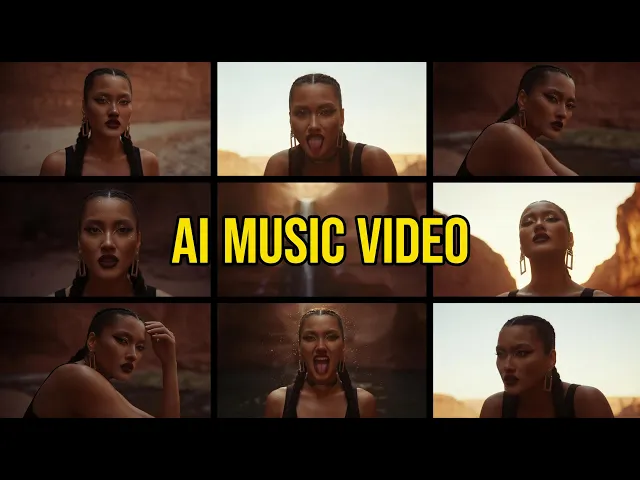
AI Christian Worship Music Video Maker
Turn your worship song into a music video in minutes
Upload your worship track, choose a visual style, and Atlabs AI creates a beat-synced music video that carries the heart of your song. Ready for YouTube, Instagram, and your church’s channels. No film crew. No editing. No big budget.
4.8/5 on G2
4.9/5 on Capterra
How It Works
From worship song to music video in 3 steps
Upload your song or paste a Suno link
Upload your worship track or paste your Suno link. Atlabs reads the mood, tempo, and build of your song, from quiet verses to the final chorus.
Choose a visual style and direction
Pick a style that fits your song: cinematic scenes, sunrise landscapes, candlelit sanctuaries, 3D animation, or watercolour. Set the aspect ratio and length in seconds.
Generate, refine and share
Your video is ready in minutes. Swap scenes, regenerate clips, and add lyric captions, then export in 1080p for YouTube, Reels, or your church’s screens.
Visual Styles
50+ styles. One song. Many ways to tell it.
Pick the look that fits your song and your congregation, or try a few and see which one moves you.
You can also train your own custom visual style on Atlabs - every video you make matches your unique aesthetic.
TUTORIALS
Create your first worship video in minutes
Quick tutorials to take you from your song to a finished worship video, with no editing experience needed.
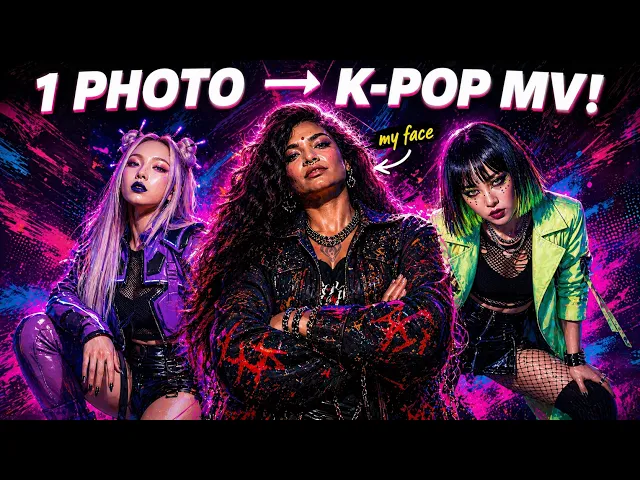
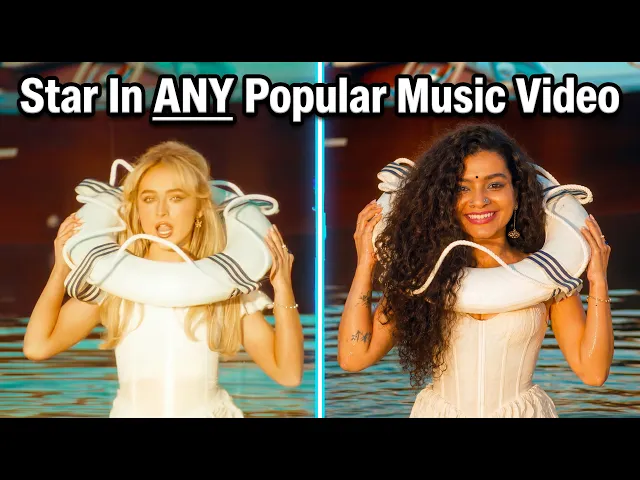
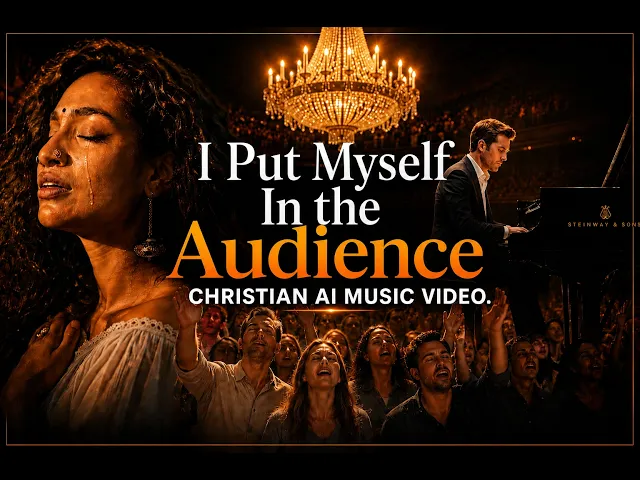
Most churches and worship artists don’t have the budget for a film crew. Now they don’t need one.
No credit card required | No editing experience needed
Made For
Built for everyone who shares worship
What Creators Say
Worship creators love what Atlabs does for their songs
FAQ
Common questions about creating worship music videos
Is Wan 3.0 better than Seedance 2.5 or MiniMax H3 for cinematic video?
When looking at Wan 3.0 vs Seedance 2.5, the most significant advantage is the ability to generate up to 30 seconds of continuous footage in a single pass. Seedance 2.5 and MiniMax H3 require extensive manual stitching for longer scenes. Furthermore, Wan 3.0 includes native audiovisual generation that perfectly syncs sound effects and dialogue with the cinematic camera motion.
Can Wan 3.0 generate a 30-second video from a single prompt?
Yes. A core strength of the foundational Wan-VAE architecture is its ability to render full 30-second continuous scenes from one detailed prompt. This eliminates the prompt fatigue usually associated with linking dozens of shorter clips together.
Does Wan 3.0 support link-to-video generation?
Yes, Wan 3.0 powers this capability on Atlabs through seamless webpage link input. By pasting any live article, landing page, or product URL directly into the studio, the engine extracts your content to build an accurate creative brief. This allows enterprise teams to transform online copy into polished 1080p video campaigns in seconds.
Can I use Wan 3.0 to storyboard and swap to other models for final cuts?
Yes, our platform makes this incredibly simple. You can draft your entire storyboard at high speeds using Wan 3.0 to lock in your camera physics and pacing. Once your rough cut is approved, you can easily swap specific shots to different models in the Atlabs workspace for varying aesthetic finishes.
What aspect ratios and languages does Wan 3.0 support?
Wan 3.0 natively renders up to 1080p resolution across multiple formats, including 16:9, 9:16, 1:1, 4:3, and 3:4 to suit any platform. It also features advanced text rendering capabilities that accurately generate both Latin and non-Latin scripts directly onto your video assets.
Are videos generated with Wan 3.0 cleared for commercial use without a watermark?
Every 1080p clip generated on Atlabs includes full commercial usage rights and exports with no watermark. You retain complete ownership of your final assets, making them immediately ready for paid ad campaigns, client deliverables, or social media distribution.
Your worship song deserves to be seen.
Create a music video that carries its message to your church and beyond.