AI Kids Music Video Generator
Make a Theme Song Video for Kids' Channels
Make a kids channel theme song video where your mascot, your colours and your hook open every episode the same way. Upload your channel jingle and Atlabs animates it in minutes. No filming and no animation studio. Export it ready to open every video.
4.8/5 on G2
4.9/5 on Capterra
How It Works
From jingle to theme video in 3 steps
Upload your kids song
Upload your finished jingle or theme song, with clear vocals so the channel name can be heard. Cut a 10-second intro and a 30-second theme from the same song, and upload each cut.
Choose your visual style and direction
Choose a bright style, then Performance so your channel mascot sings the theme with lip-sync or Narrative so the cast acts it out. Keep the same style for every cut, so your intro and your theme look like one brand.
Generate, refine, and share
Generate your cuts and watch them against the song, checking the mascot appears in the first second and the name is clear. Save each one to play on a phone, a tablet or a channel of your own.
Visual Styles
Bright visual styles that make a channel theme stick
Choose from 20+ styles. Bright 3D and bold cartoon looks give your mascot a clear, lasting identity.
You can also train your own custom visual style on Atlabs - every video you make matches your unique aesthetic.
TUTORIALS
Watch a jingle grow into a theme video
A kids channel theme song video works best when the song is short and sung clearly. These short tutorials show each step from upload to export, so your intro and theme cut are ready to open every episode.
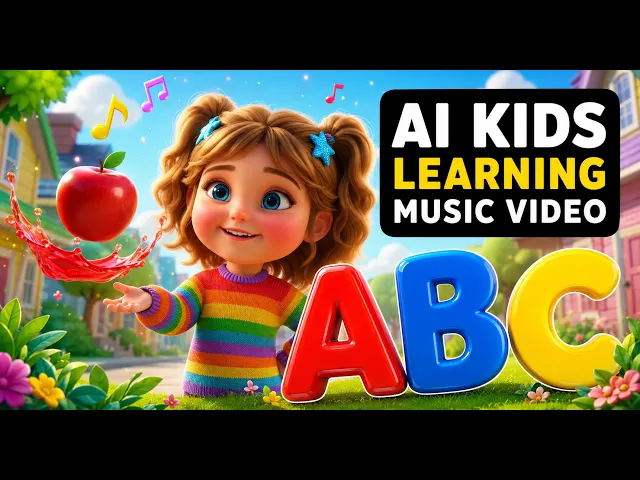
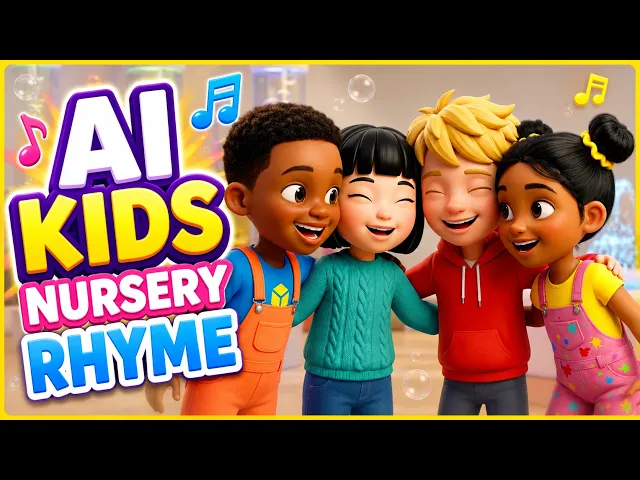
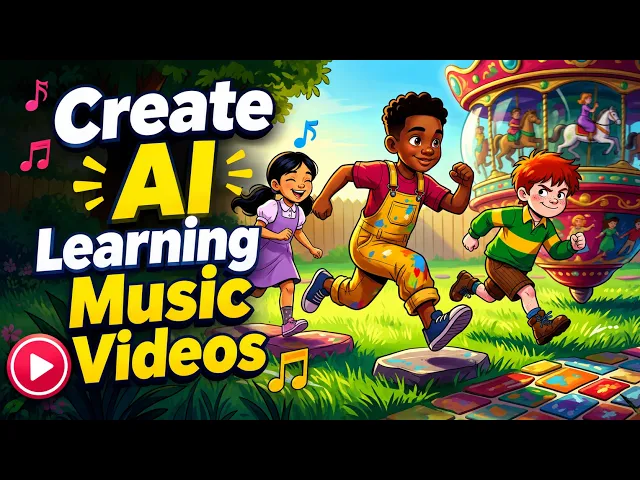
By hand, a channel intro needs a mascot design, animation, captions and an editor to line them up with the jingle. With Atlabs you upload the song and the mascot arrives on the beat, so a new cut means one more upload. Every other cut stays just as it was.
No credit card required | No editing experience needed
Who is it for
Who makes theme songs for kids channels
What Creators Say
What channel owners say about their theme song videos
FAQ
Kids channel theme song questions from creators
How do I make a theme song video for my kids' channel?
Upload your finished jingle to Atlabs, choose a style and Performance mode so your mascot sings it, then generate. Atlabs adds scenes and animated captions to the beat, and you can edit any scene before you export a theme video for every episode.
How do I make a 10-second intro and a 30-second theme?
Cut both from the same song, the opening hook for the intro and the full chorus for the theme, and upload each cut. Atlabs animates each one with the same mascot and style, so the short intro and the longer theme look like one brand.
Can my channel mascot sing the theme song too?
Yes. Choose Performance mode and your mascot sings the theme with lip-sync, in your chosen style, with the channel name in animated captions. Cast the mascot once and the same character appears in every cut and every new episode you make from now on.
Where should the subscribe card go in the video?
Put it in the closing beat of the theme. End the song on a clear pose, such as your mascot waving, and add your subscribe card in your editor over that last moment. Atlabs exports the finished cut, ready for you to drop it on top.
How do I reuse the theme across all my episodes?
Export the intro and the theme once from Atlabs for YouTube, then drop them at the start and end of every new episode in your editor. Cast the same mascot for new songs, so each episode and its theme look like one show for your viewers.
Can my theme song be in another language too?
Yes. Atlabs handles theme songs in 40+ languages, so a Spanish welcome, a Hindi jingle or an English rhyme all work. Animated captions follow the words you sing, and your mascot carries across every language you choose, so one channel can greet families in several.
Bring your channel theme to life for free
Join 50,000+ creators turning songs into stunning visuals with Atlabs AI. Free to start, no editing experience needed.