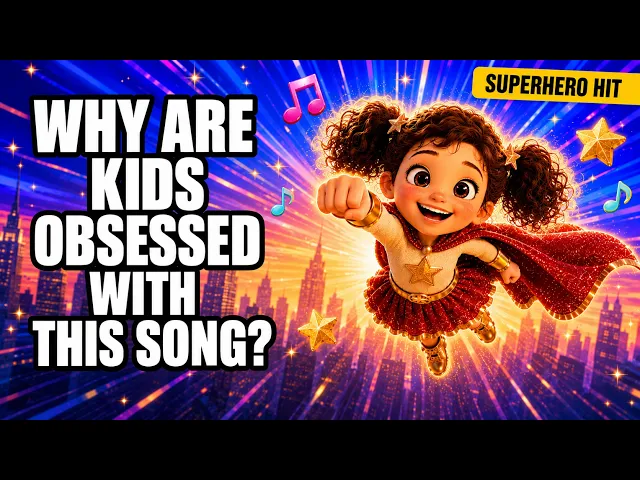
AI Kids Music Video Generator
Turn Your Kids Songs into an Animated Series
Make a kids song series with the same cast, style and look in every episode. Upload each finished song and Atlabs animates it as the next episode, song after song. No filming and no animation studio. Export every episode ready for YouTube.
4.8/5 on G2
4.9/5 on Capterra
How It Works
From songs to a series in 3 steps
Upload your kids song
Upload your first finished song as episode one, with clear vocals so the words can be heard. Each later song becomes the next episode, so your whole series grows one upload at a time.
Choose your visual style and direction
Choose one style and keep it for every episode, then Narrative so the cast acts out each story or Performance so a cartoon singer performs with lip-sync. A steady look makes the series easy for children to recognise.
Generate, refine, and share
Generate your episode and watch it against your song, checking the hook, the story and the chorus land where you expect. Save it to play on a phone, a tablet or a channel of your own.
Visual Styles
One steady visual style across your whole kids series
Choose from 20+ styles. Keep one for every episode so the look of your whole show stays the same, always.
You can also train your own custom visual style on Atlabs - every video you make matches your unique aesthetic.
TUTORIALS
Watch a song grow into an episode
A kids song series grows one song at a time. These short tutorials show each step from upload to export, so every new episode follows the same path and keeps the same cast and style as the one before it.
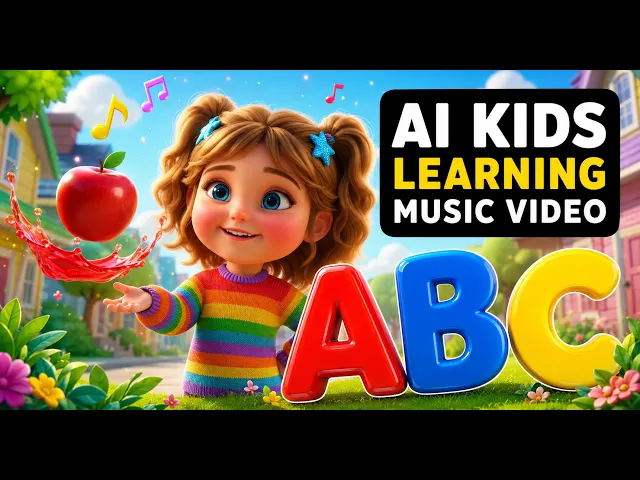
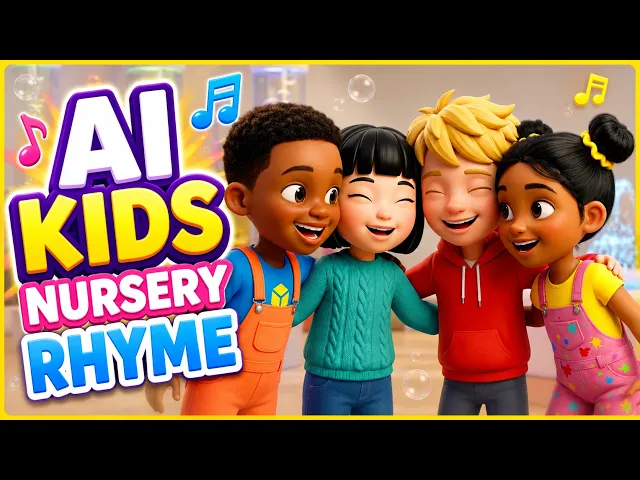
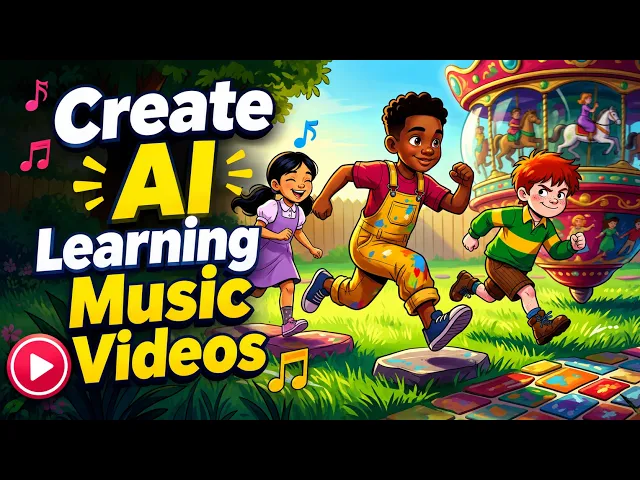
By hand, every episode needs a script, drawn scenes, matched captions and an editor to line them up with the song. With Atlabs you upload each song and the episode arrives on the beat, so a new episode starts with a new song. Every earlier episode stays just as it was.
No credit card required | No editing experience needed
Who is it for
Who builds a series from their kids songs
What Creators Say
What songwriters and teachers say about their series
FAQ
Kids song series questions from creators
How do I turn my kids songs into animated episodes?
Upload each finished song to Atlabs as its own episode, choose one style and cast your characters once. Atlabs animates every verse and chorus, and the same cast and look appear in each new episode, so your songs become a series children can follow.
What does a 3-episode example look like here?
Try three songs with one cast: a fox who loses his hat, finds a friend and throws a party. Cast the fox once, keep one style, and upload each song. Atlabs animates three episodes where the fox looks the same each time, in the same style, with captions on every line.
What is a good episode template for a song series?
Open with a hook in the first line, tell a short story in the verses, and return to the chorus each time. Atlabs follows that shape, giving the hook and each verse its own scenes and bringing the chorus back with a matching look and captions.
How do I keep the same cast across episodes?
Cast your characters once, then reuse them and the same style in every episode. Atlabs keeps each character recognisable from scene to scene, so the hero in episode five looks the way children remember from episode one, with no need to redraw anything.
What is a good playlist and naming plan to use?
Number your episodes and lead with the hero, such as Fox and Friends Episode 1, then group them in one playlist. Export each Atlabs episode for YouTube, add a Shorts clip of the chorus, and keep the style the same so the series looks like one show.
Can my series be in more than one language?
Yes. Atlabs handles songs in 40+ languages, so you can make an English episode, a Spanish episode or a whole series in Hindi. Animated captions follow the words you sing, and the same cast carries across every language you choose.
Bring your song series to life for free
Join 50,000+ creators turning songs into stunning visuals with Atlabs AI. Free to start, no editing experience needed.