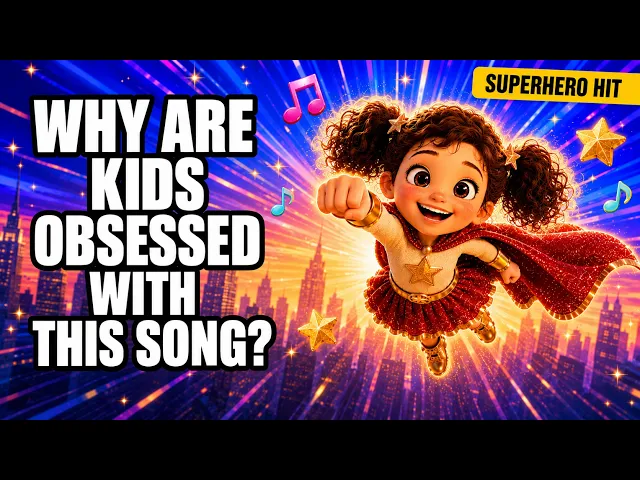
AI Kids Music Video Generator
Your Own Characters in Kids Videos in Minutes
Make a kids music video with your own characters. Upload a portrait of your mascot or cast with your song, and Atlabs keeps the same characters in every scene, on every beat, to the last chorus. Upload a clear character portrait to begin.
4.8/5 on G2
4.9/5 on Capterra
How It Works
From your characters to a video in 3 steps
Upload your kids song
Upload your finished song and your character portrait, front-facing on a plain background. A clear image helps Atlabs keep the same face, colours and outfit in every scene of your song.
Choose your visual style and direction
Choose a bright style, then Narrative so your characters act out the song or Performance so your mascot sings it with lip-sync. Keep the same style for every song, so your cast looks like one family on every episode.
Generate, refine, and share
Generate your video and look for your characters in each scene, checking they match your portrait from first line to last. Save it to play on a phone, a tablet or a classroom screen.
Visual Styles
Styles that keep your cast looking like your cast
Choose from 20+ styles. Rounded 3D and soft storybook both keep a mascot's face friendly and clear.
You can also train your own custom visual style on Atlabs - every video you make matches your unique aesthetic.
TUTORIALS
Watch your characters join a song
A kids music video with your own characters needs a clear portrait and a clear song. These tutorials show each step from upload to export, so your mascot keeps the same look in every scene of the video.
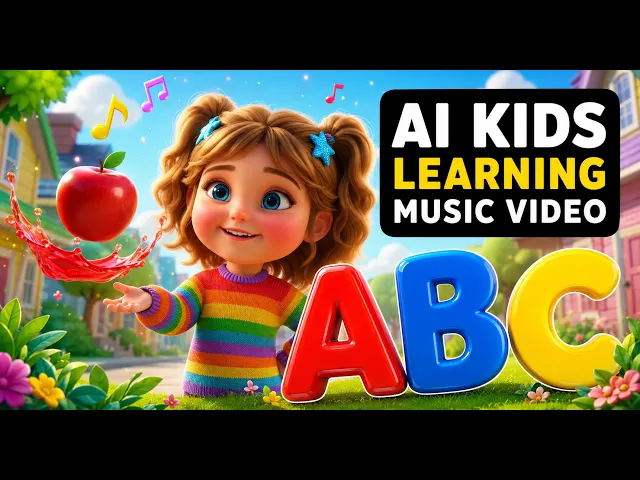
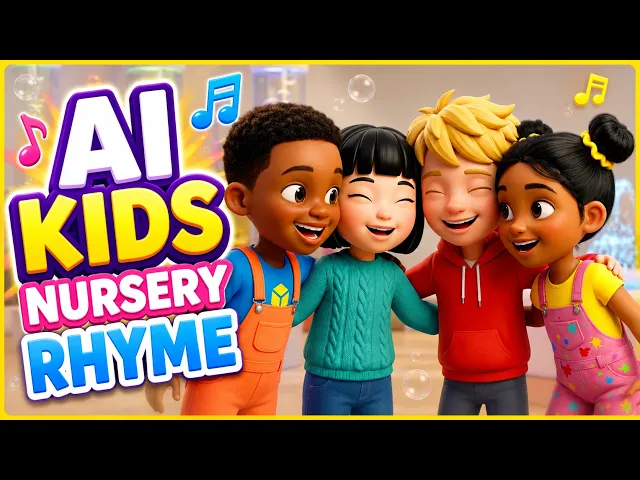
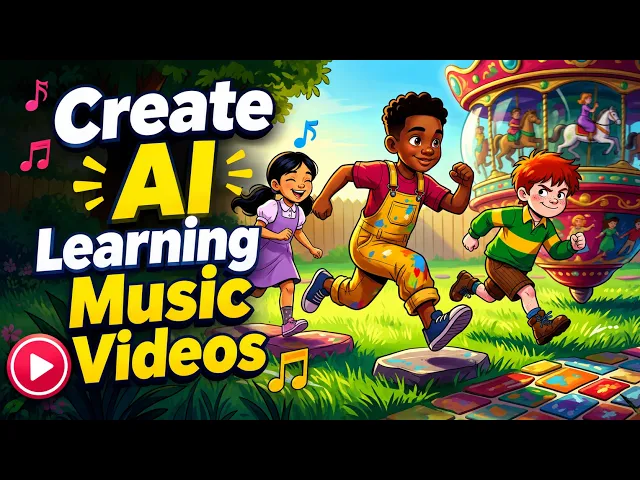
By hand, every scene needs your character redrawn, posed and lined up to the audio in an editor. With Atlabs you upload the portrait and the song, and your cast arrives in each scene on the beat, ready for the next episode, with nothing redrawn and nothing retyped..
No credit card required | No editing experience needed
Who is it for
Who puts their own characters in kids' videos
What Creators Say
What kids channel owners say about using their own cast
FAQ
Own-character kids video questions from creators
Which AI tool makes kid-safe animated characters for songs?
Atlabs does. Upload your finished song and a character portrait, and it animates your song with the same friendly character in every scene, in 20+ styles and 40+ languages, with animated captions and edits for any single scene before you export.
How do I put my character in every single scene?
Upload a portrait of your mascot with your song, then generate. Atlabs casts the character once and keeps the same face, colours and outfit from the first scene to the last, so children see the character they know in every verse and chorus.
What makes a good reference image for my character?
Use a front-facing portrait on a plain background, in good light, with the face and outfit clearly visible. A simple, clean image helps Atlabs keep your character's look steady in every scene, so the character stays recognisable in each episode.
What does a two-episode example with one cast look like?
Upload your fox mascot with a song about a lost hat for episode one, then a song about a birthday party for episode two. Atlabs keeps the same fox in both videos, in the same style, so children recognise the cast straight away, in both episodes.
What is a kid-safe character design checklist?
Choose rounded shapes, a friendly smile, bright colours, clear outfits and a plain background. Keep the style the same in every episode and pick a bold caption style. Atlabs keeps your character's look the same in every scene you generate.
Can my character sing in another language too?
Yes. Choose Performance mode and your mascot sings with lip-sync, in any of 40+ languages. Animated captions follow the words you sing, and the same character appears in your English, Spanish or Hindi videos from episode to episode.
Bring your own characters to life for free
Join 50,000+ creators turning songs into stunning visuals with Atlabs AI. Free to start, no editing experience needed.