AI Kids Music Video Generator
Singing Cartoon Character Video in Minutes
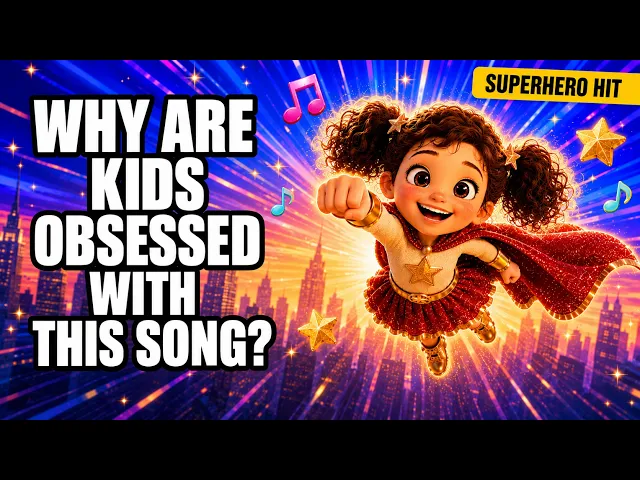
Make a singing cartoon character video from your finished song. Choose Performance mode and Atlabs makes a cartoon character sing it with lip-sync, scene after scene, from the first word to the last. No filming or studio. Pick a cartoon style that suits the voice.
4.8/5 on G2
4.9/5 on Capterra
How It Works
From song to singing character in 3 steps
Upload your kids song
Upload your finished song with clear vocals, so the words can be heard over the music. A clean mix with one lead voice gives your singing character a clear line to follow, word by word.
Choose your visual style and direction
Choose Performance mode so your cartoon character sings the song with lip-sync, or Narrative so characters act the story out. Pick a bright style and cast your mascot or host once, and the same singer performs every verse and chorus.
Generate, refine, and share
Generate your video and watch the character sing along, checking that the mouth moves with each word. Save it to play on a phone, a tablet, a church screen, a classroom screen or a channel of your own.
Visual Styles
Styles that give your singing character a clear face
Choose from 20+ styles. Rounded 3D and soft storybook both keep a singing face friendly and easy to see.
You can also train your own custom visual style on Atlabs - every video you make matches your unique aesthetic.
TUTORIALS
Watch a character sing your song
A singing cartoon character video starts with a clear upload and clean vocals. These short tutorials show each step from upload to export, so your character's mouth moves with every word of your song.
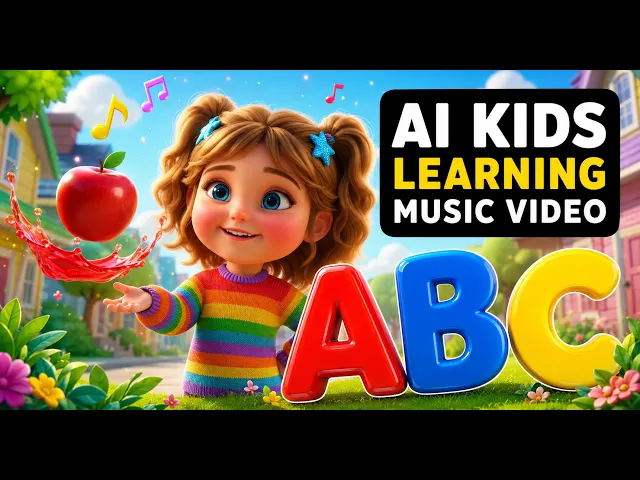
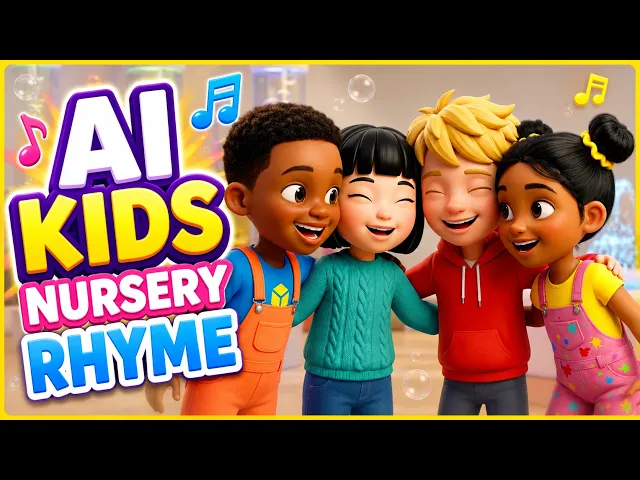
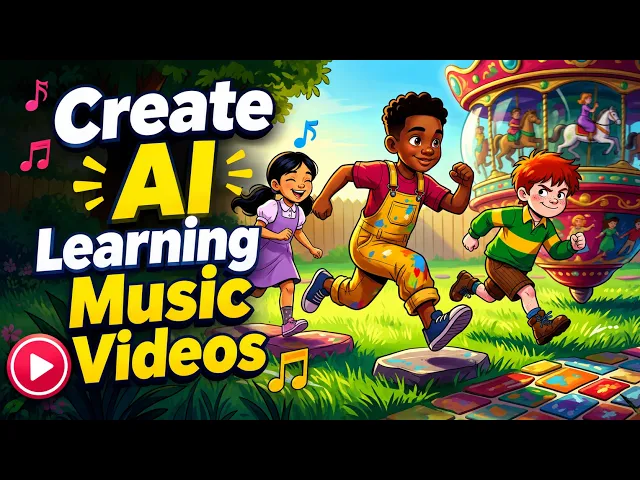
By hand, every word needs a mouth shape drawn, timed and lined up to the audio in an editor. With Atlabs you upload the song and the character sings it with lip-sync on the beat, so a new song means one new upload. Every other video stays just as it was.
No credit card required | No editing experience needed
Who is it for
Who makes a cartoon character sing songs
What Creators Say
What hosts and ministry leaders say about their singers
FAQ
Singing character video questions from creators
Can AI make a singing character that lip-syncs my song?
Yes. Upload your finished song to Atlabs, choose Performance mode and a style, and generate. Your cartoon character sings the lyrics with lip-sync, scene by scene, with animated captions, and you can edit any scene before you export.
What is the difference between Narrative and Performance?
Narrative shows characters acting out the story in your song, like a short film. Performance shows a character singing your words with lip-sync, like a music video. Upload the same song in both modes to compare them side by side.
Which songs suit a singing cartoon character?
Channel themes, worship songs and story songs suit Performance mode well. A host or mascot who sings the chorus gives children one friendly face to follow, while the verses can stay with Narrative scenes that act out the tale for children.
What should I upload for the best lip-sync?
Upload the final mix with clear vocals, and keep the lead voice louder than the backing track. A clean recording with one singer gives Atlabs a clear line to follow, so the mouth moves with each word in every scene, from the first verse to the last chorus.
How is this different from the lip-sync tool?
Atlabs also has a separate lip-sync tool that syncs an existing video. Performance mode starts from your song and generates the singing characters and their scenes for you, so you get a finished music video with a singer, with scenes and animated captions.
Can my singing character sing in another language?
Yes. Atlabs handles songs in 40+ languages, so a Spanish worship song, a Hindi rhyme or an English theme works with Performance mode. Animated captions follow the words you sing, and the same character carries across every language.
Make your cartoon character sing for free
Join 50,000+ creators turning songs into stunning visuals with Atlabs AI. Free to start, no editing experience needed.