


Google Flow vs Atlabs (2026) - AI Video Comparison
Love Google Flow's Visuals? Now make Full AI Videos
Google Flow makes stunning 8-second clips. Atlabs turns them into full videos - with scenes, consistent characters, and a timeline you control.
4.8/5 on G2
4.9/5 on Capterra
:) OUTGROWING
Google Flow
Why creators go looking for an
Google Flow
alternative
Veo produces beautiful visuals. But a great video isn't one perfect shot - it's pacing, characters, transitions, and narrative. Atlabs gives you the director's chair.
Beautiful Clips, But 8 Seconds
Veo's output quality is impressive, but limited to 8 seconds. Long-form storytelling requires a different multi-modal workflow.
Assembly Required
Turning individual clips into a cohesive video means manual stitching, re-prompting for consistency, and hoping the pieces match.
No Narrative Structure
Without scenes, timelines, or character persistence, you're building a film frame by frame instead of story by story.
Making the switch :)
Moving from
Google Flow
to Atlabs
Veo produces beautiful visuals. But a great video isn't one perfect shot - it's pacing, characters, transitions, and narrative. Atlabs gives you the director's chair.
Bring your assets across
Upload the images and clips you've already generated. They can be used as characters, reference frames or scene assets inside an Atlabs project.
Cast your characters once
Turn an existing character image into a cast member. From then on it stays consistent across every scene in the project, and across future projects.
Start from the script, not the prompt
This is the habit that changes. Instead of prompting shot by shot, you paste a script, a song or a product brief and adjust the scenes it generates.
Add the audio in place
Pick a voice, generate lip sync, generate custom text-to-music, and export at 1080p - or export the project to Premiere Pro if a human editor is finishing it.
Atlabs vs.
Google Flow
Platform Type
Video Length
Editing Model
Timeline / Structure
Clip Stitching Required
Built-in - scenes flow automatically
Character Consistency
Visual Quality Per Clip
Creation Modes
Motion Control
Localization
Best For
What Makes Atlabs Different
The hardest problem in AI video - solved. Every scene looks like the same film.
Most AI video tools generate each scene randomly. Characters change face. Locations shift. Objects look different every clip. Atlabs locks it all - so your video has the visual coherence of a real production.
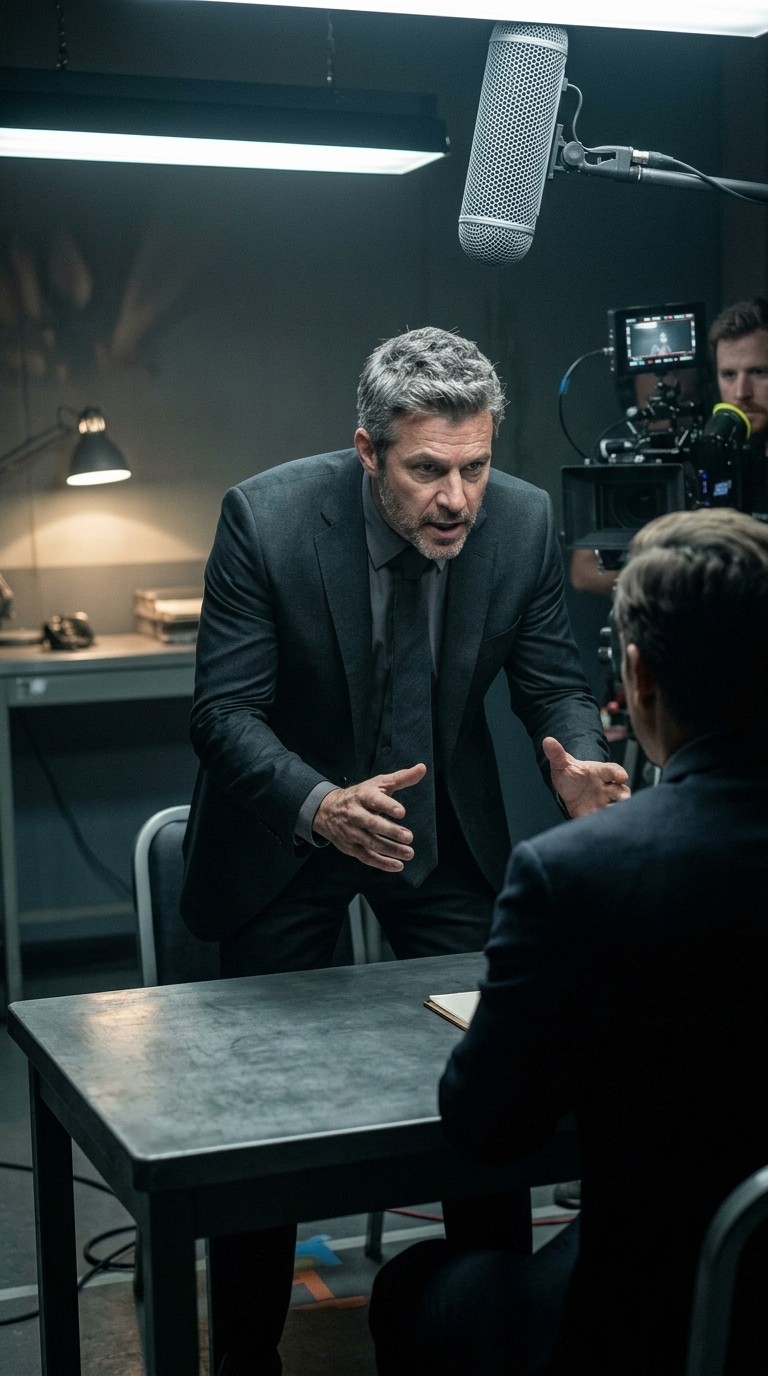
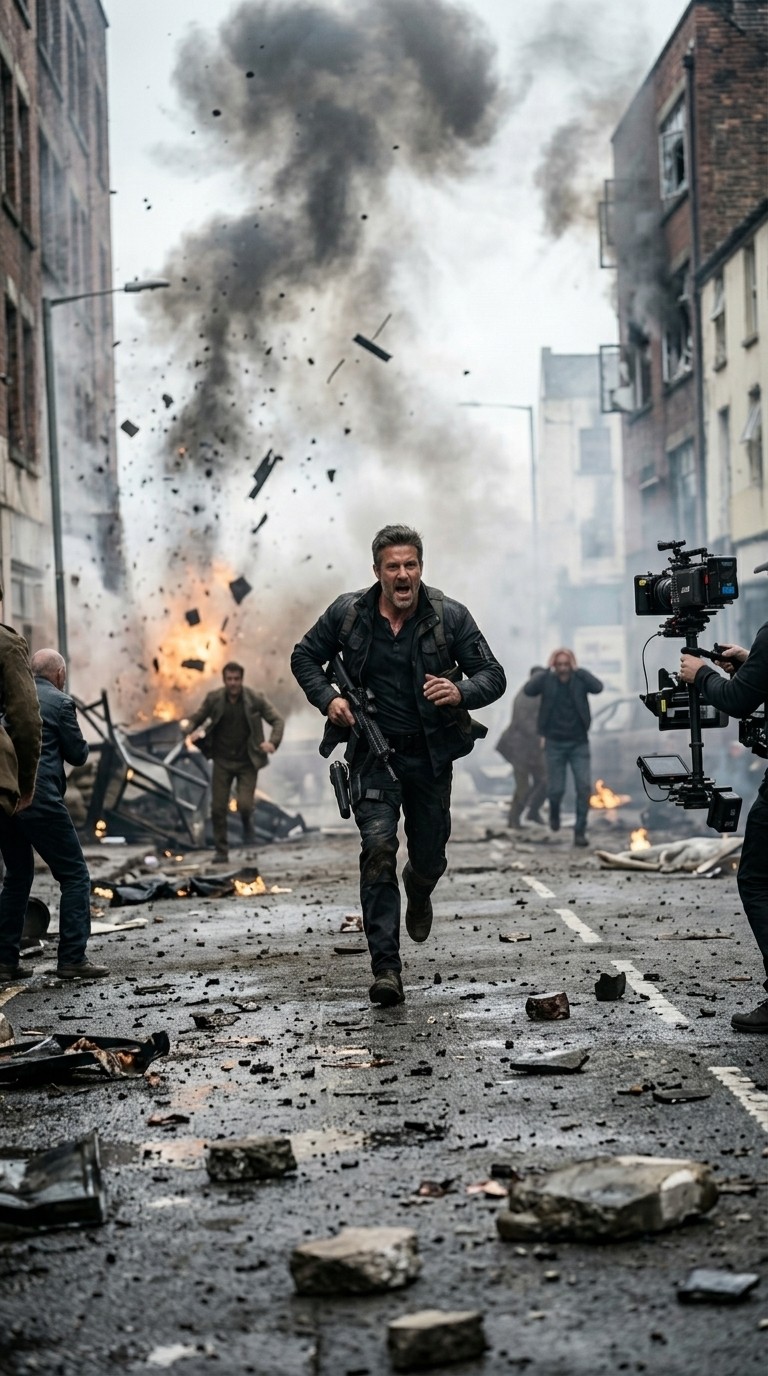
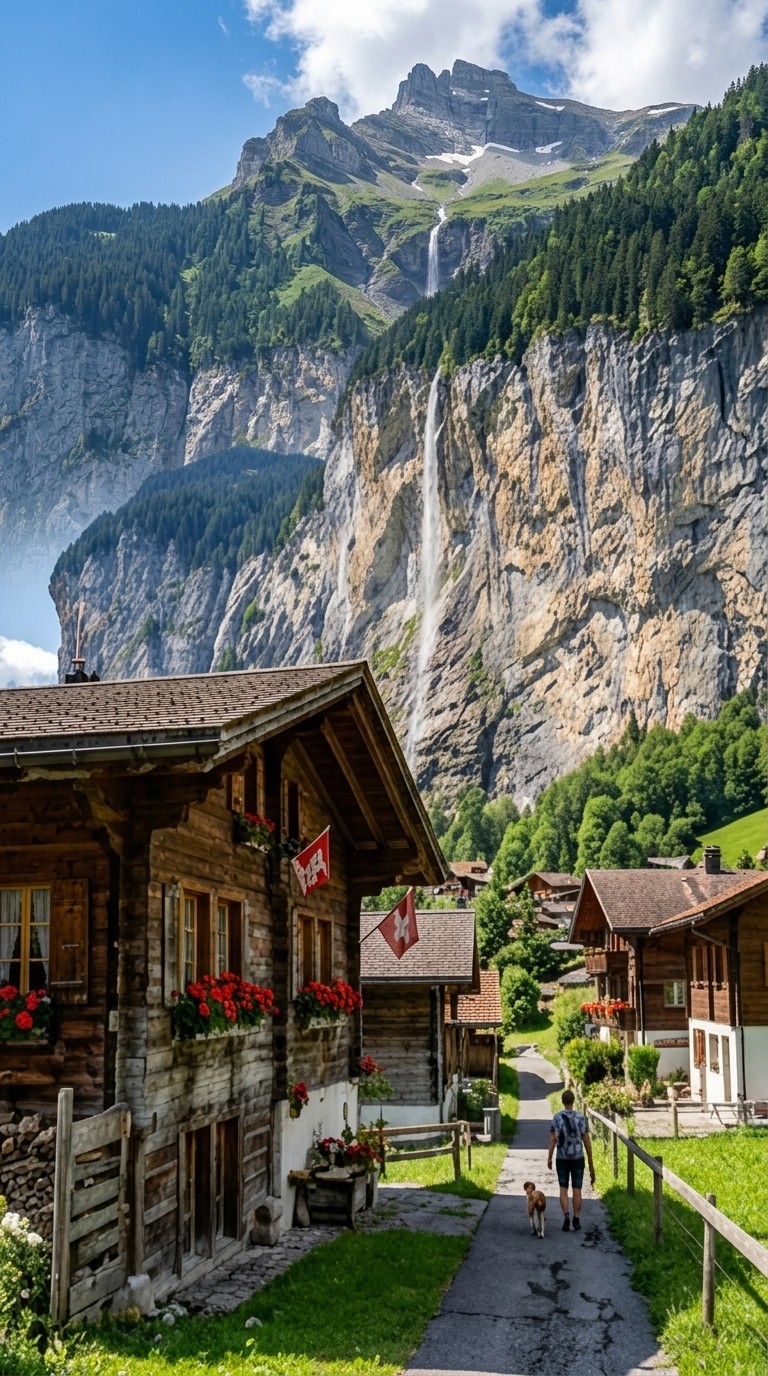
Character consistency
Cast a character once and they look exactly the same in every scene - same face, same clothing, same style. Whether they appear in scene 2 or scene 20, your audience always recognises them.
Scene 2
Scene 7

Scene 20
Wide
Close
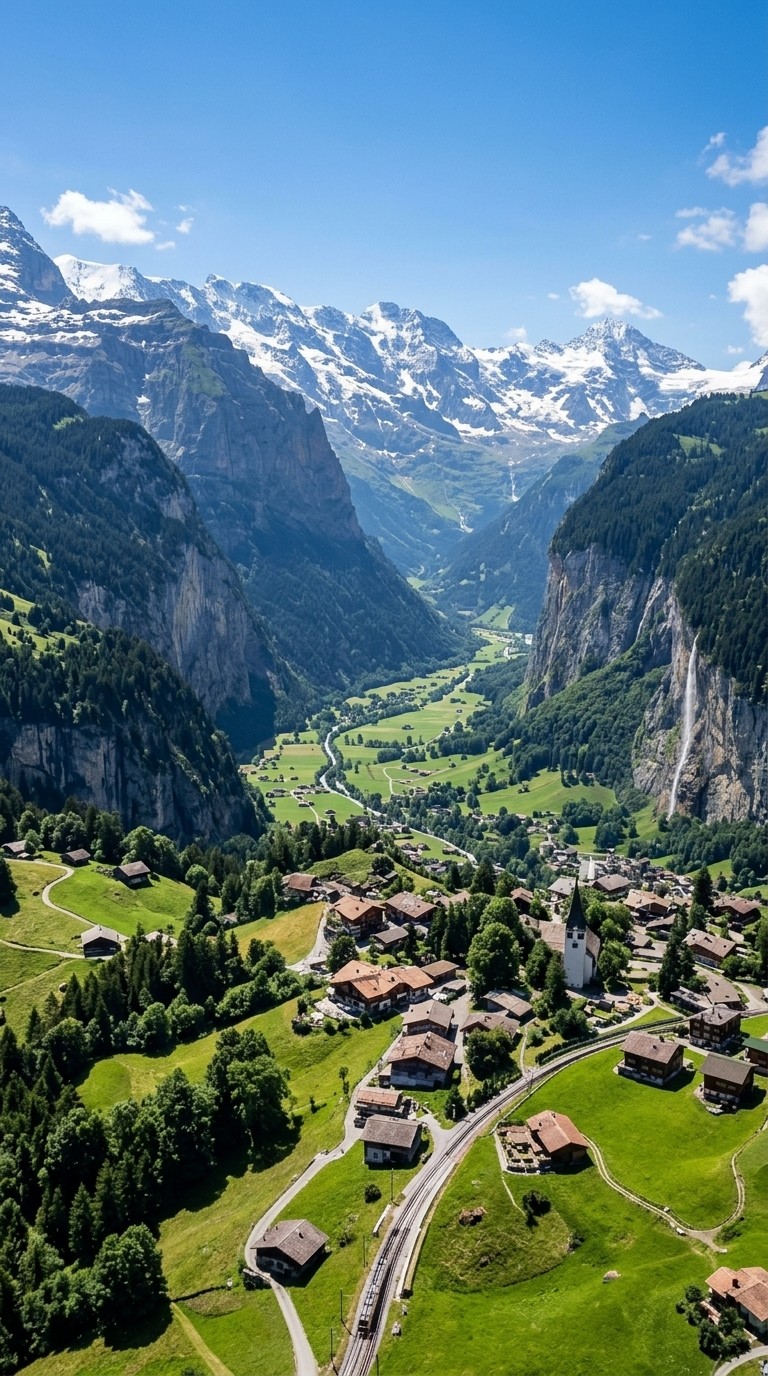
aerial
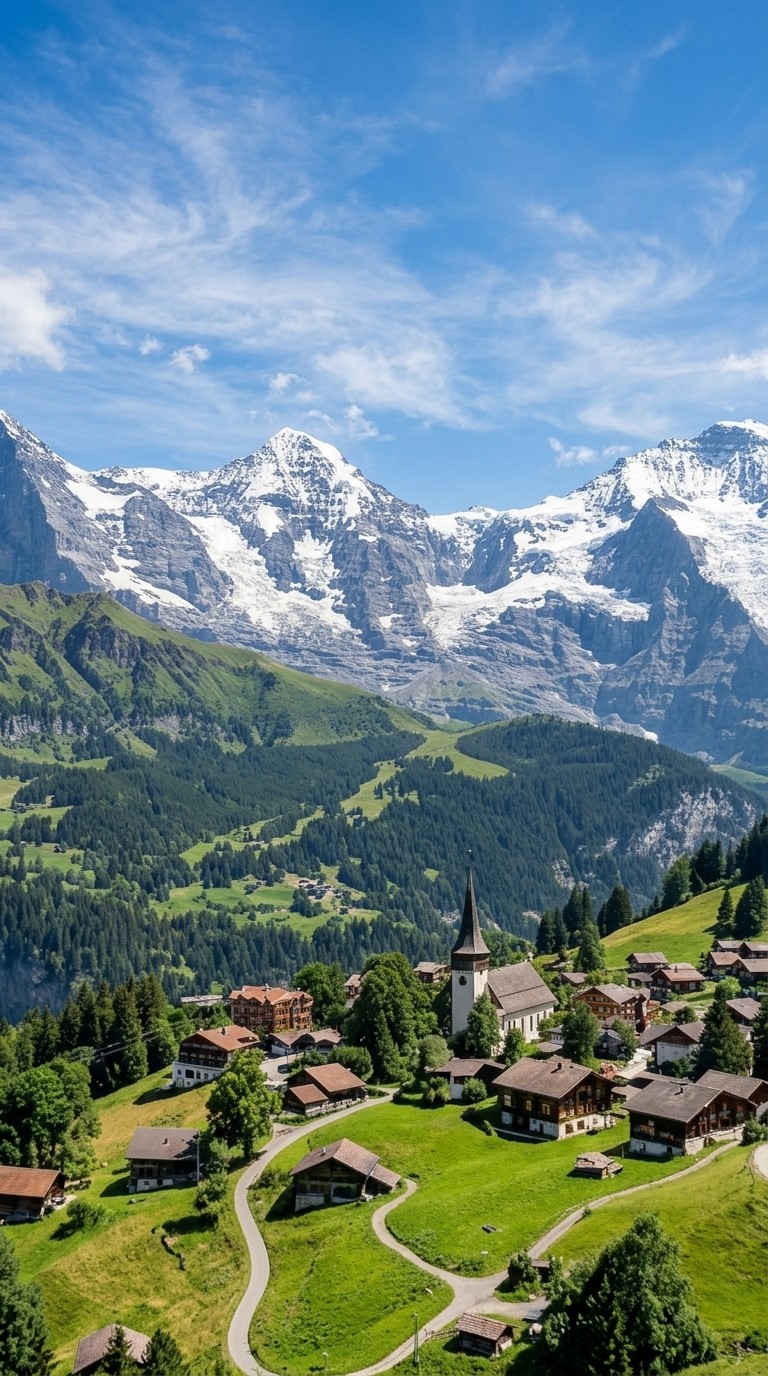
Location consistency
Set your world and Atlabs holds it. The same coffee shop, forest, rooftop, or alien planet appears with consistent architecture, lighting, and atmosphere throughout your video - not a different version each time.
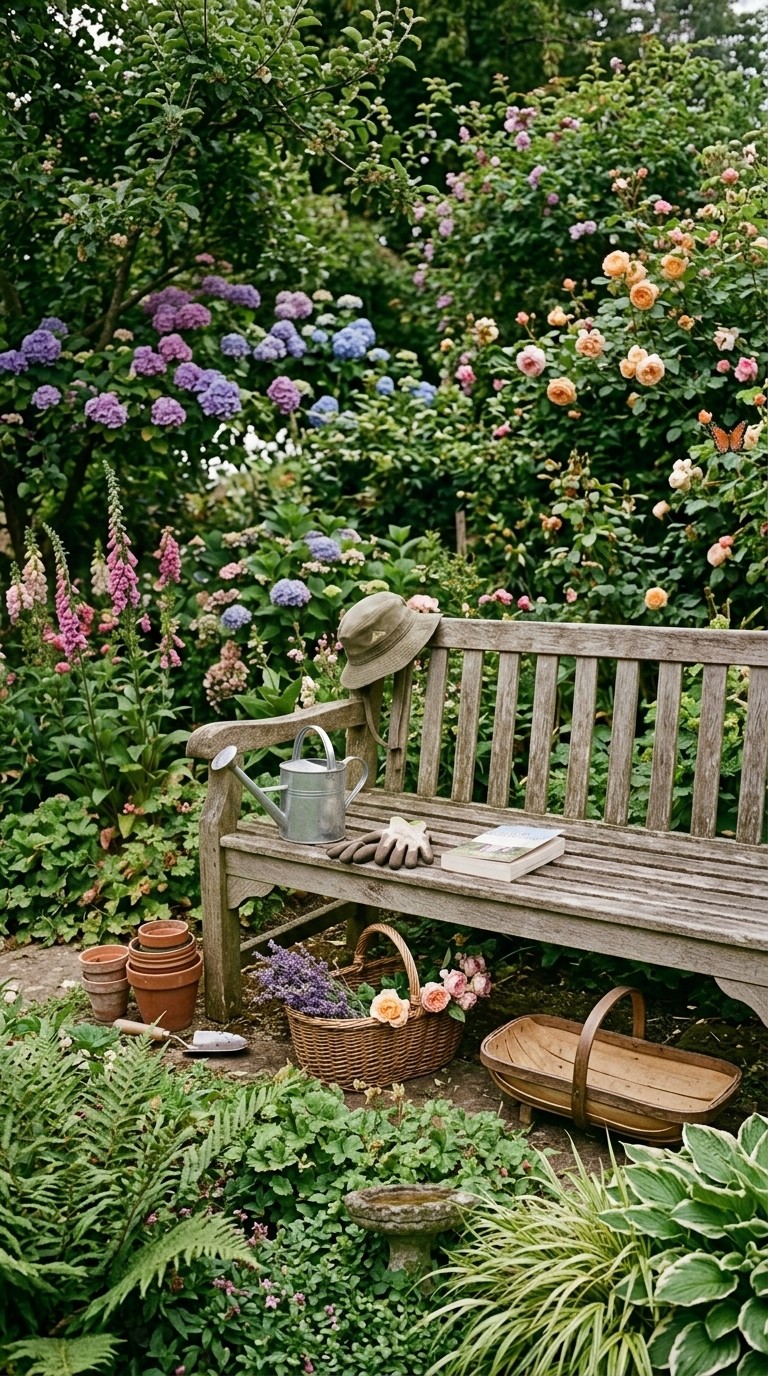
Object and prop consistency
Lock in a specific car model, a branded product, a signature weapon, a magical artefact - whatever matters to your story. It appears identically every time it is shown, treating it like a real prop on a real set.

Scene 1
Scene 11

Scene 13
What Creators Say
Screenwriters, creators, and brands making their stories real
See the Difference in 30 Seconds
Type a concept. Get a multi-scene video - not just a clip.
From Idea to Video in Minutes
How AI Video creation works
1
Start with an idea
Drop in a script, audio, product brief, or just a rough concept. Atlabs understands intent and builds the video structure for you.
2
Customize your video
Fine-tune scenes, visuals, motion, characters, voice, and music at the frame level, with AI agents handling the heavy lifting.
3
Export and share
Render ready-to-ship final videos, from ads and social to explainers and long-form content, and publish anywhere.
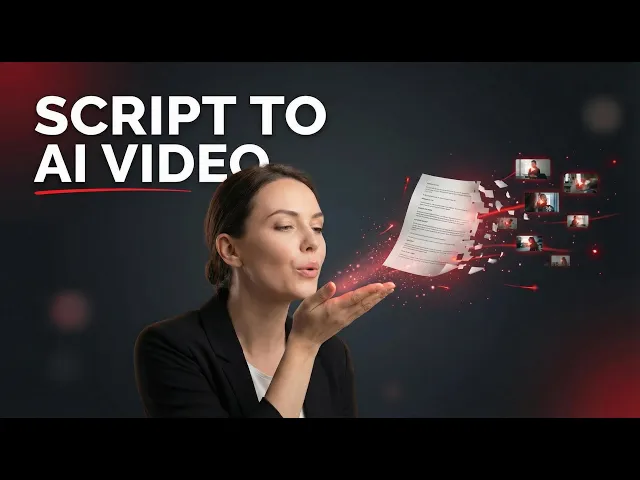
Studio Quality Videos for the Price of Lunch
Choose the plan that fits your ambition. Cancel anytime.
Monthly
Yearly
25% OFF
Billed as $180 annually, 3 months free
$19
$15
/mo
1800 credits / year
Enough for 24 minutes of video
For individuals exploring AI video
Save $48 compared to monthly
Everything in Free +
All Text to Video workflows (script to video / animated video / etc.)
All AI video tools (Reframe / Upscale / etc.)
30+ unique visual styles
300+ Ultra-realistic voices
Access to 100+ AI models including Seedance 2.0, Veo 3.1 & Kling 3
Auto animated Subtitles
Upto 2-min videos
Commercial Use
Export your videos (720p)
LITE
25% OFF
Billed as $348 annually, 3 months free
$39
$29
/mo
4200 credits / year
Covers 36-48 minutes of video
Ideal for solo creators getting started
Save $120 compared to monthly
Everything in Lite Plan +
All Music to Video workflows (kids music / indie music / etc.)
AI Motion & Lip Sync videos
Cast Characters & keep them consistent
Add Objects / Products & maintain consistency
Create video in 40+ languages
Kids Edutainment Music videos
Upto 5-min videos
Music Analysis Pro
Discounted credit packs
Export your videos (1080p)
PRO
25% OFF
PLUS
MOST POPULAR
25% OFF
9000 credits / year
Covers 84-120 minutes of video
Best for creators and small businesses
Save $240 compared to monthly
Everything in Pro Plan +
Train your own models
Add Locations & maintain consistency
Premium Explainer Videos
Multi-Character Music Videos
Clone & Customize Product Ads (upto 15s)
Add emotions to AI Voices
Upto 10-min videos
Multi-Character Animated Videos
200+ Ad Template Library
Export to Premiere Pro
Billed as $708 annually, 3 months free
$79
$59
/mo
MAX
25% OFF
BEST VALUE
Billed as $2,268 annually, 3 months free
$249
$189
/mo
31200 credits / year
Covers 300-420 minutes of video
Built for creative studios and teams at scale
Save $720 compared to monthly
Everything in Plus Plan +
Unlimited custom actors, styles, locations & products
Translate to 40+ languages
Actor Holding Product
Voice Changer
Brand Customisation
Early access to advanced AI
Upto 15-min videos
Account Manager
Priority Support
5x faster renders
Onboarding & Training
Got Questions?
Is Google Flow free?
Yes, Flow offers free access with usage limits. For professional use, you'll likely need additional credits. Atlabs starts at $15/month with more predictable usage.
Can Google Flow create long videos?
Google Flow generates ~8-second clips that must be manually stitched together. Atlabs creates continuous videos up to 15 minutes with seamless scene transitions.
Which is better for YouTube content?
Flow is great for eye-catching thumbnails or short teasers. For full YouTube videos with intros, narration, scenes, and consistent characters, Atlabs is purpose-built for that workflow.
Does Google Flow have character consistency?
Google Flow can maintain some consistency within a single clip, but achieving consistent characters across multiple clips for a longer video is challenging. Atlabs solves this with its Character Consistency Engine.
Can I use Google Flow for product ads or brand videos?
Google Flow is optimized for cinematic visuals and creative experiments, not commercial production workflows. Atlabs offers dedicated AI agents specifically built for product ads, brand films, and marketing content - with features like product placement, custom actors, and multi-language localization.
Which tool has better editing capabilities?
Atlabs provides professional-grade editing with frame-by-frame control, layer management, and scene-level adjustments. Google Flow follows a "generate → regenerate until satisfied" approach with no timeline or granular editing controls.
Can I add voiceovers and music in Google Flow?
Google Flow focuses primarily on visual generation. Audio (voiceovers, music, sound effects) typically requires external tools. Atlabs includes a full audio suite with AI voice generation, lip-sync, SFX, and a royalty-free music library - all built-in.
Is Atlabs harder to learn than Google Flow?
Actually, Atlabs is designed to be easier for production work. While Google Flow requires you to manually generate, curate, and stitch clips together, Atlabs uses AI agents to handle the heavy lifting - you input your idea, and the platform builds the video structure for you.
Can I localize videos in multiple languages?
Atlabs supports 40+ languages with automatic lip-sync, making it easy to create region-specific content from a single source video. Google Flow does not offer built-in localization features.
Which tool is better for script-to-video?
Atlabs. It's specifically designed for script-to-video workflows, automatically generating scenes, characters, motion, and voiceovers from your text.


