Most AI kids cartoons fall apart the moment they become a series. Episode 1 looks great. By episode 3, the young detective has a different face, her dog sidekick has changed colour, and the clubhouse where every mystery starts has a new layout. Kids aged 6 to 9 notice. A mystery series works because they know the gang and want to solve the next case with them.
What a kids mystery series actually needs
Your characters, not the tool's. You have already designed your detectives. The tool has to use your designs, the same faces, outfits and colours, instead of inventing new ones.
The same cast in every episode. A series lives on recurring characters. The three leads, the sidekick and the clubhouse must look the same in episode 1 and episode 12.
A full plotted episode. A mystery needs a problem, clues and a reveal. That takes a 3 to 6 minute episode with dozens of scenes, built from a script, not a pile of 10 second clips you stitch together.
Why a series is harder than a single clip
Making one good looking shot of a character is easy to show off. A series needs dozens of scenes per episode, and the same cast across many episodes. Put three kids and a dog in one frame and the job gets harder still: each one has to stay themselves while they share the scene, without swapping outfits or blending faces.
The real test
So the test for this list is simple. Can the tool turn your script into a full episode? Can it use your own character designs? And can it keep that same cast across every numbered episode? Here is how five tools compare.
What you need before you begin
You need three things. The first is your episode script, from a short idea to a full screenplay, with your three leads named the same way every time. The second is your character designs, one clear image per character. The third is one look for the whole series, such as 3D Cartoon, so every episode feels like the same show.
The five tools, ranked
Atlabs: best for full kids mystery episodes with your own saved cast.
Kling: good for short multi shot clips.
Runway: good for animating one character.
LTX Studio: good for planning every shot.
OpenArt: good for chat based stories.
1. Atlabs: best for full kids mystery episodes with your own cast

An animated kids cartoon made in the Atlabs Animated Video workflow
Best for: kids series creators, YouTube channel owners, teachers and writers with their own characters.
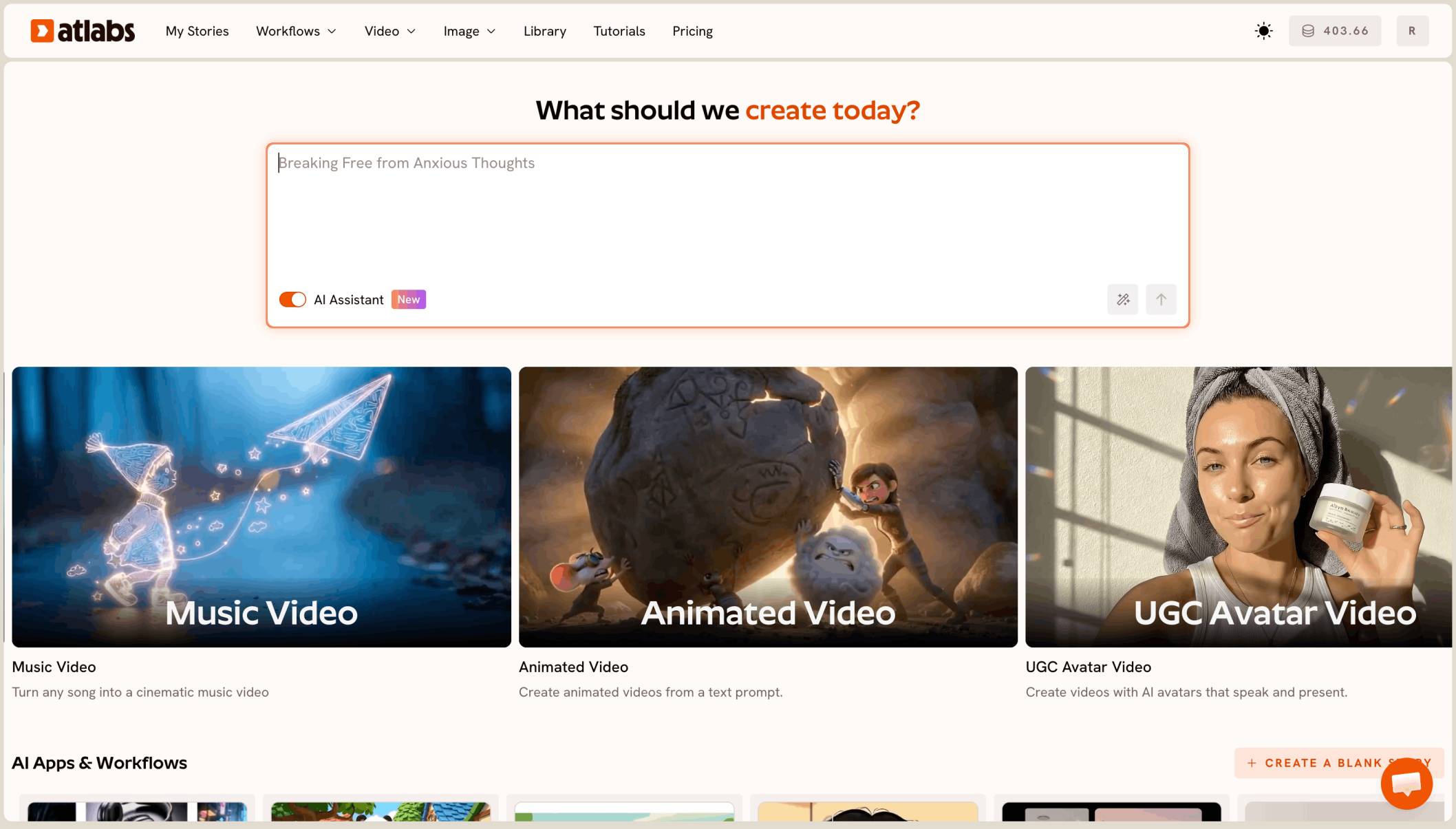
Atlabs is the only tool on this list that turns a written script into a full episode with your own saved cast. In the Animated Video workflow you paste your idea, script or screenplay in Script and pick a language. In Set Style you choose 16:9 and a look such as 3D Cartoon, and keep it for every episode.
In Cast, Atlabs lists the characters, objects and locations it found in your script. Upload your own design for each character with Add Image and pick a narrator voice. Save the gang to your Character Library, and episode 2 starts with the same detectives. Library characters take on the style of the episode, so keeping one style keeps the whole series matching.
In Screenplay, review every scene, shot and line of dialogue before anything is generated. That is the place to check that your clues land in the right order. Then press Finalise and run a Video Teaser, which animates the opening scenes into a 20 to 25 second preview. When it looks right, render the Full Video. Character lines get lip sync, and you can fix any single scene without redoing the episode.
Features checklist
Starts from your own script: yes, an idea, a plain script or a full screenplay.
Your own character designs: yes, upload with Add Image in Cast.
Same cast across episodes: yes, save characters to the Character Library.
Full episodes: yes, a 4 to 6 minute mystery can run to dozens of scenes in one project.
Styles: 50+, including 3D Cartoon.
Preview before the full render: yes, Video Teaser.
Lip sync: yes, on character lines.
Scene by scene editing: yes, fix one scene without regenerating the episode.
Trustpilot rating: 4.5/5.
Verdict: Atlabs is the only tool here that takes your script and your own characters to a full mystery episode, and keeps that same gang in every episode after it.
2. Kling: best for short multi shot clips
Best for: creators who want a strong animated moment for a trailer.
Kling 4.0 makes clips of 3 to 30 seconds with sound and takes reference images and video clips to keep a character steady. Thirty seconds covers one scene of a mystery, not a full episode, so an episode still means many generations joined together in an editor, with the same characters rebuilt each time.
Verdict: strong short clips, with the full episode left to you.
3. Runway: best for animating one character
Best for: creators who want one polished shot of a single character.
Runway's Gen 4.5 is known for natural motion and camera control, and reference images help hold one character steady across a short sequence. It works clip by clip, so a 5 minute episode with a cast of four means planning, generating and editing every shot yourself.
Verdict: good for one character in one shot, less so for a whole series.
4. LTX Studio: best for planning every shot
Best for: creators who like to storyboard each shot before rendering.
LTX Studio breaks a script into scenes with storyboard frames, and its Elements let you save characters and locations to reuse. It suits careful shot planning, though each generation is short and joining them into a full episode is still your job.
Verdict: strong planning, with more manual work to reach a full episode.
5. OpenArt: best for chat based stories
Best for: creators who already use OpenArt and like to direct by chatting.
OpenArt Director builds multi shot videos of up to five minutes from a chat, with saved characters you can tag. It sits inside a wider image and video suite, so it is not made for kids series, and you steer the story and episode structure yourself.
Verdict: flexible for chat led stories, with more steering needed for a kids series.
How we ranked them
We looked at four things: whether the tool turns a written script into a full 3 to 6 minute episode in one project, whether it uses your own character designs, whether the same cast carries across numbered episodes, and whether you can preview before paying for the full render. Tools built around short clips lose ground on the first and third points, since a series is many long episodes with one cast.
FAQ
What is the best AI tool to make a kids cartoon series with your own characters?
For full episodes with your own saved cast, Atlabs is the best fit. Paste your script, upload your character designs in Cast, save them to the Character Library and reuse them in every episode.
How long should a kids mystery episode be?
For ages 6 to 9, 4 to 6 minutes works well. Open with the problem, plant three clues, reveal the answer near the end and close on a small cliffhanger for the next episode.
How do I keep the same characters across numbered episodes?
Save your characters to the Atlabs Character Library and pick them in Cast for every episode. Keep the same visual style too, since library characters take on each episode's style.
Can I paste a script I wrote in a document?
Yes. The Script step takes a short idea, a plain script or a full screenplay. Name your leads the same way every time so Atlabs finds them.
How do I check an episode before rendering all of it?
Review every scene in Screenplay first, then run a Video Teaser for a 20 to 25 second preview of the opening before you render the Full Video.