Most AI cartoon videos for French children's songs go wrong in the same two places. The scenes stop matching the words, because the tool never understood the French lyrics. And the little hero changes, because the bunny in the first couplet has a different face by the refrain. Toddlers notice both. A comptine works because children see what they hear, and see the same friend every time.
What a French kids song video actually needs
Scenes that follow French lyrics. When the song sings "le petit lapin saute", the bunny should jump on screen. That only happens when the tool reads the song in French and builds scenes from those words. A tool that only hears the beat will cut on time but show the wrong things.
One hero from start to finish. Young children follow a character, not a plot. The same animal, with the same colour and the same scarf, has to appear in every scene, in a close up, a wide shot and a dance scene.
The full song, not a clip. French children's songs often run two to four minutes, and some longer. The tool has to handle the whole track in one project, so you are not stitching dozens of short clips together by hand.
Why a full song is harder than a single clip
Making one cute 8 second clip is easy to show off. A full comptine needs dozens of scenes that all agree with each other: the same hero, the same garden, the same bright style. Every new scene is another chance for the character to drift, and every clip you build by hand is another cut you must line up with the music yourself.
The real test
So the test for this list is simple. Can the tool take your own French song, build scenes from its lyrics, keep one hero steady across the whole track, and let you check the result before you render it all? Here is how five tools compare.
What you need before you begin
You need three things. The first is your finished song, with the final mix of vocals and music, as an audio file or a Suno or SoundCloud link. The second is one simple idea, such as a small fox who learns to count in a sunny garden. The third is a picture of your hero, if you already have one, so the same face is used in every scene.
The five tools, ranked
Atlabs: best for a full French kids song video with one hero in every scene.
Freebeat: good for beat synced music videos.
OpenArt: good for chat based multi scene stories.
Runway: good for one polished animated shot.
Canva: good for a short channel trailer.
1. Atlabs: best for a full French kids song video
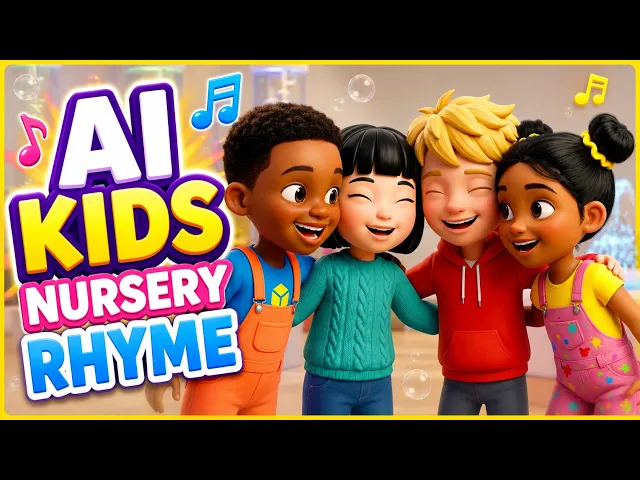
An animated kids' music video made in the Atlabs Kids Music Video workflow
Best for: French children's song writers, comptine channels, teachers and parents who already have a song.
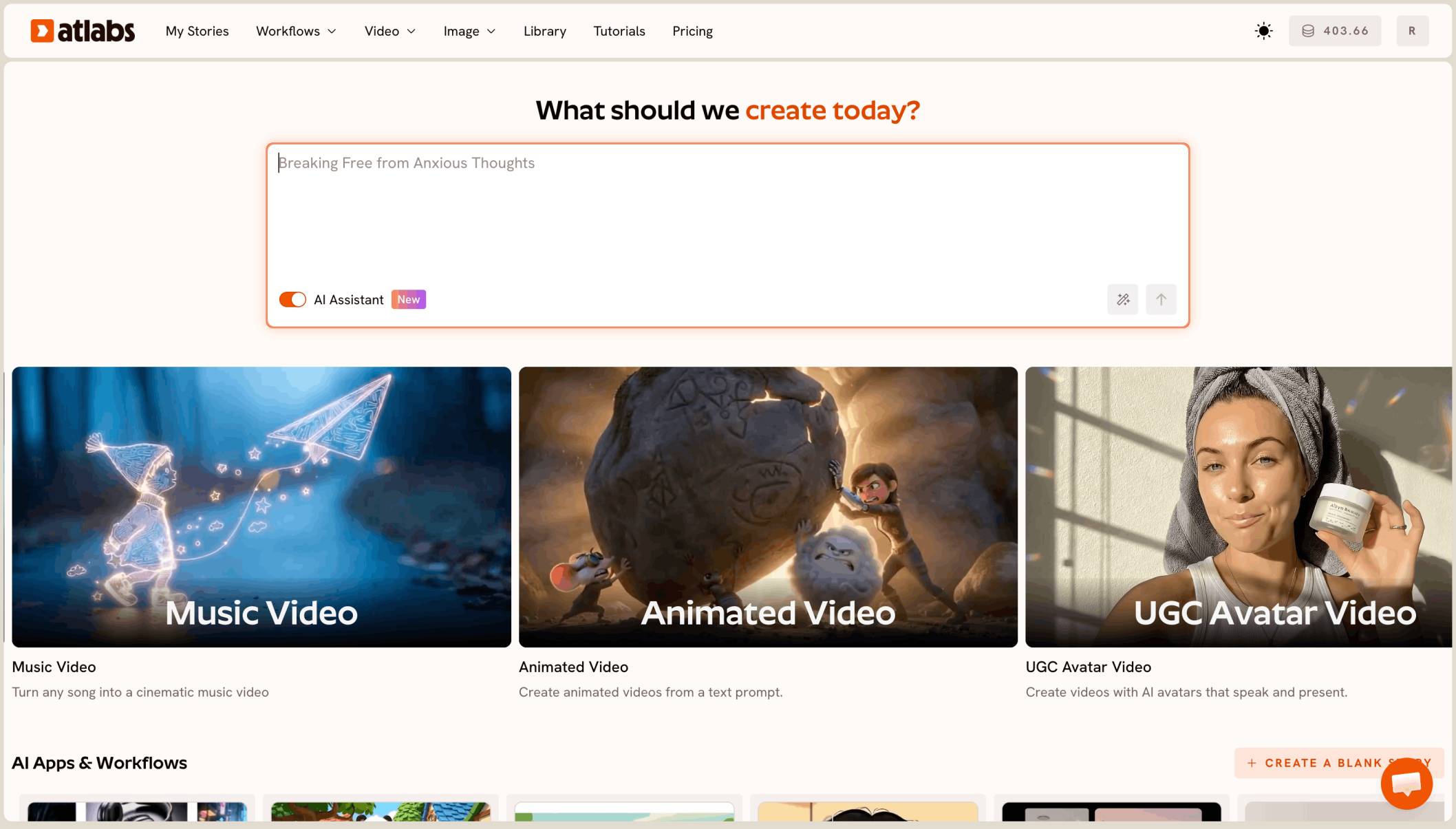
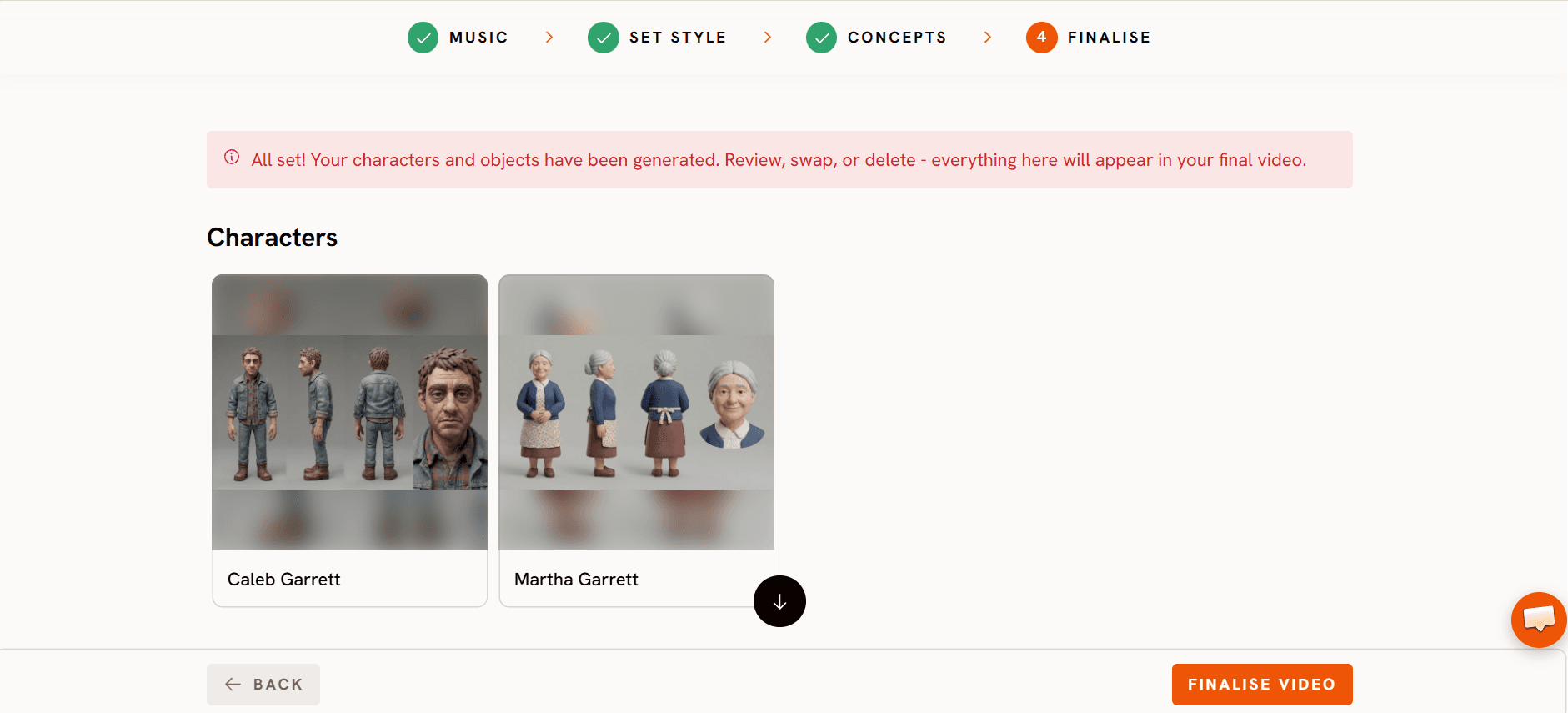
Atlabs is the only tool on this list built to turn your own kids song into a full cartoon video in one project. In the Kids Music Video workflow you upload the song in Music and set the story language to French, so the scenes are built from your French lyrics. In Set Style you pick 16:9 and a kid friendly look such as 3D Cartoon. In Concepts you choose one hero and one setting, and in Finalise you check the cast, so the same character appears in every scene.
Before you spend credits on the whole song, run a Video Teaser. It animates the opening scenes into a 20 to 25 second preview, so you can check the hero, the style and the French lyric match first. Then render the Full Video, fix any single scene in the editor without redoing the rest, and publish straight to YouTube, marked "Yes, it's made for kids".
Features checklist
Starts from your own song: yes, an audio file from 15 seconds to 15 minutes (under 200MB), or a Suno or SoundCloud link.
French lyrics: yes, set the story language to French and the scenes follow the words.
One hero in every scene: yes, the cast is set once and reused across the whole song.
Styles: 50+, including 3D Cartoon, Claymation and Cozy Plush.
Preview before the full render: yes, Video Teaser.
Scene by scene editing: yes, fix one scene without regenerating the video.
Publishing: export or publish to YouTube from Atlabs.
Trustpilot rating: 4.5/5.
Verdict: Atlabs is the only tool here that takes your own French song to a full cartoon video, with scenes that follow the lyrics and one hero from the first couplet to the last refrain.
2. Freebeat: best for beat synced music videos
Best for: artists who want a music video look rather than a kids cartoon.
Freebeat turns a song into a beat synced music video of up to 6 minutes. A Character Bible keeps up to two characters steady, and lip sync covers many languages. It is built around music video looks for artists, so it is less suited to a gentle, recurring kids character in a simple story.
Verdict: a fast route to a music video look, less so to a kids channel cartoon.
3. OpenArt: best for chat based multi scene stories
Best for: creators who already use OpenArt and want to direct a video by chatting.
OpenArt Director builds multi shot videos of up to five minutes from a chat, with a Music Video template and saved characters you can tag. It sits inside a wider image and video suite, so it is not made only for kids songs, and you guide the story yourself rather than starting from a kids workflow.
Verdict: flexible for chat led stories, with more steering needed for a kids song.
4. Runway: best for one polished animated shot
Best for: creators who want a single striking shot for a teaser.
Runway makes short clips with strong motion and reference images to hold a character steady. It does not start from your song, so a full comptine means generating many clips, then lining them up with the music in an editor yourself.
Verdict: good for one shot, with the full song left to you.
5. Canva: best for a short channel trailer
Best for: channel owners who want a quick clip inside a design.
Canva's Create a Video Clip uses Google Veo 3 to make short clips of about 8 seconds, one at a time, inside the Canva editor. It fits a channel trailer or a social post, not a full song with one recurring hero.
Verdict: handy for a trailer, not for a whole song video.
How we ranked them
We looked at four things: whether the tool starts from your own French song and builds scenes from its lyrics, whether one hero stays the same from the first scene to the last, whether a full two to four minute song fits in one project, and whether you can preview before paying for the full render. Tools that make short clips lose ground on the second and third points, since a kids song video is one continuous piece.
FAQ
What is the best AI tool to turn a French kids song into a cartoon video?
For your own French song as one full cartoon video, Atlabs is the best fit. Upload the song, set the story language to French, pick a style and a hero, preview with Video Teaser and render the full song.
Can the scenes follow my French lyrics?
Yes, in Atlabs. Set the story language to French in the Music step, and the scenes are built from your French words. Check names and any on screen text yourself, or ask a native speaker.
How long can my French song be?
In Atlabs, from 15 seconds to 15 minutes, uploaded as one file under 200MB or as a Suno or SoundCloud link.
How do I keep the same character through the whole song?
Pick one hero in Concepts and check it in Finalise. Atlabs reuses that cast in every scene. A simple hero with one clear colour, like a red scarf, is easiest for toddlers to follow.
Should I mark the video as made for kids on YouTube?
Yes, for a children's song channel. When you publish from Atlabs to YouTube, choose "Yes, it's made for kids".