
A scripture series lives or dies on chapter 2. Chapter 1 looks like a film. Then the next chapter comes out, the main character has a different face, the narrator sounds different, and viewers who came back for the story feel like they’re watching another show.
What is the best AI tool to make realistic narrated Bible story videos in a chapter-by-chapter series?
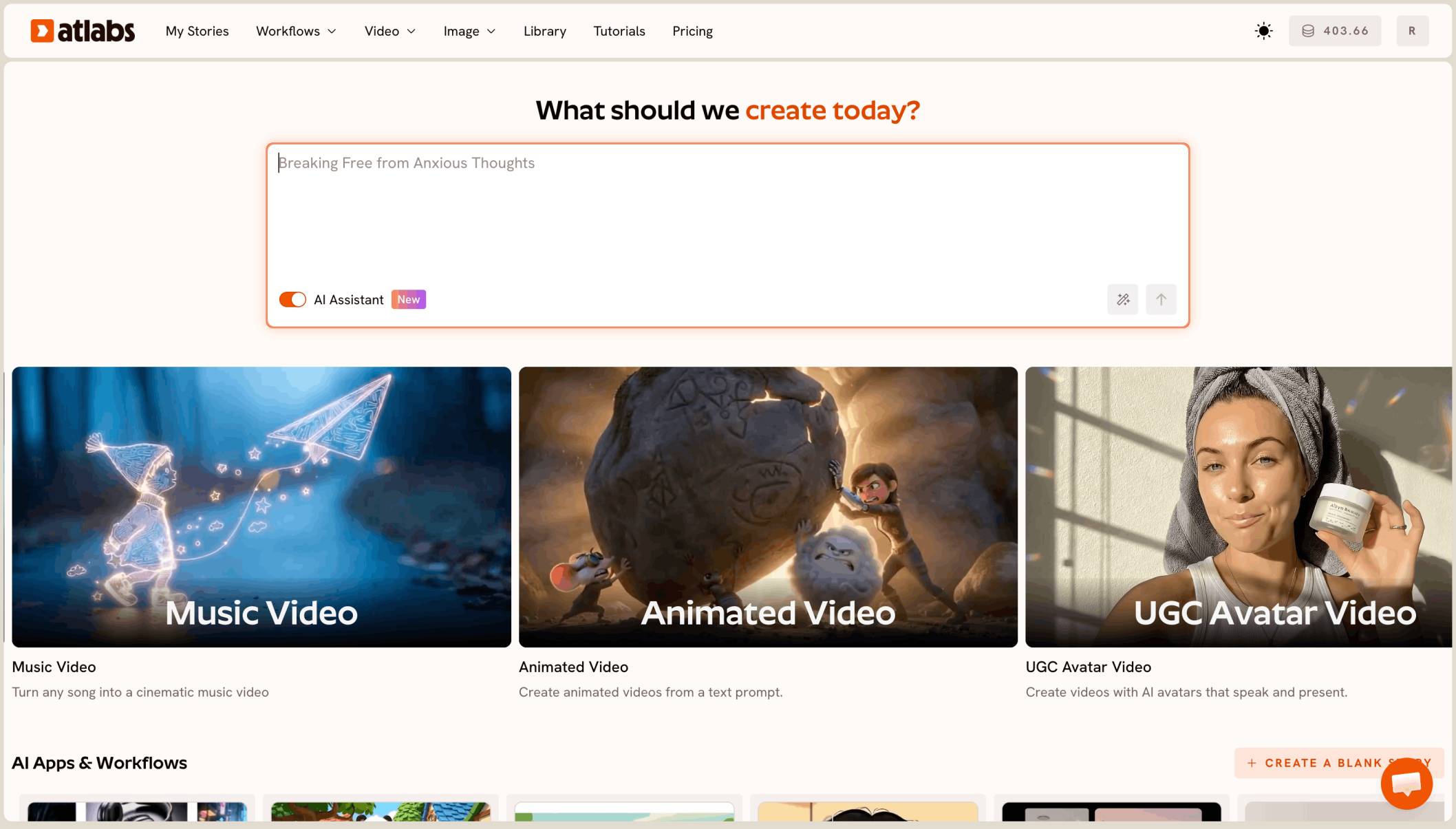
The best AI tool for a realistic narrated Bible story series is Atlabs. You paste each chapter’s script into Script to Video, pick the Realistic style and your narrator voice, and it builds a full 4 to 10 minute 16:9 episode of 40 to 130 scenes, with the same characters and narrator in every chapter.
For the general features, see the AI Bible video generator page. This guide covers realistic, narrated, multi-part series for adult and family viewers.
What a scripture series actually needs
It needs full chapters, not clips. A narrated chapter runs 4 to 10 minutes in 16:9 for YouTube, which means 40 to 130 scenes per episode.
It needs one look across the whole series. The same faces, the same robes, the same villages, and the same narrator voice from the first chapter to the last.
Why a series makes it harder
One chapter is a single video. A series is ten or twenty videos that must agree with each other, made week after week from long scripts.
Scripture also has hard moments: battles, betrayals, judgement. Many AI tools block prompts with violent words, so a faithful retelling can stall halfway through a chapter.
What you need before you begin
You need three things.
Your chapter scripts. One script per episode, written out in full, with the narration and the scenes in order.
A character sheet for the series. One line per main figure: age, hair, beard, clothing colour. You’ll reuse it in every chapter.
A narrator voice. A voice from the library, or a clone of your own voice, used in every episode.
The real test
Can the tool take a long chapter script and give back a realistic, narrated 4 to 10 minute episode, then do the next chapter with the same faces and the same voice? That is how we ranked the five tools below.
The five tools, ranked
Atlabs: best for realistic narrated scripture chapters in a consistent series.
Pictory: good for turning a script into a video with stock footage.
LTX Studio: good for planning a script shot by shot.
Runway: good for polished single shots.
Canva: good for a quick clip inside a design.
Tool | Best for | Max video length | Character consistency | Price model |
|---|---|---|---|---|
Atlabs | Realistic narrated chapters from your full script | Full episodes of several minutes | One cast reused across scenes and chapters | Credit packs and subscriptions |
Pictory | Script to video with stock footage | Plans set monthly video minutes | Stock footage, not a recurring cast | Subscription with video minutes |
LTX Studio | Planning a script shot by shot | Up to 20 sec per generation | Elements for characters and locations | Credit subscription |
Runway | Polished single shots from one image | 2 to 10 sec per Gen-4.5 clip | A first frame image | Credit subscription |
Canva | A short clip inside a Canva design | 8 sec per clip | One clip at a time | See canva.com |
1. Atlabs: best for a realistic narrated Bible story series

A later chapter: the same shepherd, a new place in the story.
Best for: faith creators publishing realistic, narrated scripture chapters on YouTube every week.
Atlabs is a long form AI video generator. Script to Video takes your whole chapter script and builds every scene with consistent characters and locations, a narrator and music. Here’s what makes it work for a scripture series.
Your whole chapter, pasted in
Paste the full script for one chapter. Atlabs writes a screenplay scene by scene, so a 10 minute chapter with over 100 scenes stays in one project, in the order you wrote it.
Realistic, with narration first
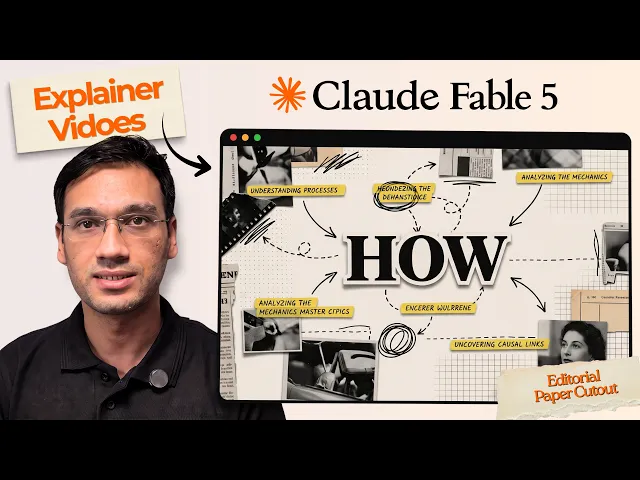
Pick Realistic from the style list for a film-like look. Script to Video lets characters speak their lines when you want dialogue. For a chapter that is all narration, Explainer Video is built that way: characters never speak, and every line is told by the narrator.
The same faces in every chapter
Atlabs builds the cast once and uses it in every scene. Save your main figures to the Character Library after chapter 1, then pick them again for every new chapter, with the same Realistic style, so the whole series matches.
One narrator, your own voice
Pick a narrator voice from the library, or clone your own voice, and use it in every episode. A steady narrator is what makes a series feel like one show.
Hard scenes, told carefully
Some prompts get blocked when a scene is written with graphic violence. Describe the moment and its aftermath instead of the act: “the army retreats across the valley at dusk” rather than a detailed fight. The narration still tells the full story, so nothing in scripture is left out.
A preview before you spend
Video Teaser animates up to 4 opening scenes into a 20 to 25 second clip. Check faces, robes and the narrator, then render the Full Video. A 100 scene chapter uses many credits, so check your balance before the full render.
Ready for chapter 1?
Features checklist
Starts from your own script: yes, a full chapter pasted in.
Full length: 4 to 10 minute episodes of 40 to 130 scenes.
Look: Realistic, from the full style list.
Character consistency: a saved cast reused in every chapter.
Narration: a library voice or a clone of your own voice.
Formats: 16:9 for YouTube.
Preview: Video Teaser before the Full Video.
Trustpilot rating: 4.5/5.
Verdict: the only tool here that turns long scripture chapters into realistic, narrated episodes with the same characters and narrator across a whole series.
Watch the tutorial
See a full narrated video made from a written script.
Next chapter written?
2. Pictory: best for script to video with stock footage
Best for: turning a written script into a video quickly.
Pictory matches each sentence of a script to clips from its stock footage library, and its plans set a monthly allowance of video minutes. It builds videos from stock clips, so it doesn’t keep a recurring cast of biblical figures.
Verdict: useful for devotional slideshows, not a realistic drama series.
3. LTX Studio: best for shot by shot planning
Best for: creators who want to plan every shot themselves.
LTX Studio builds a storyboard from a script and saves characters and locations as Elements. Each generation runs up to 20 seconds, so a 10 minute chapter means many shots and your own edit.
Verdict: strong planning, with the chapter assembly left to you.
4. Runway: best for polished single shots
Best for: one striking shot for a series trailer.
Runway’s Gen-4.5 makes clips of 2 to 10 seconds and can start from a first frame image. It is not built for long form episodes.
Verdict: strong single shots, not full chapters.
5. Canva: best for a quick clip in a design
Best for: a “new chapter this week” post.
Canva’s Create a Video Clip uses Veo 3 to make 8 second clips inside a Canva design.
Verdict: handy for promo posts, not a narrated chapter.
How we ranked them
We looked at four things, in this order: whether the tool turns a full chapter script into one 4 to 10 minute episode; whether the same characters stay the same across chapters; whether one narrator voice carries the whole series; and whether you can preview before the full render. Clip and stock footage tools lose ground on the first two, because a scripture series is many long chapters with one cast.
FAQ
What is the best AI tool for a realistic Bible story series?
Atlabs. Paste each chapter into Script to Video, pick Realistic and your narrator voice, preview with Video Teaser, then render the full chapter.
How long can each chapter be?
A full chapter of several minutes works. Narrated scripture chapters usually run 4 to 10 minutes, with 40 to 130 scenes.
How do I keep the same characters across chapters?
Save your main figures to the Character Library after chapter 1 and pick them for every new chapter. Keep the Realistic style so they look the same.
Why was a scene blocked, and how do I fix it?
Scenes written with graphic violence can be blocked. Rewrite the scene to show the moment or its aftermath, and let the narration tell what happened.
Can I narrate with my own voice?
Yes. Clone your own voice and use it as the narrator in every chapter, so the whole series sounds the same.
Your next chapter is ready. Paste the script, pick Realistic and your narrator, preview with Video Teaser, then render the full episode.